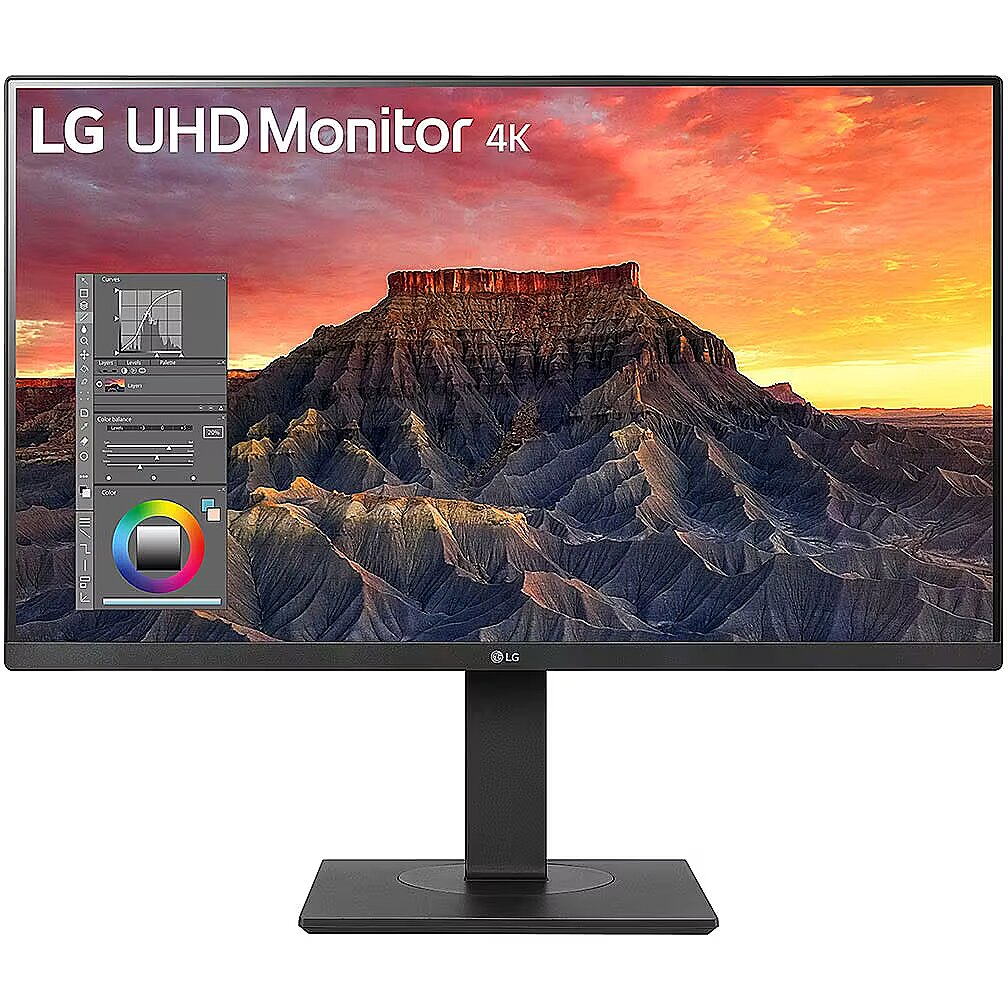
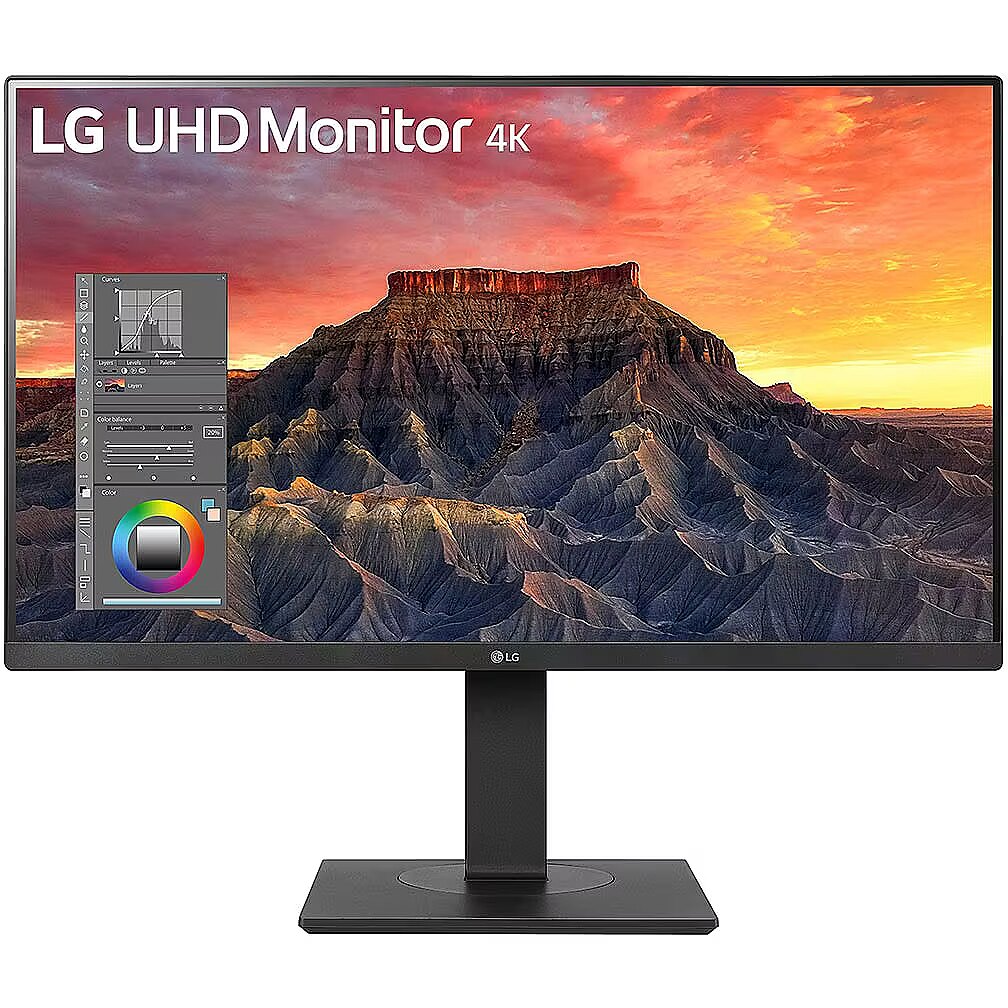
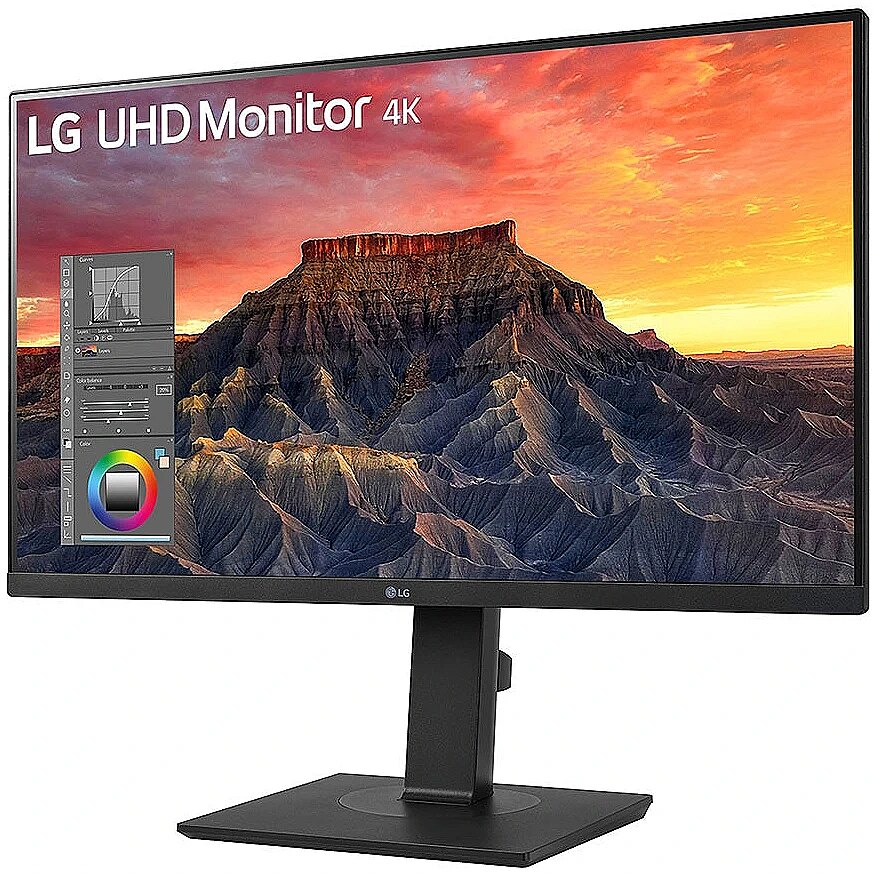
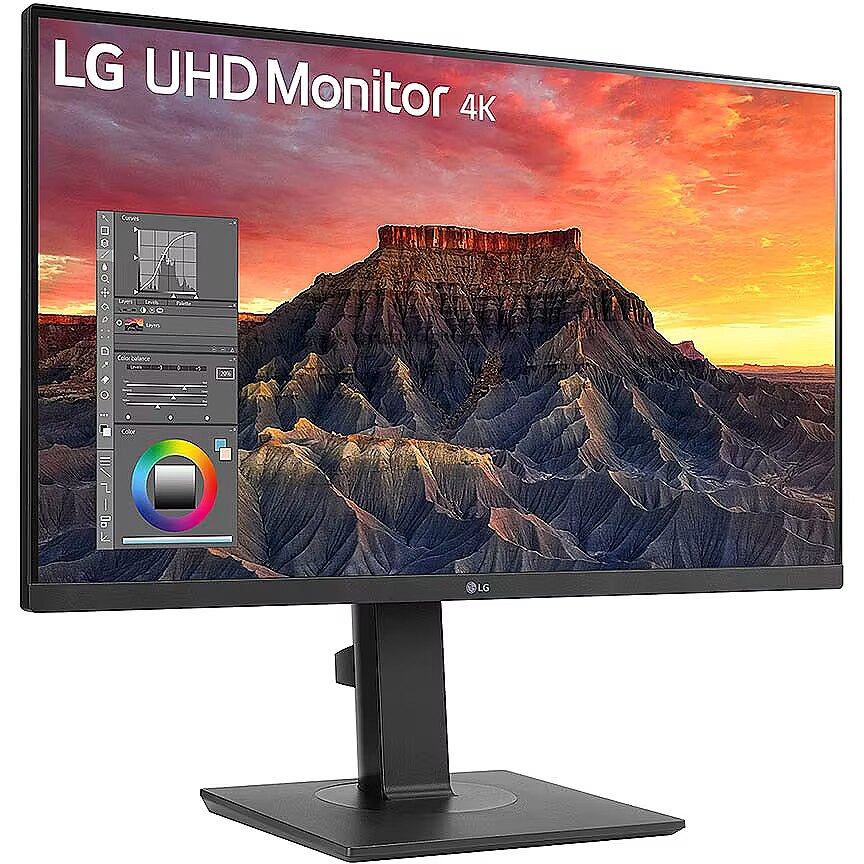
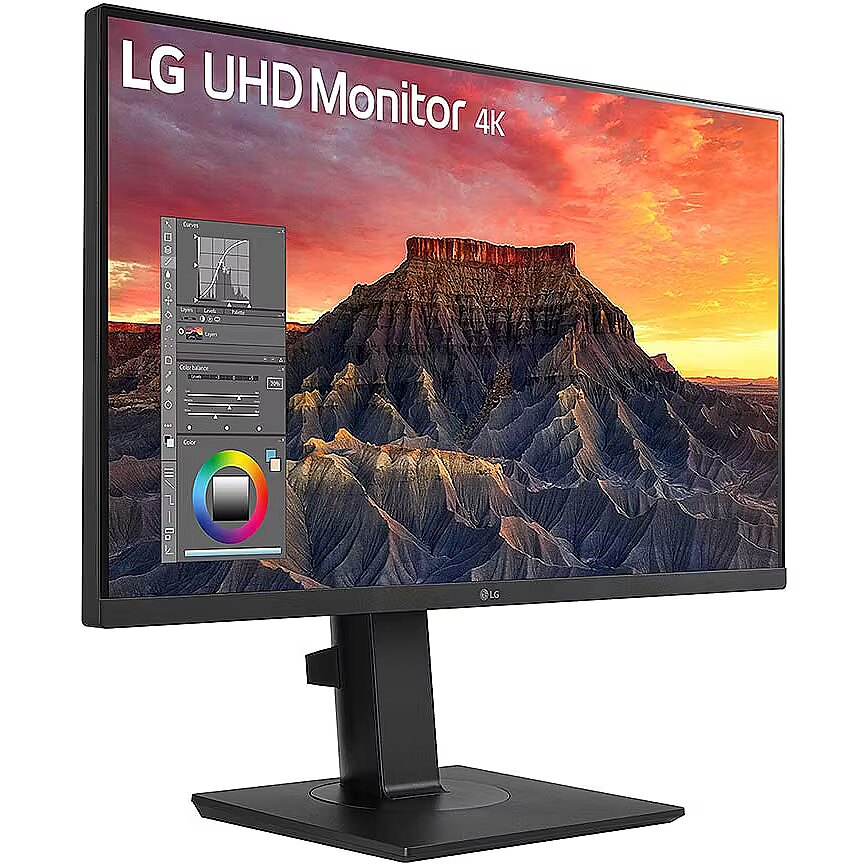
This LG 27BQ65UB-B, 27" monitor with 4K UHD 3840x2160 resolution is suitable for comfortable work with documents, web content, and multimedia. It provides natural image reproduction, comfortable viewing, and stable performance, satisfying user needs for a universal work screen.
IPS technology ensures a more uniform liquid crystal structure, allowing pixels to maintain stable properties regardless of the viewing direction. This reduces color shifts and visual artifacts, making IPS technically a more balanced solution in comparison to other panel technologies.
Flicker-Free ensures a stable light flow without sudden intensity fluctuations, which may not be visible, but cause discomfort during prolonged usage. The technology improves visual perception, helps to reduce eye strain, and increases comfort when working with texts and static images.
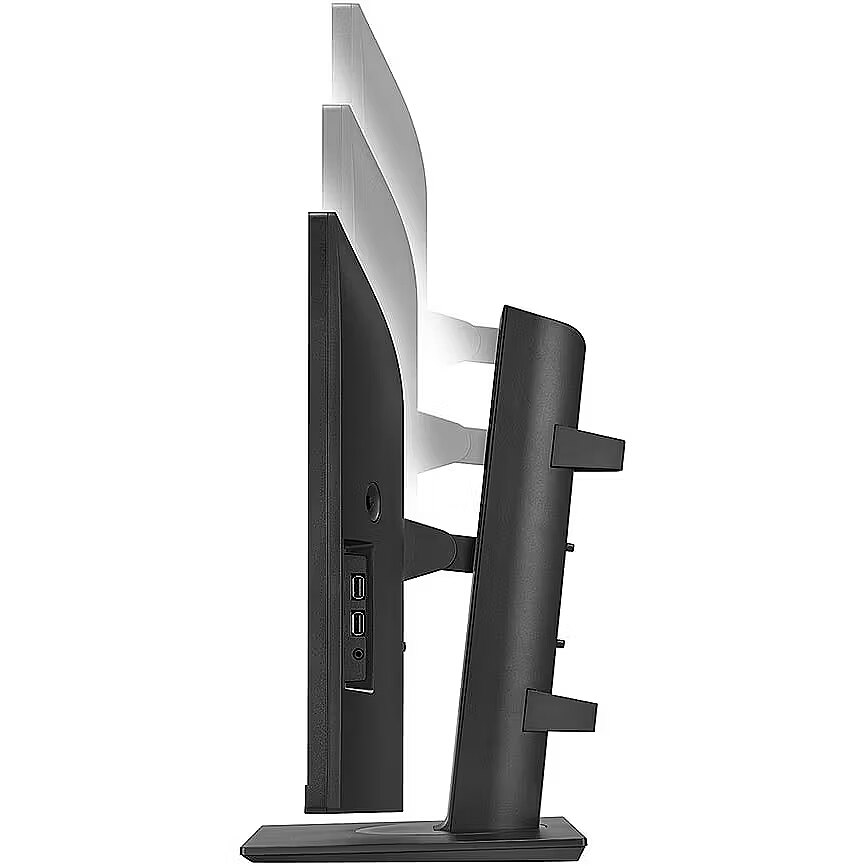
Pivot mode allows physically rotating the monitor by 90°, expanding the functionality of the working environment. The vertical format facilitates document comparison, working with tables, and viewing web pages, ensuring more effective information layout and more accurate visual perception.
Tilt technology allows for adjusting the screen's slope angle back and forth, ensuring the correct image placement in relation to the user's line of sight. This kind of adjustment helps reduce neck and eye strain, improves image perception, and makes long-term work at the monitor more comfortable.
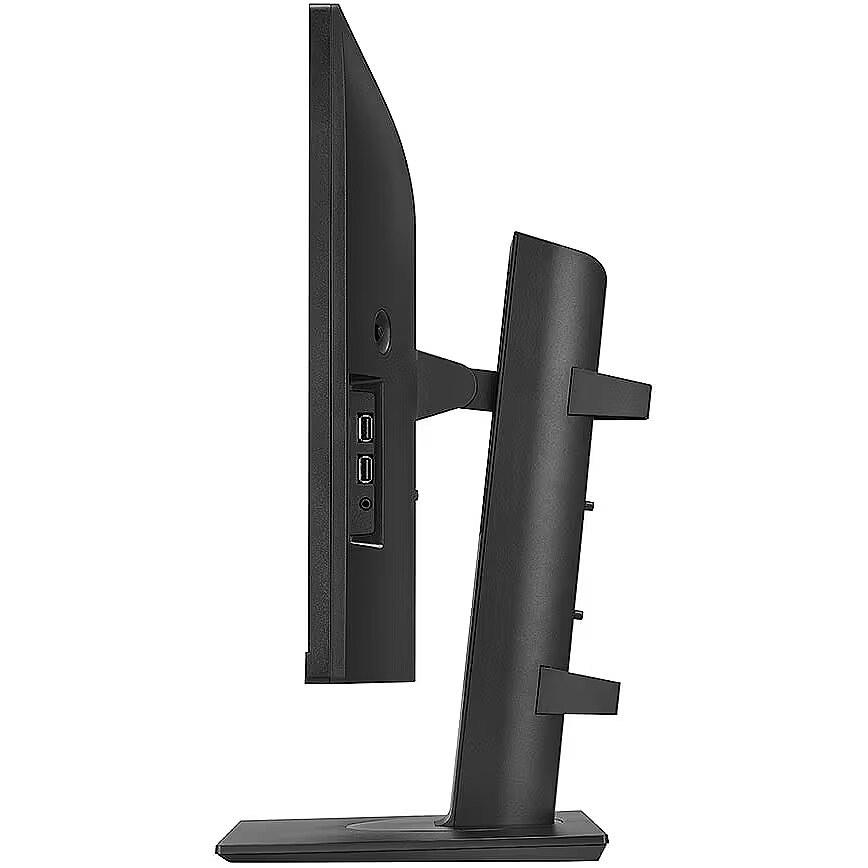
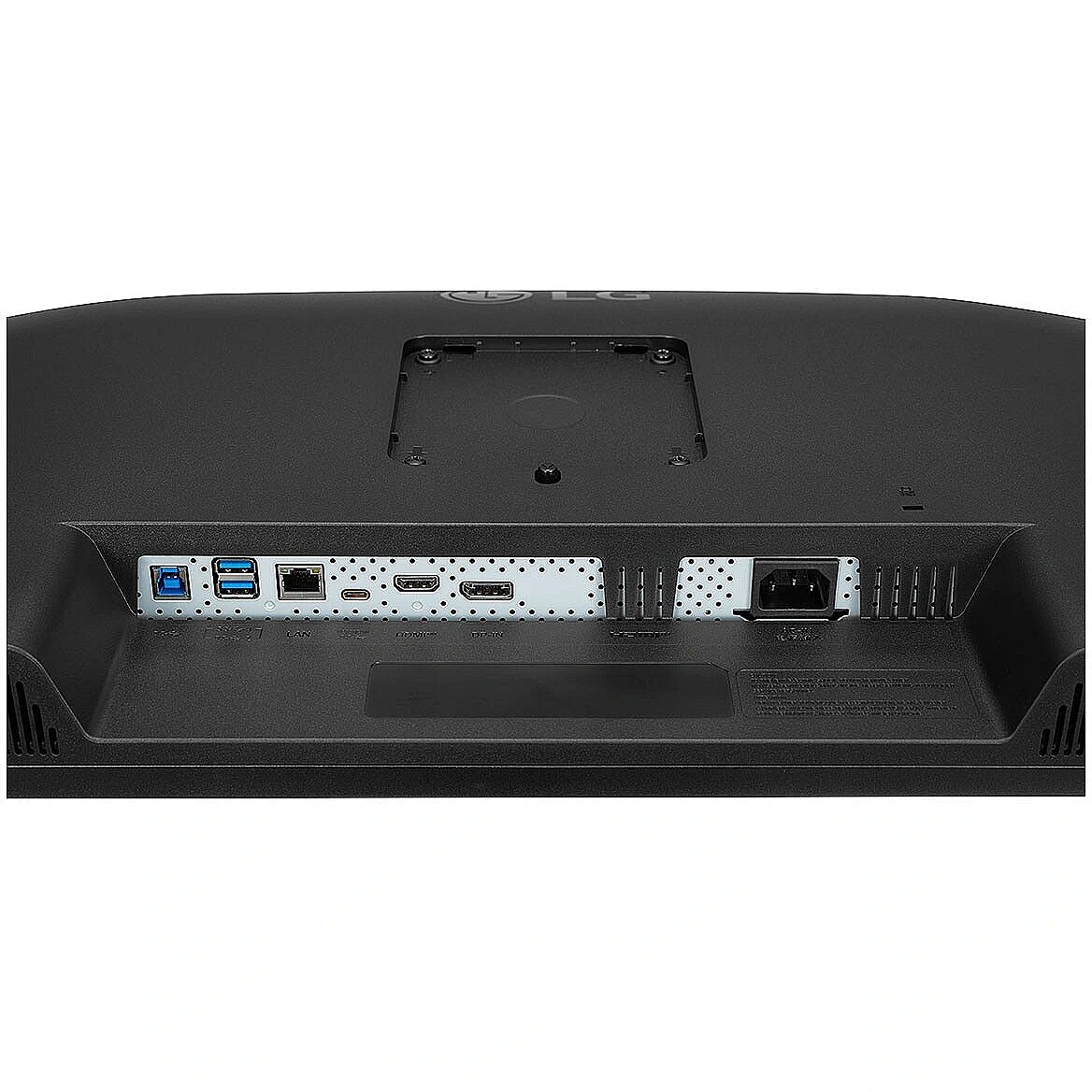
The USB-C connection combines image, sound, data and power transmission into one cable, reducing workplace load and speeding up device connectivity. It is compatible with many modern laptops and provides a stable signal, making monitor usage more convenient and technically effective.
Warranty
LG provides this model with a 2 year warranty at all certified service centres.
*When purchasing a monitor on the legal entity's details - manufacturer's warranty 1 year.




 DVI is a digital standard and ensures high image quality, however, thanks to the big size of the plug and the inability of the standard to develop further due to a few technical restrictions this type of connection is gradually losing its popularity to modern HDMI and DisplayPort standards.




