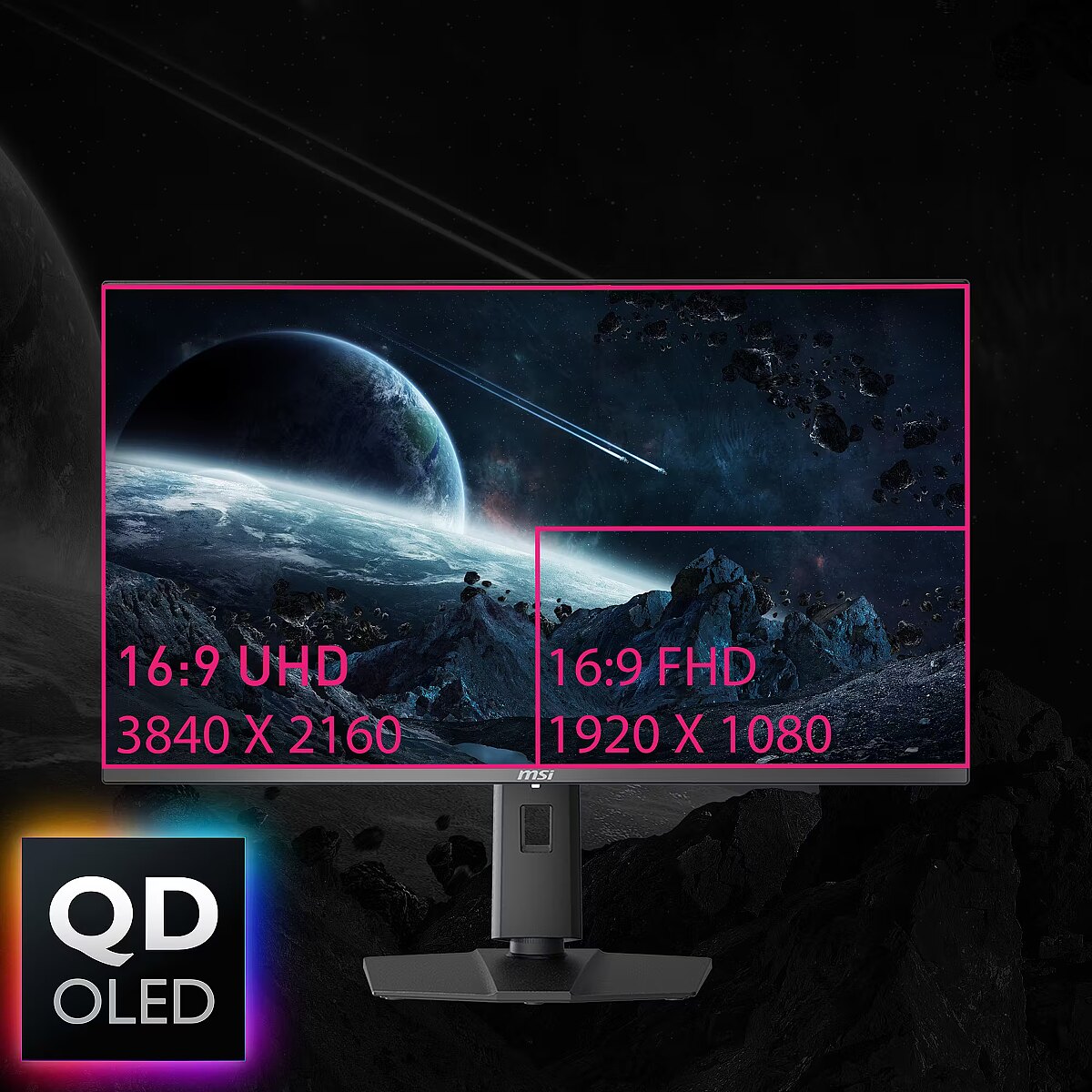
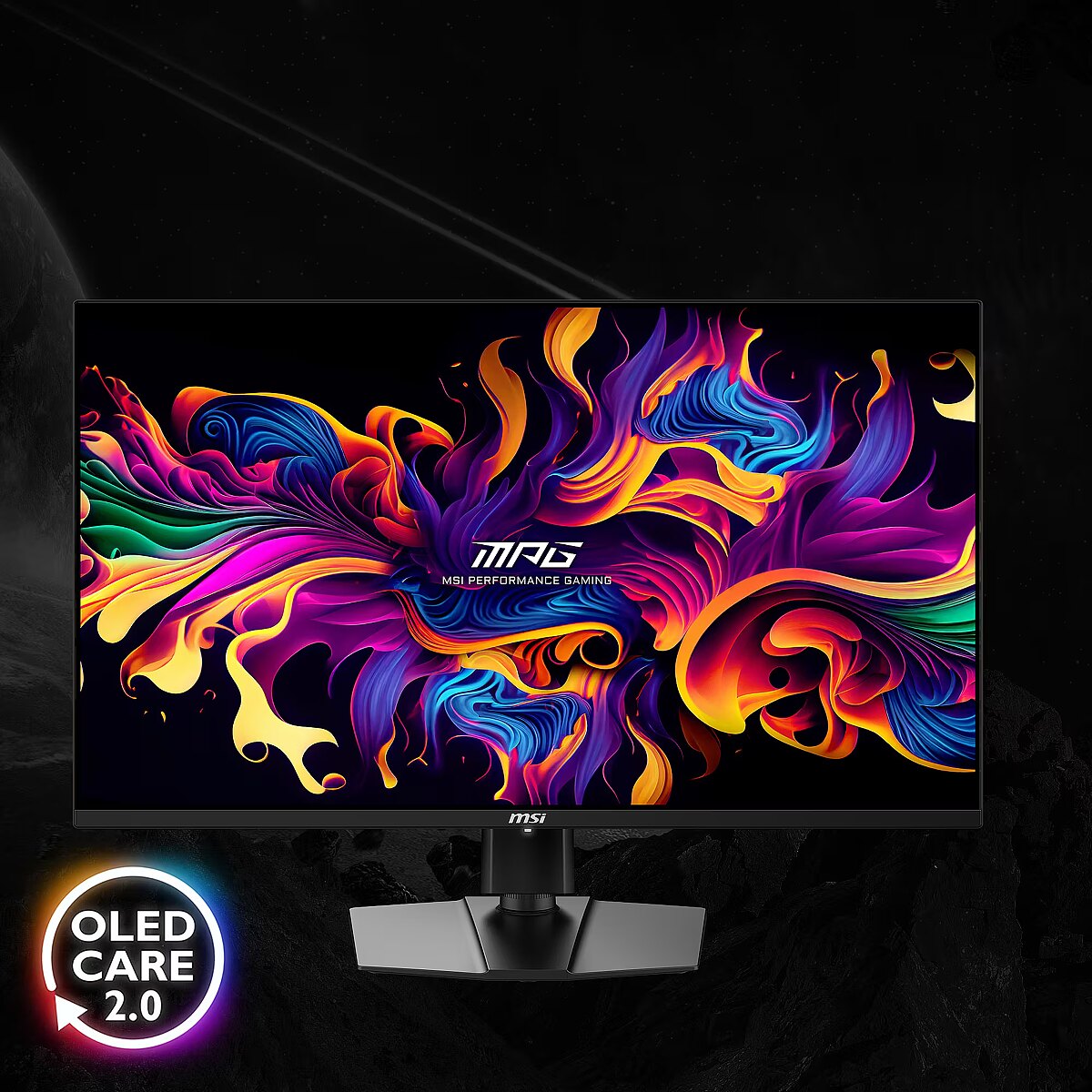
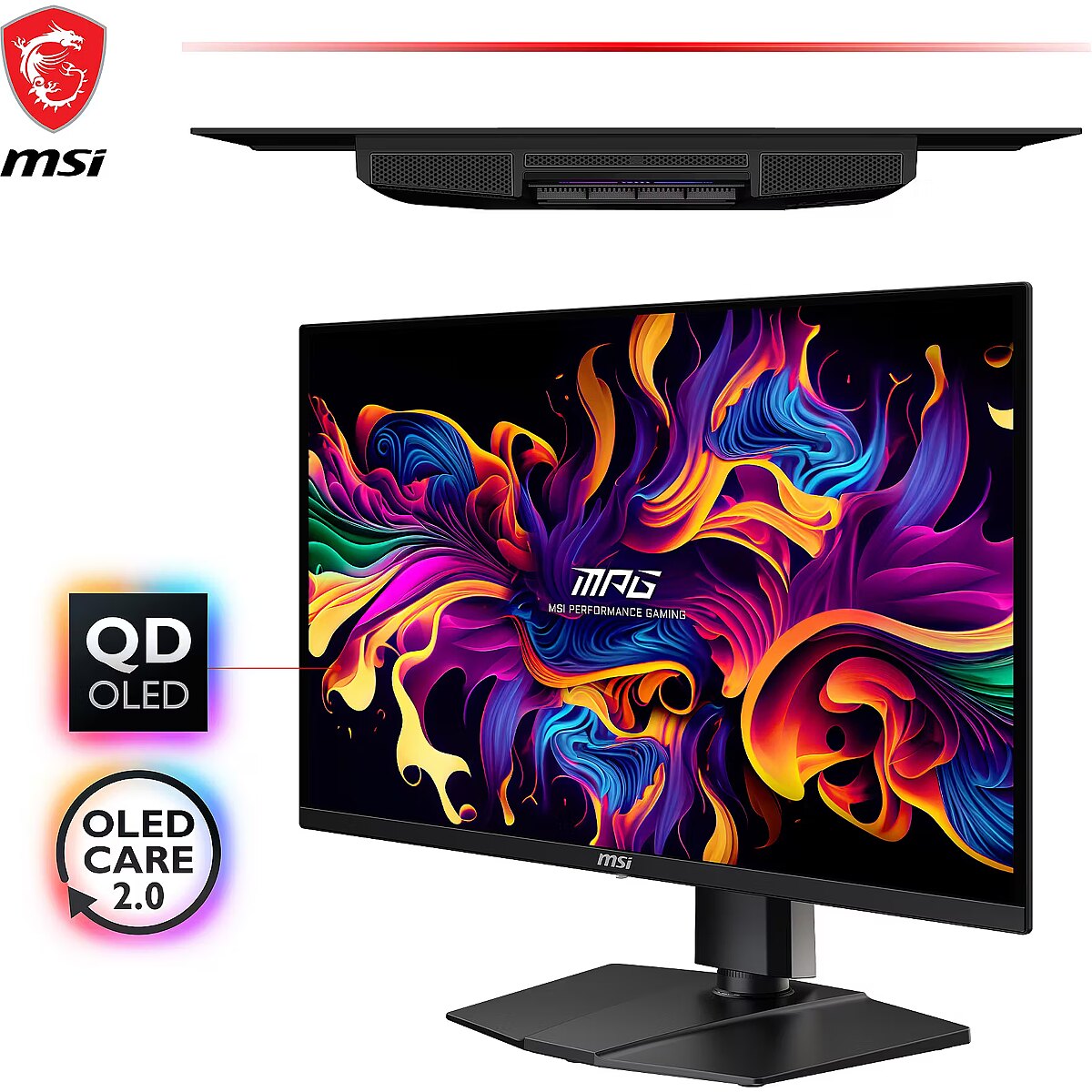
This MSI MPG 321URXDE QD-OLED, 31.5" gaming monitor with 4K UHD 3840x2160 resolution is designed for those who want to fully immerse themselves in the dynamic gaming process and obtain an exceptionally clear image. It provides impressive detail accuracy, wide screen space and excellent visual comfort in any game.
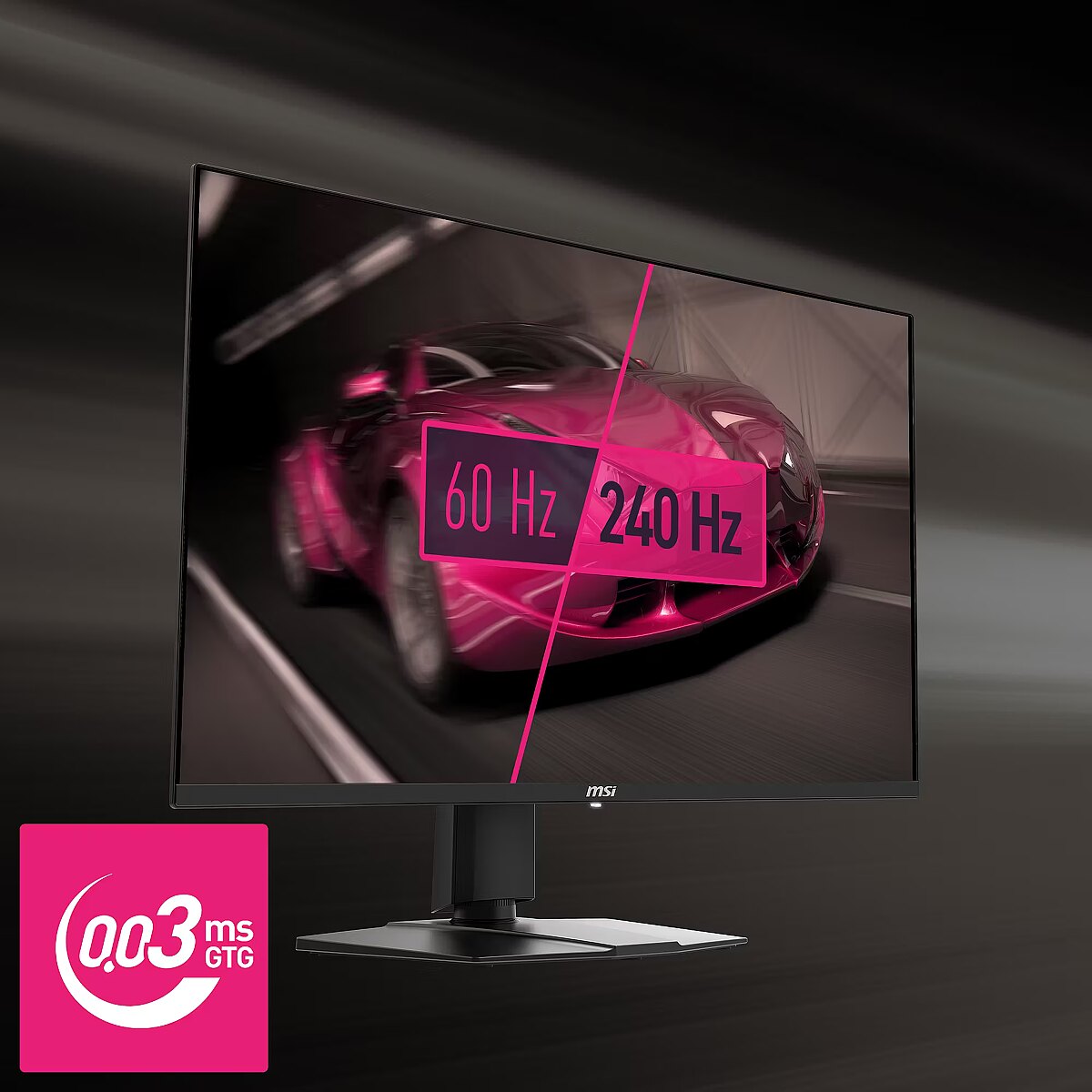
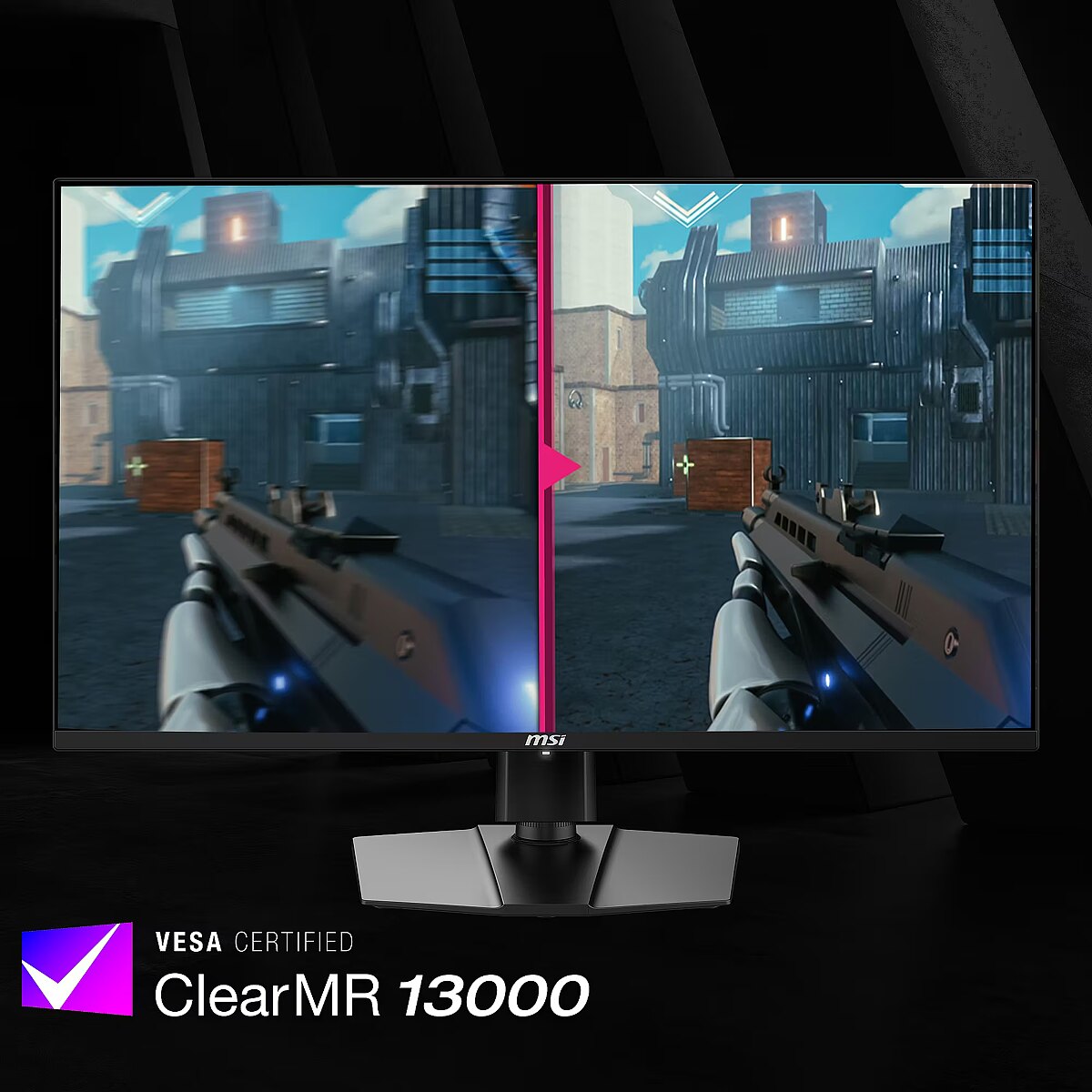
The response time 1ms reduces pixel transition delay, thereby minimizing blur and afterimage formation in moving images. Such an indicator is especially useful for dynamic content, ensuring clearer and more stable frame representation. The monitor responds faster to image changes, improving visual accuracy.
OLED technology allows each pixel to emit light on its own, eliminating "glowing" black areas and improving contrast. This makes the panels suitable for working with video, games and graphics, where color accuracy and dynamics are important.
The frequency of 240 Hz allows the panel to refresh frames as quickly as possible, reducing tearing and artifacts. This makes dynamic scenes more predictable and comfortable for reactive control, which is especially important for professional gamers and e-sports athletes, where every fraction of a second is critical.
The Pivot function allows the user to quickly switch between horizontal and vertical orientation, adapting the screen to the task at hand. Vertical positioning enhances the display of long structured data, technical information, and graphics, helping to work with large volumes of material without loss of convenience.
The Swivel feature ensures smooth horizontal rotation of the monitor, allowing quick adjustment of screen orientation to the user's position changes. This is particularly useful in work at a shared desk, project discussions or use of multiple devices where flexible viewing direction adjustment is required.
The Tilt function ensures flexible adjustment of the panel's vertical tilt, allowing for precise adaptation of the screen to the working position. This reduces the risk of discomfort during prolonged use, maintains an optimal viewing angle, and helps avoid image distortion in various lighting conditions.
Compatibility with VESA wall mount makes the monitor universal for installation: it can be attached to the wall, used with a movable bracket or integrated into an ergonomic stand. The standard facilitates assembly, improves cable organization and frees up additional space.
HDMI uses a single cable connection for video and audio transmission, ensuring a stable signal and minimal losses. Such an interface simplifies connection and reduces the possibility of synchronization errors. HDMI is compatible with a majority of modern devices and ensures reliable operation in various configurations.
DisplayPort is a modern image transmission standard that ensures stable playback with high resolution and refresh intensity. The interface supports HDR and multiple monitor configurations, transmits details without quality loss and provides accurate graphics display on professional and gaming monitors.
The presence of USB-C allows for the transmission of image, sound, and power through a single universal port, simplifying the working environment. The connection ensures high data transfer speed and compatibility with modern laptops, reducing the number of cables needed for daily work or mobile use.
Multiple USB-C ports expand monitor functions when using modern digital devices. Each port provides power, signal, and data transmission through a single cable, reducing the complexity of the connection. This allows for simultaneous use of various devices and optimal cable placement.
USB Power Delivery provides device charging directly from the monitor, reducing the need for separate power blocks. It simplifies device placement and reduces the number of wires. Parallel charging and signal transmission makes the connection more functional and versatile.
The USB-C video input allows for the transmission of image and sound through a single cable, reducing connection complexity and simplifying workspace organization. The interface provides high data transmission speed and stable operation, maintaining compatibility with most modern digital devices.
Warranty
MSI provides this model with a 3 year warranty at all certified service centres.











 DVI is a digital standard and ensures high image quality, however, thanks to the big size of the plug and the inability of the standard to develop further due to a few technical restrictions this type of connection is gradually losing its popularity to modern HDMI and DisplayPort standards.




