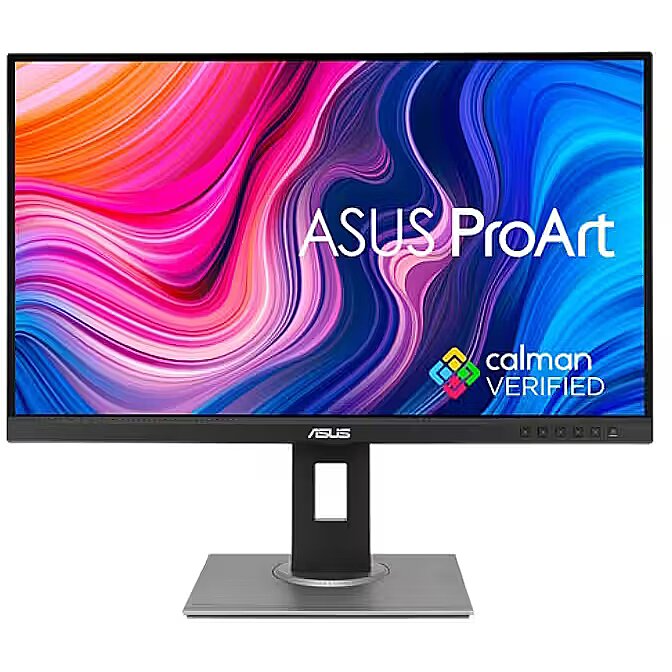
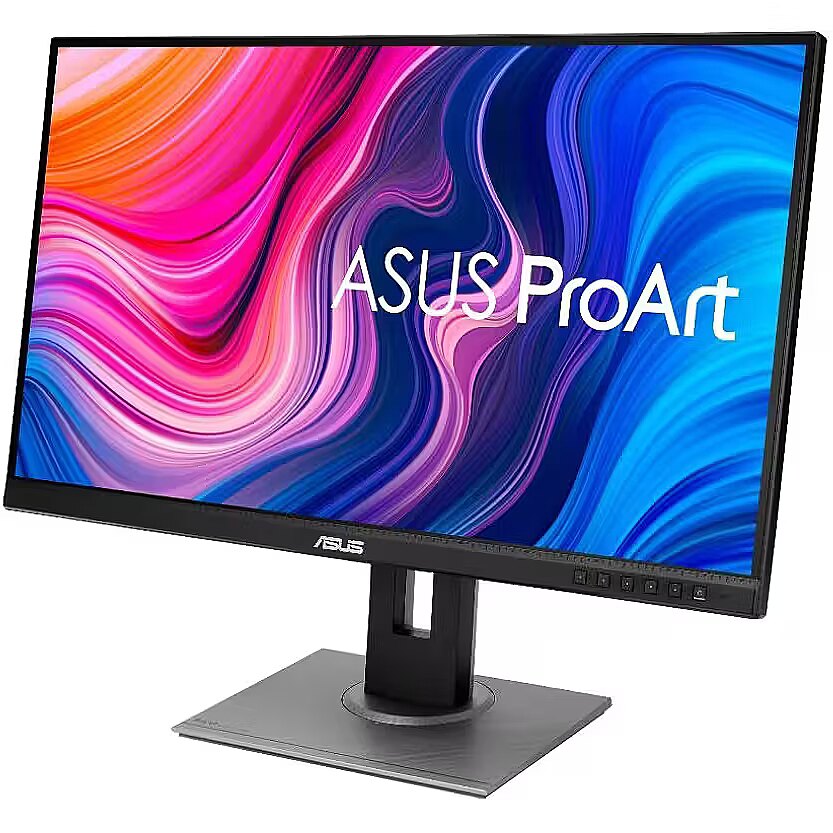
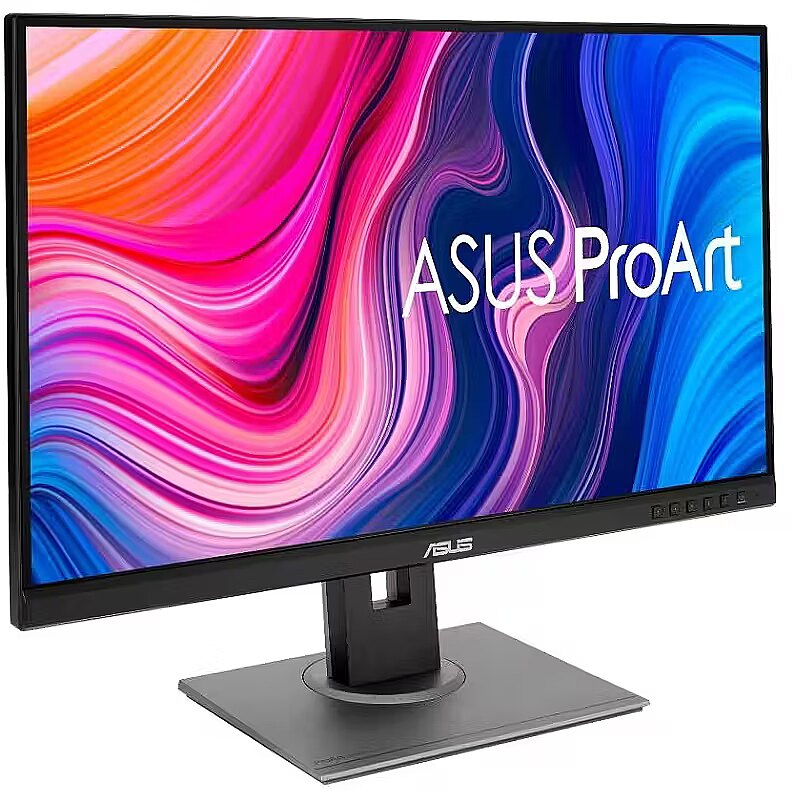
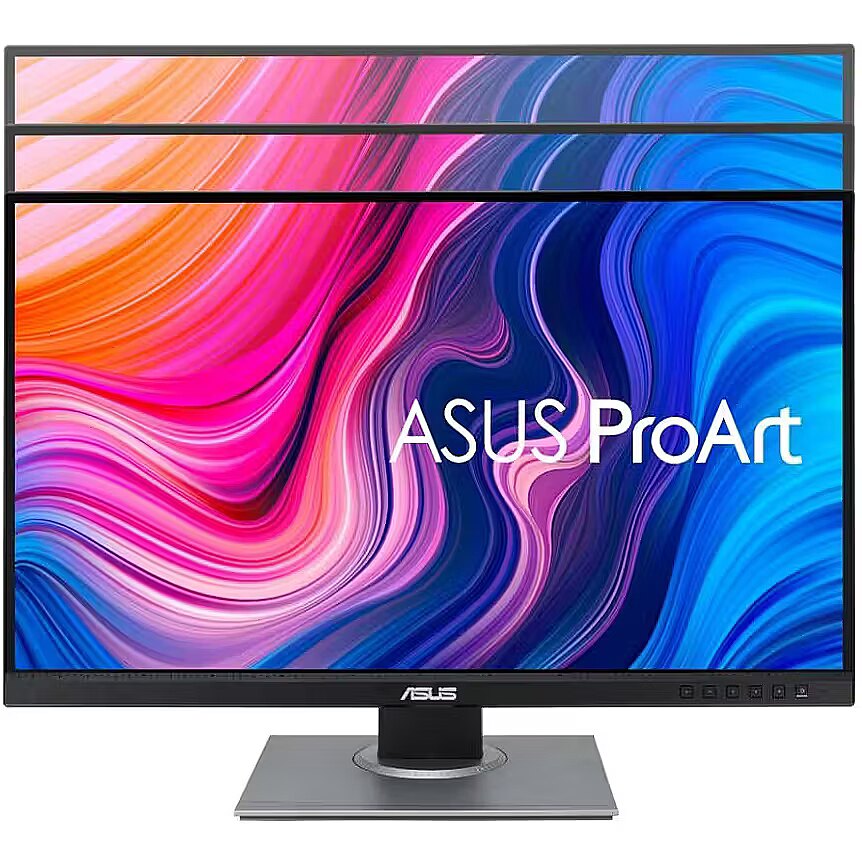
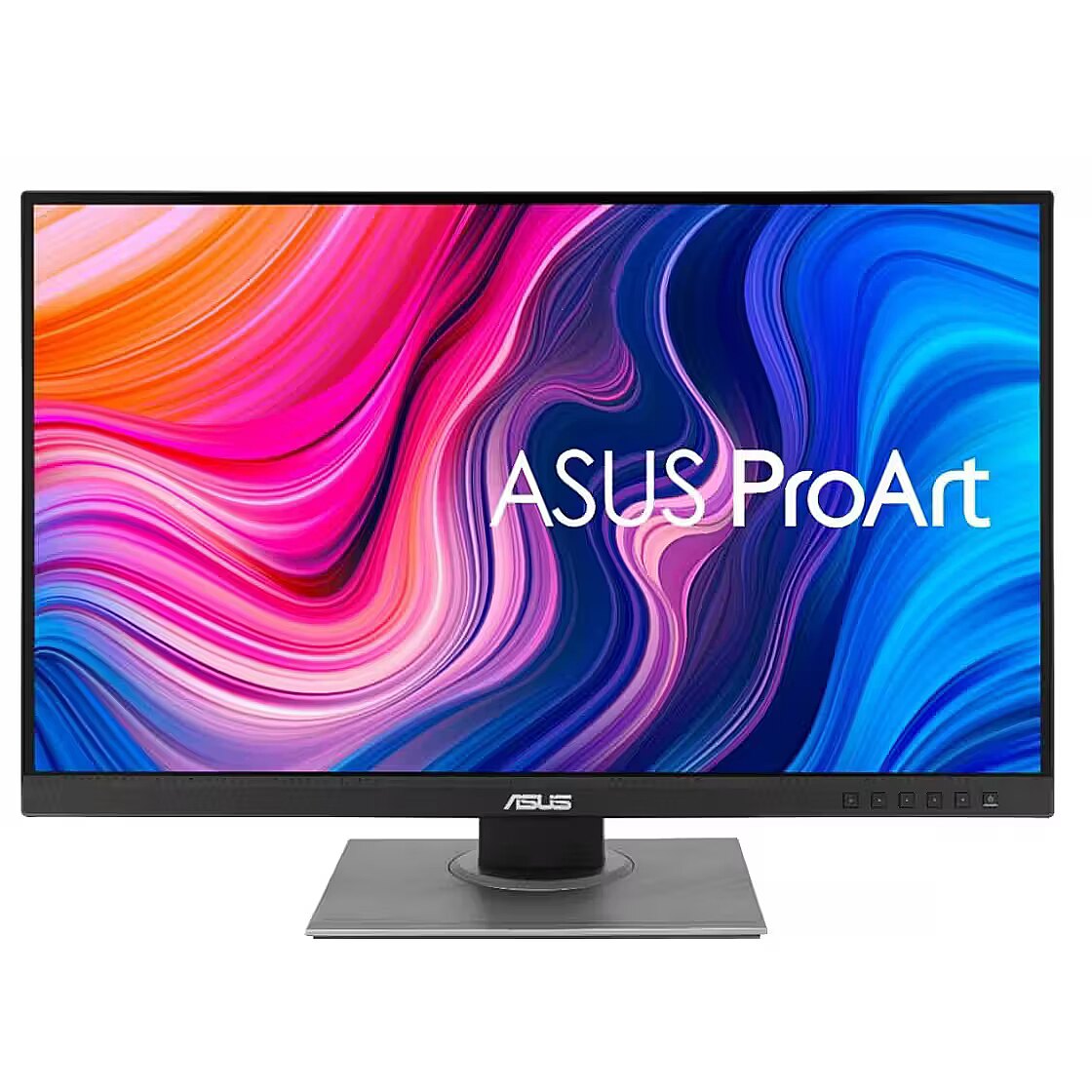
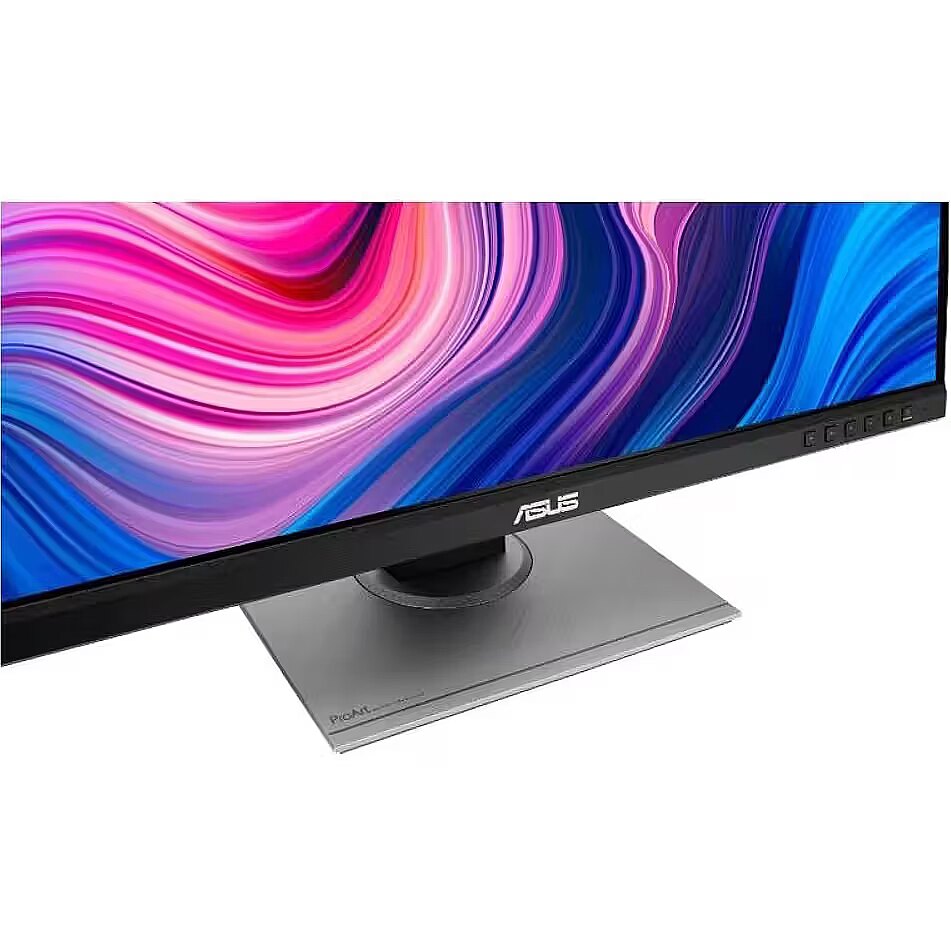
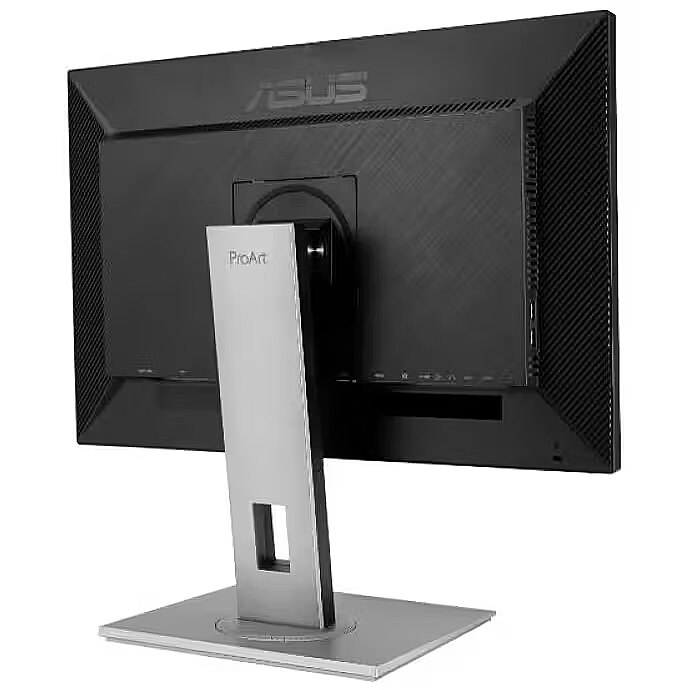
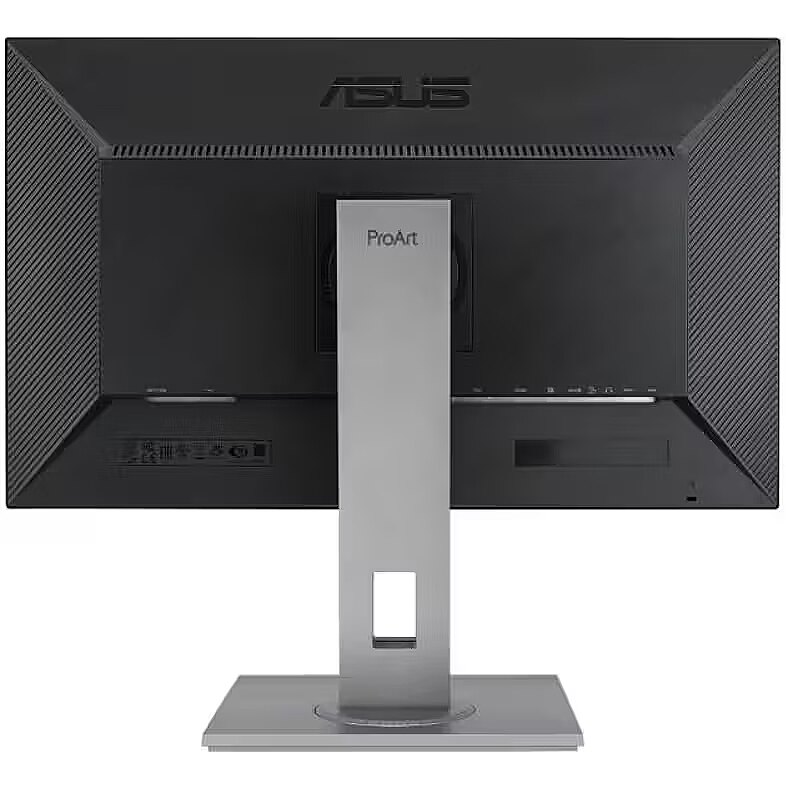
Asus PA278QV, 27"

Picture may differ from actual product, there can be accessories and parts not supplied with the actual product.
ID: 1230186 Product code: PA278QV VY
Goods are not available at the moment We do not accept orders for the delivery of this product. We do not have information as to when this product will be available. Our suppliers currently do not provide information about possible delivery times of the product and the possible price when it is on sale again.

Dateks.lv website provides information about this product for information only, so that customers can see the product and compare it to the products available for sale now.

Warranty: 2 years (Warranty for business entities 1 year)
Main product parameters All parameters
  • Curved: Nav
  • Panel Type: IPS
  • Refresh rate: 75 Hz
  • Response time: 5ms
  • Contrast ratio: 1000:1
  • Brightness: 350cd/m2
  • Size: 27"
  • Resolution: WQHD 2560x1440
Similar Products
This product Asus PA278QV, 27"
MSI MAG 27CQ6F, 27"
Recommended Samsung LS27CG552EUXEN, 27"
Dell AW3423DW, 34", Openbox
Recommended AG NEOVO LH-2403, 23.8"
Show similar specs. Hide similar specs.
372.76 €
237.59 €
163.39 €
1,179.00 €
93.25 €
Model PA278QV MAG 27CQ6F LS27CG552EUXEN AW3423DW LH-2403
Display characteristics
AMD FreeSync Nav Nav Ir Ir Nav
Curved Nav Ir Ir Ir Nav
NVIDIA G-SYNC Nav Nav Nav Ir Nav
Panel Type IPS VA VA OLED IPS
Refresh rate 75 Hz 180 Hz 165 Hz 175 Hz 60 Hz
Touchscreen NO NO NO NO NO
VESA DisplayHDR Nav Nav Nav DisplayHDR 400 Nav
Response time 5ms 0.5ms 1ms 0.1ms 5ms
Contrast ratio 1000:1 5000:1 2500:1 1000000:1 N/A
Brightness 350cd/m2 300cd/m2 300cd/m2 250cd/m2 250cd/m2
Basic information
Application Home & Office Gaming Gaming Gaming Home & Office
Aspect ratio 16:9 16:9 16:9 21:9 16:9
Color Black Black Black Black White Black
Size 27" 27" 27" 34" 23.8"
Resolution WQHD 2560x1440 WQHD 2560x1440 WQHD 2560x1440 UWWQHD 3440x1440 FHD 1920x1080
Functionality
Flicker-free Ir Ir Ir Ir Ir
Height adjustment Ir Nav Nav Ir Ir
Pivot Ir Nav Nav Nav Ir
Swivel And And None And And
Tilt YES YES YES YES YES
VESA wall mount 100x100 mm 100x100 mm 75x75mm 100x100 mm 75x75mm
Ports and equipment
D-SUB Nav Nav Nav Nav 1
DisplayPort 1 1 1 1 1
DVI 1 Nav Nav Nav Nav
HDMI port 1 2 1 2 1
Speakers Ir Nav Nav Nav Ir
USB Hub YES NO NO YES NO
USB-C Power Delivery Nav Nav Nav Nav Nav
USB-C video input 0 0 0 0 0
Description

This Asus PA278QV, 27" monitor with WQHD 2560x1440 resolution ensures comfortable conditions for prolonged work and online activities. It offers a clear image, extensive usage possibilities and fits perfectly in a home or office working environment.

The IPS technology provides a stable image, thanks to wide viewing angles and consistent color reproduction across the entire screen area. Unlike TN and VA panels, IPS maintains accurate colors even when the viewing position is changed, reducing distortions and increasing reliability for precise visual work.

Flicker-Free ensures a stable light flow without sudden intensity fluctuations, which may not be visible, but cause discomfort during prolonged usage. The technology improves visual perception, helps to reduce eye strain, and increases comfort when working with texts and static images.

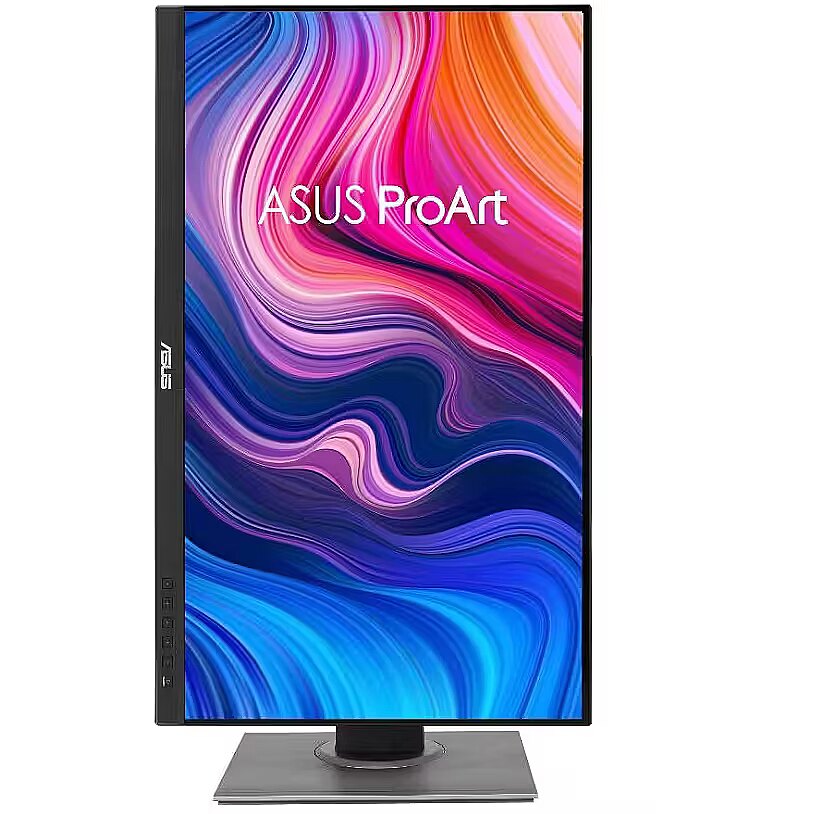
The Pivot technology allows the screen to be rotated into vertical orientation, ensuring more efficient use of workspace when working with text, documents, or long lists. This design improves readability, reduces the need for scrolling, and enhances convenience.

The Swivel technology allows the monitor to be rotated left and right around the vertical axis, ensuring precise screen positioning in relation to the user. Such a design improves the viewing angle, reduces neck strain, and makes the workspace more comfortable for collaboration or material demonstration.

The Tilt function ensures flexible adjustment of the panel's vertical tilt, allowing for precise adaptation of the screen to the working position. This reduces the risk of discomfort during prolonged use, maintains an optimal viewing angle, and helps avoid image distortion in various lighting conditions.

Built-in speakers provide sound playback without having to connect separate acoustic systems, reducing the amount of equipment in the workplace. They provide basic audio signals for video conferencing, system announcements, and multimedia. This solution enhances convenience and reduces the number of additional cables.

The DVI interface allows connecting a monitor to various video cards, including older ones, without loss of image quality. It ensures accurate graphics transmission, supports various resolutions, and guarantees stable detail display, making it a universal solution for both modern and old systems.

The monitor comes with a 1 year warranty

All parameters
Model : PA278QV
Display characteristics
AMD FreeSync : Nav
Curved : Nav
NVIDIA G-SYNC : Nav
Panel Type IPS

Teh monitor panel is the main feature of the visible part of the screen or the technology where the display of the colour dots (pixels) is implemented.

TN is the standard technology with average contract, brightness and colour compliance indices.

IPS is the matrix with high colour compliance and good response speed, therefore it is well suited for graphics tasks and photo editing. IPS matrix provide an excellent viewing angle maintaining the colours and contrast from almost any angle.

VA matrix ensures superior colour compliance, however, the response time of this matrix is lagging behind that of the IPS and TN; the viewing angle is somewhere between both these technologies.

The TN type monitor is fully sufficient for an average user. If you have more money available the VA or IPS can be chosen.

Refresh rate : 75 Hz
Touchscreen : NO
VESA DisplayHDR : Nav
Response time 5ms
The response time of the monitor screen determines how fast the monitor will display moving images (films, games, animations, etc.). The response time is measured in miliseconds. The less the response time the better the ability of the monitor to display moving images.
www.dateks.lv recommends to buy monitors with 5ms response time or lower.
Contrast ratio 1000:1

Ekrāna kontrasts nosaka attēla asumu. Tā ir atšķirība starp vistumšāko (pilnīgi melnu) un visgaišāko (pilnīgi baltu) pikseli. Jo lielāks kontrasts, jo skaidrāk salasāms teksts uz ekrāna, kontrasts arī nosaka, cik izteiksmīgas līnijas būs redzamas monitora attēlā.

Augsts kontrasts ir nozīmīgs faktors izvēloties monitoru biroja, vai mācību vajadzībām, kad lielākoties tiek strādāts ar tekstuālu informāciju.

Mājas vajadzībām svarīgāks izvēles rādītājs ir gaišums un attēla reakcijas laiks. Kontrastu labāk novērtēt tumšā istabā.
Lielākais LCD monitoru trūkums ir tas, ka samazinot attēla spilgtumu, kontrasts var pazust.

Brightness 350cd/m2

Monitora gaišums ir attēla redzamības rādītājs, kas nosaka, cik labi saskatāms ir attēls pie spēcīga ārējā apgaismojuma (saules gaisma, gaiša telpa, utt.). LCD monitoru gaišums tiek mērīts kandelās uz kvadrātmetru (Cd/m2).
Izvēloties monitoru jāņem vērā - jo lielāks gaišuma rādītājs, jo labāka attēla redzamība.

Ikdienas vajadzībām Dateks.lv iesaka iegādāties monitoru ar gaišumu, ne mazāku par 250 cd/m2.

Basic information
Application : Home & Office
Aspect ratio : 16:9
Color : Black
Size 27"

The size of the monitor screen is measured in inches across the diagonal. The screen size must be proportionate to the resolution of the screen for achieving the maximum utilisation of the desktop and details of the image.

Mainly two forms of LCD monitors are available: with standard width and height proportion 4:3 or the widescreen proportion 16:9 or 16:10. A widescreen monitor is wider and its resolution is higher than that of the monitors with standard proportion.

The bigger the monitor size the higher resolution usually is supported. Possibilities to increase the resolution of the screen usually depend on the size and possibilities of the monitor and the type of the video card.

Resolution WQHD 2560x1440

The resolution of the monitor screen determines the number of colour dots (pixels) a monitor can display. It refers to the clarity of the text and images displayed on the screen. The higher the resolution the sharper the items look.

The applied resolution depends on the resolution supported by the monitor. LCD monitors, including the screens of laptop computers usually work best if their local resolution has been set. The setting of this resolution for the monitor is not mandatory, but usually it is recommended to set it for ensuring the highest possible sharpness of texts and images. The bigger the monitor size the higher resolution usually is supported.

Possibilities to increase the resolution of the screen usually depend on the size and possibilities of the monitor and the type of the video card.
• 19 inches screen (standard proportions): 1280x1024 pixels
• 20 inches screen (standard proportions): 1600x1200 pixels
• 22 inches screen (widescreen): 1680x1050 pixels
• 24 inches screen (widescreen): 1900x1200 pixels

Functionality
Flicker-free : Ir
Height adjustment : Ir
Pivot : Ir
Swivel : And
Tilt : YES
VESA wall mount : 100x100 mm
Ports and equipment
D-SUB Nav

D-SUB is the classic (analogous) monitor connection plug. This standard is gradually disappearing from the market giving the place to the higher quality HDMI or DisplayPort (digital) plugs.

If the resolution of the monitor is FullHD or below the average user will experience no problems with this connection. Those who want to achieve higher image quality and resolution should look for the monitor with the DisplayPort or HDMI connection slot.

DisplayPort 1

DisplayPort is the digital connection for transmitting the image via a single wire at a high quality level. Contrary to the HDMI, this connection allows to connect several external monitors to the computer via a single connector.

Prior to buying the monitor with the DisplayPort you should verify whether your computer has the DisplayPort plug available!

DVI 1

DVI is a digital standard and ensures high image quality, however, thanks to the big size of the plug and the inability of the standard to develop further due to a few technical restrictions this type of connection is gradually losing its popularity to modern HDMI and DisplayPort standards.

DVI is compatible with HDMI and transitions of both directions are available.

DVI is not compatible with DisplayPort, however, there are DualMode DisplayPort connectors which contains the HDMI/DVI signal, and in the relevant direction DisplayPort -> DVI can transmit an image.

If the monitor resolution exceeds 1920px in any direction a graphics card with the DVI-D Dual Link support and the relevant quality cable will be required.

Before buying a monitor you should verify whether your graphics card has the corresponding connection slot!

HDMI port 1

HDMI is the digital high quality image transmission standard that allows to connect the monitor to the computer via a thin cable by using an elegant small-size connector. HDMI is compatible with DVI if the relevant transition or cable is used.

Speakers Ir

Some monitors may have built-in speakers that quite often allow to give up external speakers thus freeing a space on the desk and saving money. The sound quality of built-in speakers is quite moderate and therefore we recommend to use this possibility just for infrequent needs.

For enjoying music, movies and games we recommend buying the corresponding quality and capacity speakers.

USB Hub : YES
USB-C Power Delivery : Nav
USB-C video input : 0
More detailed specification
Accessories included - Kabel audio Raport z wstępnej kalibracji kolorów Kabel DisplayPort Kabel DisplayPort na miniDP Kabel HDMI Kabel zasilania Instrukcja szybkiego startu USB Type-B to A cable Karta gwarancyjna
Aspect ratio - 16:9
Auto Pivot - Yes
Bluetooth - No
Brightness - 350 cd/m²
Certificates - TUV
Color - Black
Data Act - Link
Depth - 51 mm
Depth with stand - 226 mm
Description - ProArt Display PA278QV to 27-calowy monitor zaprojektowany z myślą o zaspokojeniu potrzeb profesjonalnych użytkowników kreatywnych, jak np. fotografów, edytorów wideo i designerów grafiki. ProArt Display PA278QV jest kalibrowany fabrycznie i zatwierdzony przez firmę Calman, dlatego zapewnia doskonałą precyzję odwzorowania barw (E2). Ponadto oferuje standardowe w branży pokrycie przestrzeni barw: 100% sRGB / 100% Rec. 709. Dzięki ekskluzywnym funkcjom ASUS, takim jak ProArt Preset i ProArt Palette z regulacją kolorów według sześciu osi oraz dostrajaniem poziomu czerni i jasności, PA278QV pozwala Ci szybko, łatwo i precyzyjnie uzyskać pożądany wygląd. Podkreśl rzeczywiste piękno swoich zdjęć Monitor ProArt zapewnia standard branżowy w zakresie pokrycia przestrzeni barw: 100% sRGB i 100% Rec. 709, co przekłada się na bardzo intensywne i żywe kolory oraz gwarantuje, że każdy szczegół Twojego zdjęcia będzie bardzo dokładnie i realistycznie odwzorowany. Wysoka precyzja odwzorowania barw dla naprawdę żywych kolorów Ciesz się czystymi i bardzo żywymi kolorami dzięki dokładnemu i bardzo realistycznemu odwzorowaniu barw. Monitory ProArt mogą osiągnąć dokładność odwzorowania na poziomie E2. Wyjątkowo precyzyjnie wyświetlanie obrazów sprawia, że oglądając swoją pracę na ekranie postrzegasz ją dokładnie tak, jak będzie ona wyglądała w końcowym rezultacie. Wierne odwzorowanie barw od razu po uruchomieniu Użytkownicy wykorzystujący kolory w profesjonalnej pracy muszą w pełni polegać na dokładności wyświetlania barw przez monitor, aby zapewnić, że ich dzieła będą wyglądały dokładnie tak, jak sobie to wyobrażają. Monitor ProArt PA278QV jest kalibrowany fabrycznie i został zatwierdzony przez firmę Calman dla zagwarantowania wiodącej w branży precyzji wyświetlania barw. Każdy monitor ProArt przechodzi rygorystyczne i wyjątkowo drobiazgowe testy dla zapewnienia bardziej płynnej gradacji kolorów. Konsumenci realizujący profesjonalne projekty mogą być pewni najwyższej wierności kolorów podczas oglądania oraz doskonałych wrażeń w procesach tworzenia treści. Szybkie dostosowanie przestrzeni barw Ekskluzywna funkcja ASUS ProArt Preset zapewnia kilka trybów do szybkiego dostosowania palety kolorów. Niezależnie od tego, czy zajmujesz się korekcją kolorów, obróbką wideo, czy też przeróbkami zdjęć, z łatwością możesz przełączać ustawienia, aby dopasować je do swoich potrzeb. Spersonalizowane wrażenia podczas obróbki treści Funkcja ASUS ProArt Palette umożliwia Ci dostosowanie wielu parametrów ekranu, w tym barwę, ustawienia temperatury barwowej i współczynnika gamma a wszystko to za pomocą łatwo dostępnego i intuicyjnego menu wyświetlanego na ekranie. Ponadto dostępne są suwaki do dwupunktowej kalibracji skali szarości dla wszystkich sześciu kolorów, co zapewnia większą elastyczność regulacji kolorów niż w przypadku wielu monitorów innych marek. Funkcja ProArt Palette daje Ci możliwość szybkiego tworzenia kreatywnych prac przy zachowaniu jednolitości, a zarazem ułatwia zarządzanie kolorami. Bogaty zestaw połączeń ProArt Display PA278QV oferuje bogate opcje połączeń, w tym gniazda DisplayPort 1.2, mini DisplayPort, DVI-D oraz HDMI (v 1.4), a dodatkowo zintegrowany koncentrator USB. Możesz więc łatwo podłączyć szeroką gamę różnych urządzeń i cieszyć się ultraszybkimi transferami danych z urządzeń zewnętrznych. Dzięki takim rozwiązaniom monitor spełnia wymagania do tworzenia każdego typu treści. Podgląd tworzonych projektów w ich rzeczywistych rozmiarach Oszczędzaj czas i pracuj jeszcze efektywniej z technologią ASUS QuickFit Virtual Scale. Ta inteligentna funkcja wyświetla na ekranie siatkę, która pozwala ci pozycjonować i przeglądać dokumenty w ich rzeczywistej wielkości jeszcze przed wydrukowaniem. Technologia ASUS Ultra-Low Blue Light Ekskluzywna technologia ASUS Ultra-Low Blue Light chroni Cię przed emisjami światła niebieskiego, które może być szkodliwe dla wzroku. Oferuje ona cztery ustawienia filtra światła niebieskiego, do których masz wygodny dostęp za pośrednictwem menu ekranowego wywoływanego przyciskiem skrótu. Technologia ASUS Flicker-Free Technologia ASUS Flicker-Free zapewnia większy komfort użytkowania i wysokiej klasy środowisko pracy, redukując migotanie ekranu w celu zminimalizowania nadwyrężania oczu, bólu głowy i ogólnego zmęczenia podczas wielu godzin spędzanych przed monitorem. Wszechstronny komfort dzięki ergonomicznej konstrukcji podstawki Monitory z serii ProArt zapewniają Ci pełen komfort podczas oglądania i korzystania, oferując ergonomicznie zaprojektowane podstawki z możliwością dostosowania nachylenia, obrotu w poziomie, obrotu pod kątem 90° do ustawienia pionowego (pivot) oraz regulacji wysokości. Możliwość obrotu pod kątem 90° w stronę zgodną lub przeciwną do ruchu wskazówek zegara w celu korzystania z monitora w trybie pionowym jest bardzo praktyczna podczas pracy nad długimi dokumentami, programowania, albo przeglądania stron internetowych. Ponadto szybko odłączana podstawka ułatwia montaż ekranu za pośrednictwem zintegrowanego uchwytu ściennego VESA bez użycia śrub, a więc praktycznie w ciągu kilku sekund!
Designation - CE+WEEE
dimension depth - 160 mm
dimension height - 825 mm
dimension weight - 9200 g
dimension width - 490 mm
Display surface - Matt
Dot pitch - 0.233 mm
ean - ABEAN-UP71638
Energy class - E
Energy label - Pobierz
guarantee - 60
guarantee_type - external
Height - 372 mm
Height (max) - 532 mm
Height adjustment - Yes
Height with stand - 382 mm
I/O connectors - 1 x 3,5 mm minijack
I/O connectors - 1 x Audio in
I/O connectors - 1 x DisplayPort
I/O connectors - 1 x DVI
I/O connectors - 1 x HDMI
I/O connectors - 1 x mini-DisplayPort
I/O connectors - 4 x USB 3.2 Type-A Gen 1
Matrix type - TFT IPS
Model - PA278QV
name - Monitor 27 cali PA278QV
Number of colors - 16,7 mln
Optional accessory -
Other features -
Power consumption - 12.5 W
producer - Asus
Refresh rate - 75 Hz
Resolution - 2560 x 1440
Response time - 5 ms
Screen size (diag.) - 27"
Speakers built-in - Yes
Static contrast - 1 000:1
TCO Certified - Yes
Touch screen - No
Transreflective technology - LED
TV tuner built-in - No
vendpn - PA278QV VY
VESA - 100 x 100
Viewing angle, horizontal - 178 °
Viewing angle, vertical - 178 °
Visible area, horizontal - 596.74 mm
Visible area, vertical - 335.66 mm
Warranty -
Web camera - None
Width - 615 mm
WiFi - No
372.76 €
Asus PA278QV, 27"
Tālr. 67275758 gsm 26117175 (p.o.t.c.p. 9:00-18:00)
Intel technology provider Platinum 2020
All categories