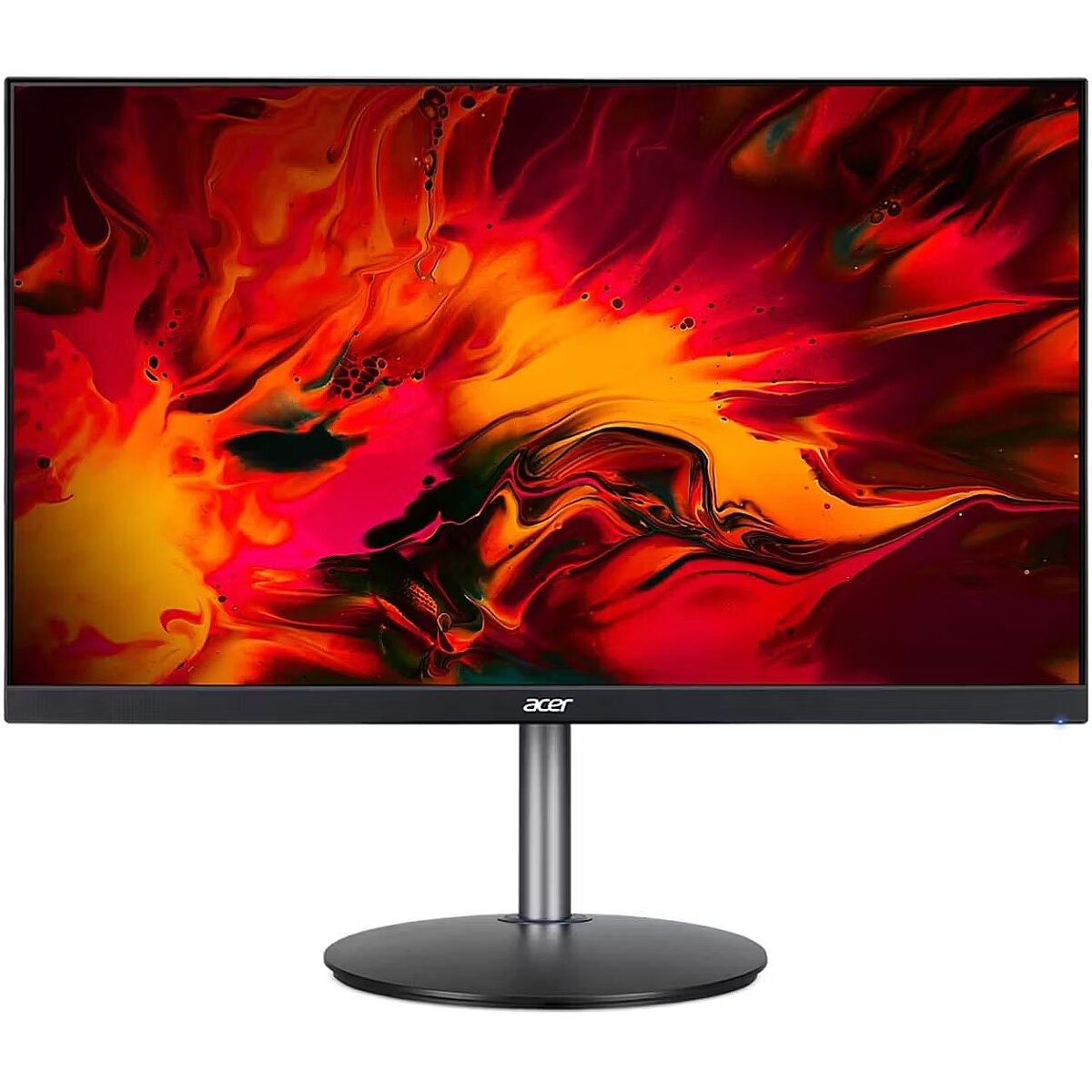
This Acer XF273UXBMIIPRX, 27" gaming monitor with a WQHD 2560x1440 resolution delivers incredible detail precision and brightness, making each game scene truly vivid. Such a format is perfectly suited for expansive game worlds and provides advantages due to its wide field of view.
IPS technology ensures a more uniform liquid crystal structure, allowing pixels to maintain stable properties regardless of the viewing direction. This reduces color shifts and visual artifacts, making IPS technically a more balanced solution in comparison to other panel technologies.
AMD FreeSync dynamically synchronizes the panel's refresh rate with the variable frame rate, reducing motion artifacts. Thanks to a flexible synchronization range, the technology improves motion accuracy and reduces flickering in scenes with rapid transitions.
The Flicker-Free technology reduces or completely eliminates flickering in lighting, ensuring a stable and uniform image. The reduced visual vibration lessens eye strain and improves comfort during prolonged use, especially when using the monitor at a lower brightness level.
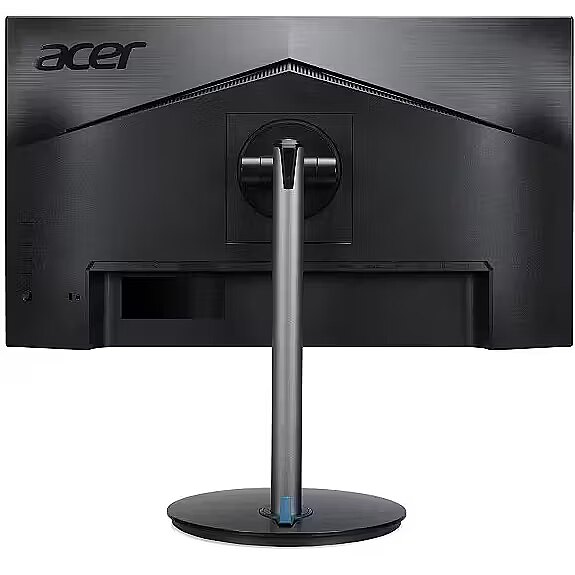
The Pivot technology allows the screen to be rotated into vertical orientation, ensuring more efficient use of workspace when working with text, documents, or long lists. This design improves readability, reduces the need for scrolling, and enhances convenience.
The Swivel mechanism allows for changing the horizontal angle of the screen without moving the entire structure. This facilitates workspace adjustment, improves visibility from different points and helps adjust the monitor for various usage scenarios, including configurations for multiple users or multiple monitors.
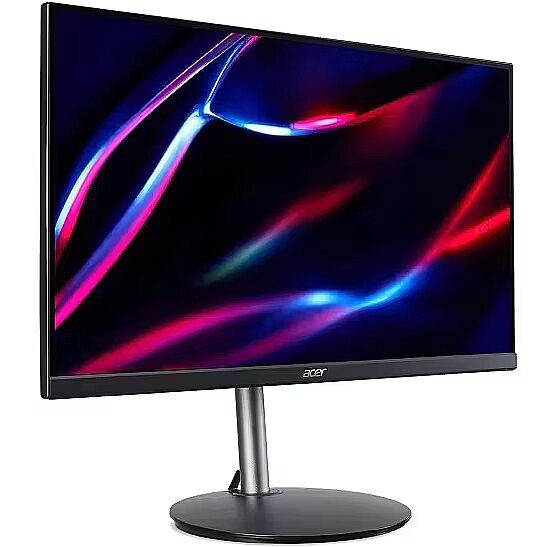
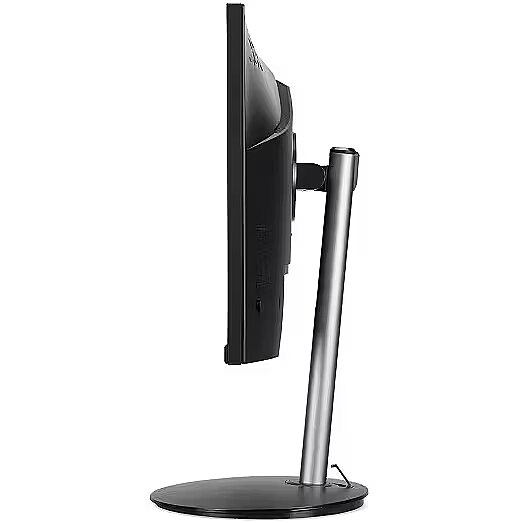
The Tilt function ensures flexible adjustment of the panel's vertical tilt, allowing for precise adaptation of the screen to the working position. This reduces the risk of discomfort during prolonged use, maintains an optimal viewing angle, and helps avoid image distortion in various lighting conditions.
Built-in speakers provide sound playback without having to connect separate acoustic systems, reducing the amount of equipment in the workplace. They provide basic audio signals for video conferencing, system announcements, and multimedia. This solution enhances convenience and reduces the number of additional cables.
Warranty
Acer provides this model with a 2 year warranty at all certified service centres.
*When purchasing a monitor on the legal entity's details - manufacturer's warranty 1 year.

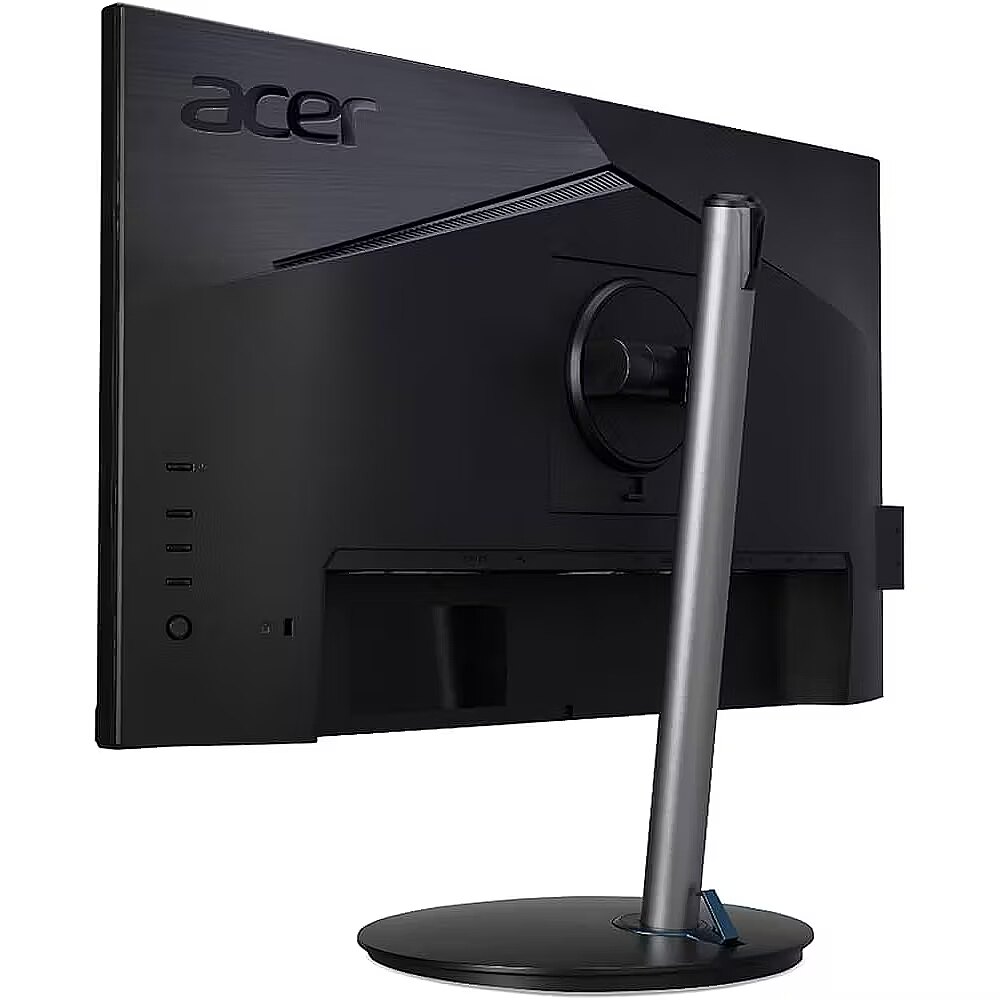



 DVI is a digital standard and ensures high image quality, however, thanks to the big size of the plug and the inability of the standard to develop further due to a few technical restrictions this type of connection is gradually losing its popularity to modern HDMI and DisplayPort standards.




