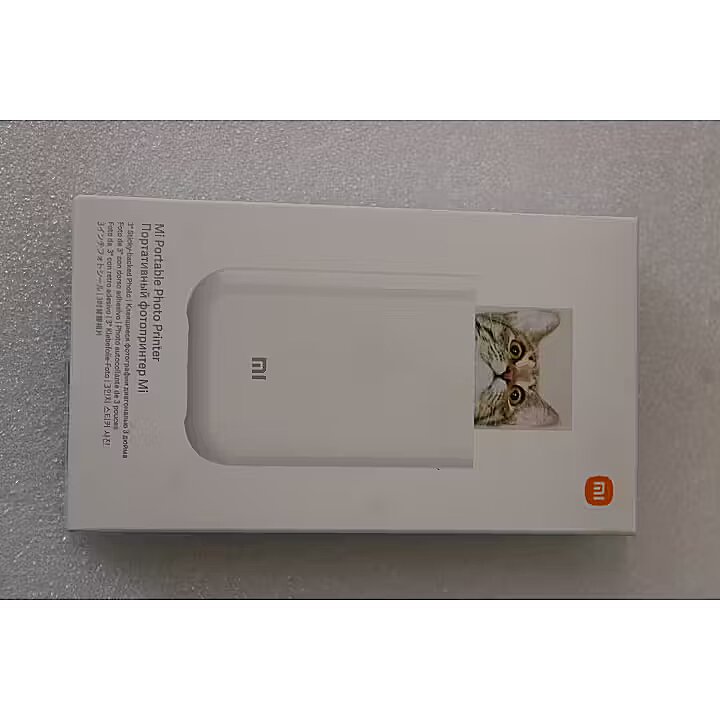
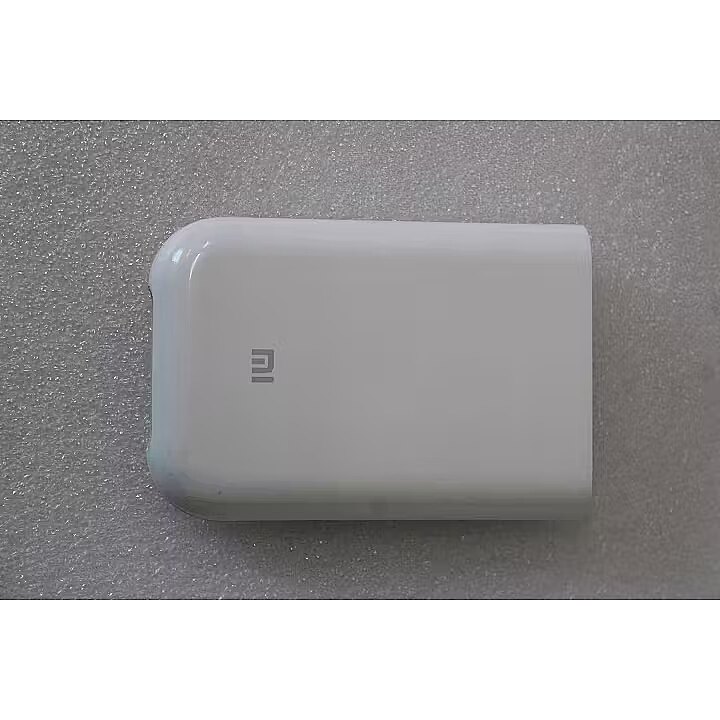
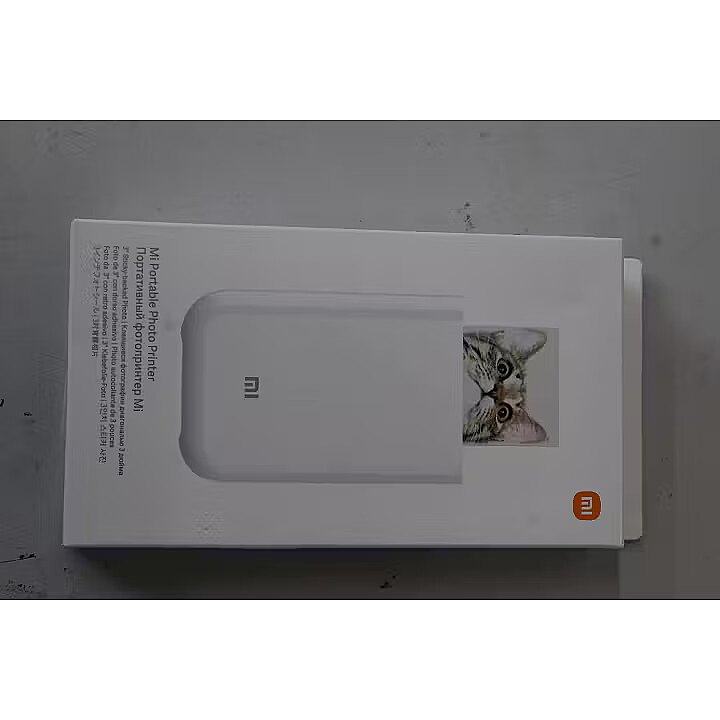
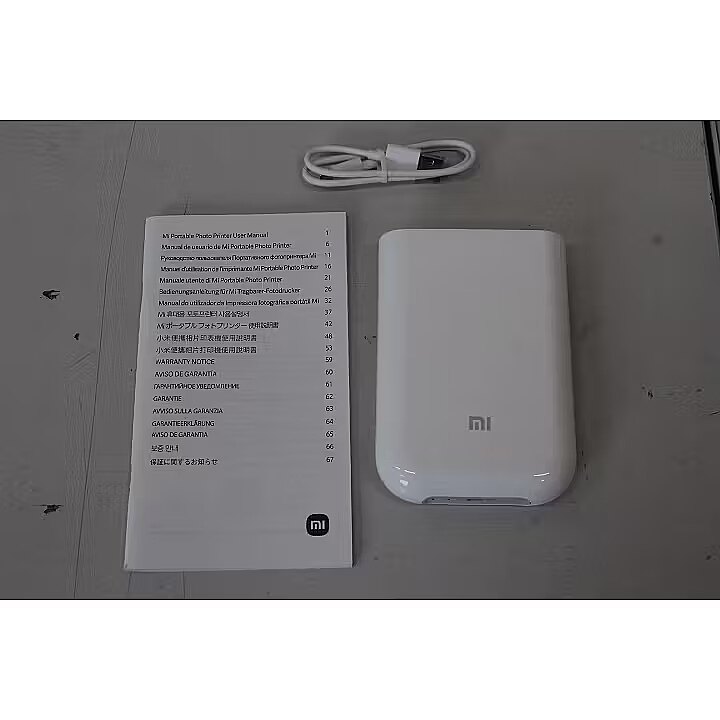
Xiaomi Mi Portable Photo Printer | Colour | ZINK Zero-Ink | Photo Printer | White | USED, WITHOUT ORIGINAL PACKAGING, MISSING PHOTO PAPER PACK

Picture may differ from actual product, there can be accessories and parts not supplied with the actual product.
ID: 1256848 Product code: TEJ4018GLSO
Goods are not available at the moment We do not accept orders for the delivery of this product. We do not have information as to when this product will be available. Our suppliers currently do not provide information about possible delivery times of the product and the possible price when it is on sale again.

Dateks.lv website provides information about this product for information only, so that customers can see the product and compare it to the products available for sale now.

Warranty: 2 years (Warranty for business entities 1 year)
Main product parameters All parameters
  • Type: Zinc
Similar Products
This product Xiaomi Mi Portable Photo Printer | Colour | ZINK Zero-Ink | Photo Printer | White | USED, WITHOUT ORIGINAL PACKAGING, MISSING PHOTO PAPER PACK
Xiaomi BHR9974GL Photo Printer
Xiaomi Portable Photo Printer Pro Portable Photo Printer
Hewlett Packard Portable Instant Photo Printer
Epson EPSON SureColor-F9500 compact 64inch dye-sublimation printer
Show similar specs. Hide similar specs.
62.78 €
81.68 €
133.87 €
141.49 €
19,777.92 €
Model 1S Pro Sprocket Select SureColor SC-F9500
Basic information
Max. print size Photo 5x7.6 cm Photo 5x7.6 cm Photo 5.8x8.6 cm
Native resolution 321 x 600 dpi 1440 x 720 dpi
Print speed (monochrome) Not specified
Type Zinc Zinc Sublimation Zinc Sublimation
Functionality
ADF (automatic document feeder) None None None None
Auto Duplex function None None None None None
Cartridges 1 Not specified 4
Copier None None None None
Fax None None None None
Scanner None None None None
Ports and equipment
LAN interface None None None None Is
LPT interface None None None None
USB 2.0 interface Is Is Is Is
Wireless connections
Bluetooth Is Is Is Is None
WiFi None None None None None
Basic information
Type Zinc

The type of printing is the main criterion for selecting the princter because it determines the printer application.

Ink - this technology will be suitable for the users who want to print colour photos at high quality. The costs per print-out are quite high, also ink cartridges dry out when the printer is on stand-by for a long time.

Black and white laser - the best type of printing from the economic point of view, produces good quality print-outs of black and white documents at the lowest cost per print-out. The best buy for the home and office needs. Printers of more expensive models have considerably bigger toner cartridges which will certainly pay back if more than ten pages per day are printed.

Colour laser - this technology allows to print black and white laser print-outs at the same costs per page as with the black and white laser printer and to produce colour print-outs at comparatively low costs per print-out.

The quality of the colour printing by this technology is much lower than with the ink printing, therefore this device is worth buying only if tens of colour graphics, models, product samples photos and colour logos have to be printed every day. This technology currently is not suitable for printing photos.

The size of paper that can be placed in the printer feeder and printed in the particular printer. If this index of the printer is, for example, A4 it means that this particular printer can print for sure also smaller size paper, for example, A5. This possibility has certain restrictions that can be found in the detailed specification of the printing size and type of paper supported.

Functionality
Auto Duplex function None

Double-sided printing that is quite often implemented as a semi-automated function which means that the printer prints one side of the page and then the user has to put all the pack of print-outs in the feeder manually.

There can also be Duplex printers that are able to turn the page during the printing process. Prior to buying the printer you should read the detailed specification about how the Duplex function is implemented.

Ports and equipment
LAN interface None

A very useful function if the printer is used from various computers connected in a network. If there is LAN connection it is possible to place the printer at any place where the network and power connection is available and to produce print-outs from any computer without the necessity to connect the printer to any particular computer and to maintain this computer switched on.

Wireless connections
Bluetooth Is

A possibility to connect this printer to the computer via the Bluetooth wireless connection. Usually this type of connection is available for portable computers of average or expensive category. Desktop computers usually do not have the Bluetooth, therefore it will be necessary to buy a low priced USB Bluetooth transmitter for being able to use this functionality.

WiFi None

An excellent way of connecting a computer within a wireless network if you use exclusively wireless network connection at home or at office or if the printer is placed at a location where it is not possible to connect a LAN cable.

62.78 €
Xiaomi Mi Portable Photo Printer | Colour | ZINK Zero-Ink | Photo Printer | White | USED, WITHOUT ORIGINAL PACKAGING, MISSING PHOTO PAPER PACK
Tālr. 67275758 gsm 26117175 (p.o.t.c.p. 9:00-18:00)
Intel technology provider Platinum 2020
All categories

