Accessories included - Power cord 3m*1 USB cable (Type A-Type B) 5m*1 HDMI cable 3m*1 Pen*2 pcs User's manual QSG Cardboard box Remote control (2 batteries included) Wi-Fi module
Aspect ratio - 16:9
Audio - Built-in speaker(s) - Yes
Audio - Number of built-in speakers - 2
Audio - Speaker power - 30 W
Auto Pivot - No
Bluetooth - Yes
Brand - LG
BrandPartCode - 65TR3DK-BM
Brightness - 440 nits
Category - Interactive Whiteboards
Color - Black
Computer system - Built-in processor - Yes
Computer system - Graphics card - Mali-G52 MP2
Computer system - Graphics card family - ARM
Computer system - Maximum internal memory - 64 GB
Computer system - Processor architecture - ARM Cortex-A55
Computer system - Processor cores - 5
Computer system - RAM capacity - 8 GB
Data Act - Link
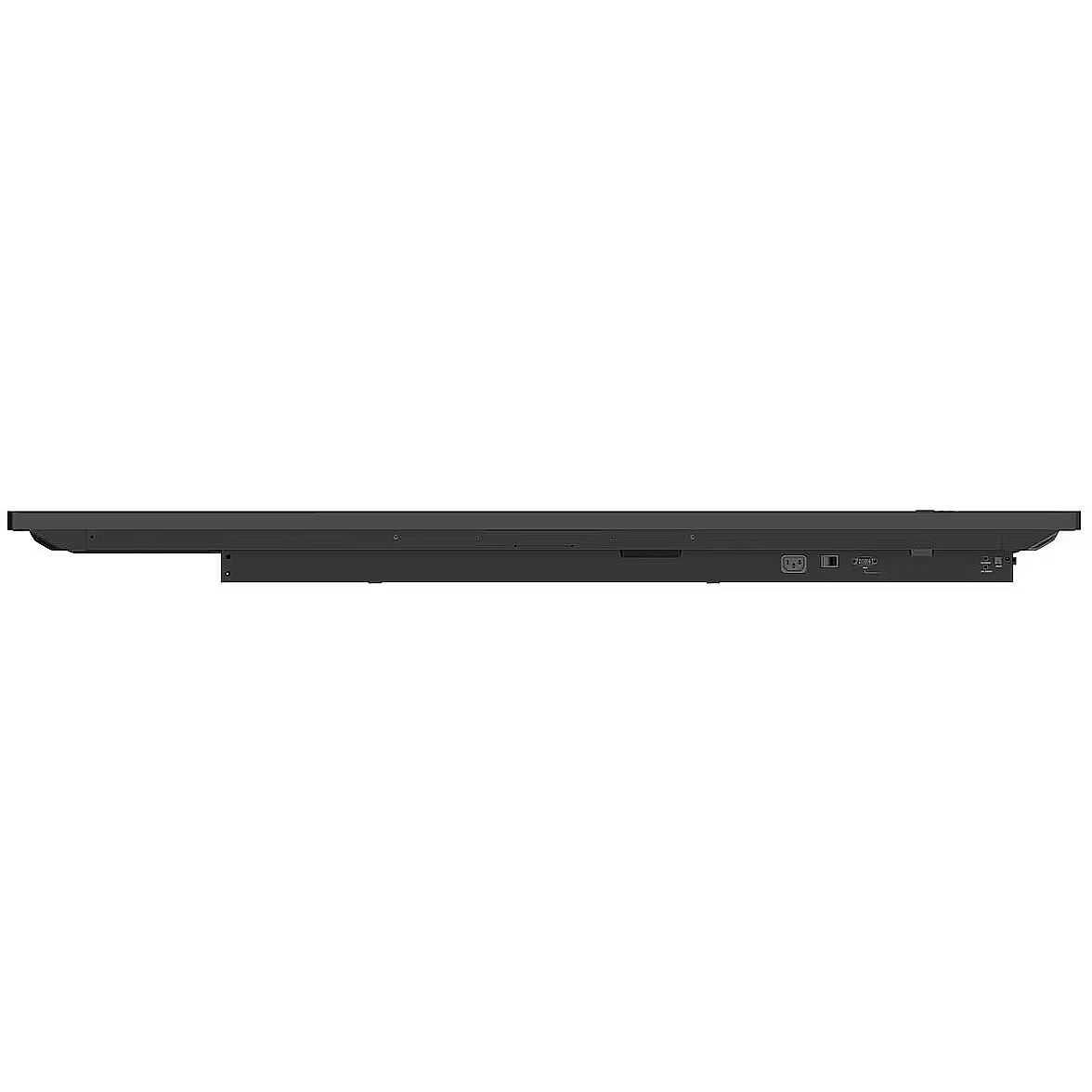
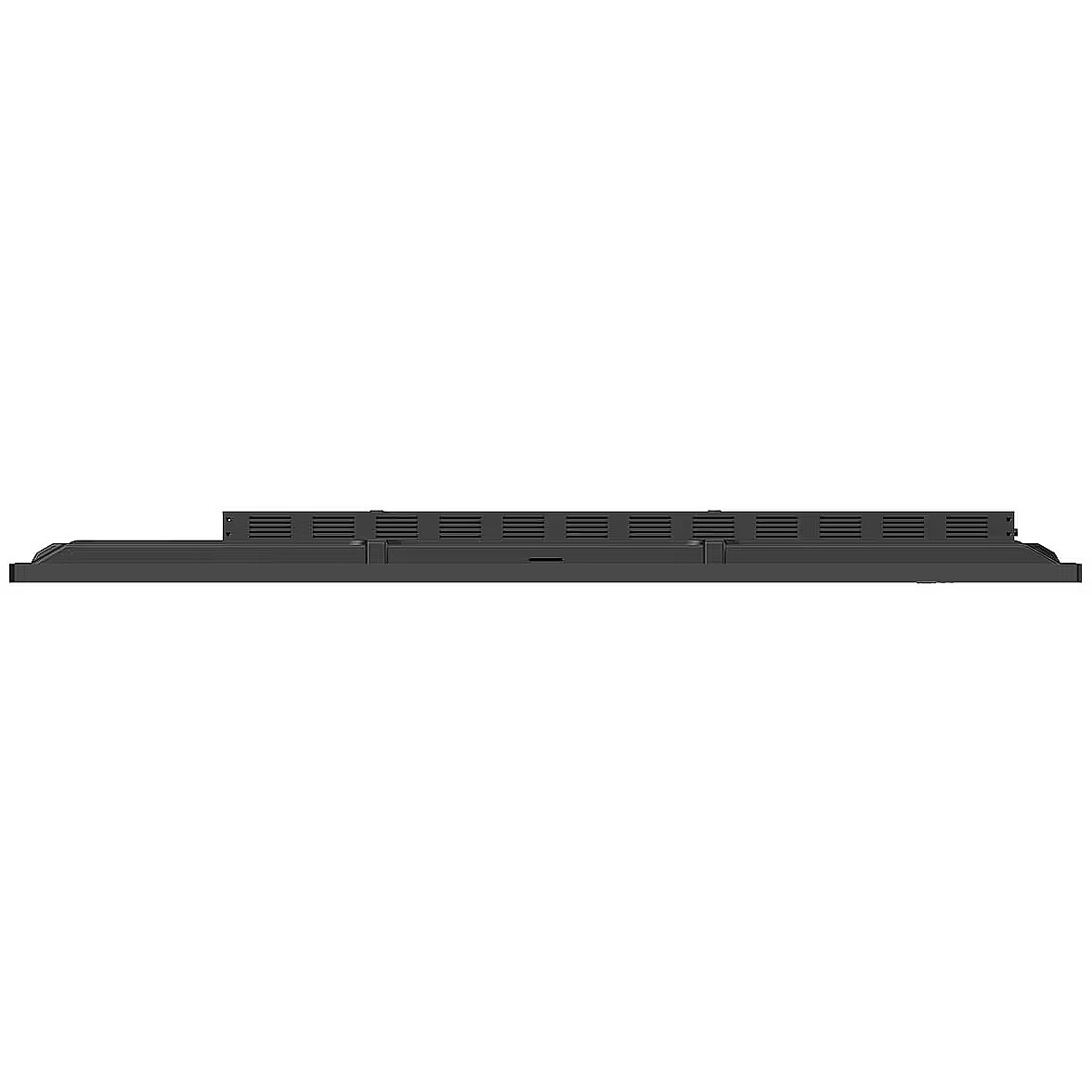
Depth - 87.2 mm
Description - LG 65TR3DK-BM, IDB IR TOUCH, 65" UHD 350CD/M2 16/7, ANDROID 13(EDLA), SPEAKER, WIFI, 8G/64G
Description - Various Teaching Templates
LG CreateBoard offers a variety of teaching templates and teaching tools, such as a ruler, table, and sticky notes, enabling active student engagement and intuitive lessons. Image and video editing is easy with LG CreateBoard, and created resources can be easily shared with others via QR codes.
Multi-Touch
LG CreateBoard can simultaneously detect up to 40 multi-touch points. This creates a realistic touch experience, helping students easily adapt and truly engage in the lesson. This leads to maximum concentration and organic student engagement.
Easy Save/Import/Export
LG CreateBoard includes simple import and export functionality. Resources can be saved and imported directly to and from Google Drive or OneDrive, and files can be imported from a USB drive (users can browse resources stored on a USB drive).
Smooth Collaboration Tools
Various tools, such as a calculator, clock, and sticky notes, are available to facilitate smooth discussions and ensure seamless idea sharing and communication. Users can also customize the menu bar with their most frequently used tools, increasing productivity.
Web Browser
When you need reference during a discussion, you can access various information in real time with a simple click of the web browser. Essential information found online can be easily dragged and dropped into your content, increasing meeting productivity.
Attention Effect
Simply double-tap the LG CreateBoard screen with 4-5 fingers, and an attention mark with sound will appear. This feature helps you capture participants' attention when you need them to focus.
Wireless Screen Sharing
LG CreateBoard Share allows users to view up to 9 shared screens or a file on one screen in real time when the LG CreateBoard Share app is installed on their device. Additionally, files from the host can be easily sent to any device connected to the LG CreateBoard Share app, and the host can perform several quick checks.
LG ConnectedCare DMS
LG ConnectedCare DMS is a cloud-based solution for remotely monitoring, controlling, and managing the status of LG CreateBoards installed in educational environments. This feature allows IT managers to manage and access important resources on operating devices without physically visiting the site.
Bluetooth Connectivity
LG CreateBoard supports wireless Bluetooth connectivity with various devices, such as speakers, mice, keyboards, and more. This is an optimal solution for creating a hybrid environment where online and offline classes can run smoothly. Type-C Connection
USB-C connectivity simplifies connecting devices, allowing simultaneous charging and data transfer with a single cable.
QR Login for Easy Cloud Access
A QR code on the home screen reduces class preparation time by enabling personal device verification. Users can register for various apps on the LG CreateBoard, including Google Drive and OneDrive, with just one QR verification, without any additional login process. After completing a lesson, users can simply click the Logout button to disconnect, reducing the risk of personal data leakage.
Advanced Eye Care
LG CreateBoard has introduced a flicker-free feature. By reducing backlight flicker, users can enjoy a more comfortable experience even after extended use.
Front Connectivity Design
The LG CreateBoard features front-facing display ports and speakers, ideal for both teachers and students. These allow for easier content sharing and a more immersive audio experience.
Built-in OPS Slot
The LG CreateBoard supports OPS slots, allowing for easy and convenient mounting of the OPS display onto the back of the LG CreateBoard without the need to connect it to an external display, thus offering more advanced features.
Smart Viewing
The LG CreateBoard's Smart Viewing feature enables efficient teaching. Two or more content can be displayed on the same screen simultaneously without the need for repeated Alt-tabs, making teaching more convenient and effective. Two content can be displayed side by side (multi-window mode) or one content can be displayed over another (picture-in-picture mode).
Energy Saving
When the device does not receive an external input for a user-defined period, it enters standby mode. Devices can also be automatically turned on or off at a user-defined time or day, contributing to energy savings.
Easy Transport with the LG Universal Stand
The LG CreateBoard can be used anywhere in the room, provided it is easily transported. From classrooms to in-between spaces, it serves a variety of roles depending on your needs, such as lectures, group discussions, school announcements, and more.
Designation - CE+WEEE
dimension depth - 1630 mm
dimension height - 1000 mm
dimension weight - 45500 g
dimension width - 210 mm
Display - Anti-glare screen - Yes
Display - Contrast ratio (dynamic) - 5000:1
Display - Contrast ratio (typical) - 1200:1
Display - Display brightness - 440 cd/m²
Display - Display diagonal - 165.1 cm (65")
Display - Display resolution - 3840 x 2160 pixels
Display - HD type - 4K Ultra HD
Display - LED backlight - Yes
Display - LED backlighting type - Direct-LED
Display - Maximum refresh rate - 60 Hz
Display - Native aspect ratio - 16:9
Display - Number of simultaneous touchpoints - 40
Display - Panel type - IPS
Display - Response time - 8 ms
Display - Touch object size (min) - 2 mm
Display - Touchscreen - Yes
Display - Touch system response time - 5 ms
Display - Touch technology - Multi-touch
Display - Viewing angle, horizontal - 178°
Display - Viewing angle, vertical - 178°
Display surface - Matt
Dynamic contrast - 5 000:1
ean - 8806084704122
Energy class - not applicable
Ergonomics - Panel mounting interface - 600 x 400 mm
Ergonomics - Power cable length - 3 m
Ergonomics - Product colour - Black
Ergonomics - VESA mounting - Yes
GTIN - 8806084704122
guarantee - 24
guarantee_type - external
Height - 896.6 mm
Height - 1015.000000
Height adjustment - No
I/O connectors - 1 x 15-pin D-Sub
I/O connectors - 1 x Audio in
I/O connectors - 1 x DisplayPort
I/O connectors - 1 x RS-232 (COM)
I/O connectors - 1 x SPDIF out
I/O connectors - 1 x USB (Type C)
I/O connectors - 2 x RJ-45 LAN
I/O connectors - 3 x HDMI
I/O connectors - 3 x USB 2.0
I/O connectors - 4 x USB 3.0
Kensington Security Slot - Nie
Length - 1630.000000
LongDesc - A New Level of Classroom with LG CreateBoardVarious Teaching TemplatesLG CreateBoard offers a variety of educational templates and teaching tools such as a ruler, table, and sticky notes, allowing for active engagement by students and enabling intuitive classes. Editing images and videos becomes easy with LG CreateBoard, and created resources can be easily shared with others through QR codes.Multi-touchLG CreateBoard can simultaneously detect up to 40 points for multi-touch functionality. This creates a lifelike board touch experience, helping students easily become accustomed and truly engage in classes. This leads to the maximum concentration and organic engagement of students.Easy to Save / Import / ExportLG CreateBoard includes simple import and export functionality. Resources can be saved and imported directly to and from Google Drive or OneDrive, and files can be imported from a USB drive (Users can browse resources saved on USB storage).Wireless ScreenShareLG CreateBoard Share enables users to show up to 9 shared screens or a file on a screen in real-time when the LG CreateBoard Share app is installed on the device. Also, files from the host can be easily sent to any devices connected to the LG CreateBoard Share app, and several quick controls by the host are available.LG ConnectedCare DMSLG ConnectedCare DMS is a cloud solution for remotely monitoring, controlling, and managing the status of LG CreateBoard installed in educational environments. This feature enables IT managers to operate and manage important resources on operating devices without physically visiting sites.Remote-control / SchedulingFrequently used controls such as the power on/off, scheduling, brightness, and screen lock functions can be applied using a remote control.Broadcasting / Alert MessagingMessages and a range of other content can be sent from the main system to individual classroom devices connected to LG ConnectedCare DMS. In case of urgent occasions such as a fire or a natural disaster, alert messages can be distributed manually across the system, which help teachers and students promptly take safety action.Threshold SettingsUsers can set thresholds in eight categories including display temperature, memory usage, or signal, and can receive warning or error notifications based on their threshold settings.Monitoring & Fault DiagnosisAn engineer can check the status in real-time and diagnose problems remotely. Also, the current status of issues can be categorized, allowing for easy viewing and quick responses.Issue ManagementRemote issue management can be carried out by the LG ConnectedCare DMS solution. This makes management safer and more efficient, facilitating the stable operation of the classroom.Bluetooth ConnectivityLG CreateBoard supports wireless Bluetooth connections to various devices such as a speaker, mouse, keyboard, etc. This is optimal for building a hybrid environment so that online and offline classes can proceed smoothly.C-type ConnectionUSB-C connectivity simplifies connections which enables charging and sending data simultaneously over just one single cable.QR Login for Easy Cloud AccessThe QR code on the home screen reduces preparation time for class by enabling personal device verification. Users can sign up for a variety of apps on the LG CreateBoard including Google Drive and OneDrive with just one QR verification without any additional login process. Once a lesson is finished, users can simply click the Logout button to disconnect, thus the risk of a personal information leak is reduced.Advanced Eye-CareLG CreateBoard has introduced a flicker-free function. With the reduced flickering of the monitor's backlight, users can use the device with more comfort even when using it for a long time.Front Connectivity DesignLG CreateBoard features front display ports and speakers which are ideal for both teachers and students, enabling content to be delivered easier with more immersive sound.Built-in OPS SlotLG CreateBoard supports OPS slots, allowing you to easily and conveniently mount OPS desktop at the back of the LG CreateBoard without the hassle of connecting to an external desktop, offering you more expanded functions.Smart ViewingThe Smart Viewing feature of LG CreateBoard enables efficient teaching. Two or more materials can be displayed on the same screen simultaneously without having to repeat Alt-tab, making teaching more convenient and efficient. Two materials can be displayed side by side (multi window mode), or one material can be overlaid on the other one (picture-in-picture mode).Power SavingWhen a device doesn’t receive an external input signal for a specific amount of time set by the user, the device goes into standby mode. Devices can also be automatically turned on or off at specific time or day set by the user, which contributes to save energy.Secure FunctionScreen LockTeachers can lock the screen using the Screen Lock function, and unlock it by entering a password. Users can set the Screen Lock in the Settings menu to protect the device from unidentified users.Secure ModeLG CreateBoard supports Secure Mode that disables the LG CreateBoard Share function to prevent unauthorized content from being shown on various devices.USB Lock ModeUSB Lock Mode is a security measure that helps prevent data from being copied to unauthorized devices, which is essential when being used in spaces where security is critical.Auto-remove FilesUsers can set LG CreateBoard to delete files regularly for enhanced security.Easy Transportation with LG Universal StandThe LG Createboard can be used anywhere indoors where it can be easily wheeled around. From classrooms to in-between spaces, it plays various roles according to each need such as lectures, group discussions, school announcements, and more.
LongProductName - 65", IPS, Multi-Touch Point, 16:9, 3840x2160 (UHD), 60 Hz, 1200:1, 10 bit, 8 ms, HDMI, RJ45(LAN), USB3.0 Type A, USB2.0 Type A, USB Type-C, WiFi 6, Bluetooth 5.0, 1488.4×896.6×87.2 mm, 35 kg
LongSummaryDescription - LG CreateBoard. Display diagonal: 165.1 cm (65"), Display brightness: 440 cd/m², Display resolution: 3840 x 2160 pixels. Processor architecture: ARM Cortex-A55, Maximum internal memory: 64 GB, RAM capacity: 8 GB. Speaker power: 30 W. Top Wi-Fi standard: Wi-Fi 6E (802.11ax). Interface: USB / RF Wireless
Manufacturer - LG Electronics
ManufacturerPartNumber - 65TR3DK-BM
Matrix type - TFT IPS
Model - 65TR3DK-BM
name - 65TR3DK-BM 65-inch UHD Multi Touch Interactive Monitor
Network - Bluetooth - Yes
Network - Bluetooth version - 5.0
Network - Ethernet LAN - Yes
Network - Top Wi-Fi standard - Wi-Fi 6E (802.11ax)
Network - Wi-Fi - Yes
Operational conditions - Operating relative humidity (H-H) - 10 - 90%
Operational conditions - Operating temperature (T-T) - 0 - 40 °C
Optional accessory - Wall Mount (WM-L000S) Floor Stand (ST-000F)
Other features -
Packaging content - Cables included - HDMI, Power, USB Type-A to Micro USB Type-B
Packaging content - Number of stylus pens - 2
Packaging content - Remote control included - Yes
Packaging data - Package depth - 208 mm
Packaging data - Package height - 1005 mm
Packaging data - Package weight - 44.7 kg
Packaging data - Package width - 1628 mm
Packaging data - Quantity per pack - 1 pc(s)
PeriodofWarranty -
Ports & interfaces - Ethernet LAN (RJ-45) ports - 1
Ports & interfaces - HDMI ports quantity - 3
Ports & interfaces - HDMI version - 2.2
Ports & interfaces - Interface - USB / RF Wireless
Ports & interfaces - IR input port - Yes
Ports & interfaces - USB 3.2 Gen 1 (3.1 Gen 1) Type-A ports quantity - 4
Power - AC input frequency - 50/60 Hz
Power - AC input voltage - 100-240 V
Power - Maximum capacity - 1433 BTU/h
Power - Power consumption (max) - 420 W
Power - Power consumption (off) - 0.5 W
Power - Power consumption (typical) - 220 W
Power consumption - 220 W
producer - LG Electronics
ProductName - CreateBoard
Projector - Built-in projector - No
Refresh rate - 60 Hz
Resolution - 3840 x 2160
Response time - 8 ms
Screen size (diag.) - 65"
ShortSummaryDescription - LG CreateBoard, 165.1 cm (65"), 440 cd/m², 3840 x 2160 pixels, 4K Ultra HD, IPS, Direct-LED
Speakers built-in - Yes
Static contrast - 1 200:1
System requirements - Linux operating systems supported - Yes
System requirements - Mac compatibility - Yes
System requirements - Mobile operating systems supported - Android
System requirements - Windows operating systems supported - Windows 10, Windows 7, Windows 8
Title - LG CreateBoard interactive whiteboard 165.1 cm (65") 3840 x 2160 pixels Touchscreen Black USB / RF Wireless
Touch screen - Yes
Transreflective technology - LED
TV tuner built-in - No
URL - https://www.lg.com/global/business/digital-signage/lg-55tr3dk-bm#
vendpn - 65TR3DK-BM
VESA - 600 x 400
Viewing angle, horizontal - 178 °
Viewing angle, vertical - 178 °
Warranty -
WarrantyInfo -
Web camera - None
Weight - 35 kg
Weight - 44.700000
Weight & dimensions - Bezel width (L/T, R/B) - 15/15/15/44
Weight & dimensions - Depth - 87.2 mm
Weight & dimensions - Height - 896.6 mm
Weight & dimensions - Weight - 35 kg
Weight & dimensions - Width - 1488.4 mm
Width - 205.000000
Width - 1488.4 mm
WiFi - Yes