Accessories included - HDMI cable Power cord Quick start guide Warranty Card
Aspect ratio - 16:9
Auto Pivot - Yes
Bluetooth - No
Brand - ASUS
BrandPartCode - 90LM06H4-B02370
Brightness - 250 cd/m²
Category - Computer Monitors
Category - Root/Electronics/PC peripherals/Monitors
Category 1 - Displays
Category 2 - Monitore
Category_1 - Monitors and TV
Category_2 - LED Monitors up to 27 inches
category_en - Computers & Components > Monitors and accessories > LCD monitors
category_lv - Datortehnika > Monitori un aksesuāri > LCD monitori
category_ru - Datortehnika > Monitori un aksesuāri > LCD monitori
Certificates - TUV
Color - White
Dane fizyczne: Głębokość - 226.3 mm
Dane fizyczne: Kolor obudowy - biały
Dane fizyczne: Standard VESA - 100 x 100
Dane fizyczne: Szerokość - 611.9 mm
Dane fizyczne: Waga - 6.8 kg
Dane fizyczne: Wysokość - 373.4 mm (373,4-523,4 mm)
Dane techniczne: Czas reakcji - 5 ms
Dane techniczne: Częstotliwość odświeżania - 75 Hz
Dane techniczne: Grupa produktowa - Monitory Asus
Dane techniczne: Gwarancja - 3 lata w serwisie zewnętrznym
Dane techniczne: Głośniki - tak (2 x 2 W)
Dane techniczne: Jasność - 250 cd/m²
Dane techniczne: Możliwość regulacji - obrotowy ekran (pivot)
Dane techniczne: Możliwość regulacji - obrót na podstawie (swivel)
Dane techniczne: Możliwość regulacji - pochył
Dane techniczne: Możliwość regulacji - wysokość
Dane techniczne: Obszar aktywny - 597 x 336 mm
Dane techniczne: Powłoka matrycy - antyrefleksyjna
Dane techniczne: Producent - Asus
Dane techniczne: Przekątna - 27 cali
Dane techniczne: Rodzaj podświetlenia - LED
Dane techniczne: Rozdzielczość nominalna - 1920 x 1080 (Full HD) piksele
Dane techniczne: Rozmiar plamki - 0.311 mm
Dane techniczne: Standard portów wideo - D-Sub
Dane techniczne: Standard portów wideo - DisplayPort
Dane techniczne: Standard portów wideo - HDMI
Dane techniczne: Standard portów wideo - USB 2.0
Dane techniczne: Typ - do biura i domu
Dane techniczne: Typ ekranu - płaski
Dane techniczne: Typ matrycy - IPS
Data Act - Link
Depth - 55.5 mm
Depth with stand - 226.3 mm
Description -
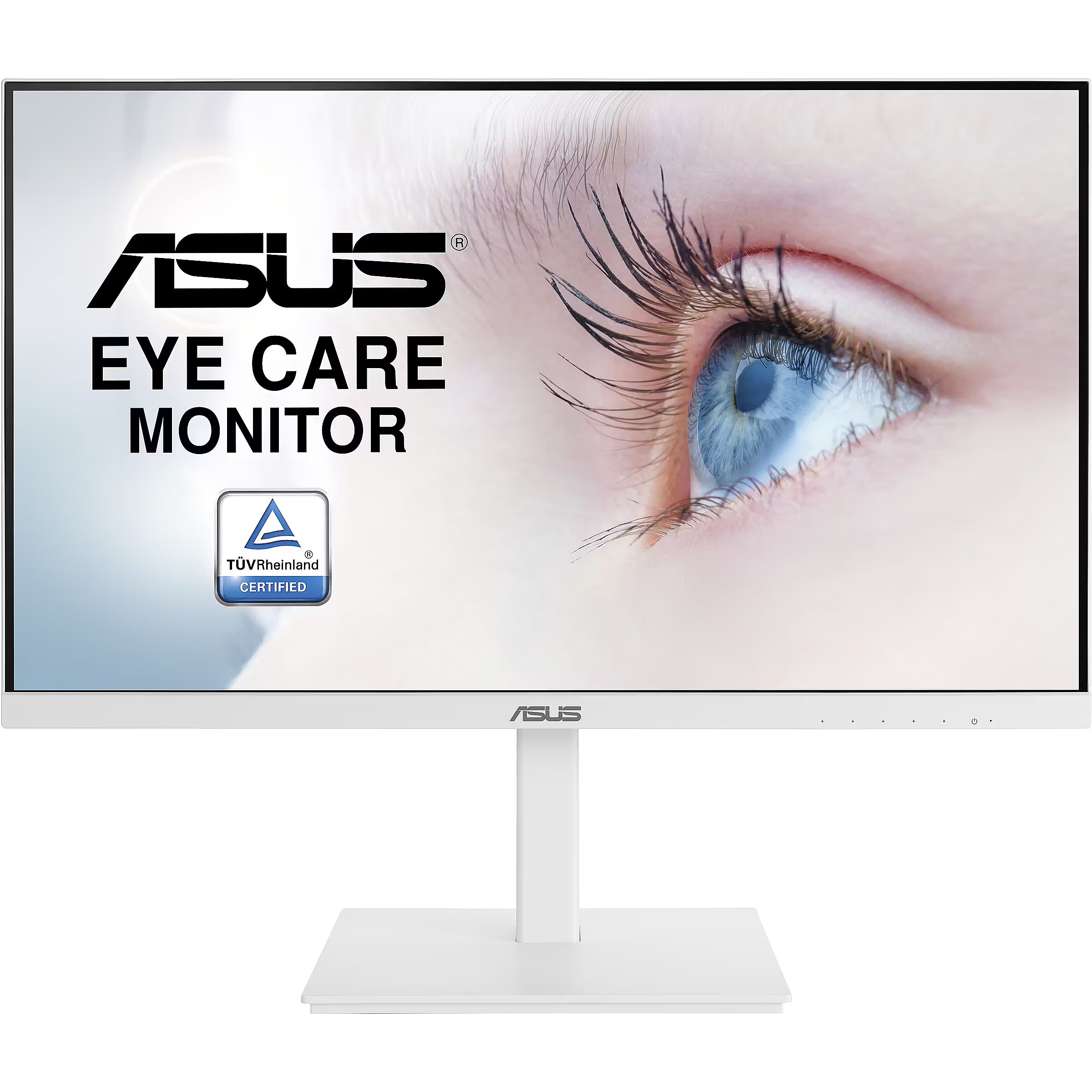
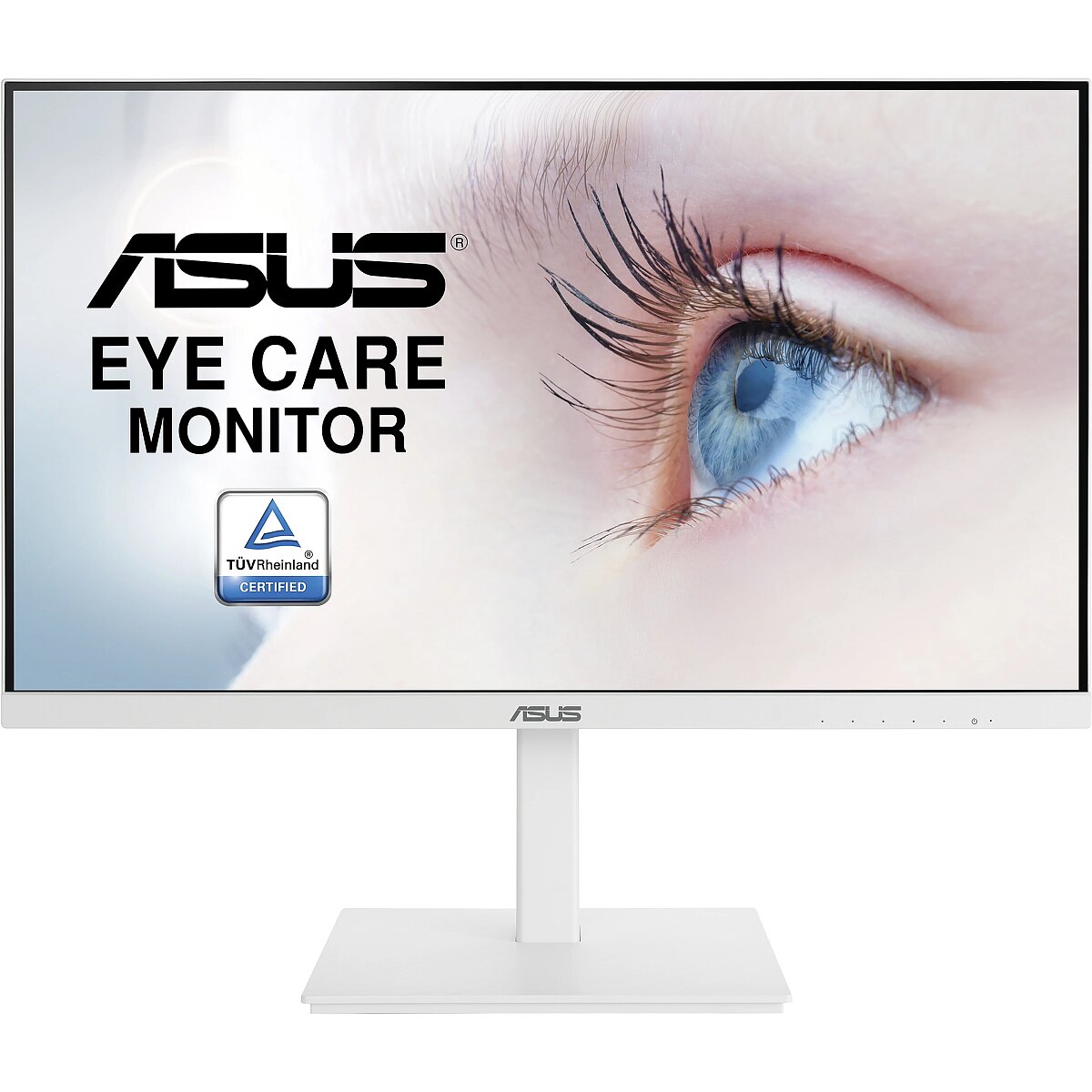
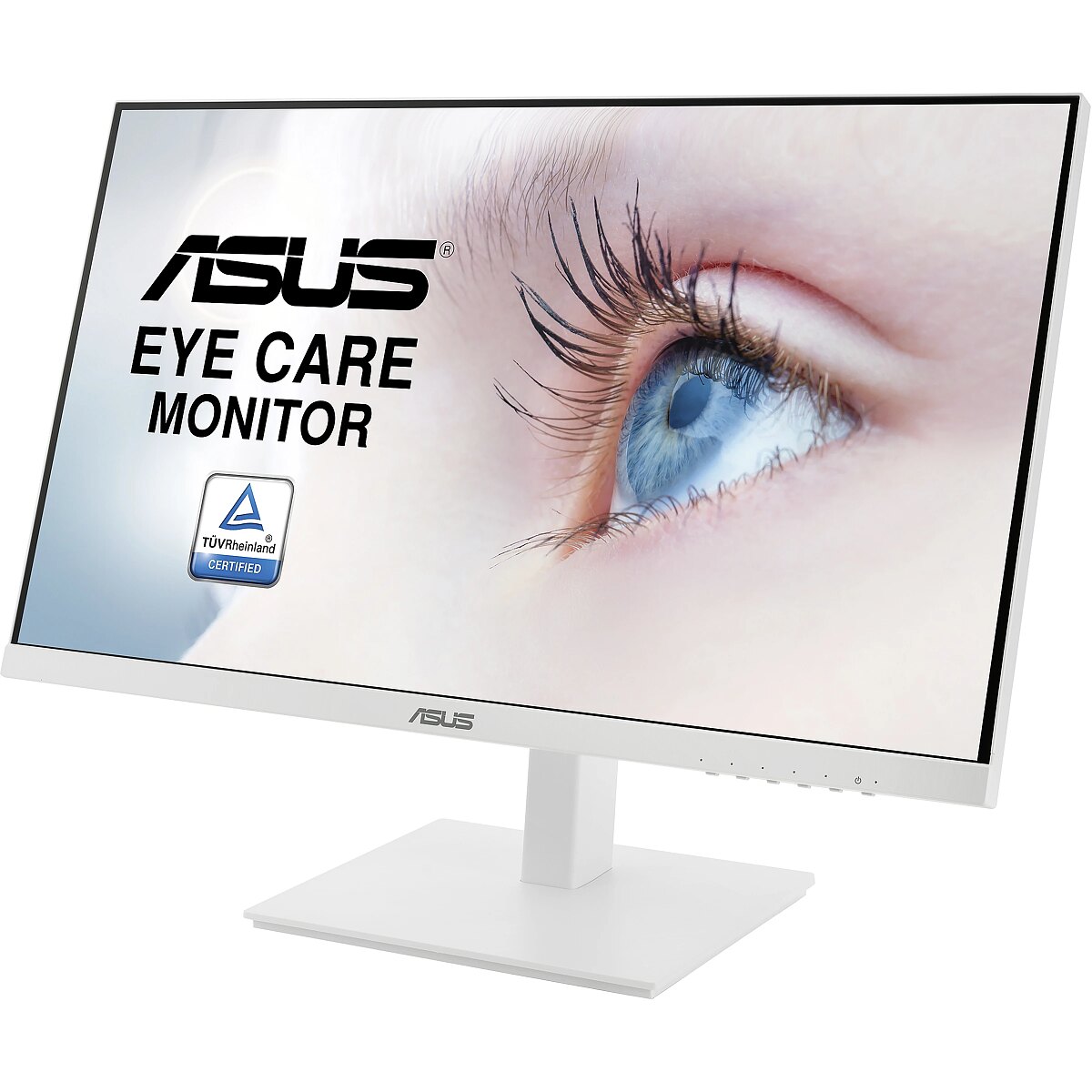
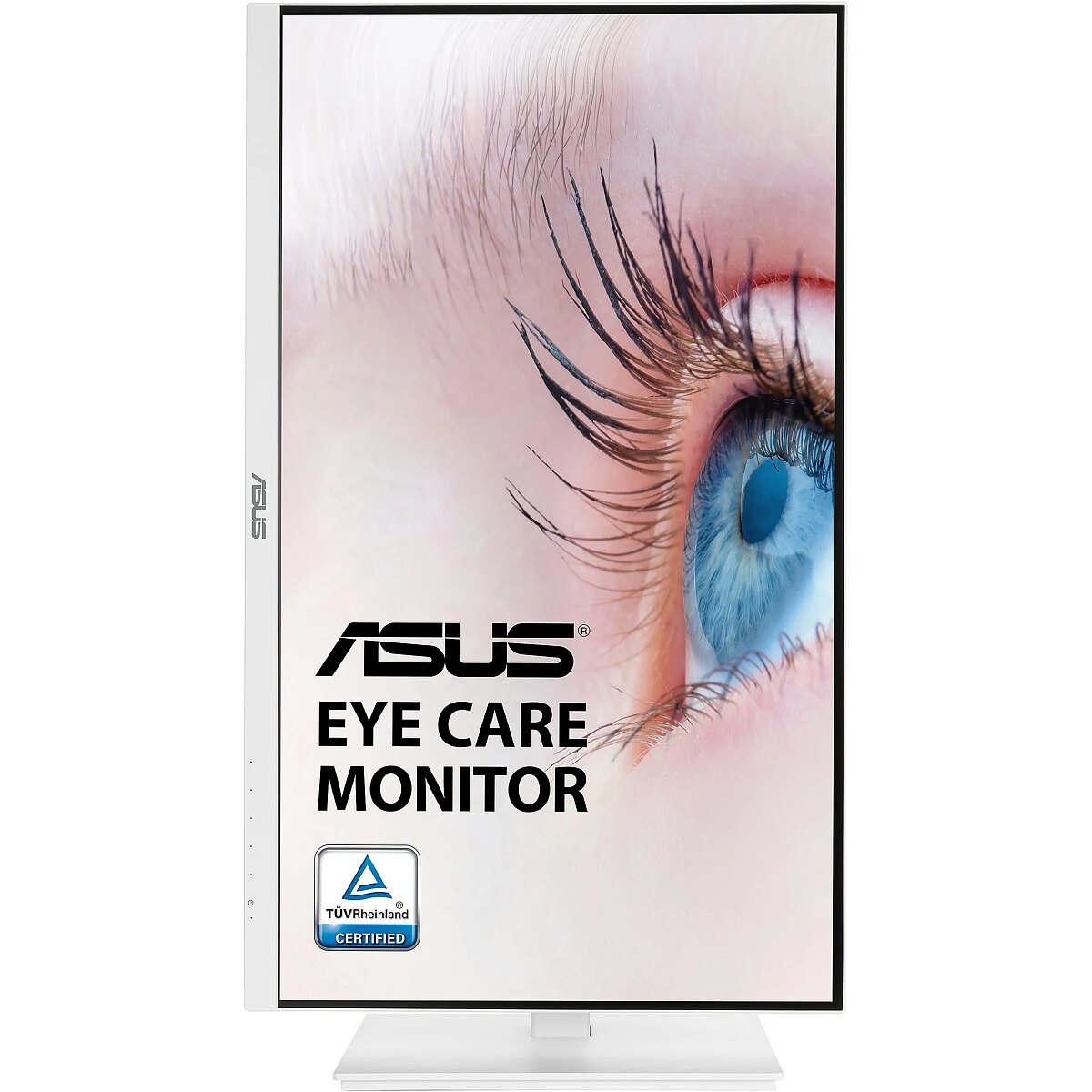
description_en - ASUS VA27DQSB-W is a 27-inch Full HD monitor that features a frameless IPS panel for wide angle viewing to deliver incredibly sharp imagery and stunning video playback. Fast refresh rate with Adaptive-Sync technology to eliminate tracing and ensure crisp and clear video playback. Its highly ergonomic design with tilt, swivel, pivot and height adjustments along with TÜV Rheinland-certified Flicker-free and Low Blue Light provides a comfortable viewing experience.
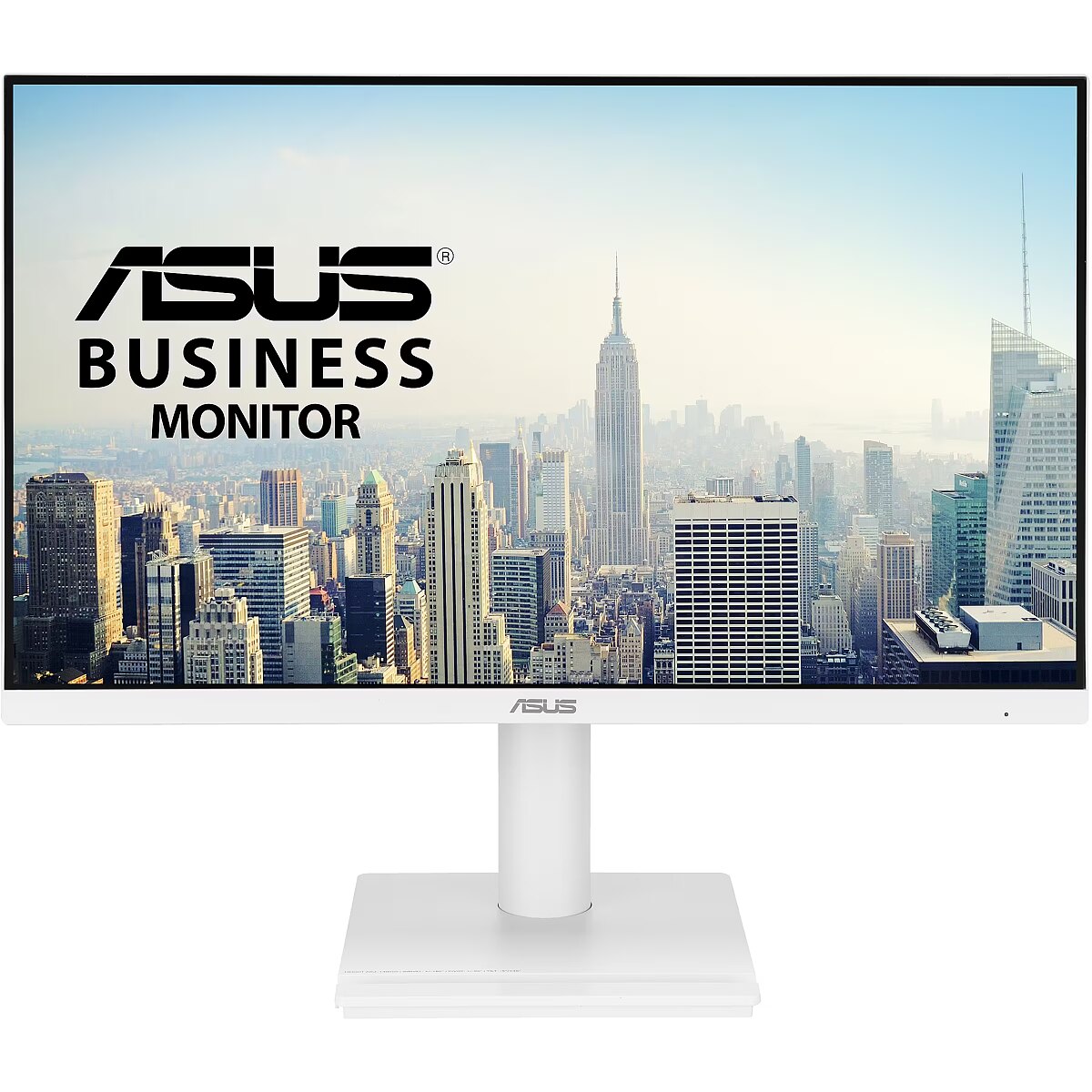
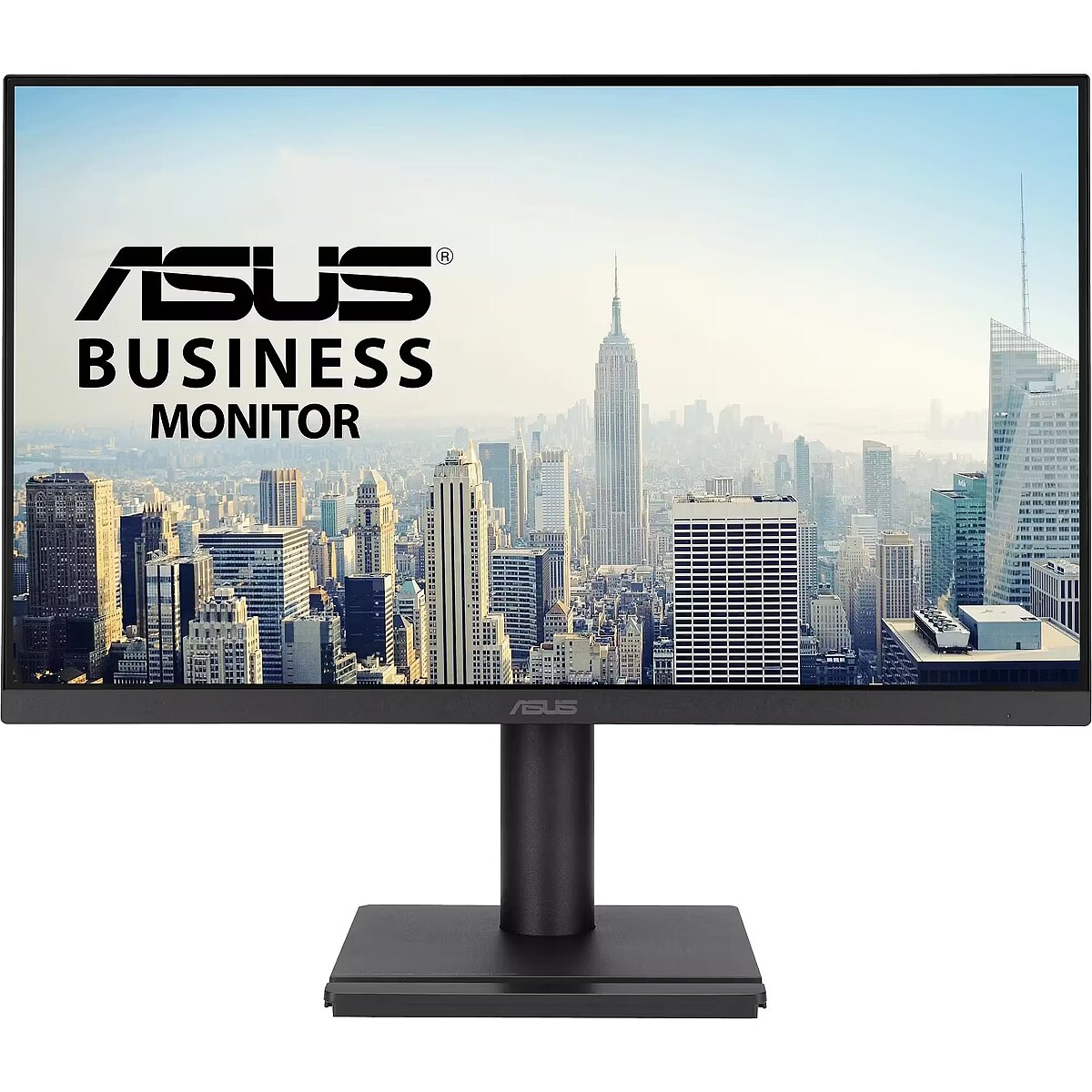
27-inch Full HD (1920 x 1080) LED backlight display with IPS 178° wide viewing angle panel
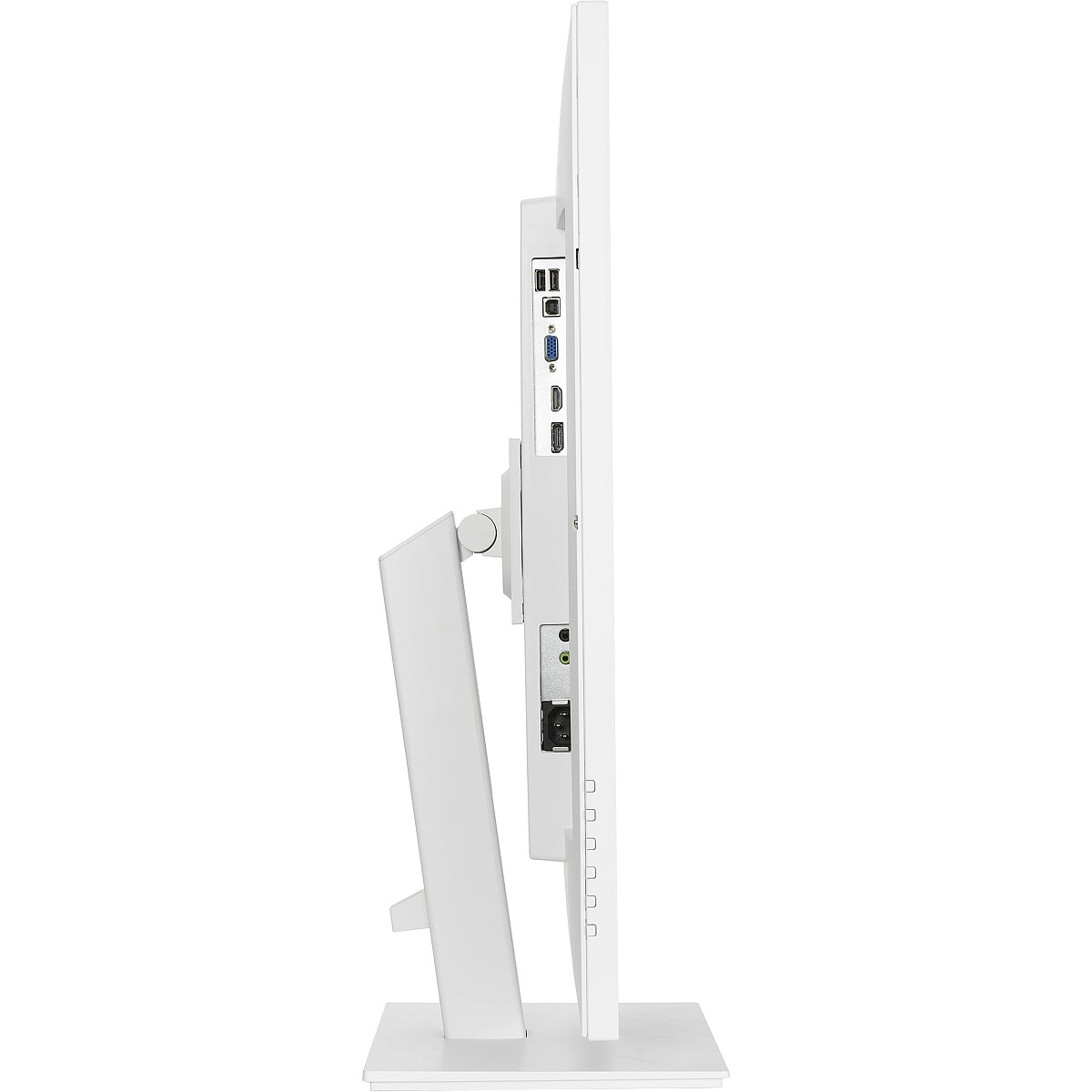
Extensive connectivity including HDMI, DisplayPort, D-sub and USB hub
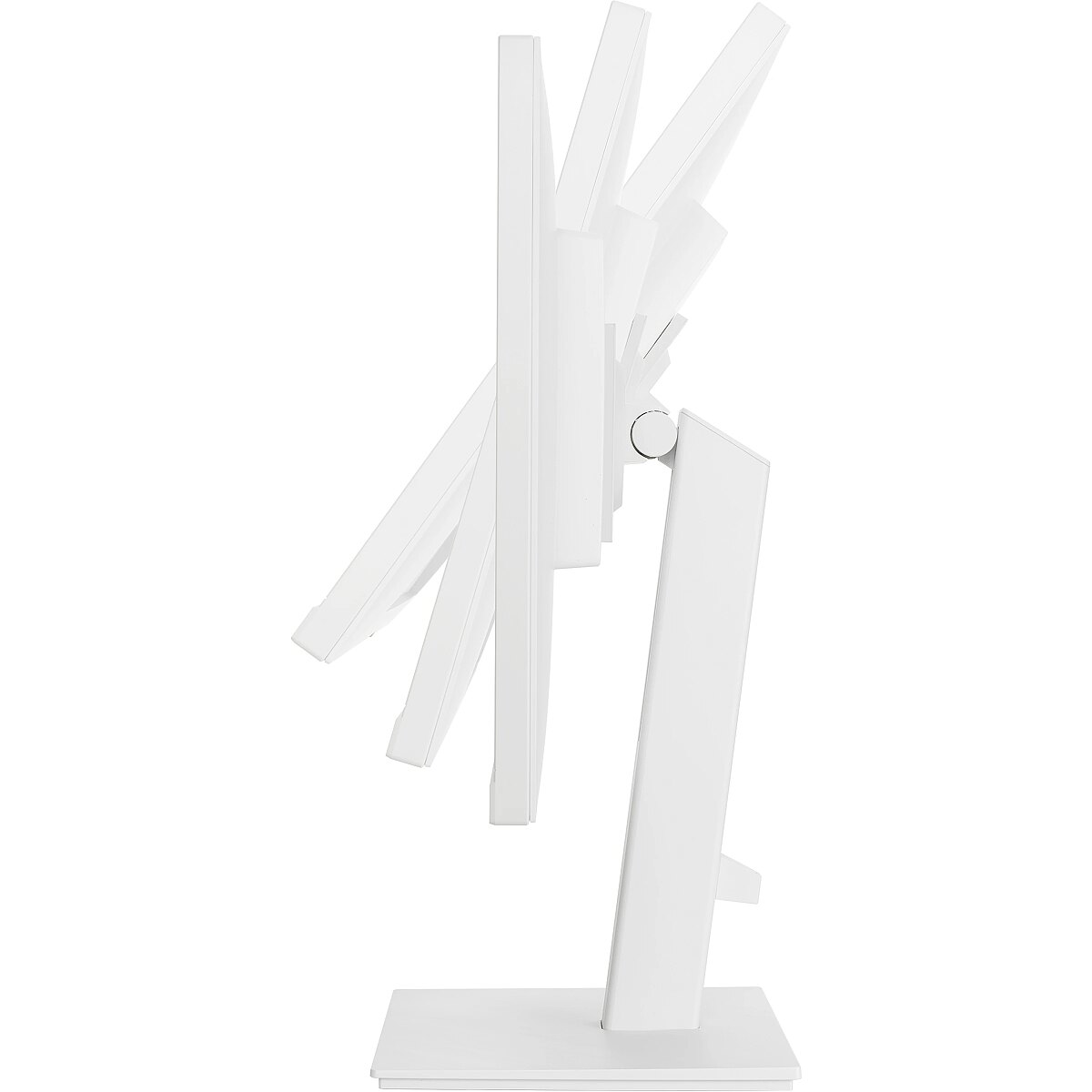
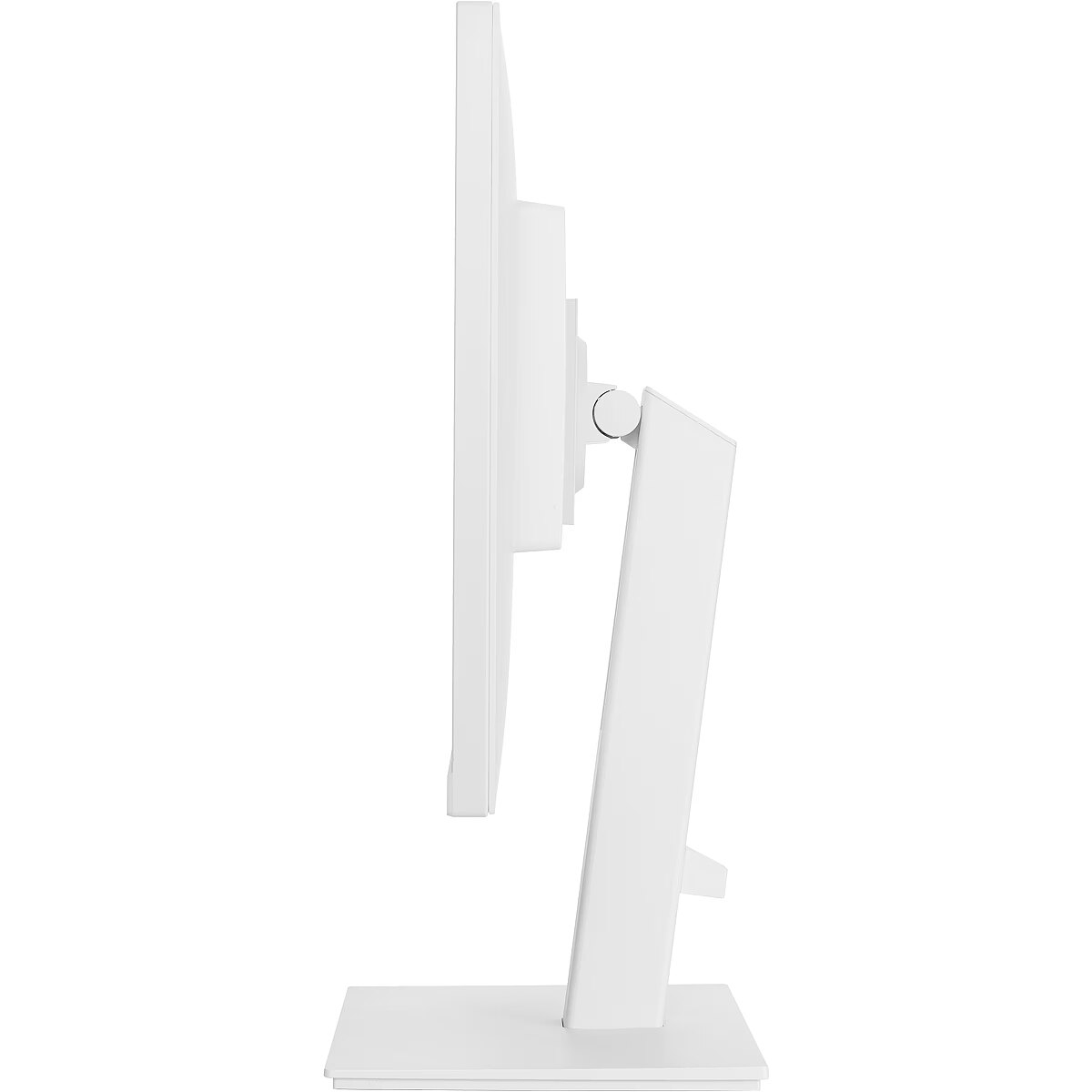
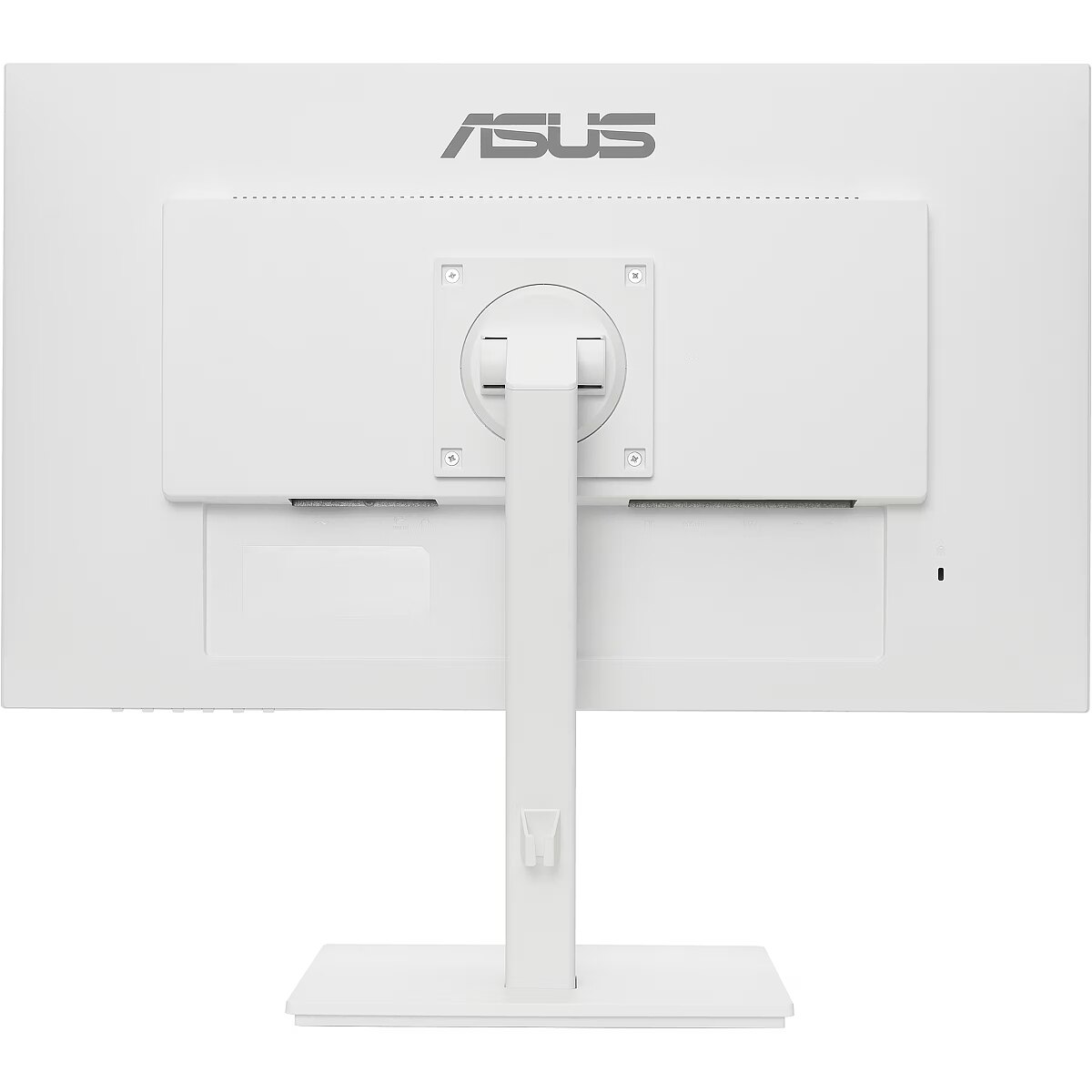
Ergonomic design with +35° ~ -5° tilt, ±180° swivel, ±90° pivot and 150mm height adjustments for a comfortable viewing experience
ASUS Eye Care monitors feature TÜV Rheinland-certified Flicker-free and Low Blue Light technologies to ensure a comfortable viewing experience
Lifelike views with 178° wide view angle
Full HD resolution and frameless IPS panel provides 178 viewing angles, both horizontally and vertically, so you can enjoy its beautiful visuals from almost any direction.
Extensive connectivity
A host of connectivity options that include HDMI, DisplayPort, D-sub and USB hub, so hooks up easily to a wide variety of PCs, laptops, consoles, media boxes, keyboard and mice. It also has pass through ports for the line in and headphone jack inputs, putting the audio connections conveniently.
Versatile, ergonomic stand for custom comfort
A comfortable viewing position is always within reach thanks to ergonomically-designed stand with tilt, swivel, pivot, and height adjustments provides a superb range of viewing options for increased productivity and comfort. The screen can also be rotated vertically through 90-degree for use in Portrait mode, which is a great benefit when working with long documents, writing code or browsing lengthy websites.
In-game enhancements
Adaptive-Sync technology to eliminate screen tearing and choppy frame rates to give you seamless visuals and smooth gameplay. This gives you the upper hand in first person shooters, racing, real-time strategy and sports titles. The ASUS-exclusive, integrated GamePlus can help you get more out of your game. This function is co-developed with input from pro gamers, allowing them to practice and improve their gaming skills.
ASUS blue light filter
Exclusive ASUS blue light filter protects you from harmful blue light. It's easy to access, intuitive and flexible with seamless adjustment (0 to maximum) via the OSD menu.
ASUS Flicker free technology
It's time to say goodbye to those tired, strained eyes. Flicker Free technology helps reduce onscreen flicker, giving you a more comfortable, movie marathon ready environment. It is designed to minimize eyestrain, headaches and eye fatigue when you spend long, countless hours in front of the display.
Splendid video intelligence technology
ASUS Splendid technology that optimizes videos and images by enhancing color brightness, contrast and sharpness. It features a wide variety of modes including Reading, Darkroom, Scenery, Standard, Theater, sRGB, Game and Night View.
Smart cable management
Cable management design helps you organize and hide various cables to keep your desk area tidy.
description_lv - ASUS VA27DQSB-W ir 27 collu Full HD monitors ar bezrāmja IPS paneli platleņķa skatīšanai, lai nodrošinātu neticami asus attēlus un satriecošu video atskaņošanu. Ātra atsvaidzes intensitāte ar Adaptive-Sync tehnoloģiju, lai novērstu kustību izsekošanu un nodrošinātu asu un skaidru video atskaņošanu. Tā ļoti ergonomiskais dizains ar slīpuma, pagriešanās, pagrieziena un augstuma regulēšanas iespējām, kā arī TÜV Rheinland sertificētā Flicker-free un Low Blue Light tehnoloģija nodrošina ērtu skatīšanās pieredzi. 27 collu Full HD (1920 x 1080) LED displeja displejs ar fona apgaismojumu un IPS paneli ar 178° platu skata leņķi
Plašas savienojamības iespējas, tostarp HDMI, DisplayPort, D-sub un USB centrmezglu
Ergonomisks dizains ar +35° ~ -5° slīpumu, ±180° pagriešanu, ±90° pagriezienu un 150 mm augstuma regulēšanu ērtai skatīšanās pieredzei
ASUS Eye Care monitori ir aprīkoti ar TÜV Rheinland sertificētām Flicker-free un Low Blue Light tehnoloģijām, lai nodrošinātu ērtu skatīšanās pieredzi
Dzīvības pilns skats ar 178° platu skata leņķi
Full HD izšķirtspēja un bezrāmju IPS panelis nodrošina 178 skata leņķus gan horizontāli, gan vertikāli, lai jūs varētu baudīt tā skaisto vizuālo attēlu gandrīz no jebkura virziena.
Plašas savienojamības iespējas
Plašas savienojamības iespējas, tostarp HDMI, DisplayPort, D-sub un USB centrmezglu, ļauj viegli pieslēgties dažādiem datoriem, klēpjdatoriem, konsolēm, multivides ierīcēm, tastatūrām un pelēm. Tam ir arī caurlaides porti līnijas ieejai un austiņu ligzdai, kas ērti nodrošina audio savienojumus.
Daudzpusīgs, ergonomisks statīvs pielāgotam komfortam
Ērta skatīšanās pozīcija vienmēr ir sasniedzama, pateicoties ergonomiski izstrādātajam statīvam ar slīpuma, pagrieziena, pagrieziena un augstuma regulēšanas iespējām, kas nodrošina lieliskas skatīšanās iespējas, lai palielinātu produktivitāti un komfortu. Ekrānu var arī pagriezt vertikāli par 90 grādiem, lai to izmantotu portreta režīmā, kas ir lieliska priekšrocība, strādājot ar gariem dokumentiem, rakstot kodu vai pārlūkojot garas tīmekļa vietnes.
Spēles uzlabojumi
Adaptive-Sync tehnoloģija novērš ekrāna plīšanu un saraustītu kadru ātrumu, nodrošinot nevainojamu vizuālo atmosfēru un vienmērīgu spēlēšanu. Tas dod jums priekšrocības pirmās personas šāvēju, sacīkšu, reāllaika stratēģijas un sporta spēlēs. ASUS ekskluzīvais, integrētais GamePlus var palīdzēt jums iegūt vairāk no spēles. Šī funkcija ir izstrādāta, sadarbojoties ar profesionālu spēlētāju ieteikumiem, ļaujot viņiem praktizēt un uzlabot savas spēļu prasmes.
ASUS zilās gaismas filtrs
Ekskluzīvais ASUS zilās gaismas filtrs aizsargā jūs no kaitīgas zilās gaismas. Tam ir viegli piekļūt, tas ir intuitīvs un elastīgs, ar nemanāmu regulēšanu (no 0 līdz maksimālajam), izmantojot OSD izvēlni.
ASUS Flicker Free tehnoloģija
Ir pienācis laiks atvadīties no nogurušajām, saspringtajām acīm. Flicker Free tehnoloģija palīdz samazināt ekrāna mirgošanu, nodrošinot ērtāku, filmu maratonam gatavu vidi. Tā ir izstrādāta, lai mazinātu acu nogurumu, galvassāpes un acu nogurumu, pavadot ilgas, neskaitāmas stundas pie displeja.
Splendid video intelekta tehnoloģija
ASUS Splendid tehnoloģija optimizē video un attēlus, uzlabojot krāsu spilgtumu, kontrastu un asumu. Tai ir plašs režīmu klāsts, tostarp lasīšanas, tumšās telpas, ainavas, standarta, kinoteātra, sRGB, spēles un nakts skata režīms.
Vieda kabeļu pārvaldība
Kabeļu pārvaldības dizains palīdz sakārtot un paslēpt dažādus kabeļus, lai jūsu darba virsma būtu kārtīga.
description_ru - ASUS VA27DQSB-W — это 27-дюймовый Full HD-монитор с безрамной IPS-панелью для широкоугольного просмотра, обеспечивающей невероятно четкое изображение и потрясающее воспроизведение видео. Высокая частота обновления с технологией Adaptive-Sync устраняет трассировку и обеспечивает четкое и ясное воспроизведение видео. Его высокоэргономичный дизайн с регулировкой наклона, поворота, вращения и высоты, а также сертифицированные TÜV Rheinland Flicker-free и Low Blue Light обеспечивают комфортный просмотр.
27-дюймовый дисплей Full HD (1920 x 1080) со светодиодной подсветкой и панелью IPS с широким углом обзора 178°
Широкие возможности подключения, включая HDMI, DisplayPort, D-sub и USB-концентратор
Эргономичный дизайн с наклоном +35° ~ -5°, поворотом ±180°, поворотом ±90° и регулировкой высоты 150 мм для комфортного просмотра
Мониторы ASUS Eye Care оснащены сертифицированными TÜV Rheinland технологиями Flicker-free и Low Blue Light для обеспечения комфортного просмотра
Реалистичные изображения с широким углом обзора 178°
Разрешение Full HD и безрамная панель IPS обеспечивают 178 углов обзора как по горизонтали, так и по вертикали, поэтому вы можете наслаждаться прекрасным изображением практически с любого направления.
Широкие возможности подключения
Множество вариантов подключения, включая HDMI, DisplayPort, D-sub и USB-концентратор, поэтому легко подключается к широкому спектру ПК, ноутбуков, консолей, медиа-боксов, клавиатур и мышей. Он также имеет сквозные порты для линейного входа и разъема для наушников, что удобно для аудиоподключений.
Универсальная, эргономичная подставка для индивидуального комфорта
Удобное положение для просмотра всегда под рукой благодаря эргономичной подставке с регулировкой наклона, поворота, вращения и высоты обеспечивает превосходный диапазон вариантов просмотра для повышения производительности и комфорта. Экран также можно повернуть по вертикали на 90 градусов для использования в портретном режиме, что является большим преимуществом при работе с длинными документами, написании кода или просмотре длинных веб-сайтов.
Улучшения в игре
Технология Adaptive-Sync для устранения разрывов экрана и прерывистой частоты кадров, обеспечивая вам бесшовные визуальные эффекты и плавный игровой процесс. Это дает вам преимущество в шутерах от первого лица, гонках, стратегиях в реальном времени и спортивных играх. Эксклюзивная интегрированная функция GamePlus от ASUS поможет вам получить больше от игры. Эта функция разработана совместно с профессиональными геймерами, позволяя им практиковаться и улучшать свои игровые навыки.
Фильтр синего света ASUS
Эксклюзивный фильтр синего света ASUS защищает вас от вредного синего света. Он легкодоступен, интуитивно понятен и гибок с плавной регулировкой (от 0 до максимума) через экранное меню.
Технология ASUS Flicker free
Пришло время попрощаться с уставшими, напряженными глазами. Технология Flicker Free помогает уменьшить мерцание на экране, создавая более комфортную среду, готовую к киномарафону. Она разработана для минимизации напряжения глаз, головных болей и усталости глаз, когда вы проводите долгие, бесчисленные часы перед дисплеем.
Технология Splendid Video Intelligence
Технология ASUS Splendid, которая оптимизирует видео и изображения, повышая яркость, контрастность и резкость цветов. Она имеет широкий спектр режимов, включая Reading, Darkroom, Landscapery, Standard, Theater, sRGB, Game и Night View.
Умная организация кабелей
Конструкция организации кабелей поможет вам организовать и скрыть различные кабели, чтобы поддерживать порядок на рабочем столе.
Design - Frameless design - Yes
Design - Product colour - White
Designation - CE+WEEE
dimension depth - 710 mm
dimension height - 450 mm
dimension weight - 9000 g
dimension width - 230 mm
Display - Contrast ratio (dynamic) - 100000000:1
Display - Contrast ratio (typical) - 1000:1
Display - Display brightness (typical) - 250 cd/m²
Display - Display diagonal - 68.6 cm (27")
Display - Display number of colours - 16.7 million colours
Display - Display resolution - 1920 x 1080 pixels
Display - Display technology - LED
Display - HD type - Full HD
Display - Maximum refresh rate - 75 Hz
Display - Native aspect ratio - 16:9
Display - Panel type - IPS
Display - Response time - 5 ms
Display - Screen shape - Flat
Display - Touchscreen - No
Display - Viewing angle, horizontal - 178°
Display - Viewing angle, vertical - 178°
Display surface - Matt
Dodatkowe informacje o matrycy: Format obrazu - 16:9
Dodatkowe informacje o matrycy: Kontrast - 1000:1
Dodatkowe informacje o matrycy: Kąt widzenia w pionie - 178 °
Dodatkowe informacje o matrycy: Kąt widzenia w poziomie - 178 °
Dodatkowe informacje o matrycy: Liczba wyświetlanych kolorów - 16.7 mln
Dot pitch - 0.311 mm
Dynamic contrast - 10 000 000:1
ean - 4711081046868
EAN - 4711081046868
Eans - 4711081046868
EAN_code - 4711081046868
Efektywność energetyczna: Klasa energetyczna (2021) - F
Efektywność energetyczna: Zużycie energii w trybie czuwania - 0.5 W
Efektywność energetyczna: Zużycie energii w trybie pracy - 16 W
Energy class - C
Energy label - Pobierz
Ergonomics - Adjustable height (max) - 15 cm
Ergonomics - Cable lock slot - Yes
Ergonomics - Cable lock slot type - Kensington
Ergonomics - Height adjustment - Yes
Ergonomics - Panel mounting interface - 100 x 100 mm
Ergonomics - Pivot - Yes
Ergonomics - Pivot angle - -90 - 90°
Ergonomics - Swivel angle range - -180 - 180°
Ergonomics - Swivelling - Yes
Ergonomics - Tilt adjustment - Yes
Ergonomics - Tilt angle range - -5 - 35°
Ergonomics - VESA mounting - Yes
Frequency, horizontal max. - 85 kHz
Frequency, horizontal min. - 30 kHz
Frequency, vertical max. - 75 Hz
Frequency, vertical min. - 48 Hz
gross_weight - 8 kg
GTIN - 4711081046868
guarantee - 36
guarantee_type - external
Height - 364.7 mm
Height with stand - 523.4 mm
I/O connectors - 1 x 3,5 mm minijack
I/O connectors - 1 x 15-pin D-Sub
I/O connectors - 1 x DisplayPort
I/O connectors - 1 x HDMI
I/O connectors - 2 x USB 2.0
Logistics data - Harmonized System (HS) code - 85285210
LongDesc - VA27DQSB-W Eye Care MonitorASUS VA27DQSB-W is a 27 inch Full HD monitor that features a frameless IPS panel for wide angle viewing to deliver incredibly sharp imagery and stunning video playback. Up to 75Hz refresh rate with Adaptive-Sync technology to eliminate tracing and ensure crisp and clear video playback. Its highly ergonomic design with tilt, swivel, pivot and height adjustments along with TÜV Rheinland-certified Flicker-free and Low Blue Light provides a comfortable viewing experience.Lifelike views with 178° wide view angleFull HD resolution and frameless IPS panel provides 178 viewing angles, both horizontally and vertically, so you can enjoy its beautiful visuals from almost any direction.Extensive ConnectivityA host of connectivity options that include HDMI, DisplayPort, D-sub and USB hub, so hooks up easily to a wide variety of PCs, laptops, consoles, media boxes, keyboard and mice. It also has pass through ports for the line in and headphone jack inputs, putting the audio connections conveniently.Versatile, ergonomic stand for custom comfortA comfortable viewing position is always within reach thanks to ergonomically-designed stand with tilt, swivel, pivot, and height adjustments provides a superb range of viewing options for increased productivity and comfort. The screen can also be rotated vertically through 90 degree for use in Portrait mode, which is a great benefit when working with long documents, writing code or browsing lengthy websites.In-game EnhancementsAdaptive-Sync technology to eliminate screen tearing and choppy frame rates to give you seamless visuals and smooth gameplay. This gives you the upper hand in first person shooters, racing, real-time strategy and sports titles. (Adaptive-Sync works at fresh rates ranging from 48Hz to 75Hz). The ASUS-exclusive, integrated GamePlus can help you get more out of your game. This function is co-developed with input from pro gamers, allowing them to practice and improve their gaming skills.Protect your eyes with ASUS Eye Care technologyASUS blue light filterExclusive ASUS blue light filter protects you from harmful blue light. It's easy to access, intuitive and flexible with seamless adjustment (0 to Maximum) via the OSD menu.ASUS Flicker free technologyIt's time to say goodbye to those tired, strained eyes. Flicker Free technology helps reduce onscreen flicker, giving you a more comfortable, movie marathon ready environment. It is designed to minimize eyestrain, headaches and eye fatigue when you spend long, countless hours in front of the display.Exclusive ASUS features for added versatilitySplendid™ Video Intelligence TechnologyASUS Splendid™ technology that optimizes videos and images by enhancing color brightness, contrast and sharpness. It features a wide variety of modes including Reading, Darkroom, Scenery, Standard, Theater, sRGB , Game and Night View.Smart Cable ManagementCable management design helps you organize and hide various cables to keep your desk area tidy.
LongProductName - ASUS VA27DQSB-W Eye Care Monitor – 27 inch, FHD (Full HD 1920 x 1080), IPS, Frameless, 75Hz, Adaptive-Sync, DisplayPort, HDMI, Eye Care, Low Blue Light, Flicker Free, Wall Mountable
LongSummaryDescription - ASUS VA27DQSB-W. Display diagonal: 68.6 cm (27"), Display resolution: 1920 x 1080 pixels, HD type: Full HD, Display technology: LED, Response time: 5 ms, Native aspect ratio: 16:9, Viewing angle, horizontal: 178°, Viewing angle, vertical: 178°. Built-in speaker(s). Built-in USB hub, USB hub version: 2.0. VESA mounting, Height adjustment. Product colour: White
Manufacturer - Asus
Manufacturer - ASUS
Manufacturer_code - 90LM06HD-B02370
Matrix type - TFT IPS
Model - VA27DQSB-W
MPN - 90LM06H4-B02370
Multimedia - Built-in camera - No
Multimedia - Built-in speaker(s) - Yes
Multimedia - Number of speakers - 2
Multimedia - RMS rated power - 2 W
Name - Asus 27 LED VA27DQSB-W - Commercial
Name - ASUS Eye Care VA27DQSB-W 68.6cm (16:9) FHD HDMI DP
Name - ASUS VA27DQSB- 75Hz | Full HD | 27'' | IPS | 5ms
name - Monitor 27 inch VA27DQSB-W
Number of colors - 16,7 mln
Ochrona oczu: Filtr światła niebieskiego - tak
Ochrona oczu: Redukcja migotania - tak
Optional accessory -
Other features -
Packaging content - Cables included - AC
Packaging content - Stand included - Yes
Packaging data - Package depth - 449 mm
Packaging data - Package height - 236 mm
Packaging data - Package type - Box
Packaging data - Package weight - 9 kg
Packaging data - Package width - 715 mm
Performance - AMD FreeSync - Yes
Performance - Flicker-free technology - Yes
Performance - Low Blue Light technology - Yes
Performance - VESA Adaptive Sync support - Yes
Ports & interfaces - Built-in USB hub - Yes
Ports & interfaces - DisplayPorts quantity - 1
Ports & interfaces - DisplayPort version - 1.2
Ports & interfaces - DVI port - No
Ports & interfaces - HDMI - Yes
Ports & interfaces - HDMI ports quantity - 1
Ports & interfaces - HDMI version - 1.4
Ports & interfaces - Headphone connectivity - 3.5 mm
Ports & interfaces - Headphone out - Yes
Ports & interfaces - Headphone outputs - 1
Ports & interfaces - PC Audio in - Yes
Ports & interfaces - USB hub version - 2.0
Ports & interfaces - USB Type-A downstream ports quantity - 2
Ports & interfaces - VGA (D-Sub) ports quantity - 1
Power - AC input voltage - 100 - 240 V
Power - Energy consumption (SDR) per 1000 hours - 26 kWh
Power - Energy efficiency class (SDR) - F
Power - Energy efficiency scale - A to G
Power - European Product Registry for Energy Labelling (EPREL) code - 420522
Power - Power consumption (off) - 0.3 W
Power - Power consumption (typical) - 16 W
Power consumption - 16 W
Pozostałe cechy: Akcesoria - podręcznik użytkownika
Pozostałe cechy: Akcesoria - power cord
Producent: Nazwa producenta / importera - AsusASUS COMPUTER GmBHHARKORT STR. 21-2340880 RATINGENEmail: https://www.asus.com/support/Product/ContactUs/Services/questionform/?lang=en&utm_source=asus-qr&utm
producer - Asus
Producer - ASUS
Producer - Asus
ProducerCode - VA27DQSB-W
ProductName - VA27DQSB-W
Resolution - 1920 x 1080 (FHD 1080)
Response time - 5 ms
Screen size (diag.) - 27"
ShortDescription - 27'' | IPS | Full HD | 75Hz
ShortSummaryDescription - ASUS VA27DQSB-W, 68.6 cm (27"), 1920 x 1080 pixels, Full HD, LED, 5 ms, White
Speakers built-in - Yes
Static contrast - 1 000:1
TCO Certified - Yes
Title - ASUS VA27DQSB-W computer monitor 68.6 cm (27") 1920 x 1080 pixels Full HD LED White
title_en - Asus VA27DQSB-W Full HD LED Monitor 27"
title_lv - Asus VA27DQSB-W Full HD LED Monitors 27"
title_ru - Asus VA27DQSB-W Full HD LED Монитор 27"
Touch screen - No
Transreflective technology - LED
TV tuner built-in - No
URL - https://www.asus.com/Displays-Desktops/Monitors/Eye-Care/VA27DQSB-W/
vendpn - VA27DQSB-W
VESA - 100 x 100
Viewing angle, horizontal - 178 °
Viewing angle, vertical - 178 °
Visible area, horizontal - 597.88 mm
Visible area, vertical - 336.31 mm
Warranty -
WarrantyInfo -
Web camera - None
Weight - 4.5 kg
weight - 6.6 kg
Weight - 8,90
Weight - 8.8
Weight & dimensions - Depth (without stand) - 55.5 mm
Weight & dimensions - Depth (with stand) - 55.5 mm
Weight & dimensions - Height (without stand) - 364.7 mm
Weight & dimensions - Height (with stand) - 523.4 mm
Weight & dimensions - Weight (without stand) - 4.5 kg
Weight & dimensions - Weight (with stand) - 6.8 kg
Weight & dimensions - Width (without stand) - 611.9 mm
Weight & dimensions - Width (with stand) - 611.9 mm
Weight with stand - 6.8 kg
Width - 611.9 mm
WiFi - No
Złącza: Złącza - 1 x D-Sub 15-pin
Złącza: Złącza - 1 x DisplayPort
Złącza: Złącza - 1 x HDMI
Złącza: Złącza - 1 x słuchawkowe
Złącza: Złącza - 1 x USB 2.0 Type-B
Złącza: Złącza - 2 x USB



 DVI is a digital standard and ensures high image quality, however, thanks to the big size of the plug and the inability of the standard to develop further due to a few technical restrictions this type of connection is gradually losing its popularity to modern HDMI and DisplayPort standards.




