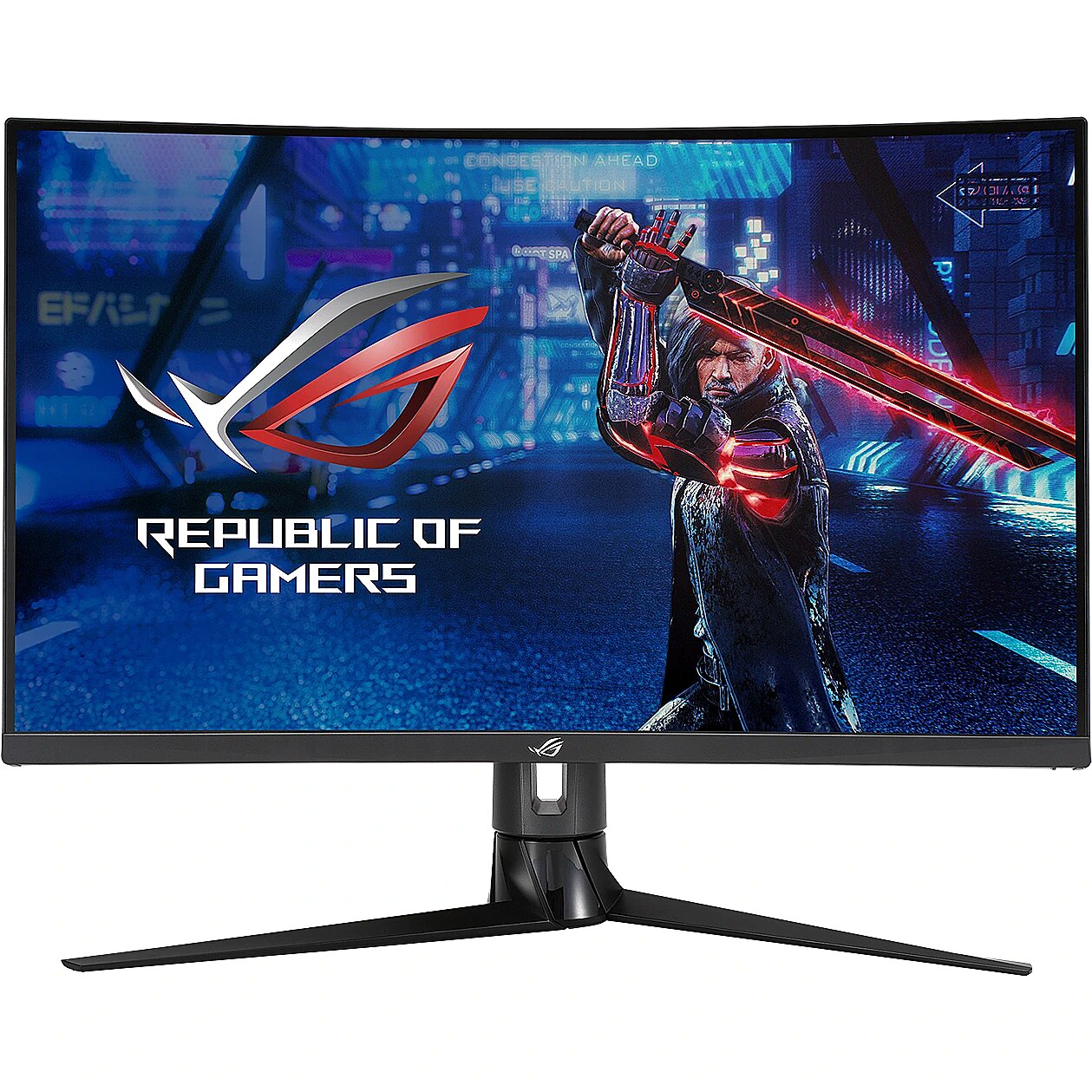
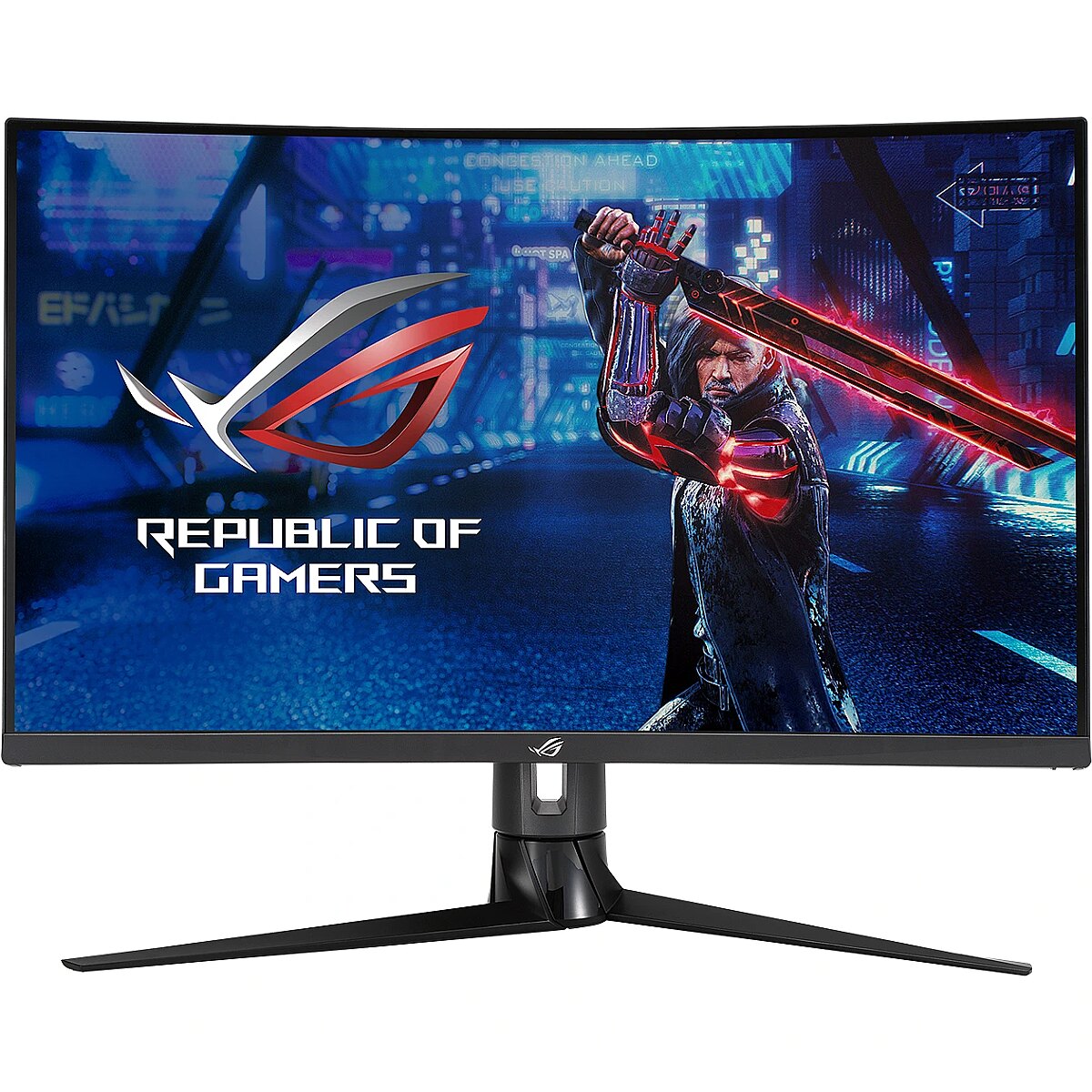
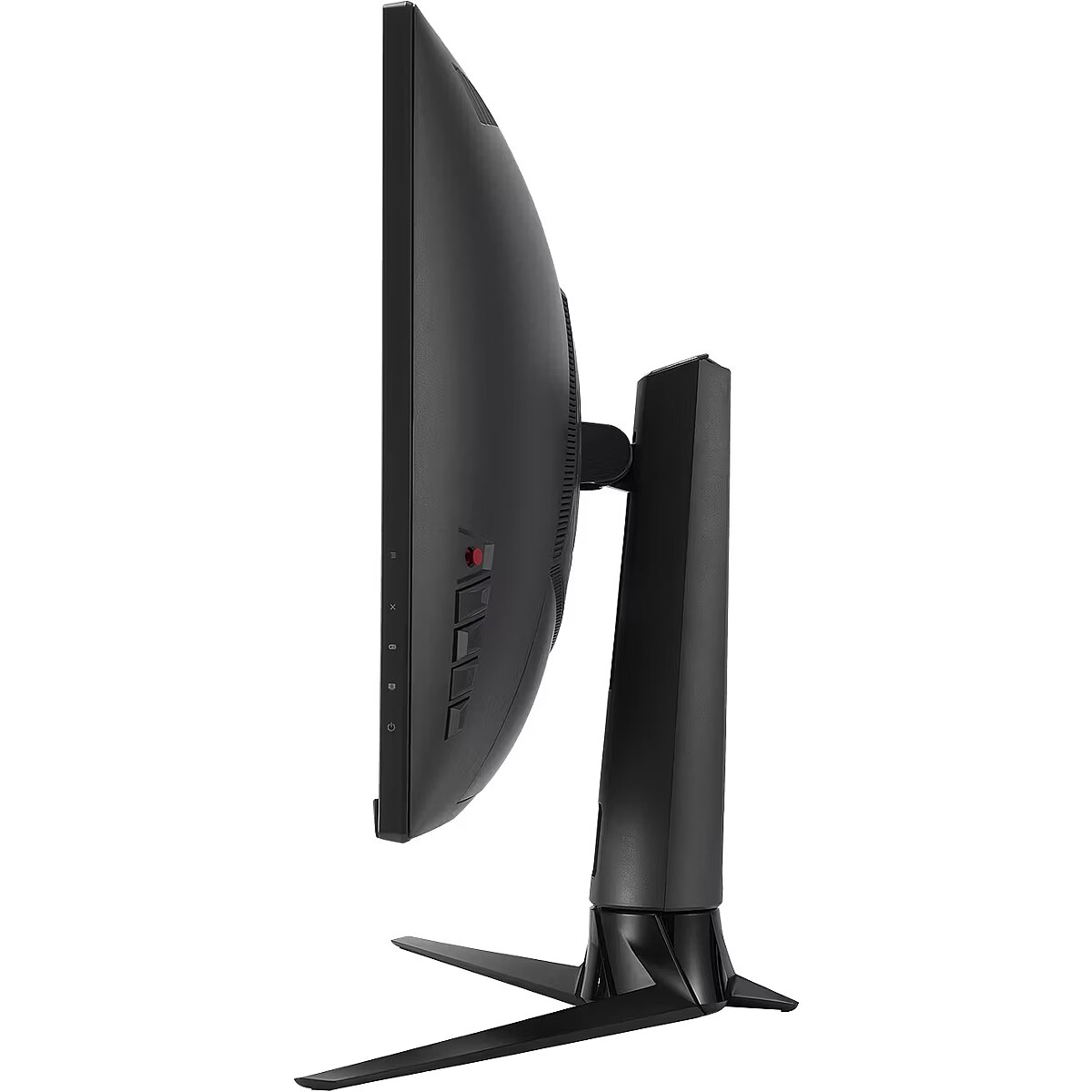
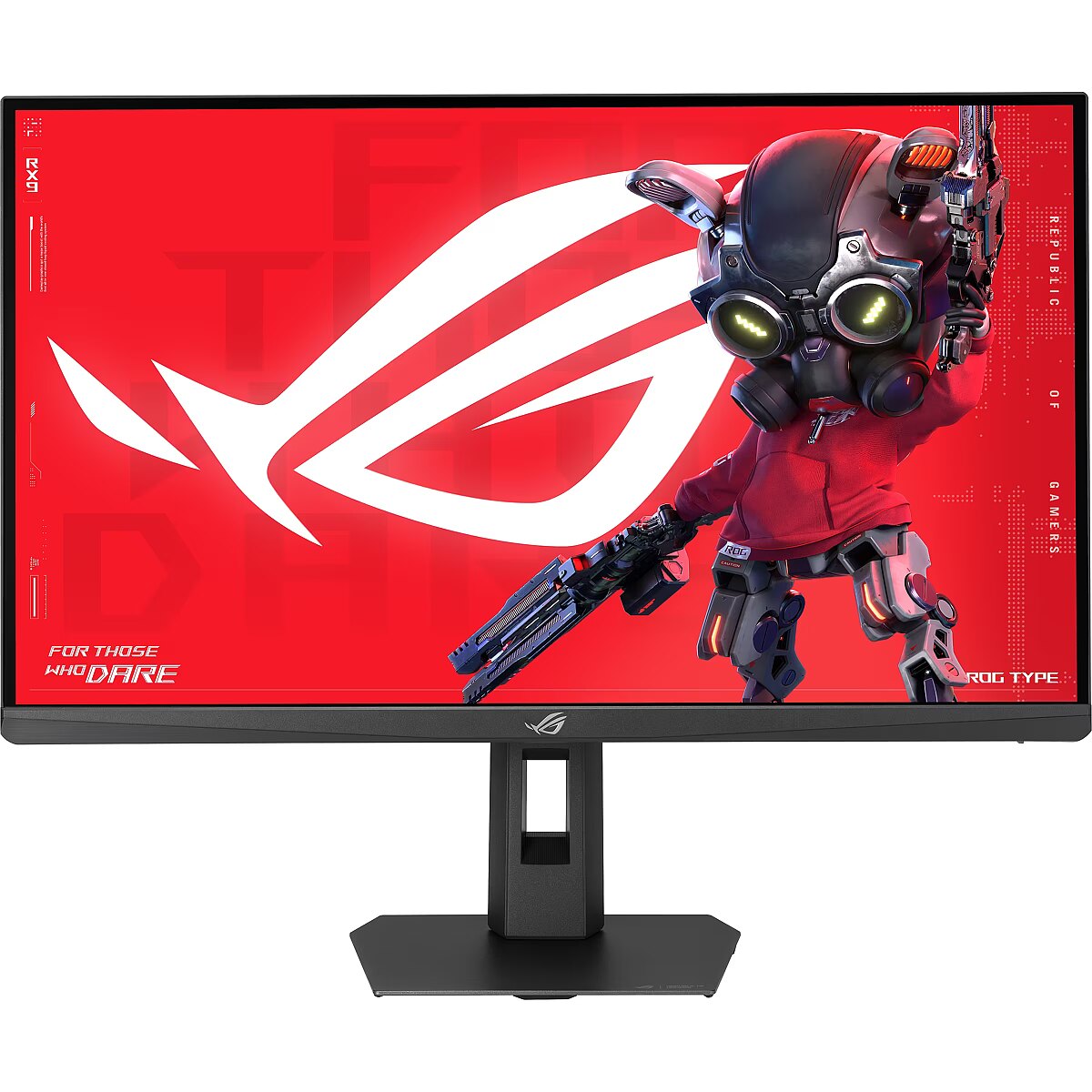
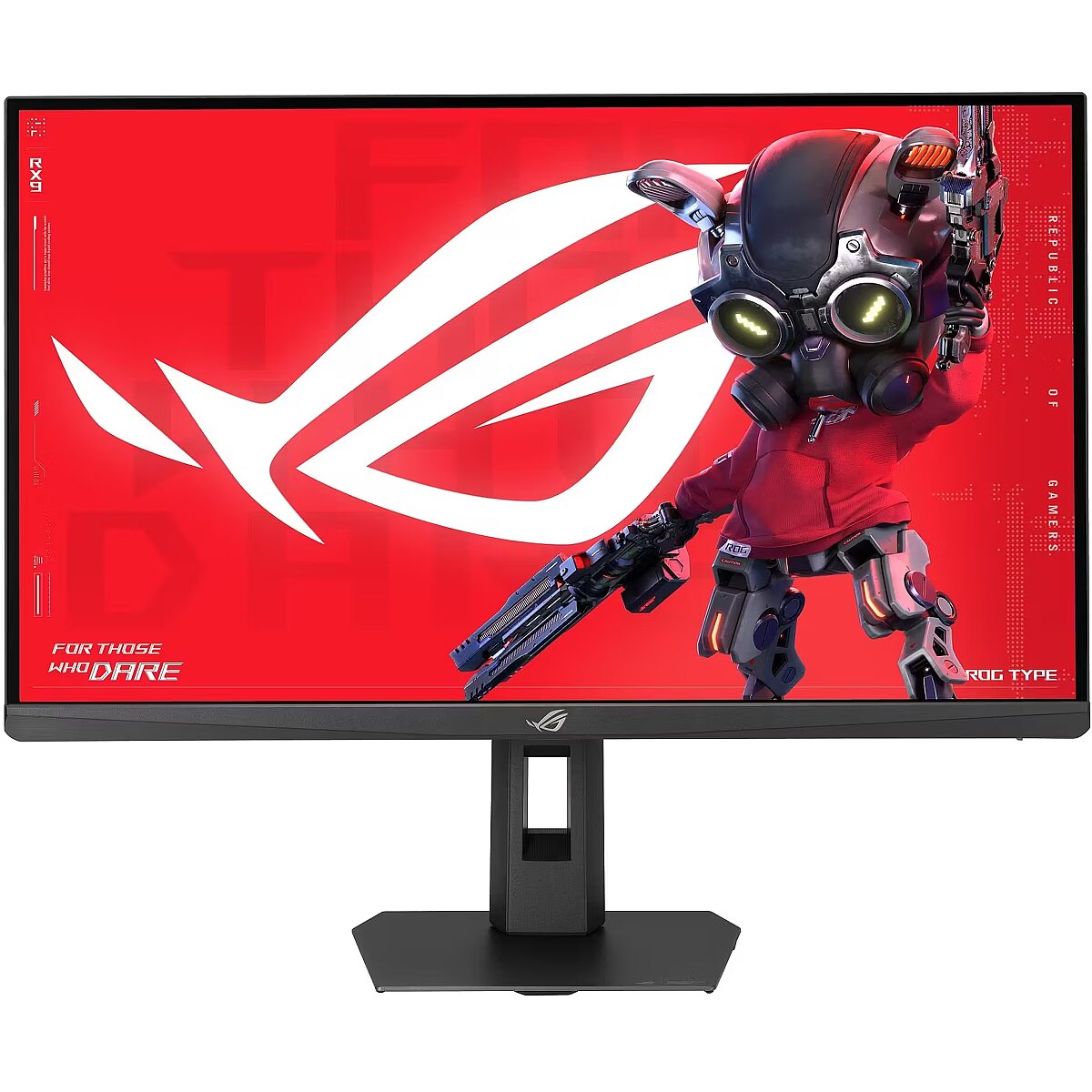
This Asus ROG Strix XG32VC, 31.5" Curved gaming monitor with a WQHD 2560x1440 resolution delivers incredible detail precision and brightness, making each game scene truly vivid. Such a format is perfectly suited for expansive game worlds and provides advantages due to its wide field of view.
The reaction time of 1ms means that pixels change state faster, reducing artifacts in motion picture depiction. This ensures a more accurate representation of fast transitions and reduces visual disturbances. The monitor provides a clear image in dynamic situations and improves the readability of moving objects.
VA panel technology ensures high contrast and deep black color, thanks to the vertical orientation of the liquid crystals. They maintain brightness stability at various viewing angles and reduce lighting losses. Compared to TN, VA panels are better suited for watching movies and working with dark images, retaining details in shadows.
AMD FreeSync provides adaptive monitor refresh rate with variable frequency range. It helps to prevent image tearing that occurs due to unsynchronized frame output. The technology improves motion uniformity and stability, especially in situations with variable frame frequency.
The 170 Hz refresh rate is designed for tasks requiring increased uniformity and minimal delay. The panel's quick response helps to more accurately track movement and maintain a stable visual sequence. This mode is particularly useful for work with fast graphics and games.
Flicker-Free reduces the frequency flickering common to some brightness adjustment methods. This reduces visual stress and ensures a smooth, pleasant image for the eyes. The technology is particularly useful for working in darker rooms and during prolonged viewing sessions.
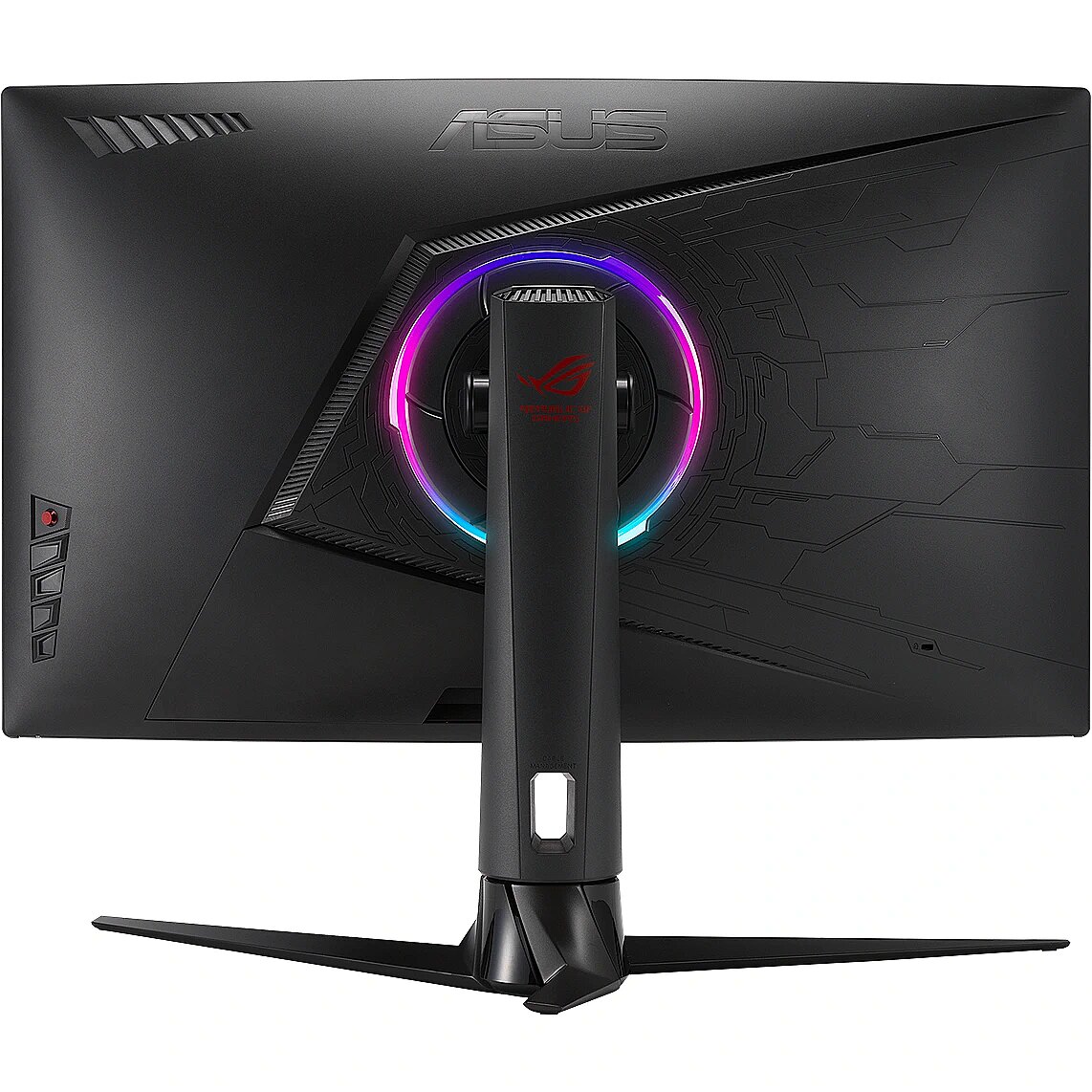
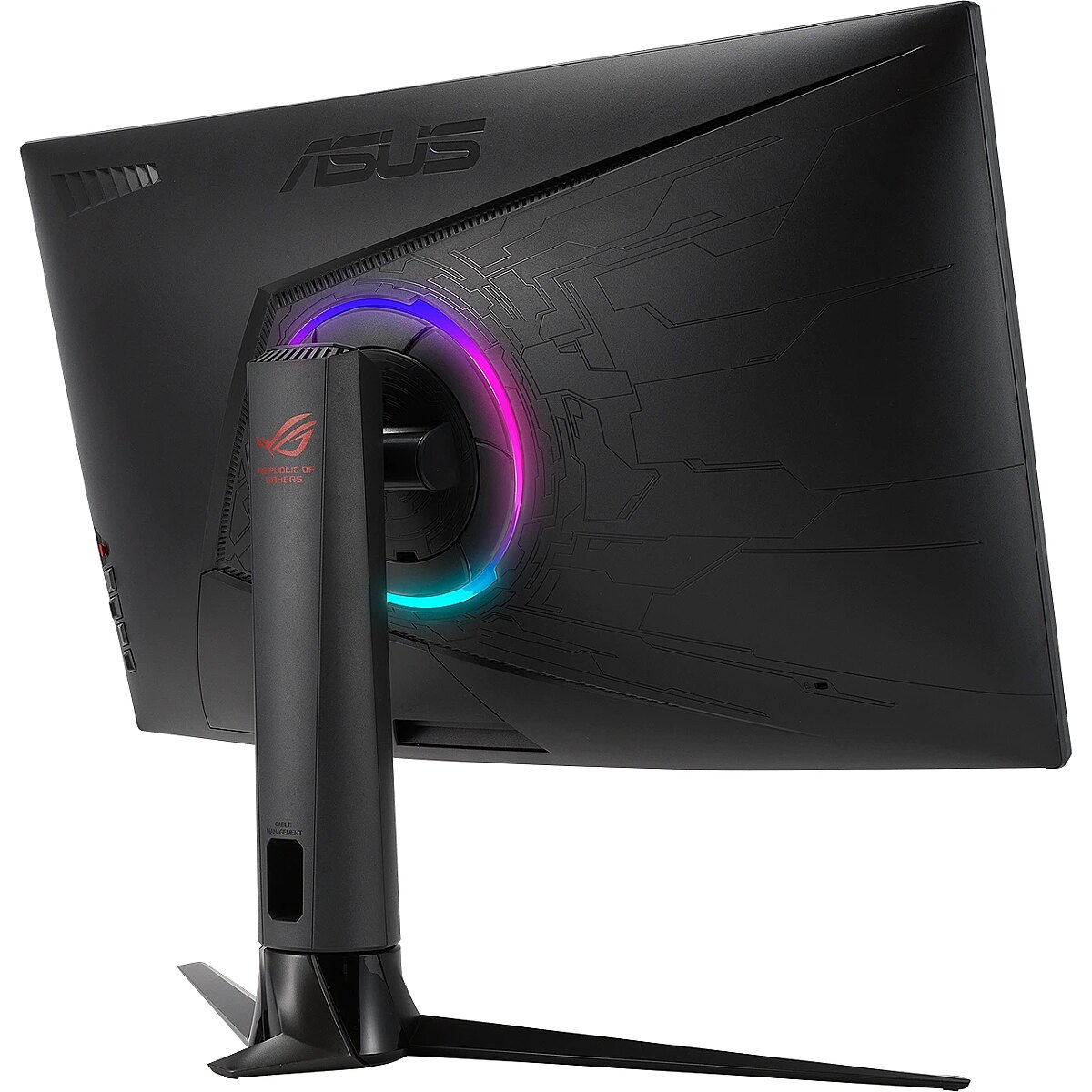
The Swivel feature ensures smooth horizontal rotation of the monitor, allowing quick adjustment of screen orientation to the user's position changes. This is particularly useful in work at a shared desk, project discussions or use of multiple devices where flexible viewing direction adjustment is required.
Tilt technology allows for adjusting the screen's slope angle back and forth, ensuring the correct image placement in relation to the user's line of sight. This kind of adjustment helps reduce neck and eye strain, improves image perception, and makes long-term work at the monitor more comfortable.
VESA wall mount allows you to install a monitor on the wall, adhering to a uniform industrial standard. It facilitates the choice of mount, increases the flexibility of workspace organization, and allows you to adjust the height and angle of placement, regardless of the desk or tripod.
HDMI uses a single cable connection for video and audio transmission, ensuring a stable signal and minimal losses. Such an interface simplifies connection and reduces the possibility of synchronization errors. HDMI is compatible with a majority of modern devices and ensures reliable operation in various configurations.
DisplayPort is the latest monitor interface standard that ensures stable image transmission with high resolution and refresh intensity. It supports HDR, frame synchronization and multiple monitor systems, maintaining detail accuracy and image quality for professional and gaming work.
The USB-C connection combines image, sound, data and power transmission into one cable, reducing workplace load and speeding up device connectivity. It is compatible with many modern laptops and provides a stable signal, making monitor usage more convenient and technically effective.
Several USB-C ports make the monitor more versatile for modern devices. Each port can simultaneously transmit video, audio, data and power through a single cable, reducing the number of wires. This allows to connect multiple peripheral devices or signal sources without additional adapters.
USB-C video input ensures the transmission of video and audio signals through a single cable, simplifying the connection and reducing the number of wires. The connector supports modern data transmission protocols and ensures a stable signal. It improves the monitor's compatibility with a wide range of modern devices.
Warranty
Asus provides this model with a 3 year warranty at all certified service centres.



 DVI is a digital standard and ensures high image quality, however, thanks to the big size of the plug and the inability of the standard to develop further due to a few technical restrictions this type of connection is gradually losing its popularity to modern HDMI and DisplayPort standards.




