Accessories included - VGA cable, HDMI cable, DP cable, USB-A to B cable, Audio cable, Power cable
ARTIKEL1 - 242B1H 60.5CM 23.8IN IPS
ARTIKEL2 - 1920X1080 1000:1 250CD/QM 16:9
Aspect ratio - 16:9
Auto Pivot - Yes
Bluetooth - No
Brand - Philips
BrandPartCode - 242B1H/00
Breite - 0.47
Brightness - 250 cd/m²
Category - Computer Monitors
Category 1 - Displays
Category 2 - Monitore
Certificates - CB
Certificates - CCC
Certificates - CE
Certificates - CEL
Certificates - CU
Certificates - EPA
Certificates - FCC Class B
Certificates - TUV
Code - 242B1H/00
Color - Black
Depth - 51 mm
Depth with stand - 205 mm
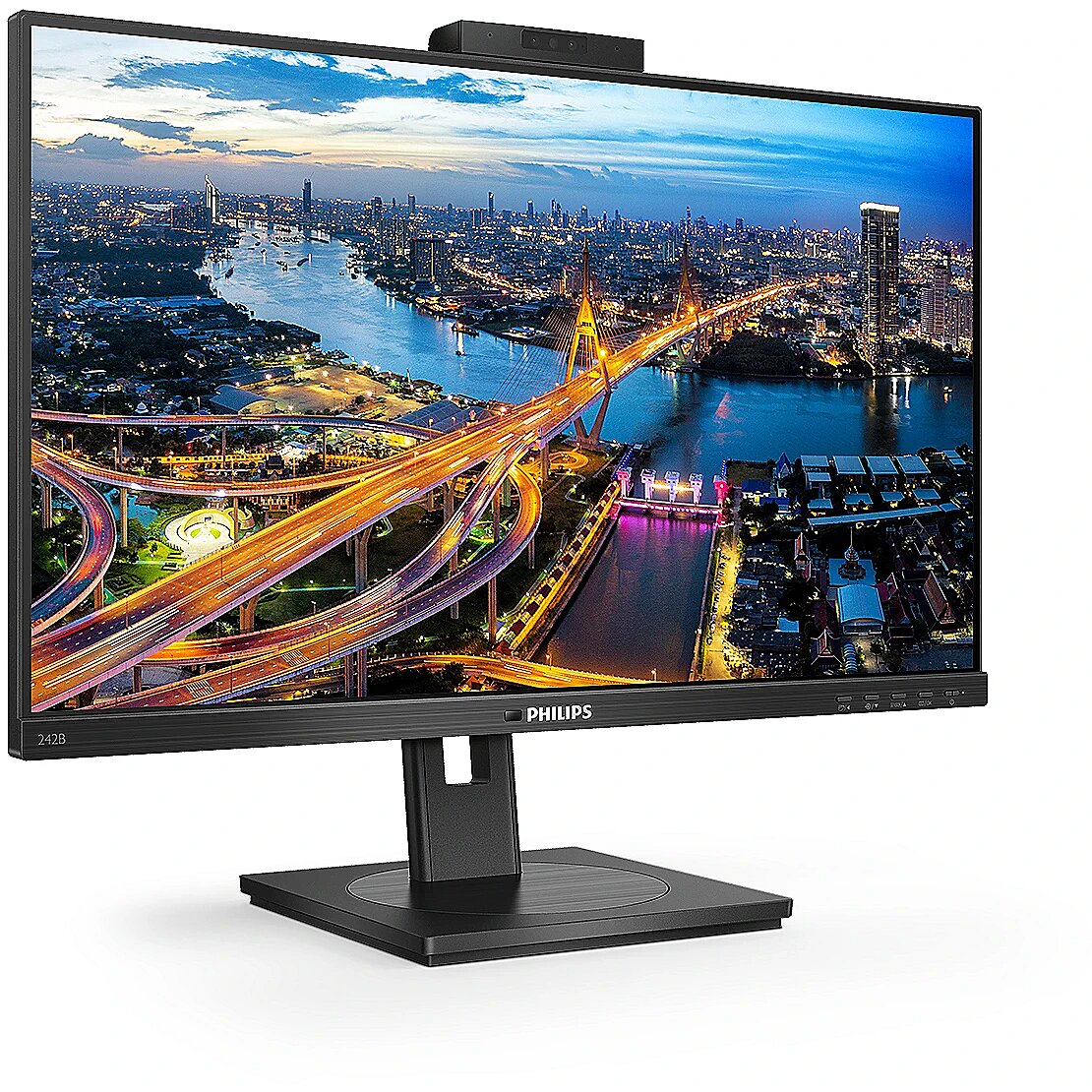
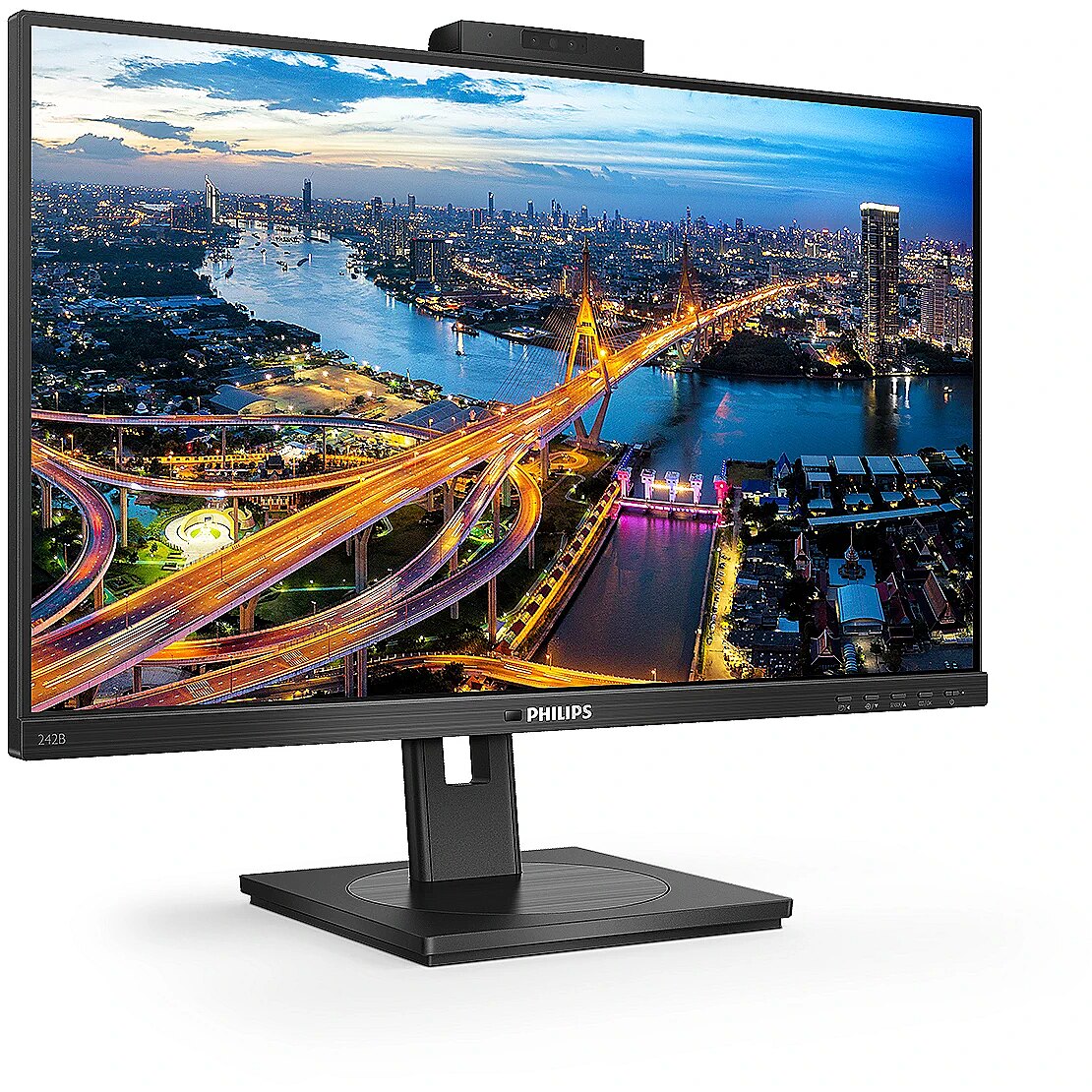
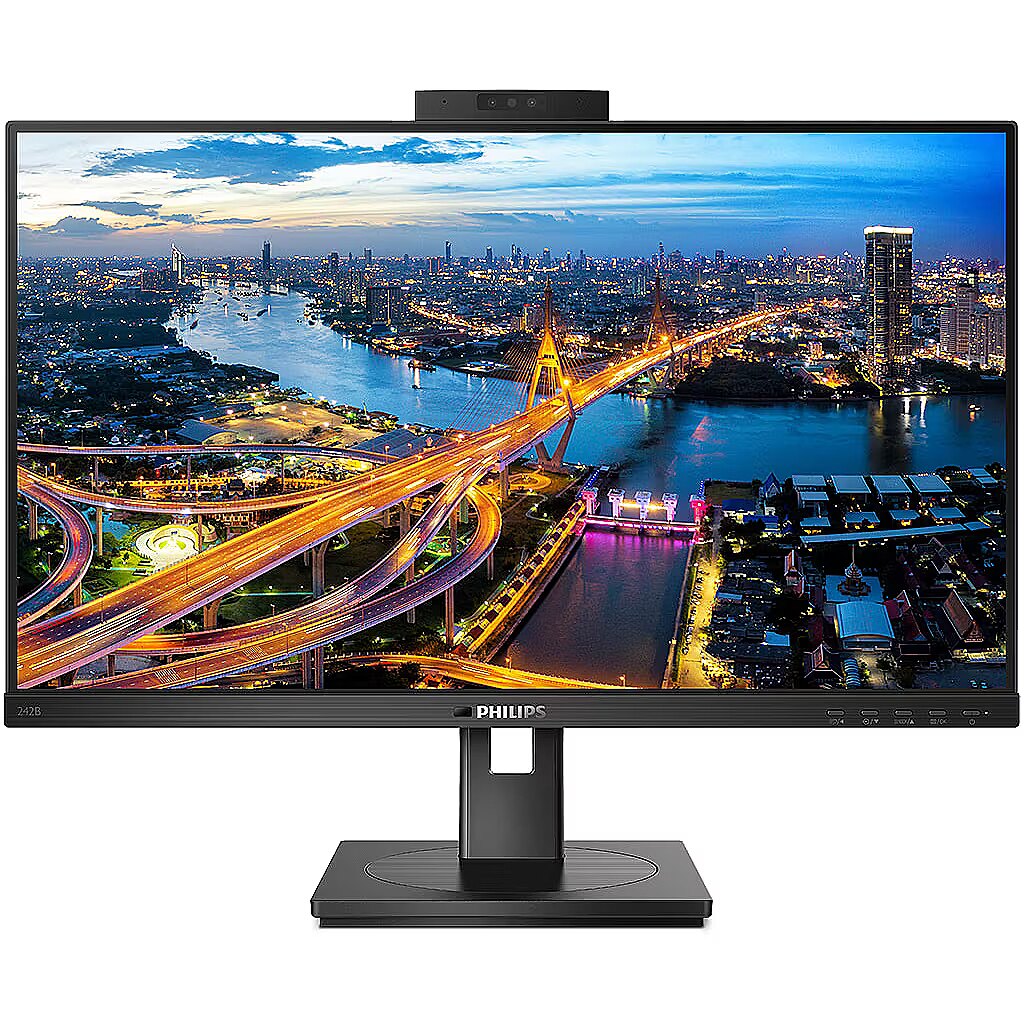
Description - Clear vision to get more done This Philips monitor with a secure pop-up webcam with Windows Hello offers personalised and greater security. Loaded with features to improve productivity and sustainability. Eye comfort features with TUV certified to reduce eye fatigue.
Design - Detachable stand - Yes
Design - Feet colour - Black
Design - Front bezel colour - Black
Design - Market positioning - Business
Design - Product colour - Black
Design > Colour of product - Black
Design > VESA mounting - Yes
Design > VESA mounting interfaces - 100 x 100 mm
Designation - CE+WEEE
dimension depth - 205 mm
dimension height - 510 mm
dimension weight - 5000 g
dimension width - 540 mm
Display - Anti-glare screen - Yes
Display - Aspect ratio - 16:9
Display - Backlight type - W-LED
Display - Colour gamut - 91%
Display - Colour gamut standard - sRGB
Display - Contrast ratio (dynamic) - 50000000:1
Display - Contrast ratio (typical) - 1000:1
Display - DDC/CI - Yes
Display - Digital horizontal frequency - 30 - 85 kHz
Display - Digital vertical frequency - 48 - 75 Hz
Display - Display brightness (typical) - 300 cd/m²
Display - Display diagonal - 60.5 cm (23.8")
Display - Display diagonal (metric) - 60.5 cm
Display - Display number of colours - 16.7 million colours
Display - Display resolution - 1920 x 1080 pixels
Display - Display sRGB - Yes
Display - Display technology - LED
Display - Dynamic contrast ratio marketing name - SmartContrast
Display - Haze rate - 25%
Display - HD type - Full HD
Display - Horizontal scan range - 30 - 85 kHz
Display - Maximum refresh rate - 75 Hz
Display - Native aspect ratio - 16:9
Display - NTSC coverage (typical) - 91%
Display - Panel type - IPS
Display - Pixel density - 93 ppi
Display - Pixel pitch - 0.2745 x 0.2745 mm
Display - Response time - 4 ms
Display - Screen shape - Flat
Display - sRGB coverage (typical) - 107%
Display - Supported graphics resolutions - 1920 x 1080 (HD 1080)
Display - Surface hardness - 3H
Display - Sync-on-green (SOG) - Yes
Display - Touchscreen - No
Display - Vertical scan range - 48 - 75 Hz
Display - Viewable size, horizontal - 52.7 cm
Display - Viewable size, vertical - 29.6 cm
Display - Viewing angle, horizontal - 178°
Display - Viewing angle, vertical - 178°
Display > 3D - No
Display > Aspect ratio - 16:9
Display > Contrast ratio (typical) - 1000:1
Display > Display - 1920 x 1080 pixels
Display > Display brightness - 250 cd/m²
Display > Display diagonal - 23.8 "
Display > Display diagonal (metric) - 60.5 cm
Display > Display surface - Anti-Glare, 3H, Haze 25%
Display > HD type - FHD
Display > Maximum refresh rate - 75 Hz
Display > Panel type - IPS
Display > Response time - 4 ms
Display > Touchscreen - No
Display > Viewing angle, horizontal - 178 °
Display > Viewing angle, vertical - 178 °
Display surface - Matt
Dot pitch - 0.2745 mm
Dynamic contrast - 50 000 000:1
EAN - 8712581764234
ean - 8712581764234
EANCode - 8712581764234
Energy class - E
Energy label - Pobierz
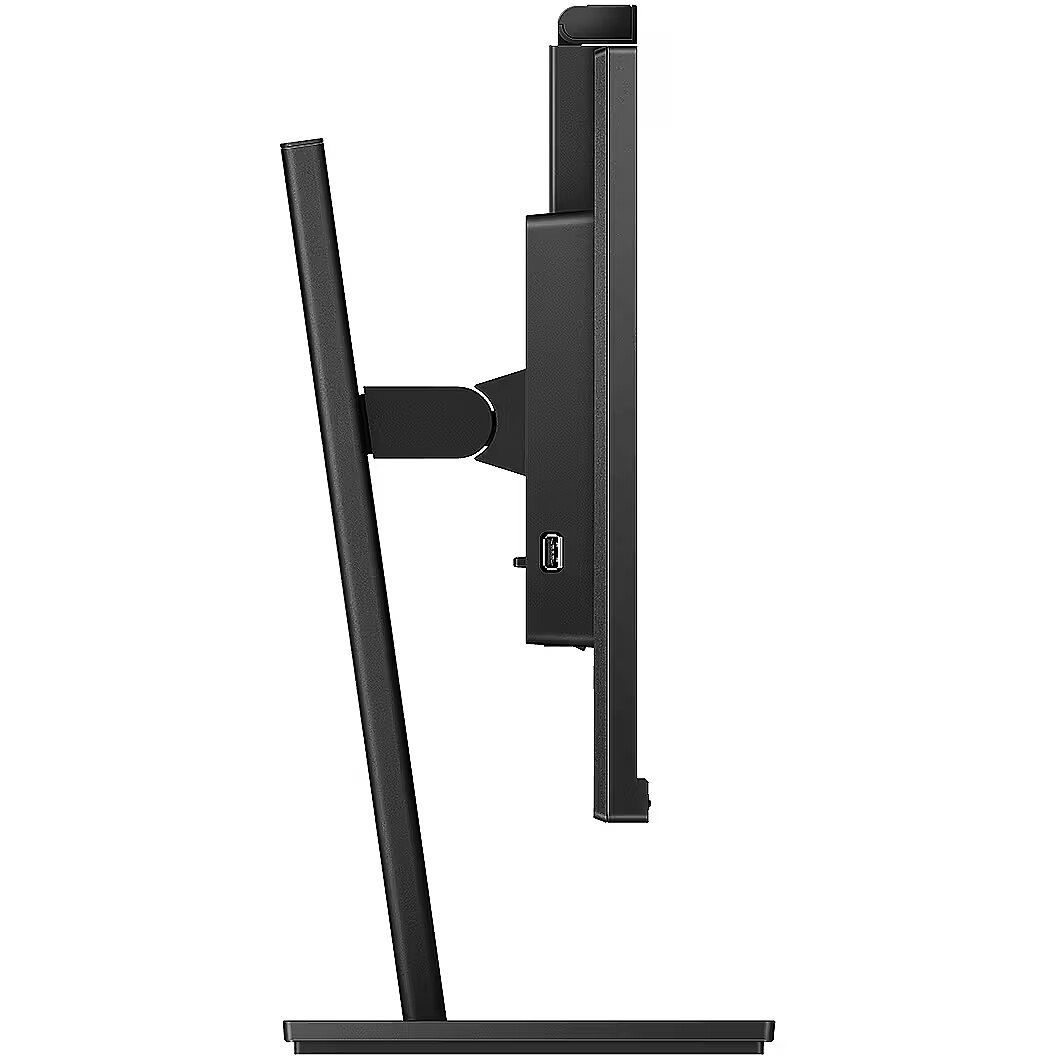
Ergonomics - Adjustable height (max) - 15 cm
Ergonomics - Cable lock slot - Yes
Ergonomics - Cable lock slot type - Kensington
Ergonomics - Height adjustment - Yes
Ergonomics - LED indicators - Operation, Stand-by
Ergonomics - Number of OSD languages - 21
Ergonomics - On Screen Display (OSD) - Yes
Ergonomics - On Screen Display (OSD) languages - Simplified Chinese, Traditional Chinese, Czech, German, Dutch, English, Spanish, Finnish, French, Greek, Hungarian, Italian, Japanese, Korean, Polish, Portuguese, Russian, Swedish, Turkish, Ukrainian
Ergonomics - Panel mounting interface - 100 x 100 mm
Ergonomics - Pivot - Yes
Ergonomics - Pivot angle - -90 - 90°
Ergonomics - Plug and Play - Yes
Ergonomics - Swivel angle range - -180 - 180°
Ergonomics - Swivelling - Yes
Ergonomics - Tilt adjustment - Yes
Ergonomics - Tilt angle range - -5 - 30°
Ergonomics - VESA mounting - Yes
Ergonomics > Height adjustment - 15 cm
Ergonomics > Height adjustment - Yes
Ergonomics > Pivot - Yes
Ergonomics > Pivot angle - -/+ 90 °
Ergonomics > Swivelling - Yes
Ergonomics > Tilt adjustment - Yes
Frequency, horizontal max. - 85 kHz
Frequency, horizontal min. - 30 kHz
Frequency, vertical max. - 75 Hz
Frequency, vertical min. - 48 Hz
GRUPPE1 - Displays
GRUPPE2 - Lcd Monitor
GTIN - 8712581764234
guarantee - 36
guarantee_type - external
Height - 323 mm
Height adjustment - Yes
Height adjustment range - 150 mm
Height with stand - 501 mm
HERSTELLER - MMD - PHILIPS
Hoehe - 0.21
HSTNUMMER - 242B1H/00
I/O connectors - 1 x 15-pin D-Sub
I/O connectors - 1 x DisplayPort
I/O connectors - 1 x DVI-D
I/O connectors - 1 x HDMI
I/O connectors - 1 x USB (Type B)
I/O connectors - 1 x USB 3.1
I/O connectors - 2 x 3,5 mm minijack
I/O connectors - 2 x USB 3.1
Laenge - 0.6
Link - https://www.philips.co.uk/c-p/242B1H_00/lcd-monitor-with-windows-hello-webcam
Logistics data - Harmonized System (HS) code - 85285210
LongDesc - This Philips monitor with a secure pop-up webcam with Windows Hello offers a personalized, greater security. Loaded with features to improve productivity and sustainability. Eye comfort features with TUV certified to reduce eye fatigue.
LongProductName - Business Monitor 242B1H LCD monitor with Windows Hello Webcam
LongSummaryDescription - Philips B Line 242B1H/00. Display diagonal: 60.5 cm (23.8"), Display resolution: 1920 x 1080 pixels, HD type: Full HD, Display technology: LED, Response time: 4 ms, Native aspect ratio: 16:9, Viewing angle, horizontal: 178°, Viewing angle, vertical: 178°. Built-in speaker(s). Built-in USB hub, USB hub version: 3.2 Gen 2 (3.1 Gen 2). VESA mounting, Height adjustment. Product colour: Black
Manufacturer - Philips
Matrix type - TFT IPS
Microphone - Tak
Model - 242B1H
MPN - 242B1H/00
Multimedia - Built-in camera - Yes
Multimedia - Built-in microphone - Yes
Multimedia - Built-in speaker(s) - Yes
Multimedia - Megapixel (approx.) - 2 MP
Multimedia - Number of speakers - 2
Multimedia - RMS rated power - 2 W
Multimedia > Built-in speaker(s) - Yes
Multimedia > TV tuner integrated - No
name - Monitor 242B1H 23.8 inch DVI HDMI DP Pivot Webcam
Name - Philips 60.5cm (23.8") 242B1H 16:09 DVI+HDMI+DP+USB IPS
Name - Philips | LCD Monitor with Windows Hello Webcam | 242B1H/00 | 23.8 " | IPS | FHD | 16:9 | 75 Hz | 4 ms | 1920 x 1080 pixels | 250 cd/m² | HDMI ports quantity 1 | Black
Networking > Ethernet LAN (RJ-45) ports - No
Number of colors - 16,7 mln
Operational conditions - Non-operating altitude - 0 - 12192 m
Operational conditions - Operating altitude - 0 - 3658 m
Operational conditions - Operating relative humidity (H-H) - 20 - 80%
Operational conditions - Operating temperature (T-T) - 0 - 40 °C
Operational conditions - Storage relative humidity (H-H) - 20 - 80%
Operational conditions - Storage temperature (T-T) - -20 - 60 °C
Optional accessory -
Other features - 2.0 megapixel FHD camera with microphone and LED indicator (for Windows 10 Hello)
Other features - Certification - CE Mark, FCC Class B, SEMKO, CU-EAC, TUV Ergo, TUV/GS, EPA, ICES-003, CB, CCC, CECP, CEL, UKRAINIAN, TUV Eye Comfort certified
Other features - Compliance certificates - RoHS
Other features - EasyRead mode - Yes
Other features - Energy efficiency class (old) - E
Other features - Exterior finish type - Textured
Other features - Heavy metals free - Hg (mercury)
Other features - Light sensor - Yes
Other features - LowBlue mode - Yes
Other features - Mean time between failures (MTBF) - 70000 h
Other features - Picture enhancement - SmartImage
Other features - Recyclable packaging material - 100%
Other features - Regulatory Approvals - CE Mark; FCC Class B; CU-EAC; TUV Ergo; TUV/GS; ICES-003; CB; CCC; CECP; CEL; UKRAINIAN; TUV Eye Comfort certified
Package features > Classification of battery - CL126:NE:2016-12-09
Package features > Composition of battery - CL127:KT:2016-12-09
Package features > Embeeded battery - No
Package features > Gross depth (mm) - 137 mm
Package features > Gross height (mm) - 450 mm
Package features > Gross width (mm) - 725 mm
Package features > Packing quantity - 1.00 pc(s)
Package features > Paper/Pasteboard - 2100.00 g
Package features > Plastic (No PET) - 170.00 g
Package features > Tare weight (kg) - 2.27 kg
Package features > TI weight (kg) - 0.02 kg
Package features > Type of battery - Accumulator
Package features > Volume (m3) - 0.04469625 m³
Package features > WEE classification - CL109:2:2017-04-01
Package features > WEEE tax - Yes
Package features > Wooden - 1500.00 g
Packaging content - Bundled software - SmartControl
Packaging content - Cables included - VGA, HDMI, DisplayPort, USB Type-A to USB Type-B, Audio (3.5mm), AC
Packaging content - Manual - Yes
Packaging content - Stand included - Yes
Packaging content > Cables included - VGA cable, HDMI cable, DP cable, USB-A to B cable, Audio cable, Power cable
Packaging data - Package depth - 198 mm
Packaging data - Package height - 465 mm
Packaging data - Package type - Box
Packaging data - Package weight - 7.66 kg
Packaging data - Package width - 730 mm
PDF - http://www.blobs.lt/products/5/9/9/9/1/3/afb2eef8220d71c557f06f3d0621bf75/original.pdf
Performance - Component video sync - Separate sync, Sync-on-green (SOG)
Performance - Flicker-free technology - Yes
Performance - Low Blue Light technology - Yes
Performance - VESA Adaptive Sync support - Yes
Ports & interfaces - AC (power) in - Yes
Ports & interfaces - Audio input - No
Ports & interfaces - Built-in USB hub - Yes
Ports & interfaces - DisplayPorts quantity - 1
Ports & interfaces - DisplayPort version - 1.2
Ports & interfaces - DVI-D ports quantity - 1
Ports & interfaces - DVI port - Yes
Ports & interfaces - HDCP - Yes
Ports & interfaces - HDCP version - 1.4
Ports & interfaces - HDMI - Yes
Ports & interfaces - HDMI ports quantity - 1
Ports & interfaces - HDMI version - 1.4
Ports & interfaces - Headphone connectivity - 3.5 mm
Ports & interfaces - Headphone out - Yes
Ports & interfaces - Headphone outputs - 1
Ports & interfaces - Number of upstream ports - 1
Ports & interfaces - PC Audio in - Yes
Ports & interfaces - USB hub version - 3.2 Gen 2 (3.1 Gen 2)
Ports & interfaces - USB Type-A downstream ports quantity - 3
Ports & interfaces - USB upstream port type - USB Type-B
Ports & interfaces - VGA (D-Sub) ports quantity - 1
Ports & interfaces > DisplayPorts quantity - 1
Ports & interfaces > DVI-I ports quantity - 1
Ports & interfaces > HDMI ports quantity - 1
Ports & interfaces > USB ports quantity - USB-B x1, USB 3.2 x3
Ports & interfaces > VGA (D-Sub) ports quantity - 1
Power - AC input frequency - 50 - 60 Hz
Power - AC input voltage - 100 - 240 V
Power - Energy consumption (SDR) per 1000 hours - 16 kWh
Power - Energy efficiency class (SDR) - E
Power - Energy efficiency scale - A to G
Power - European Product Registry for Energy Labelling (EPREL) code - 405287
Power - Power consumption (PowerSave) - 10.9 W
Power - Power consumption (standby) - 0.35 W
Power - Power consumption (typical) - 14.5 W
Power - Power supply type - Internal
Power > Energy efficiency class - E
Power > Power - 14.5 W
Power > Voltage - 100–240 V
Power consumption - 14.5 W
producer - Philips
ProductName - 242B1H/00
Recycling data - Post-consumer recycled plastic - 85%
Resolution - 1920 x 1080 (FHD 1080)
Response time - 4 ms
Screen size (diag.) - 23.8''
ShortSummaryDescription - Philips B Line 242B1H/00, 60.5 cm (23.8"), 1920 x 1080 pixels, Full HD, LED, 4 ms, Black
Speakers built-in - Yes
Static contrast - 1 000:1
Stck_Kart - 1
Stck_Pal - 1
Storno - N
Sustainability - Doesn't contain - PVC/BFR, Mercury
Sustainability - Sustainability certificates - ENERGY STAR, TCO
TCO Certified - Yes
Technical details > Gross weight - 7.6 kg
Technical details > Net weight - 5.33 kg
Technical details > Other features - W-LED system
Technical details > Producer - Philips
Technical details > Producer product family - LCD Monitor with Windows Hello Webcam
Technical details > Producer product name - 242B1H/00
Technical details > USB-C - No
Technical details > USB-C power delivery - N/A
Title - Philips B Line 242B1H/00 computer monitor 60.5 cm (23.8") 1920 x 1080 pixels Full HD LED Black
Touch screen - No
Transreflective technology - LED
TV tuner built-in - No
URL - https://mmdmonitors.com/
vendpn - 242B1H/00
VESA - 100 x 100
Viewing angle, horizontal - 178 °
Viewing angle, vertical - 178 °
Visible area, horizontal - 527.04 mm
Visible area, vertical - 296.46 mm
Warranty -
Warranty - 36
Warranty - 36 month(s)
WarrantyInfo -
Web camera - Yes
Weight - 3.17 kg
Weight & dimensions - Depth (without stand) - 51 mm
Weight & dimensions - Depth (with stand) - 205 mm
Weight & dimensions - Height (without stand) - 323 mm
Weight & dimensions - Height (with stand) - 501 mm
Weight & dimensions - Weight (without stand) - 3.17 kg
Weight & dimensions - Weight (with stand) - 4.77 kg
Weight & dimensions - Width (without stand) - 540 mm
Weight & dimensions - Width (with stand) - 540 mm
Weight & dimensions > Dimensions (W x D x H) with stand - 540 x 205 x 501 mm
Weight & dimensions > Weight - 3.17 kg
Weight & dimensions > Weight with stand - 4.77 kg
Weight with stand - 4.77 kg
Width - 540 mm
WiFi - No
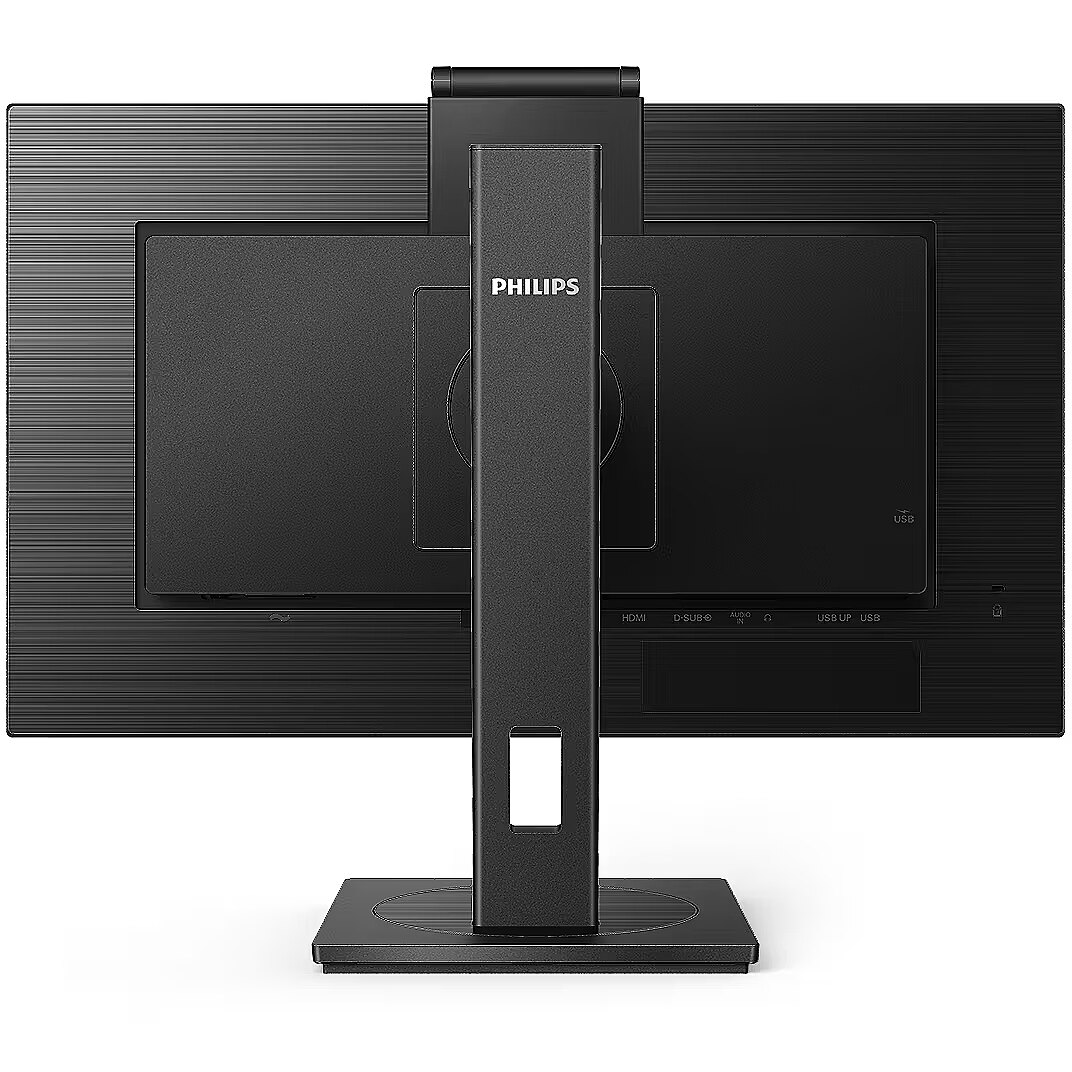
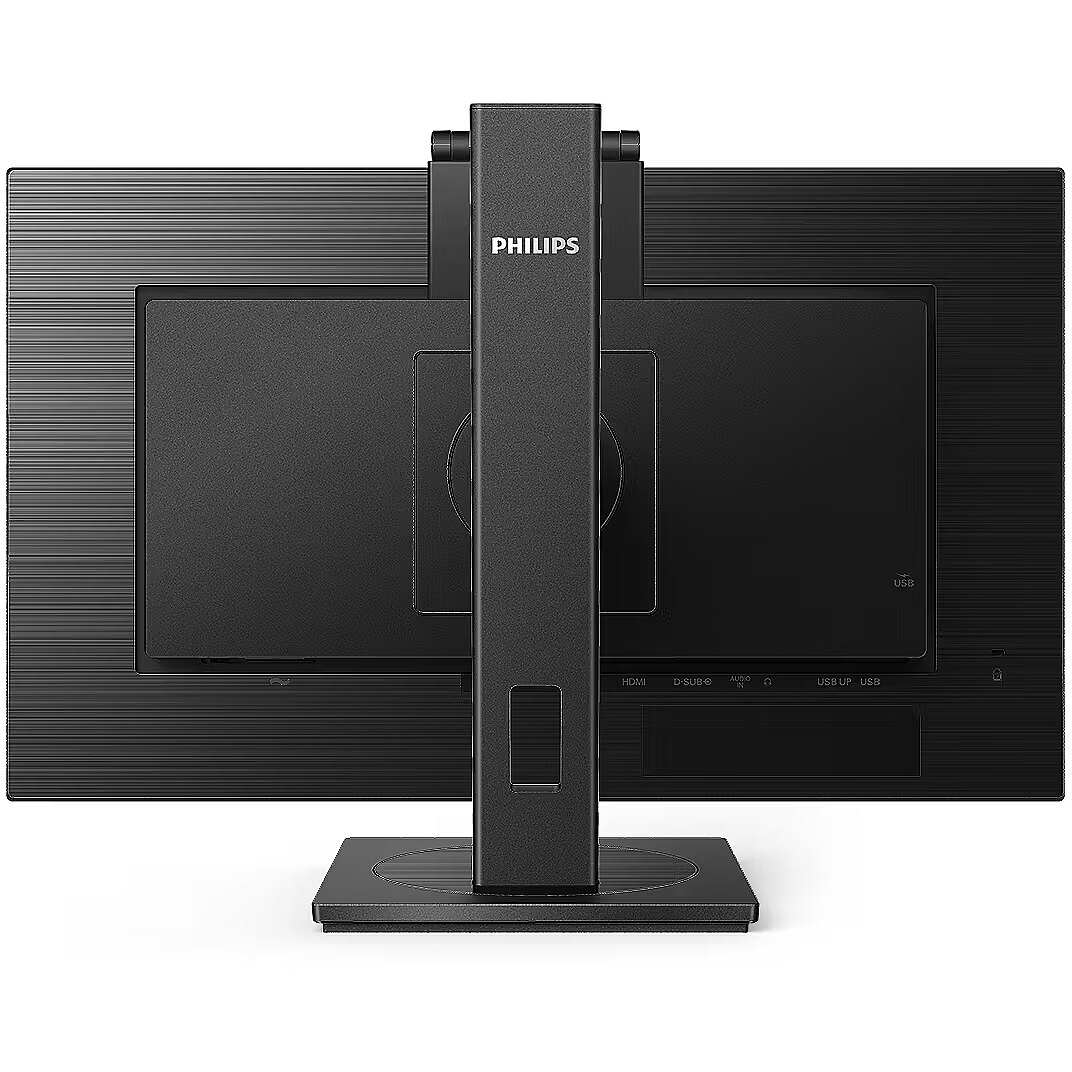




 DVI is a digital standard and ensures high image quality, however, thanks to the big size of the plug and the inability of the standard to develop further due to a few technical restrictions this type of connection is gradually losing its popularity to modern HDMI and DisplayPort standards.




