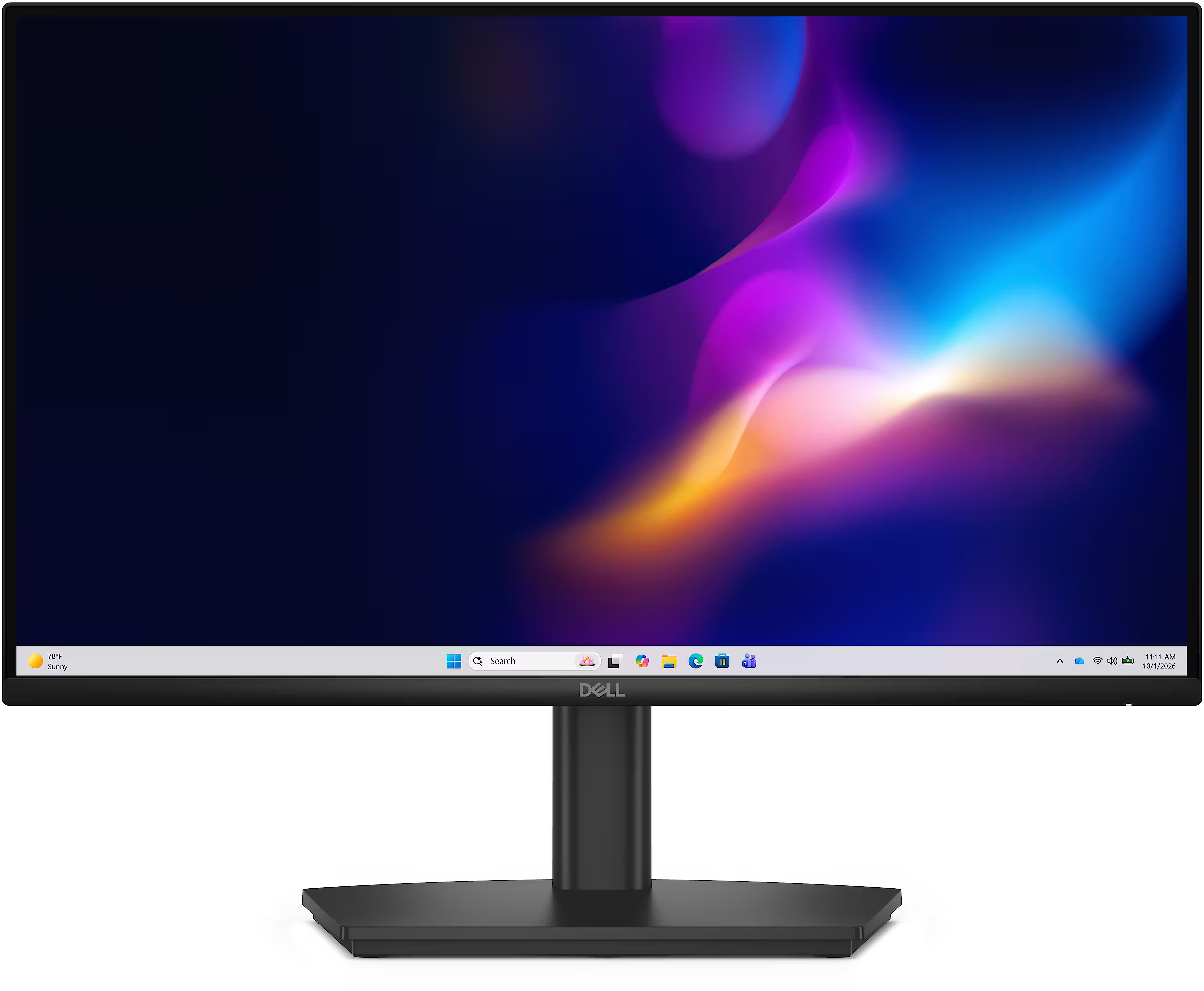
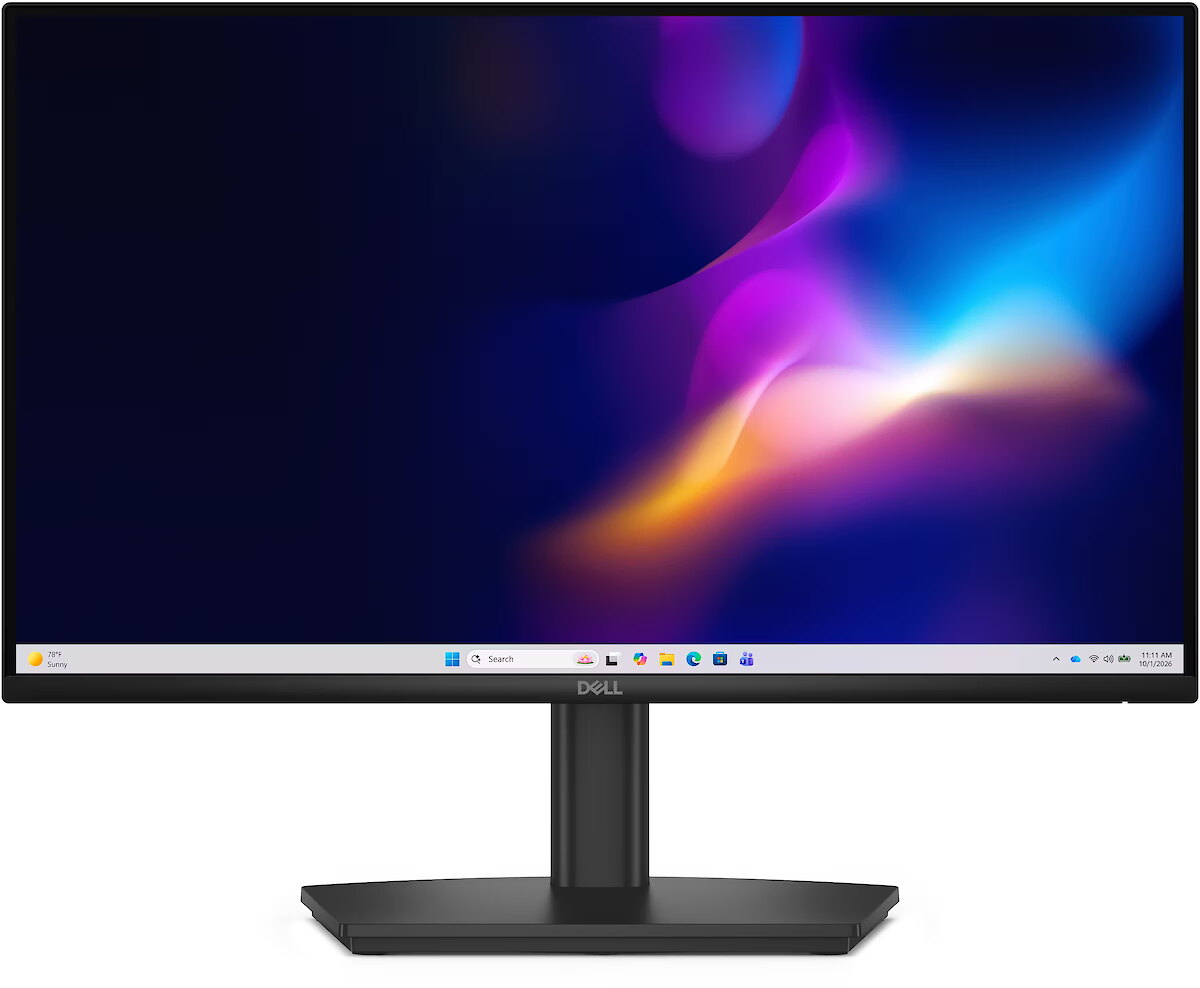
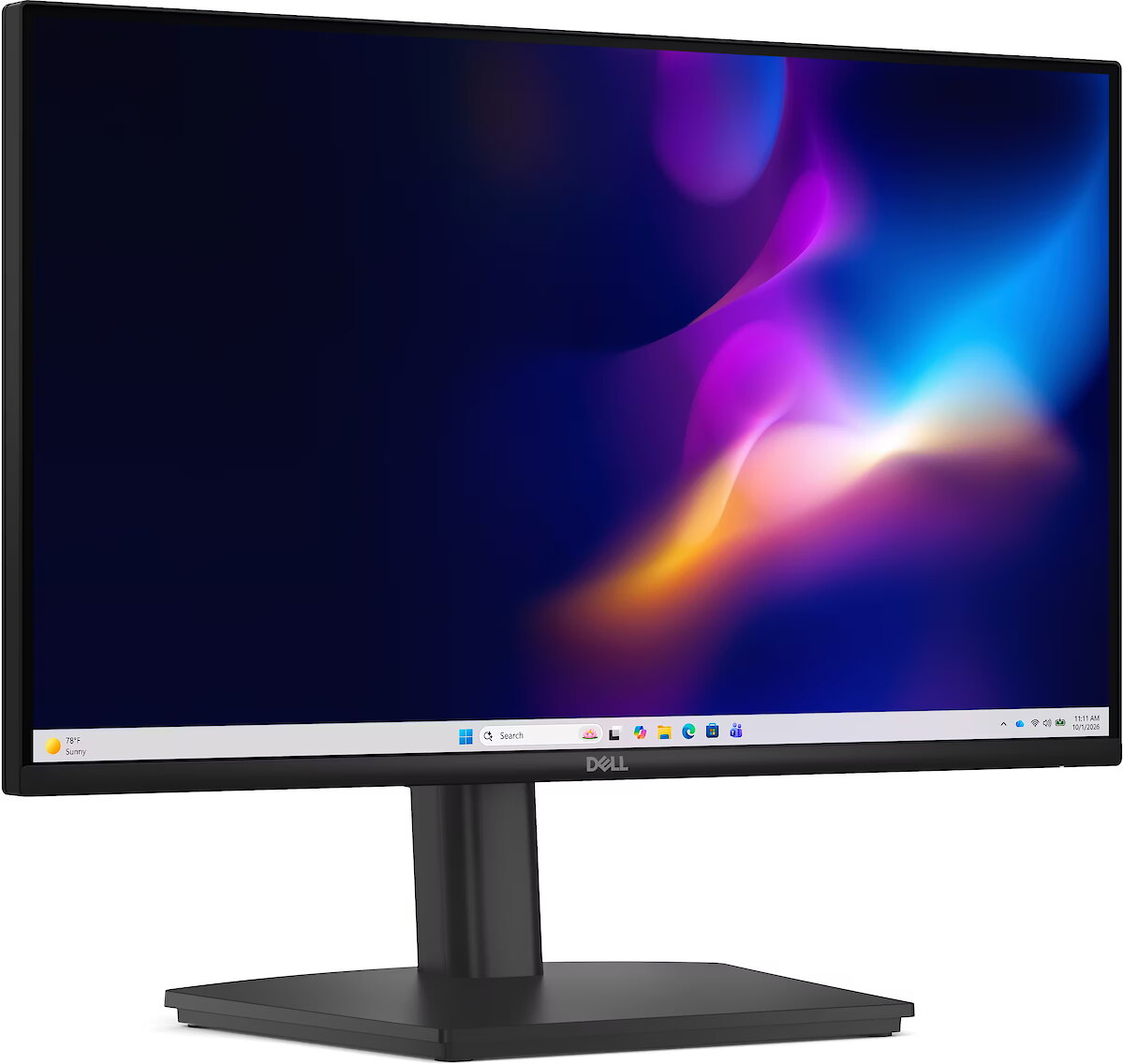
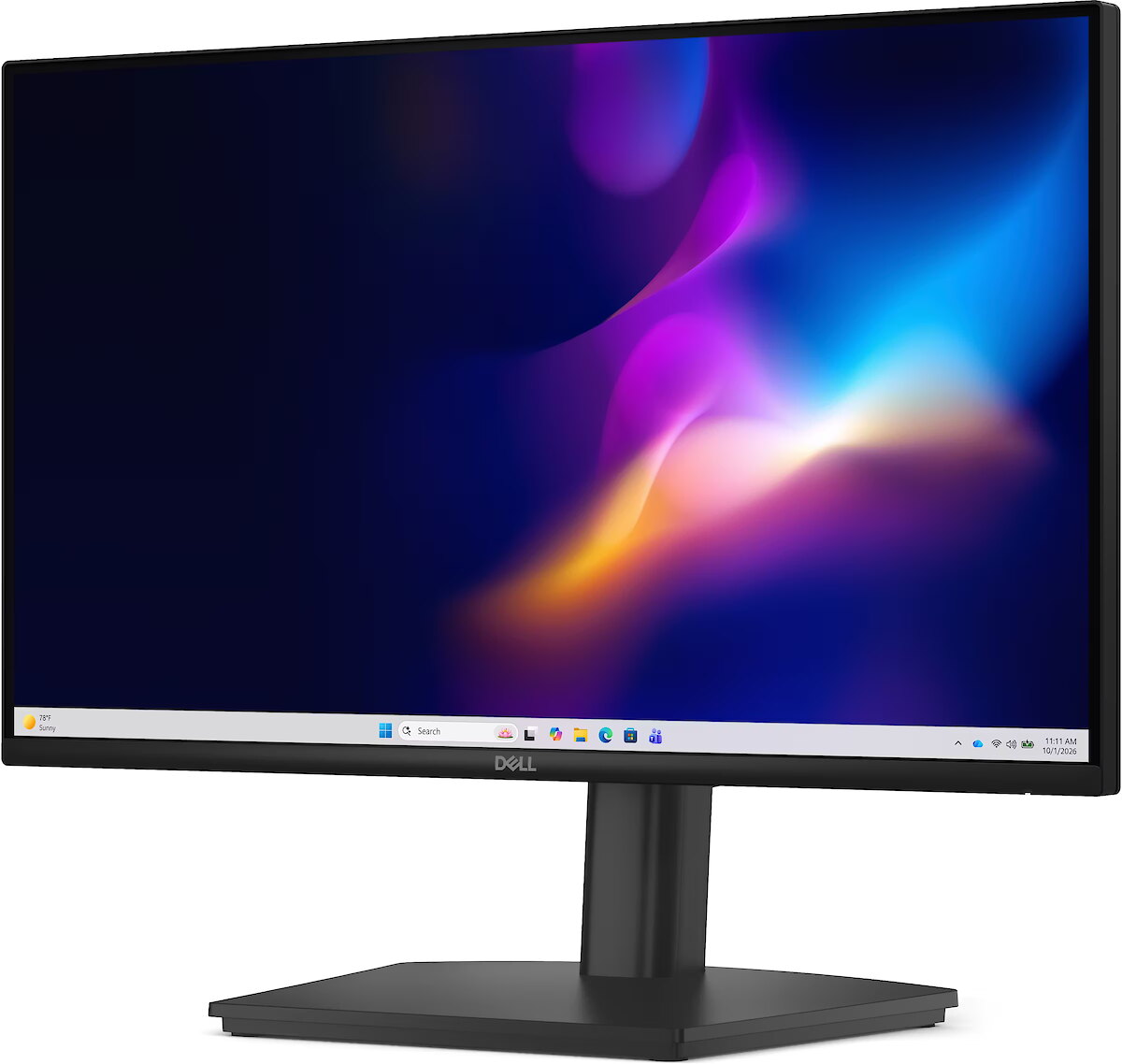
This Dell E2226HS, 21.5" monitor with FHD 1920x1080 resolution is suitable for comfortable work with documents, web content, and multimedia. It provides natural image reproduction, comfortable viewing, and stable performance, satisfying user needs for a universal work screen.
IPS technology ensures more accurate color representation and stable image when viewed from the side. Compared to TN and VA, it changes brightness and contrast less with viewing angle, making the displayed data visually more reliable and technically more accurate.
This monitor with a refresh rate of 100 Hz ensures more frequent frame renewals, which improves the visibility of fast motion. This mode reduces image latency and minimizes artifacts that occur during rapid movement. It is suitable for tasks that require precise visual information at an increased refresh rate.
Flicker-Free ensures a stable light flow without sudden intensity fluctuations, which may not be visible, but cause discomfort during prolonged usage. The technology improves visual perception, helps to reduce eye strain, and increases comfort when working with texts and static images.
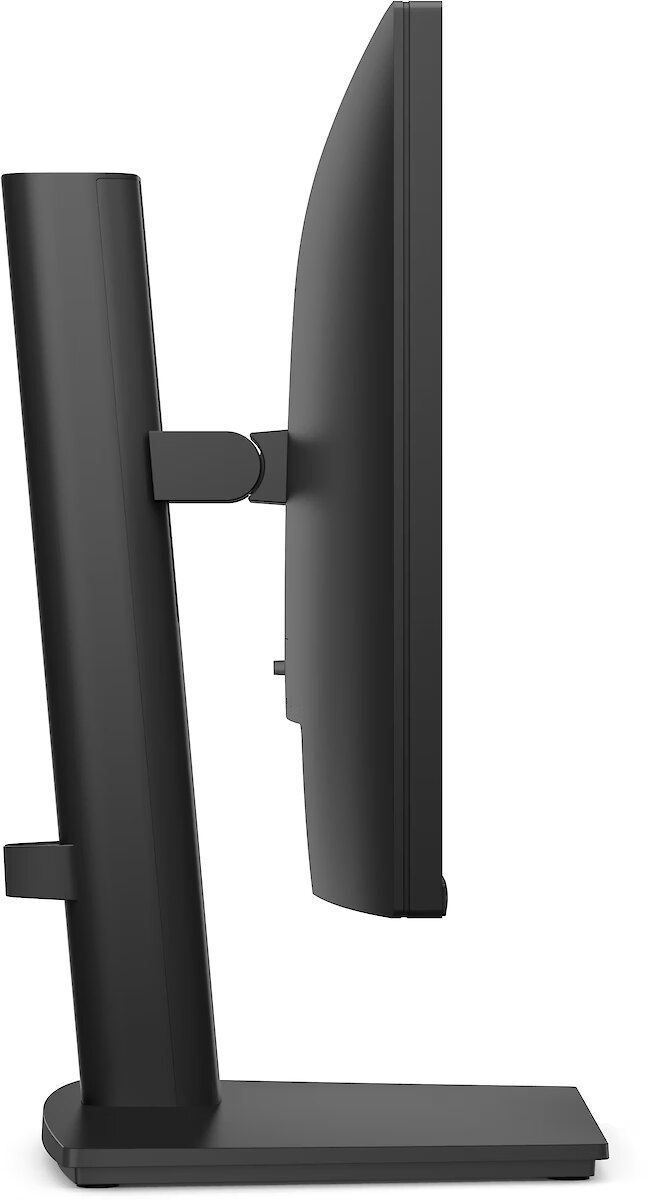
Pivot mode allows physically rotating the monitor by 90°, expanding the functionality of the working environment. The vertical format facilitates document comparison, working with tables, and viewing web pages, ensuring more effective information layout and more accurate visual perception.
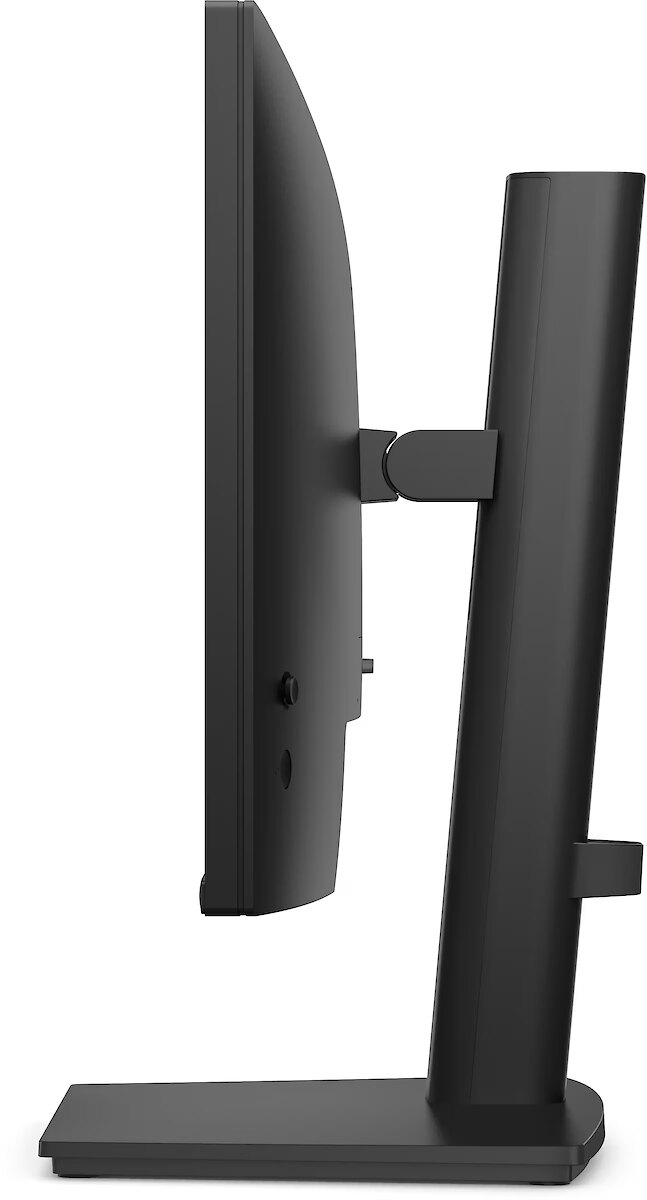
The Swivel mechanism allows for changing the horizontal angle of the screen without moving the entire structure. This facilitates workspace adjustment, improves visibility from different points and helps adjust the monitor for various usage scenarios, including configurations for multiple users or multiple monitors.
The Tilt function ensures flexible adjustment of the panel's vertical tilt, allowing for precise adaptation of the screen to the working position. This reduces the risk of discomfort during prolonged use, maintains an optimal viewing angle, and helps avoid image distortion in various lighting conditions.
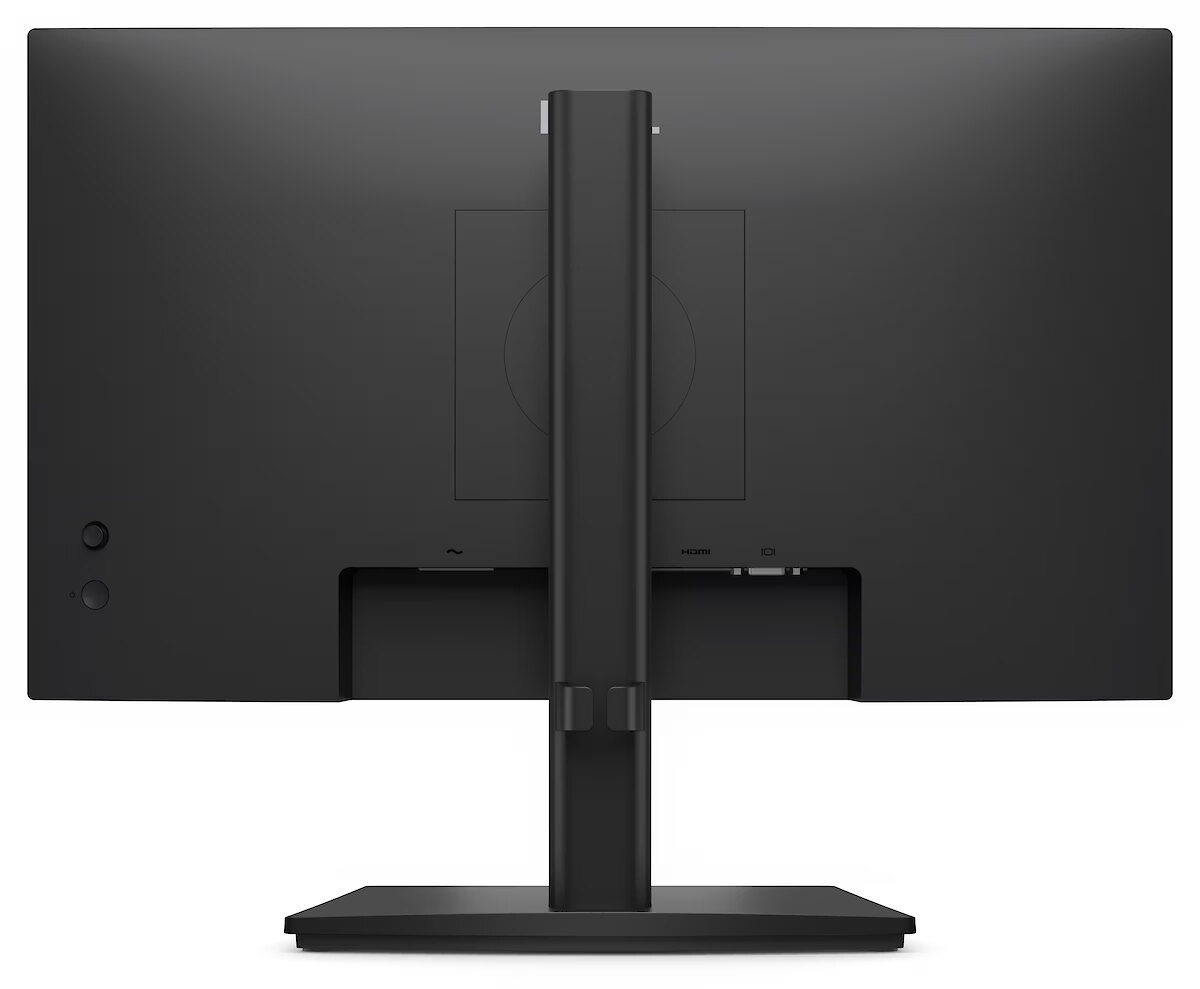
Compatibility with VESA wall mount makes the monitor universal for installation: it can be attached to the wall, used with a movable bracket or integrated into an ergonomic stand. The standard facilitates assembly, improves cable organization and frees up additional space.
Built-in speakers allow the monitor to independently process and play audio signals, reducing the need for additional devices. This makes the workplace more compact and facilitates connection. The speakers provide basic sound support for multimedia and communication applications.
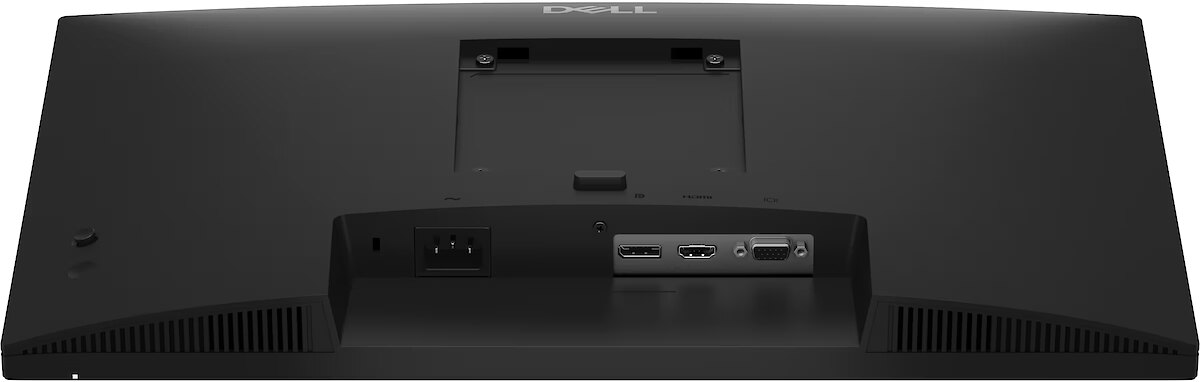
The D-Sub interface supports analog video signals, allowing the monitor to be connected to older generation equipment without additional adapters. It provides stable image transmission and correct graphics replay, making the monitor a universal solution for various operating systems and simplifying integration in existing configurations.
HDMI uses a single cable connection for video and audio transmission, ensuring a stable signal and minimal losses. Such an interface simplifies connection and reduces the possibility of synchronization errors. HDMI is compatible with a majority of modern devices and ensures reliable operation in various configurations.
DisplayPort is a modern interface that allows stable image transmission with high resolution and refresh intensity. The interface is compatible with professional and gaming monitors, supports multiple monitor configurations and HDR, ensuring accurate detail transmission and minimal graphics distortion.
Warranty
Dell provides this model with a 3 year warranty at all certified service centres.









 DVI is a digital standard and ensures high image quality, however, thanks to the big size of the plug and the inability of the standard to develop further due to a few technical restrictions this type of connection is gradually losing its popularity to modern HDMI and DisplayPort standards.