ACinputfrequency - 50/60 Hz
ACinputvoltage - 100 - 240 V
Antiglarescreen - Yes
Audio -
Audio - Built-in speaker(s) - Yes
Audio - Number of built-in speakers - 2
Audio - RMS rated power - 10 W
Bezelwidthbottom - 1.71 cm
Bezelwidthside - 8.66 mm
Bezelwidthtop - 8.7 mm
Brand - DELL
BrandPartCode - DELL-P3426WEB
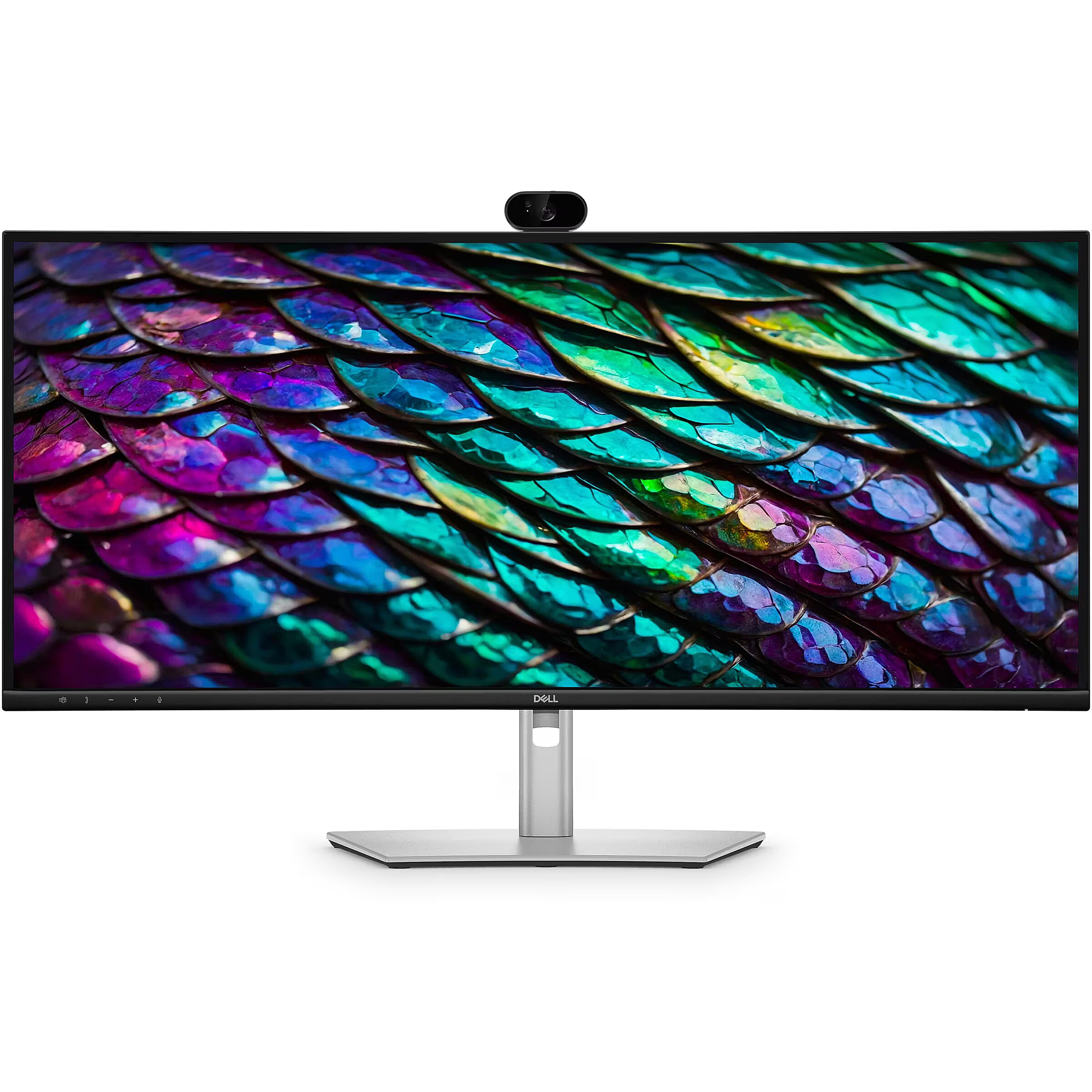
Builtincamera - Yes
Builtinspeakers - Yes
Cablesincluded - DisplayPort, USB Type-A to USB Type-B, USB Type-C to USB Type-C
Camera -
Camera - Built-in camera - Yes
Camera - Megapixel (approx.) - 4 MP
Category - Root/Electronics/PC peripherals/Monitors
Category - Video Conference Monitors
Computersystem - No
Computer system - Computer system - No
Computer system - Mac operating systems supported - Yes
Computer system - Windows operating systems supported - Yes
Computersystemfeatures -
Contrastratiotypical - 1500:1
Depthwithstand - 229.4 mm
Design -
Design - Bezel width (bottom) - 1.71 cm
Design - Bezel width (side) - 8.66 mm
Design - Bezel width (top) - 8.7 mm
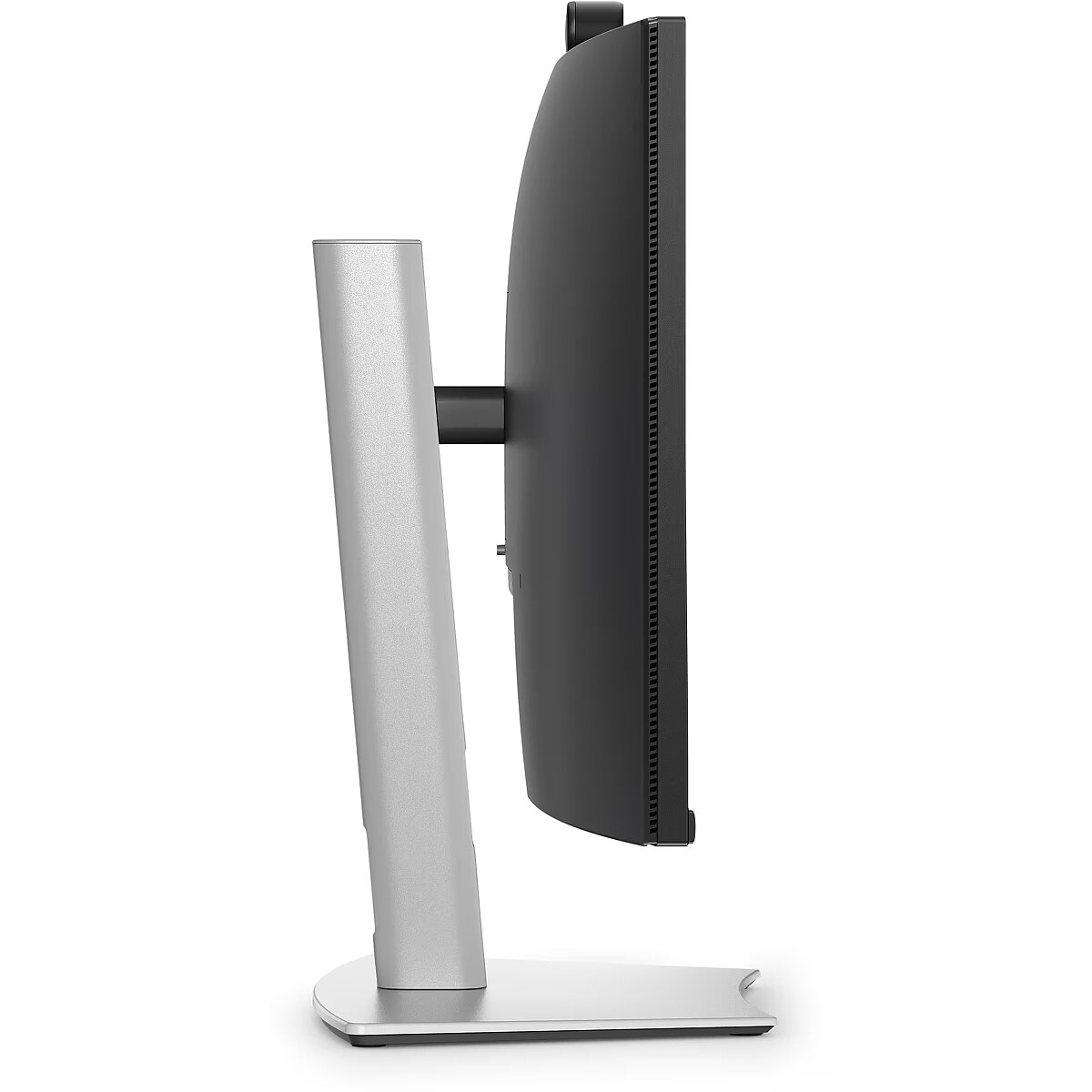
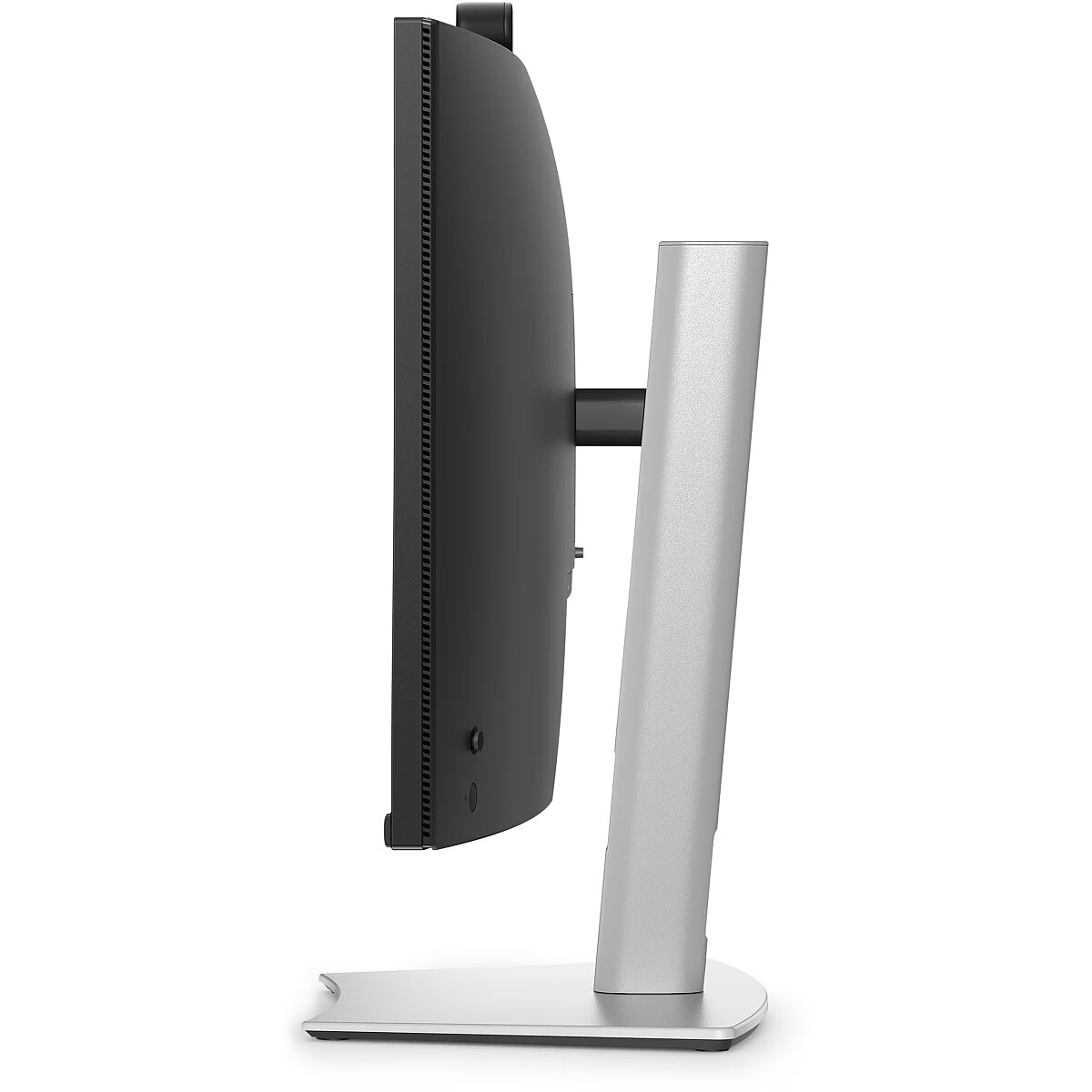
Design - Height adjustment - 15 cm
Design - Height adjustment - Yes
Design - Mounting type - Desk
Design - Panel mounting interface - 100 x 100 mm
Design - Pivot - No
Design - Product colour - Black
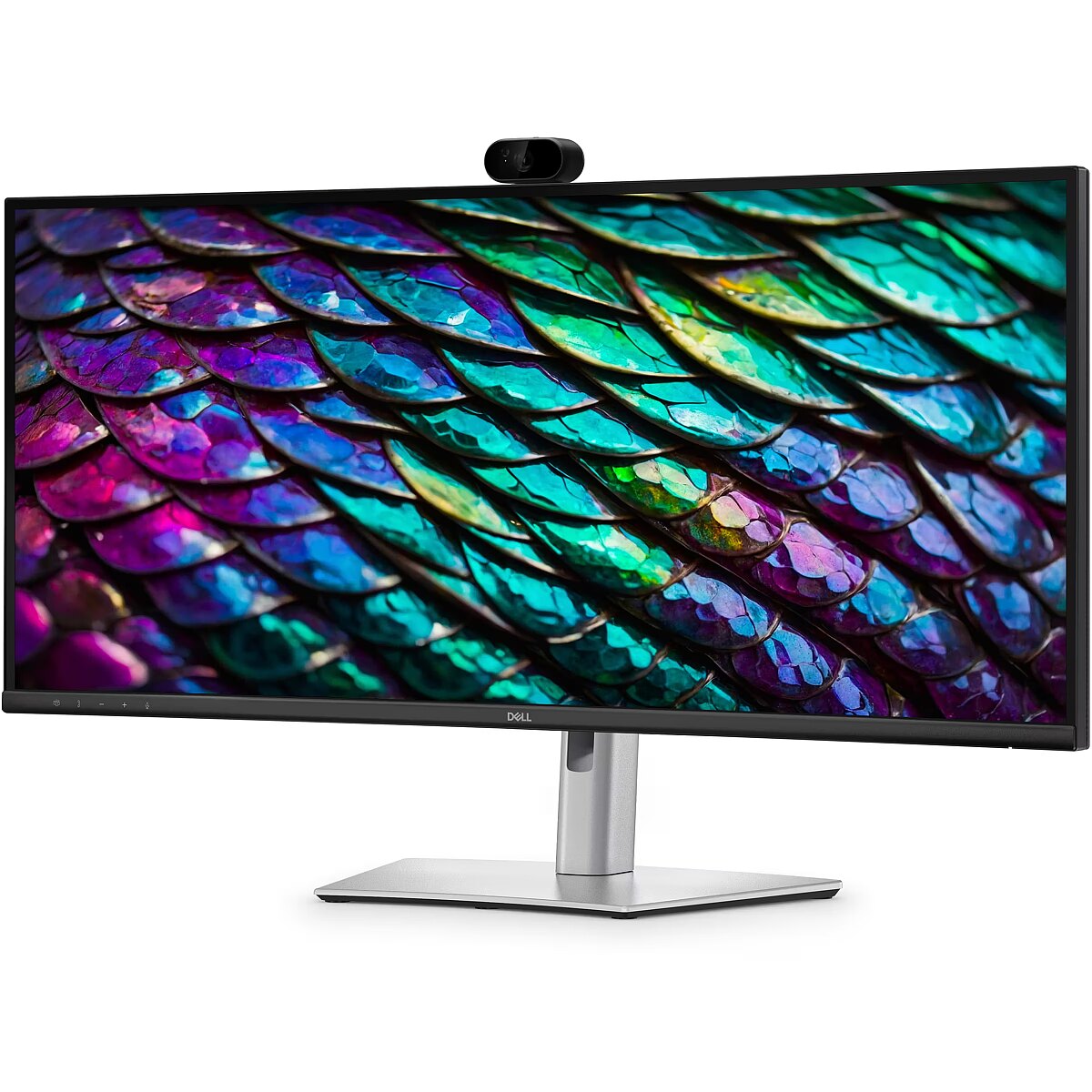
Design - Screen shape - Curved
Design - Swivel angle range - -30 - 30°
Design - Swivelling - Yes
Design - Tilt angle range - -5 - 21°
Design - VESA mounting - Yes
Display -
Display - Active display area (W x H) - 799.8 x 334.8 mm
Display - Anti-glare screen - Yes
Display - Contrast ratio (typical) - 1500:1
Display - Display brightness - 350 cd/m²
Display - Display diagonal - 86.4 cm (34")
Display - Display number of colours - 1.07 billion colours
Display - Display resolution - 3440 x 1440 pixels
Display - Display technology - LCD
Display - HD type - Wide Quad HD
Display - LED backlight - Yes
Display - LED backlighting type - Edge-LED
Display - Native aspect ratio - 21:9
Display - Native refresh rate - 100 Hz
Display - Panel type - IPS
Display - Pixel pitch - 0.2325 x 0.2325 mm
Display - Response time - 8 ms
Display - sRGB coverage (typical) - 99%
Display - Touchscreen - No
Display - Viewing angle, horizontal - 178°
Display - Viewing angle, vertical - 178°
Displaybrightness - 350 cd/m²
Displaydepth - 85.9 mm
Displaydiagonal - 86.4 cm (34")
Displaydiagonalmetric -
Displayheight - 392.8 mm
Displaynumberofcolours - 1.07 billion colours
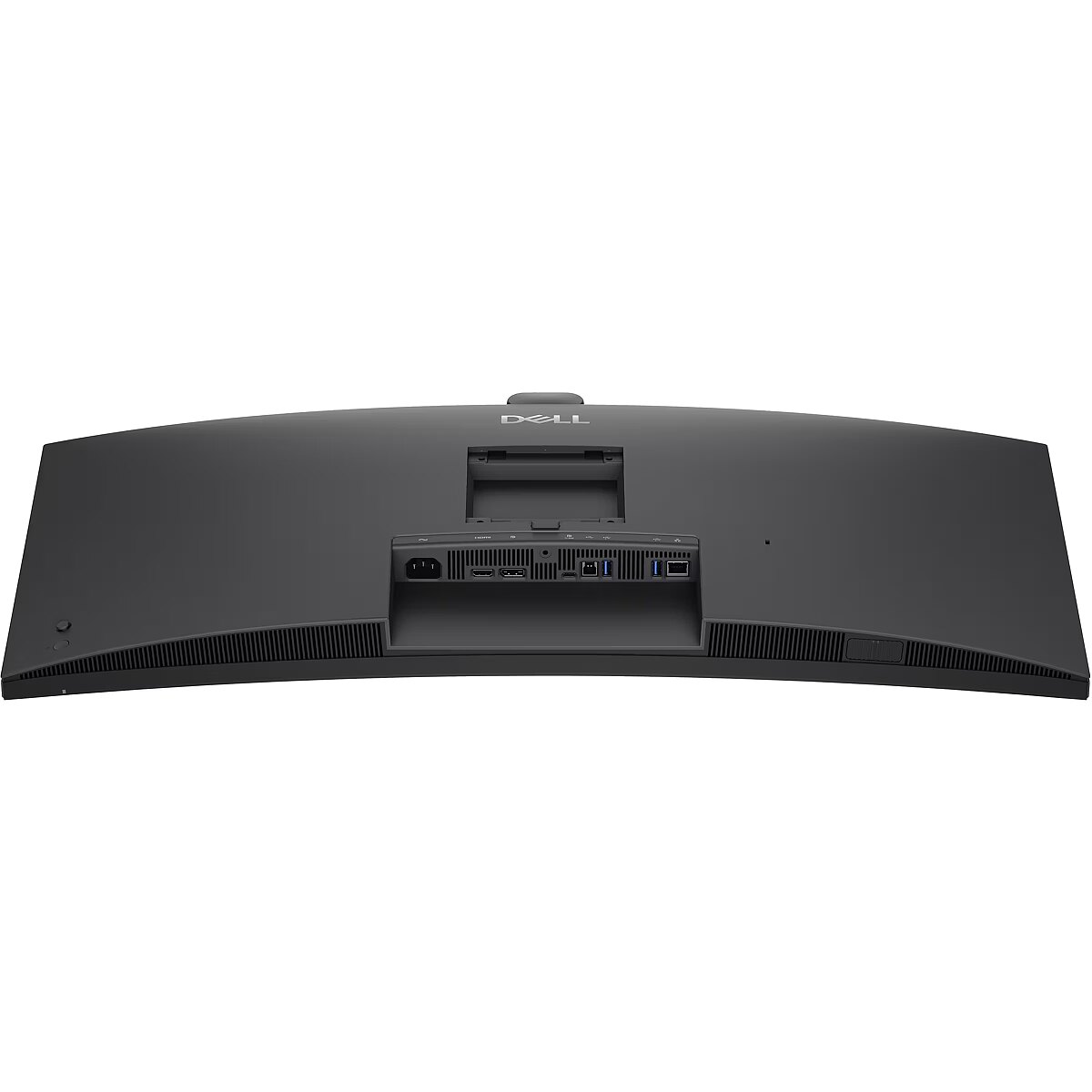
DisplayPortsquantity - 1
Displayresolution - 3440 x 1440 pixels
Displaytechnology - LCD
Displayweight - 7.18 kg
Displaywidth - 815.6 mm
DVIport - No
Eans - 5397184962954
EnergyconsumptionSDRper1000hou - 27 kWh
EnergyefficiencyclassSDR - F
Energyefficiencyscale - A to G
EthernetLAN - Yes
EthernetLANRJ45ports - 1
EUEnergyLabel - https://www.tdbaltic.ee/leaflets/DELL/210-BVHQ_eu_energy_label.pdf
GTIN - 5397184962954
HDCP - Yes
HDCPversion - 1.4
HDMIportsquantity - 1
HDMIversion - 2.1
HDtype - Wide Quad HD
Heightadjustment - Yes
Heightwithstand - 573.2 mm
HighLights -
LEDbacklight - Yes
LongDesc -
LongDesc - Experience effortless collaboration with a 34-inch WQHD IPS curved monitor, featuring a built-in webcam, speakers, and microphone for enhanced productivity.
LongProductName - 34", 3440 x 1440 IPS, 21:9, 8ms, 178°/178°, WebCam, USB PD (90W)
LongSummaryDescription - DELL Pro P P3426WEB. Display diagonal: 86.4 cm (34"), Display technology: LCD, Display resolution: 3440 x 1440 pixels. Megapixel (approx.): 4 MP. RMS rated power: 10 W. Product colour: Black, Screen shape: Curved, Panel mounting interface: 100 x 100 mm. USB Power Delivery up to: 90 W
Macoperatingsystemssupported - Yes
ManufDatasheet - https://www.tdbaltic.ee/leaflets/DELL/210-BVHQ.pdf
Maximumframerate -
Megapixelapprox - 4 MP
Microphonein -
Name - DELL Pro P 34 USB-C Hub P3426WEB
Nativeaspectratio - 21:9
Network -
Network - Ethernet LAN - Yes
Network - Ethernet LAN (RJ-45) ports - 1
Network - Wi-Fi - No
Numberofbuiltinspeakers - 2
NumberofUSBTypeBupstreamportsq - 1
NumberofUSBTypeCupstreamportsq - 1
OnScreenDisplayOSD - Yes
OperatingrelativehumidityHH - 10 - 80%
OperatingtemperatureTT - 0 - 40 °C
Operationalconditions -
Operational conditions - Operating relative humidity (H-H) - 10 - 80%
Operational conditions - Operating temperature (T-T) - 0 - 40 °C
Operational conditions - Storage relative humidity (H-H) - 5 - 90%
Operational conditions - Storage temperature (T-T) - -20 - 60 °C
Packageweight - 14.8 kg
Packagingcontent -
Packaging content - Cables included - DisplayPort, USB Type-A to USB Type-B, USB Type-C to USB Type-C
Packaging content - Stand included - Yes
Packagingdata -
Packaging data - Package weight - 14.8 kg
Panelmountinginterface - 100 x 100 mm
Paneltype - IPS
Performance -
Performance - HDCP - Yes
Performance - HDCP version - 1.4
Performance - On Screen Display (OSD) - Yes
Pivot - No
Pivotangle -
Pixelpitch - 0.2325 x 0.2325 mm
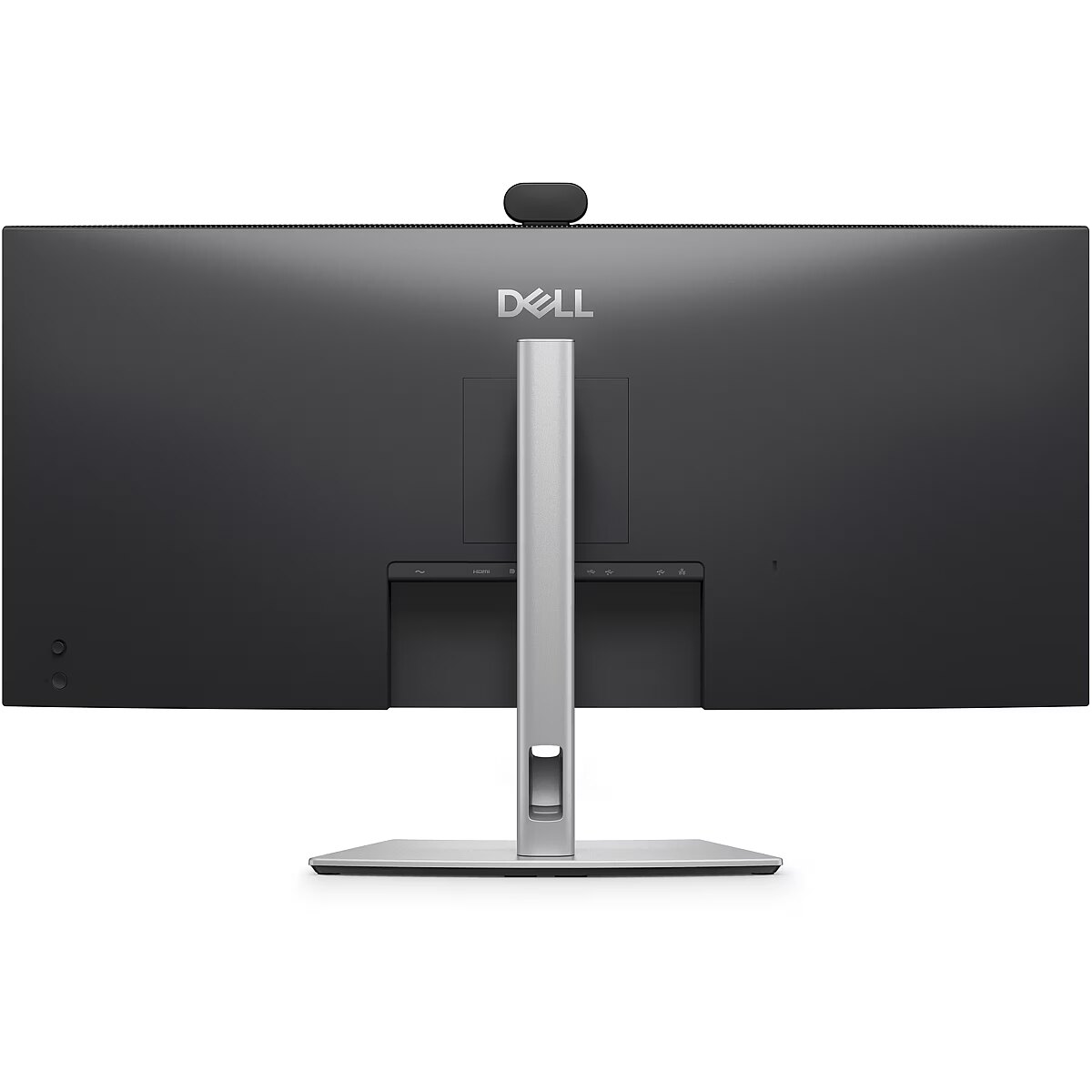
Ports & interfaces - DisplayPorts quantity - 1
Ports & interfaces - DVI port - No
Ports & interfaces - HDMI ports quantity - 1
Ports & interfaces - HDMI version - 2.1
Ports & interfaces - Number of USB Type-B upstream ports quantity - 1
Ports & interfaces - Number of USB Type-C upstream ports quantity - 1
Ports & interfaces - USB charging port - Yes
Ports & interfaces - USB port - Yes
Ports & interfaces - USB Power Delivery (USB PD) - Yes
Ports & interfaces - USB Power Delivery up to - 90 W
Ports & interfaces - USB Type-A downstream ports quantity - 2
Ports & interfaces - USB Type-C DisplayPort Alternate Mode - Yes
Portsinterfaces -
Power -
Power - AC input frequency - 50/60 Hz
Power - AC input voltage - 100 - 240 V
Power - Energy consumption (SDR) per 1000 hours - 27 kWh
Power - Energy efficiency class (SDR) - F
Power - Energy efficiency scale - A to G
Power - Power consumption (max) - 220 W
Power - Power consumption (standby) - 0.5 W
Power - Power consumption (typical) - 27 W
Power - Power supply type - Internal
Poweradapterincluded -
Powerconsumptionmax - 220 W
Powerconsumptionstandby - 0.5 W
Powerconsumptiontypical - 27 W
Powersupplytype - Internal
ProdDesc - Dell Pro P 34 USB-C Hub Conferencing Monitor - P3426WEB
Producer - Dell
ProducerCode - 210-BVHQ
Productcolour - Black
Productcondition - Original
ProductHighLights -
- 34" LCD IPS
- Wide Quad HD, 21:9, 3440 x 1440
- 8ms
- USB PD (90W), WebCam
ProductName - P3426WEB
ProductPicture - https://www.tdbaltic.ee/images/products/DELL/210-BVHQ_1.jpg
ProductPicture1 - https://www.tdbaltic.ee/images/products/DELL/210-BVHQ_2.jpg
ProductPicture2 - https://www.tdbaltic.ee/images/products/DELL/210-BVHQ_3.jpg
ProductPicture3 - https://www.tdbaltic.ee/images/products/DELL/210-BVHQ_4.jpg
ProductPicture4 - https://www.tdbaltic.ee/images/products/DELL/210-BVHQ_5.jpg
ProductPicture5 - https://www.tdbaltic.ee/images/products/DELL/210-BVHQ_6.jpg
ProductPicture6 -
ProductPicture7 -
ProductPicture8 -
Remotecontrolincluded -
Responsetime - 8 ms
RMSratedpower - 10 W
Screenshape - Curved
ShortDescription -
ShortSummaryDescription - DELL Pro P P3426WEB, 86.4 cm (34"), LCD, 3440 x 1440 pixels, Wide Quad HD, 21:9, IPS
SRGBcoveragetypical - 99%
Standincluded - Yes
StoragerelativehumidityHH - 5 - 90%
StoragetemperatureTT - -20 - 60 °C
Styluspen -
Surfacehardness -
Sustainability - Sustainability certificates - ENERGY STAR, TCO
Swivelanglerange - -30 - 30°
Swivelling - Yes
Technical details - Compliance certificates - RoHS
Tiltanglerange - -5 - 21°
Title - DELL Pro P P3426WEB 86.4 cm (34") LCD 3440 x 1440 pixels Wide Quad HD
Touchscreen - No
URL - https://www.dell.com/en-uk/shop/
USB20TypeBportsquantity -
USB32Gen131Gen1TypeAportsquant -
USB32Gen131Gen1TypeCportsquant -
USBport - Yes
USBportsquantity -
USBPowerDeliveryupto - 90 W
USBPowerDeliveryUSBPD - Yes
USBTypeAdownstreamportsquantit - 2
USBTypeCDisplayPortAlternateMo - Yes
USBTypeCdownstreamportsquantit -
USBversion -
VESAmounting - Yes
Viewinganglehorizontal - 178°
Viewinganglevertical - 178°
Warranty - 36 months
Warrantyandmisc -
WarrantyInfo - 3 Years Base Adv Ex
Weight & dimensions - Depth (with stand) - 229.4 mm
Weight & dimensions - Display depth - 85.9 mm
Weight & dimensions - Display height - 392.8 mm
Weight & dimensions - Display weight - 7.18 kg
Weight & dimensions - Display width - 815.6 mm
Weight & dimensions - Height (with stand) - 573.2 mm
Weight & dimensions - Weight (with stand) - 9.61 kg
Weight & dimensions - Width (with stand) - 815.6 mm
Weightdimensions -
Weightwithstand - 9.61 kg
Widthwithstand - 815.6 mm
WiFi - No
Windowsoperatingsystemssupport - Yes




 DVI is a digital standard and ensures high image quality, however, thanks to the big size of the plug and the inability of the standard to develop further due to a few technical restrictions this type of connection is gradually losing its popularity to modern HDMI and DisplayPort standards.




