AC input frequency Power - 50/60 Hz
AC input voltage Power - 100 - 240 V
AMD FreeSync Performance - Yes
AMD FreeSync type Performance - FreeSync Premium
Audio input Ports & interfaces - Yes
Backlight type Display - Edge-Lit
Bluetooth Network - No
Brand - LG
BrandPartCode - 40U990A-W
Brand specific technologies Other features - Black Stabilizer
Built-in camera Multimedia - No
Built-in speaker(s) Multimedia - Yes
Built-in USB hub Ports & interfaces - No
Cable lock slot Ergonomics - No
Cables included Packaging content - DisplayPort, HDMI, Thunderbolt, USB Type-C
Category - Computer Monitors
category - Monitors|Gaming Monitors|from 60 Hz
Category - Root/Electronics/PC peripherals/Monitors
Category Code - LC3
Category_1 - Monitors and TV
Category_2 - LED Monitors 31 inches and up
CnCode - 85285291
code - 40U990A-W
Code - 40U990A-W.AEU
Colour gamut standard Display - DCI-P3
Contrast ratio (typical) Display - 2000:1
Country of origin Other features - China
Dane fizyczne: Głębokość - 260 mm
Dane fizyczne: Kolor obudowy - biały
Dane fizyczne: Standard VESA - 100 x 100
Dane fizyczne: Szerokość - 947.7 mm
Dane fizyczne: Waga - 14.1 kg
Dane fizyczne: Wysokość - 614.3 mm
Dane techniczne: HDR - yes
Dane techniczne: Czas reakcji - 5 ms
Dane techniczne: Częstotliwość odświeżania - 120 Hz
Dane techniczne: Grupa produktowa - Monitory LG
Dane techniczne: Gwarancja - 2 lata w serwisie zewnętrznym
Dane techniczne: Głośniki - yes
Dane techniczne: Jasność - 450 cd/m²
Dane techniczne: Model - LG UltraFine U990A
Dane techniczne: Możliwość regulacji - obrót na podstawie (swivel)
Dane techniczne: Możliwość regulacji - pochył
Dane techniczne: Możliwość regulacji - wysokość
Dane techniczne: Powłoka matrycy - antyrefleksyjna
Dane techniczne: Producent - LG
Dane techniczne: Przekątna - 40 cali
Dane techniczne: Rodzaj podświetlenia - LED
Dane techniczne: Rozdzielczość ekranu - 5120 x 2160 piksele
Dane techniczne: Standard portów wideo - DisplayPort 2.1
Dane techniczne: Standard portów wideo - HDMI
Dane techniczne: Typ - dla graczy
Dane techniczne: Typ ekranu - zakrzywiony
Dane techniczne: Typ matrycy - Nano IPS Black
Data Sheet (Link) Energy Efficiency - https://eprel.ec.europa.eu/api/product/2316993/fiches?language=EN
DCI-P3 coverage Display - 99%
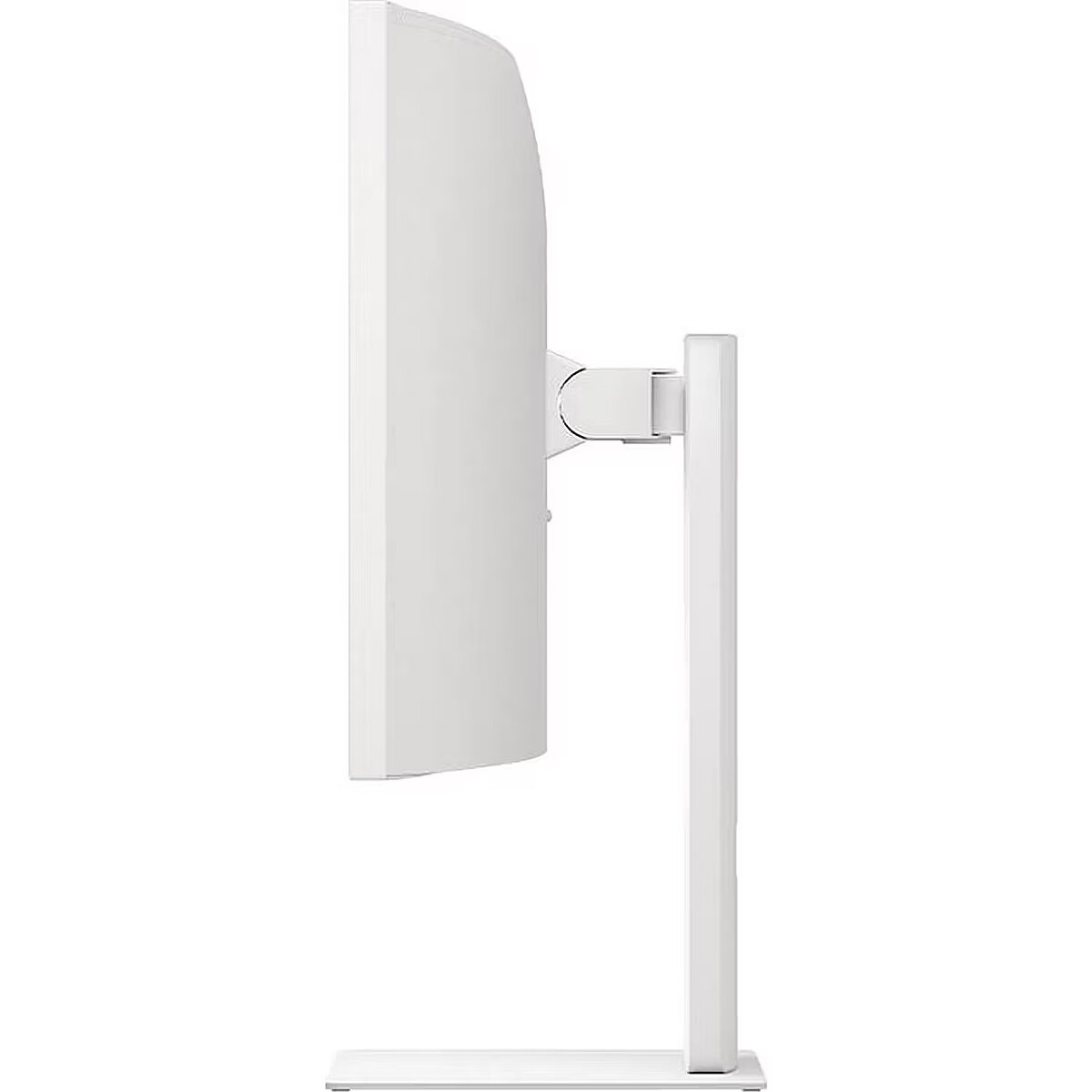
Depth (without stand) Weight & dimensions - 106.7 mm
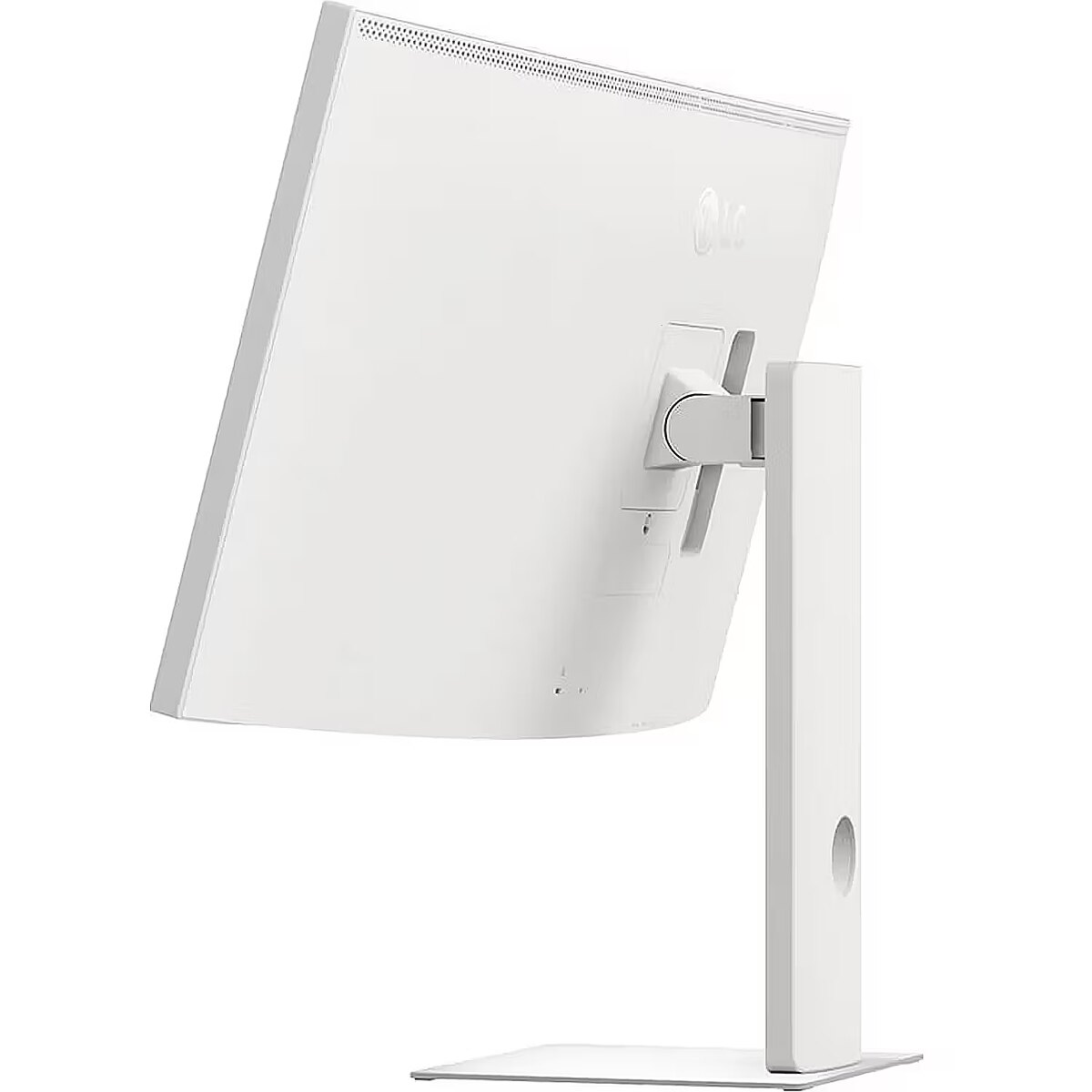
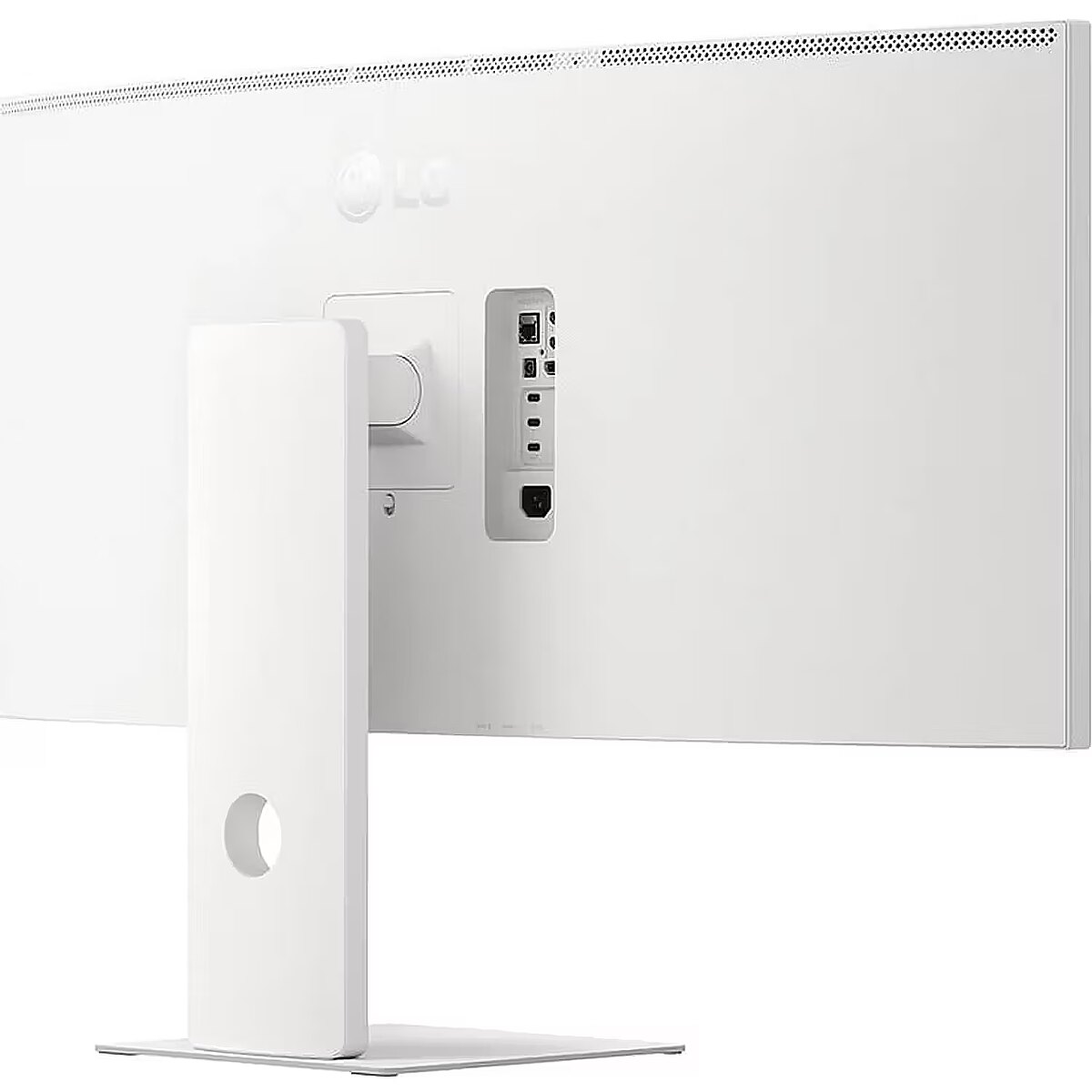
Depth (with stand) Weight & dimensions - 259.1 mm
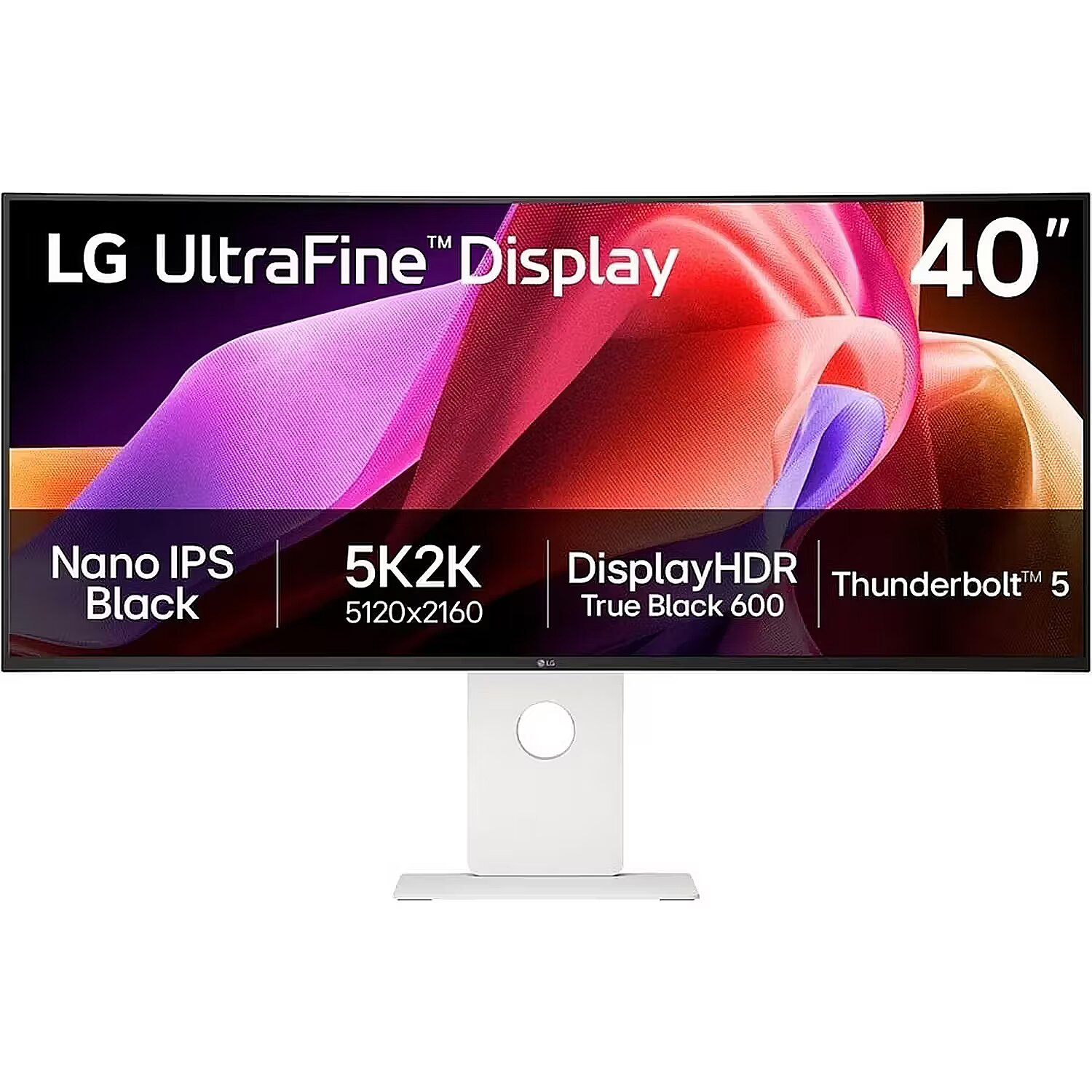
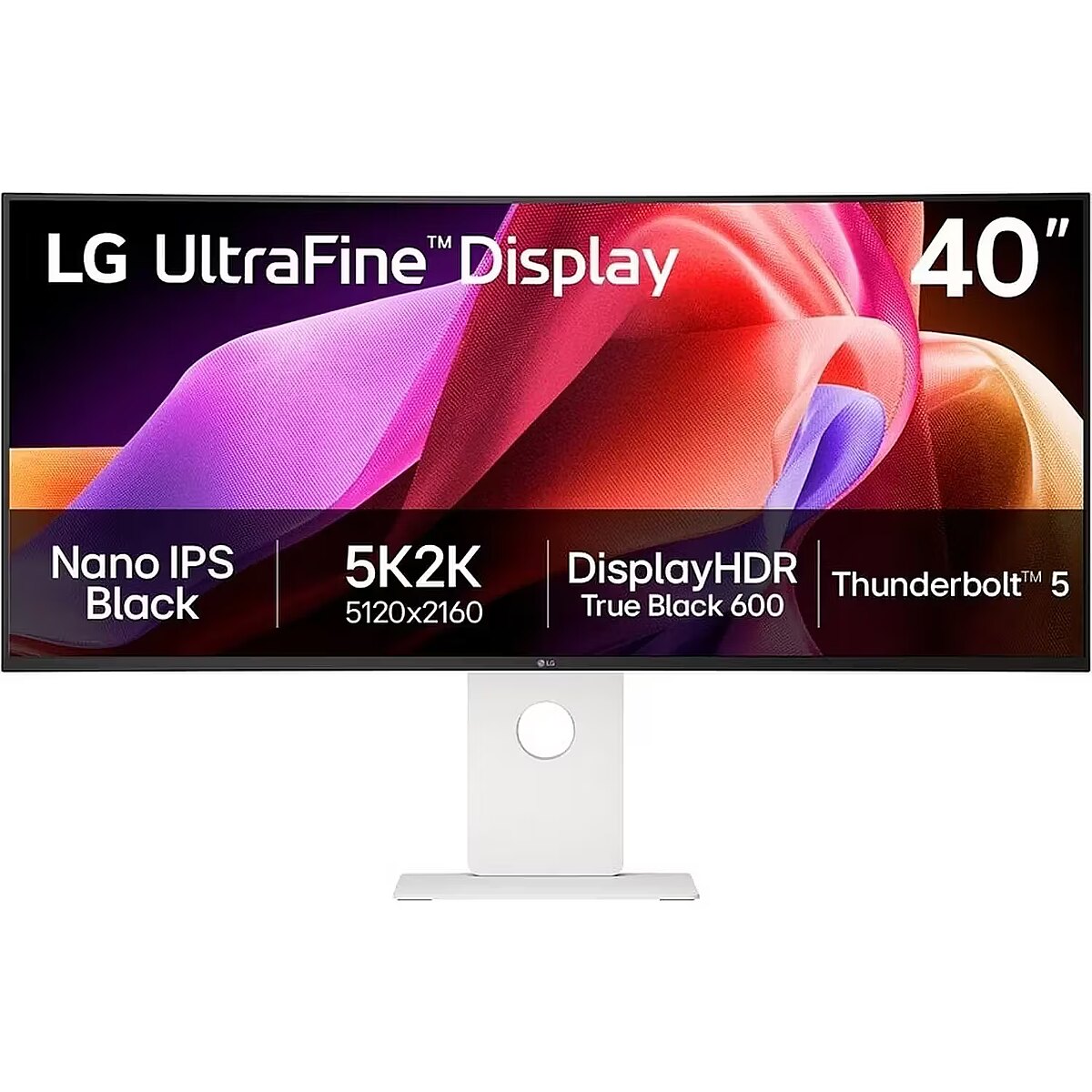
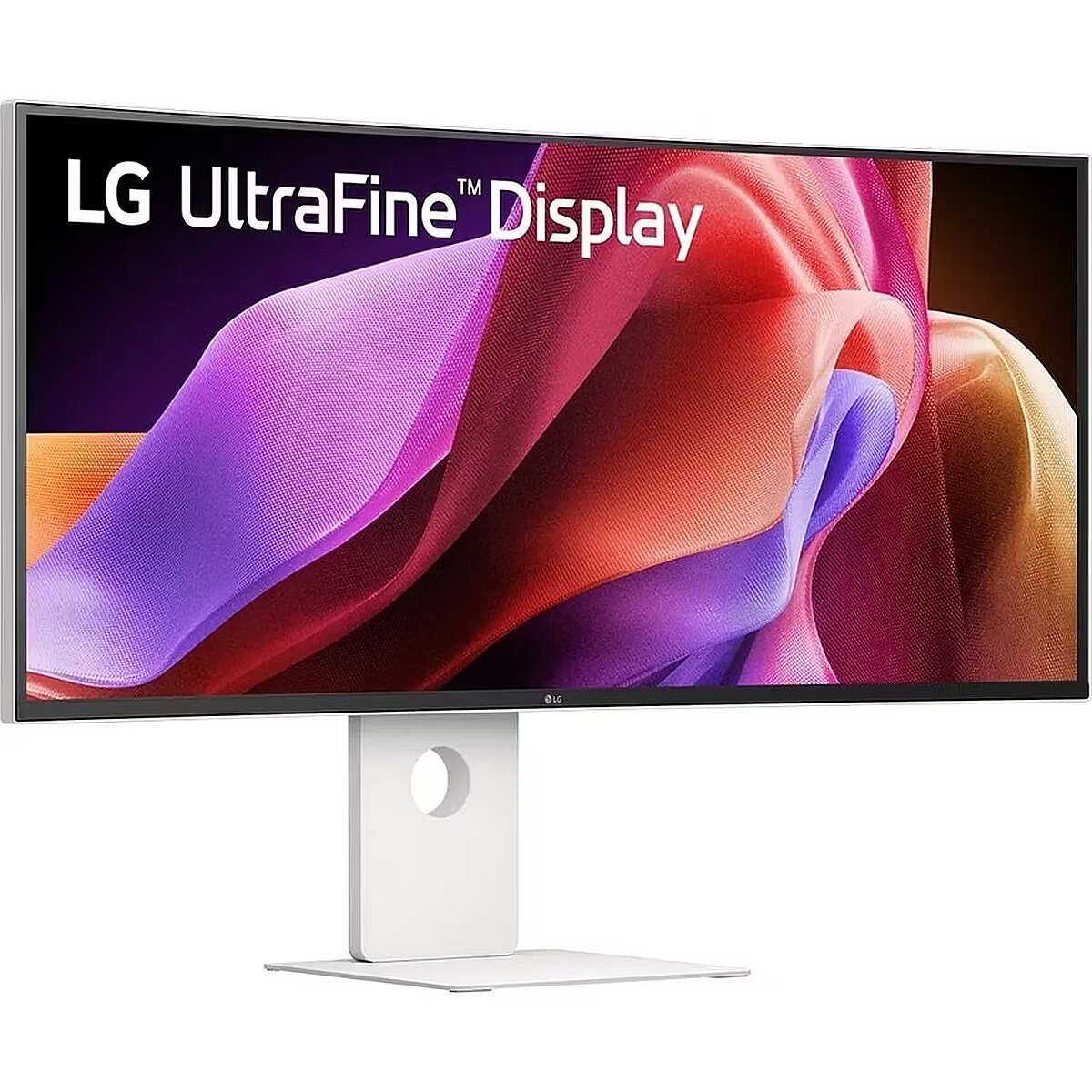
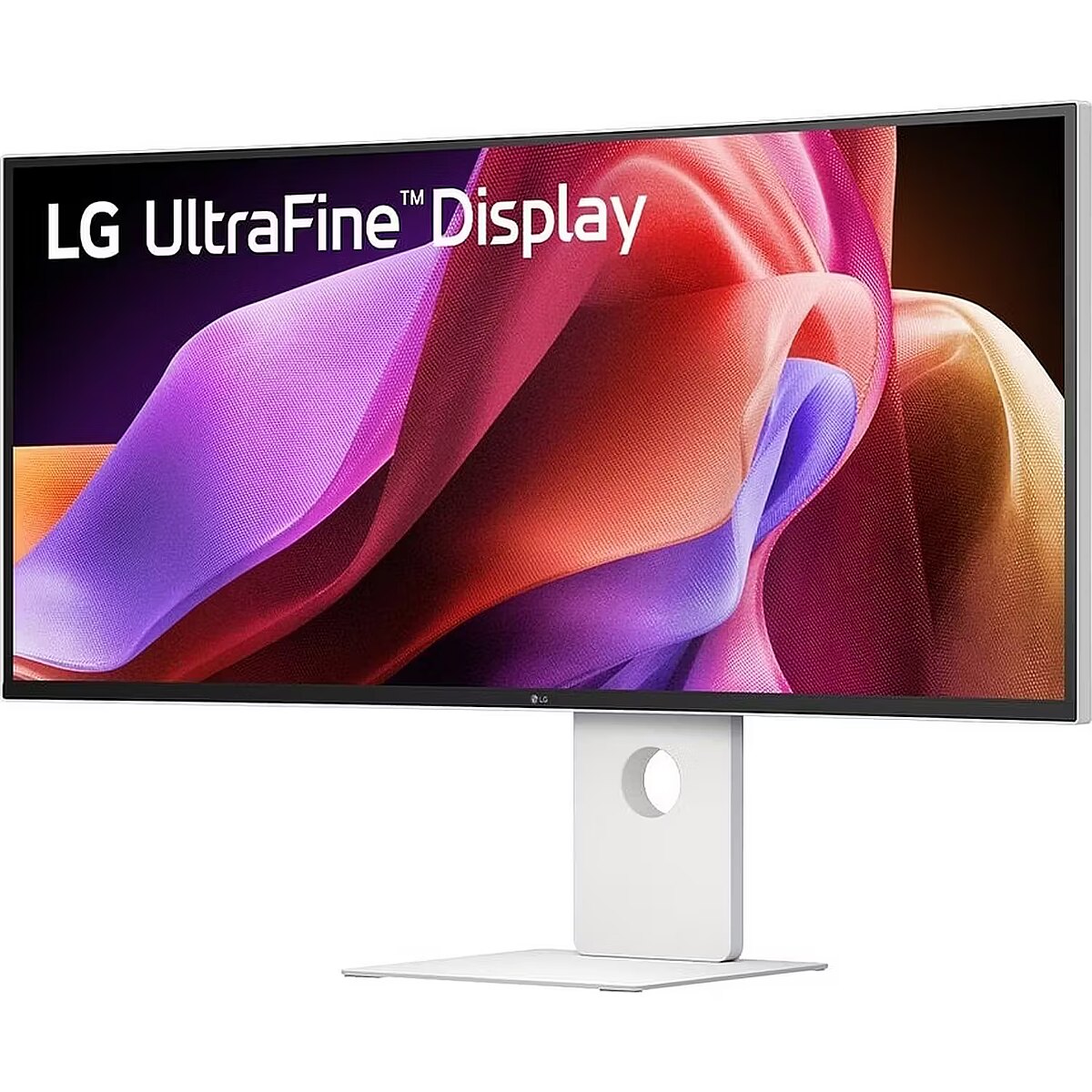
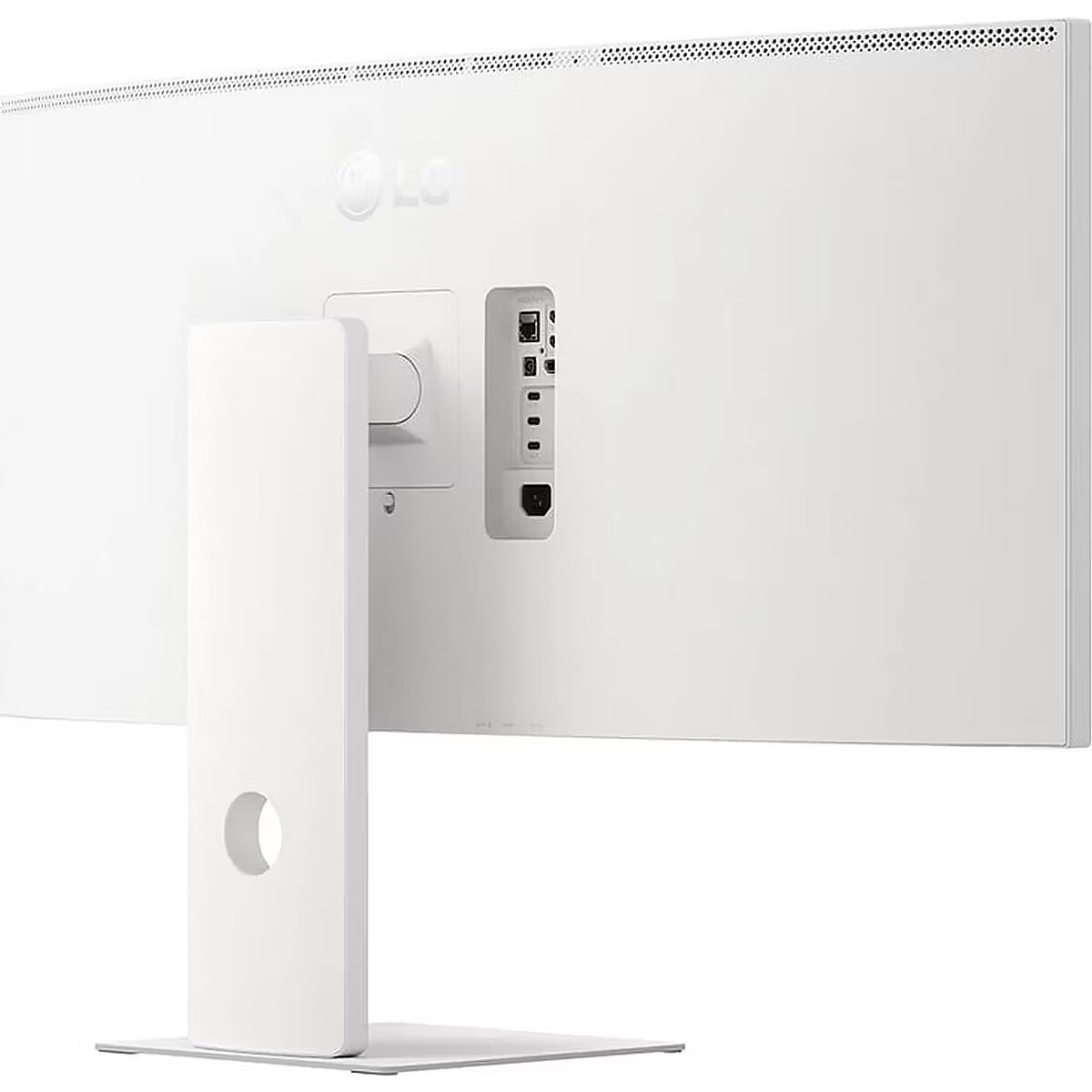
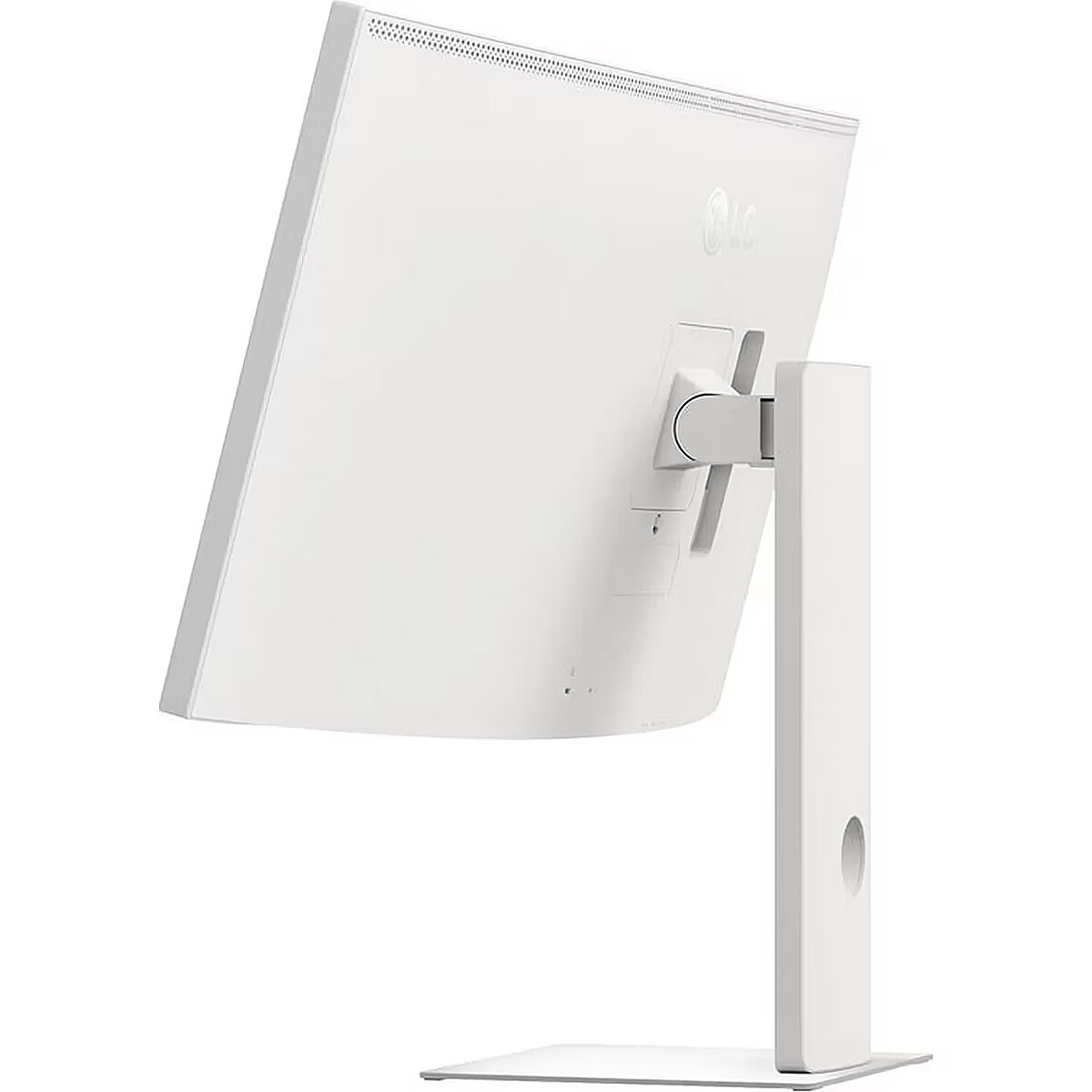
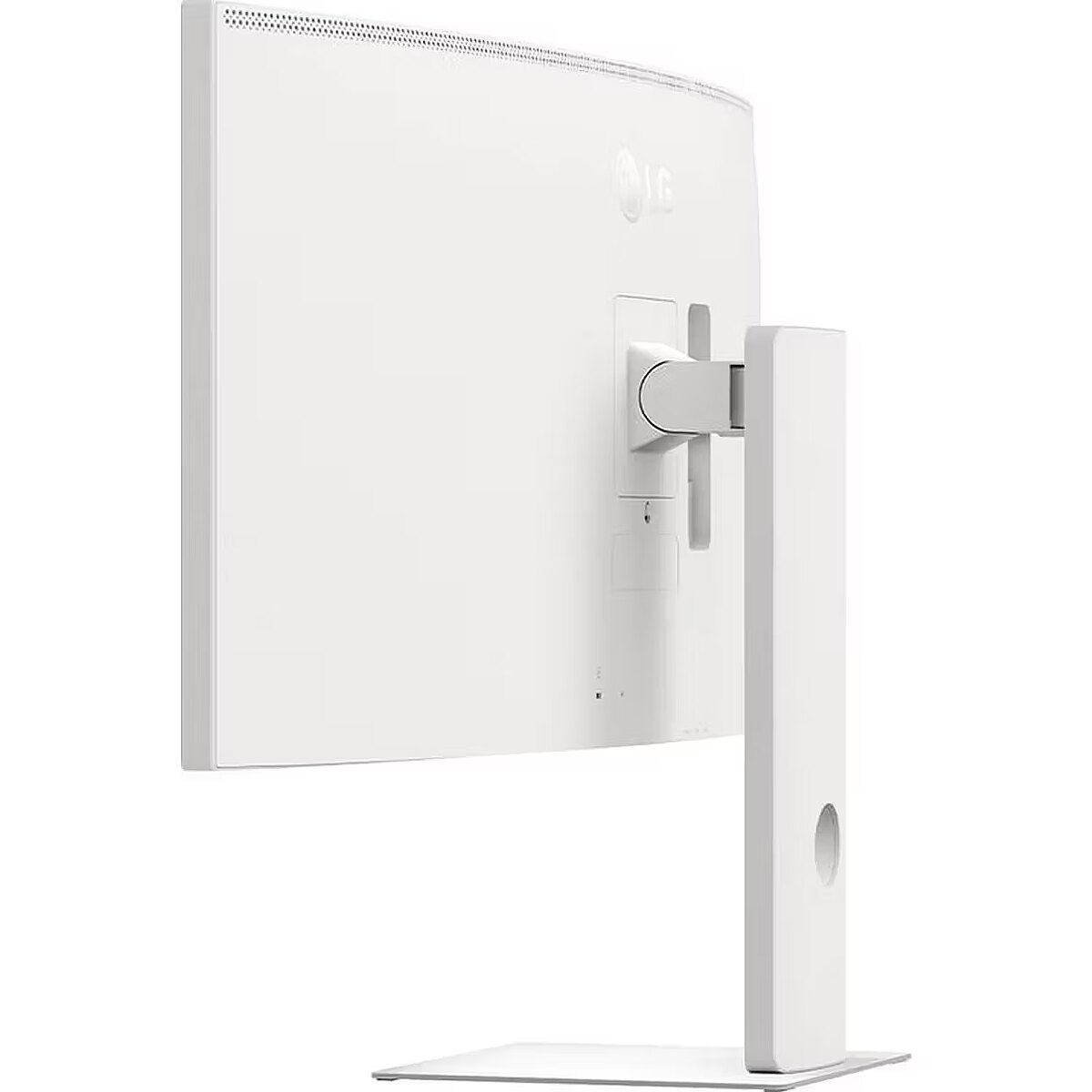
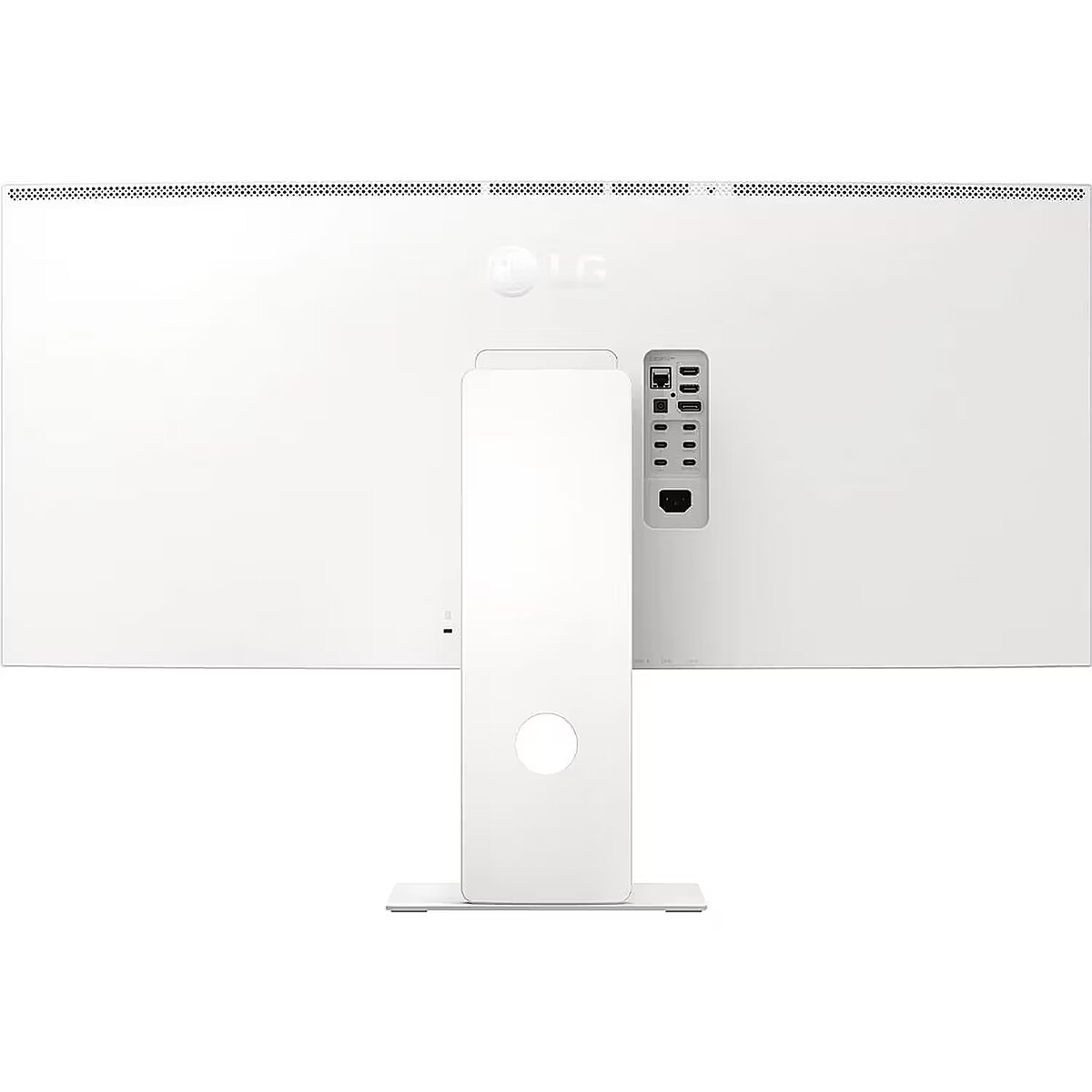
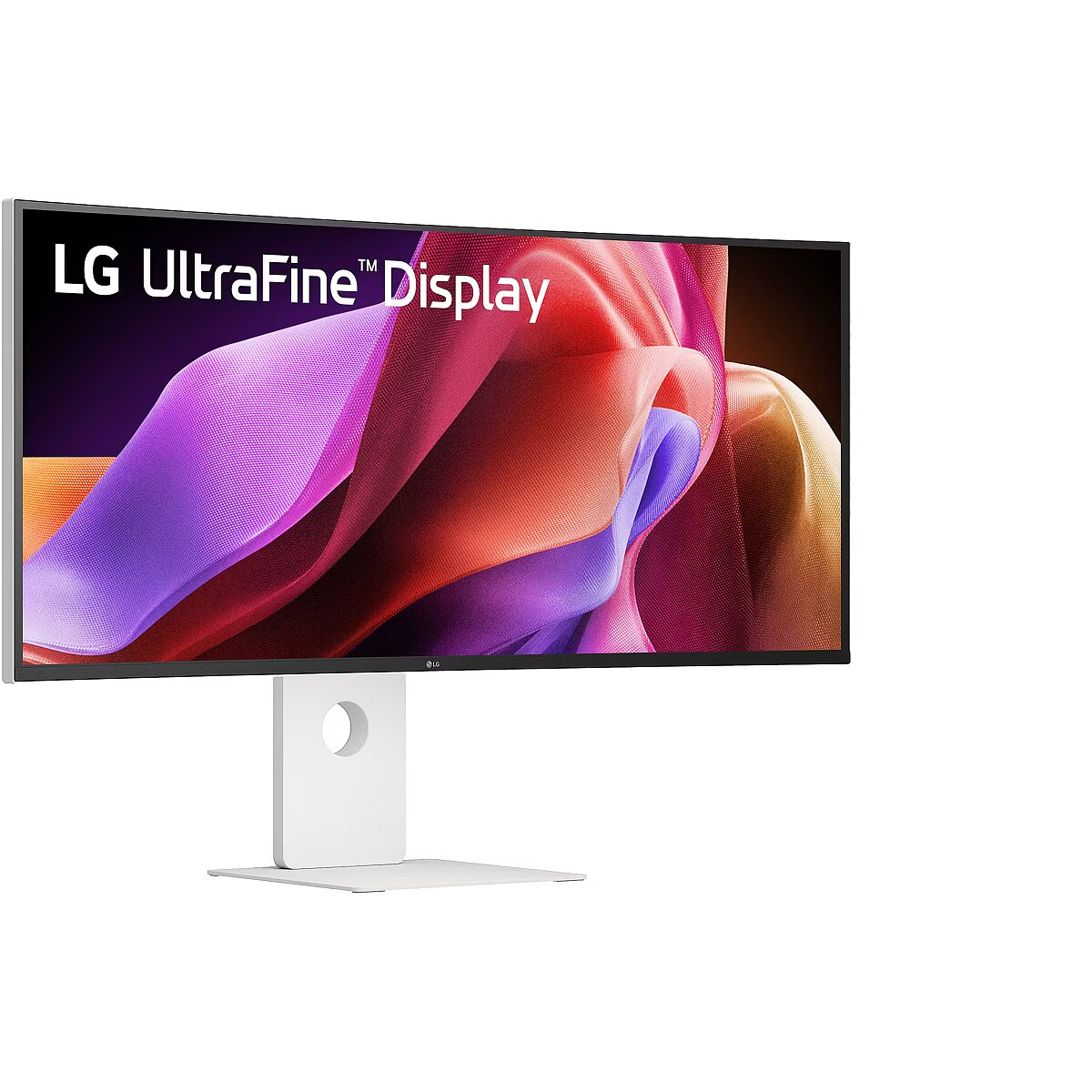
Description - The World’s First 5K2K Monitor with Thunderbolt™ 5 The LG UltraFine™ 40U990A is the world’s first 5K2K widescreen monitor with Thunderbolt™ 5, delivering ultra-fast data transfer, 96W charging, and dual display support. The monitor's 40” curved (2500R), Nano IPS Black panel offers brilliant color, and spectacular contrast - a new go-to display for creators, multritaskers and gamers. 5K2K Means More Pixels for More Creative Control The 5K2K (5120x2160) Nano IPS Black display offers 33% more pixels than standard 4K UHD, delivering ultra-wide resolution, vivid color, and razor-sharp detail—creating a spacious, precise workspace ideal for video editing, graphic design, photography, and color-critical tasks. Built for creators. Ready for professionals. Built for creative flow, the UltraFine™ 5K2K screen makes it easy to work across complex timelines, layered interfaces, and multiple windows—ideal for editing, producing, and programming. VESA DisplayHDR™ 600 Meets Nano IPS Black Brilliance VESA DisplayHDR™ 600 and Nano IPS Black combine to deliver deep blacks, vivid highlights, and cinematic color—ideal for creators who need precision in light, shadow, and texture. Up to 99% DCI-P3 Color Brilliance for Visual Pros With up to 99% DCI-P3 color gamut coverage, this UltraFine™ display delivers bold, vibrant color across a wide spectrum—ideal for impactful video, photo, and design work in print, digital, and broadcast formats. 2000:1 Contrast for Stunning Visual Depth Nano IPS Black enhances contrast to 2000:1, revealing richer shadows, deeper blacks, and sharper detail—perfect for bold color, improved depth, and edge-to-edge consistency. 5K2K Production Powered by Thunderbolt™ 5 Thunderbolt™ 5 supports commercial-level video, film, and game production with faster data transfer, 96W charging, and seamless 5K2K output—all through a single, stable, high-speed cable. Daisy Chain Enhances Multitasking Efficiency Daisy chain two monitors and a laptop via Thunderbolt™ 5 and DisplayPort—simplifying your workspace while expanding screen space for multitasking, content creation, or focused productivity Versatile Ports for Limitless Possibilities Thunderbolt™ 5, HDMI 2.1 (x2), DisplayPort 2.1 (UHBR 13.5) and USB-C let you connect laptops, cameras, and drives—no adapters needed. Enjoy stable, streamlined performance across creative, gaming, or professional workflows. Dual Speakers. Deep, Immersive Sound. Let the action surround you with dual speakers and Rich Bass—delivering deeper, fuller sound that enhances cinematic scenes. FreeSync™ Premium Smooths Every Frame FreeSync™ Premium keeps motion smooth and responsive, reducing screen tearing and stutter while mixing audio, gaming, or reviewing high-resolution video. Personalized Your Display with Switch App Easily customize image settings, split your screen into 11 layouts, and launch video calls instantly with the LG Switch App—streamlining your setup for productivity and entertainment. Designed for Comfort and Focus The narrow bezeled, 3-sided virtually borderless design and compact L-stand save space and reduce distractions, while tilt, height, and swivel adjustments support comfort and focus during long creative sessions.World’s first 5K2K monitor with Thunderbolt™ 5 for pro-level performanceSee sharper, work smarter—5K2K clarity for design, editing, and visual precisionA wide 5K2K display built for creative precision and focused workflowsNano IPS Black and HDR 600 deliver deep blacks, vivid color, and contrastFrom bold to subtle, up to 99% DCI-P3 ensures impeccable color in every project2000:1 contrast ratio delivers deeper blacks and remarkable visual depthThunderbolt™ 5 powers fast, stable 5K2K production with 96W chargingConnect two monitors and a laptop with a clean, single-cable daisy chain setup
Design - Product colour - Black
Design > Colour of product - White
Design > VESA mounting - Yes
Design > VESA mounting interfaces - 100x100 mm
Display - Backlight type - Edge-Lit
Display - Colour gamut standard - DCI-P3
Display - Contrast ratio (typical) - 2000:1
Display - DCI-P3 coverage - 99%
Display - Display brightness (typical) - 450 cd/m²
Display - Display diagonal - 101.6 cm (40")
Display - Display diagonal (metric) - 101 cm
Display - Display number of colours - 1.06 billion colours
Display - Display resolution - 5120 x 2160 pixels
Display - HD type - WUHD
Display - High Dynamic Range (HDR) supported - Yes
Display - High Dynamic Range (HDR) technology - DisplayHDR 600, HDR Effect, High Dynamic Range 10 (HDR10)
Display - LED backlight - Yes
Display - Maximum refresh rate - 120 Hz
Display - Native aspect ratio - 21:9
Display - Panel type - Nano IPS
Display - Pixel density - 139 ppi
Display - Pixel pitch - 0.1815 x 0.1815 mm
Display - Response time - 5 ms
Display - Response time measurement type - GTG (Gray to Gray)
Display - Screen curvature rating - 2500R
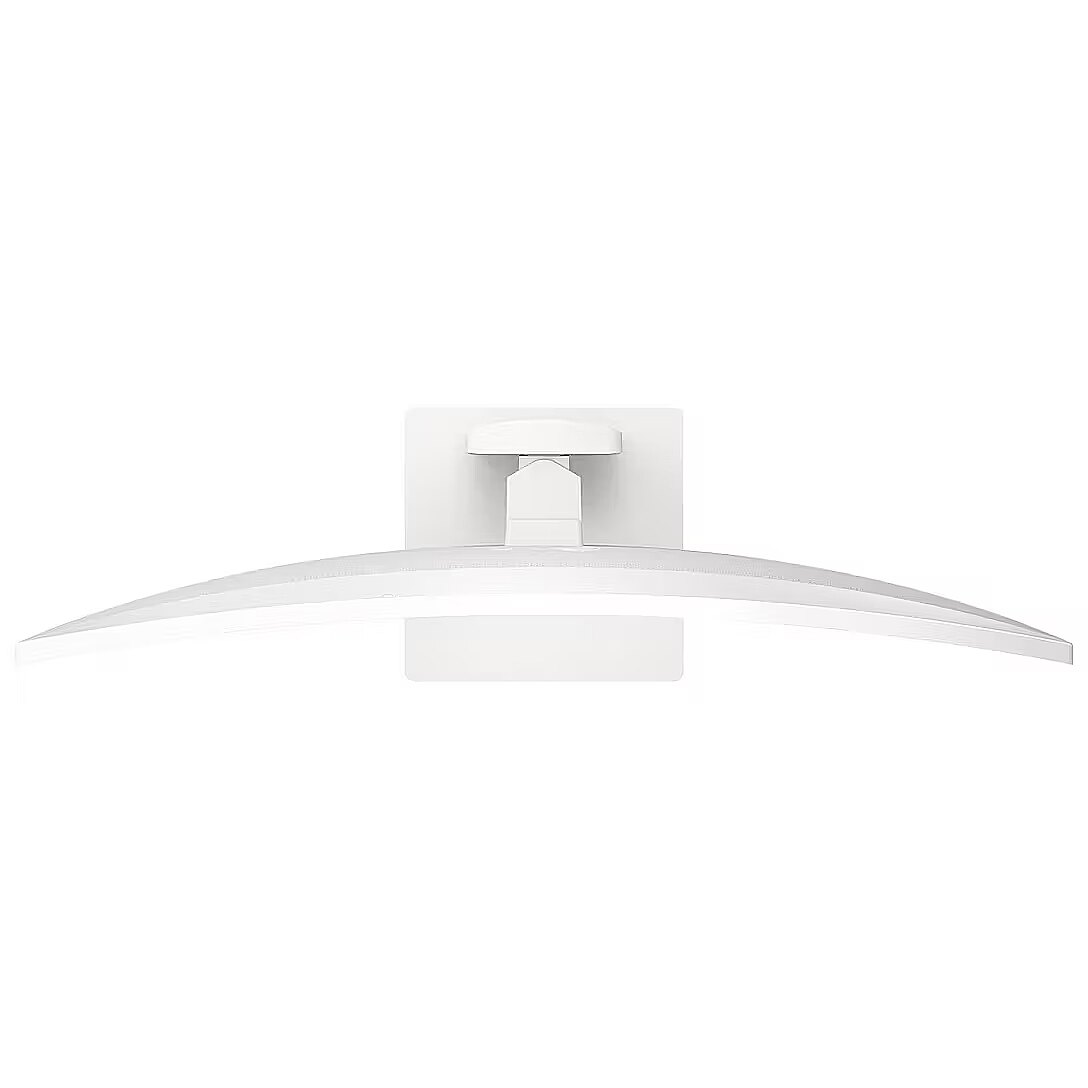
Display - Screen shape - Curved
Display - Touchscreen - No
Display - Viewing angle, horizontal - 178°
Display - Viewing angle, vertical - 178°
Display > Aspect ratio - 21:9
Display > Contrast ratio (typical) - 2000:1
Display > Display - 5120 x 2160 pixels
Display > Display brightness - 450 cd/m²
Display > Display diagonal - 40 "
Display > Display diagonal (metric) - 101 cm
Display > Display number of colours - 1060 M
Display > HD type - UHD
Display > Maximum refresh rate - 120 Hz
Display > Panel type - IPS Black
Display > Response time - 5 ms
Display > Viewing angle, horizontal - 178 °
Display > Viewing angle, vertical - 178 °
Display brightness (typical) Display - 450 cd/m²
Display diagonal (metric) Display - 101 cm
Display diagonal Display - 101.6 cm (40")
Display number of colours Display - 1.06 billion colours
DisplayPorts quantity Ports & interfaces - 1
DisplayPort version Ports & interfaces - 2.1
Display resolution Display - 5120 x 2160 pixels
Dodatkowe informacje o matrycy: Format obrazu - 21:9
Dodatkowe informacje o matrycy: Kontrast - 2000:1
Dodatkowe informacje o matrycy: Kąt widzenia w pionie - 178 °
Dodatkowe informacje o matrycy: Kąt widzenia w poziomie - 178 °
Dodatkowe informacje o matrycy: Liczba wyświetlanych kolorów - 1060 mln
EAN - 8806096489314
ean - 8806096489314
Eans - 8806096489314
EAN_code - 8806096489314
Efektywność energetyczna: Klasa energetyczna - F
Efektywność energetyczna: Zużycie energii - 40 kWh/1000h
Efektywność energetyczna: Zużycie energii w trybie HDR - 58 kWh/1000h
Efektywność energetyczna: Zużycie energii w trybie pracy - 45 W
Energy consumption (HDR) per 1000 hours Power - 58 kWh
Energy consumption (SDR) per 1000 hours Power - 40 kWh
Energy efficiency class (HDR) Power - G
Energy efficiency class (SDR) Power - F
Energy efficiency class Energy Efficiency - F
Energy efficiency scale Power - A to G
EPREL Registration Number Energy Efficiency - 2316993
EPREL Version Number Energy Efficiency - 1
Ergonomics - Cable lock slot - No
Ergonomics - Height adjustment - Yes
Ergonomics - Panel mounting interface - 100 x 100 mm
Ergonomics - Picture-in-Picture - Yes
Ergonomics - Swivelling - Yes
Ergonomics - Tilt adjustment - Yes
Ergonomics - VESA mounting - Yes
Ergonomics - Wall mountable - Yes
Ergonomics > Pivot - No
Ergonomics > Tilt adjustment - Yes
Ethernet LAN Network - Yes
Funkcje Gamingowe: Obsługa FreeSync - yes
Funkcje Gamingowe: Pozostale technologie - Adaptive Sync
Funkcje Gamingowe: Rodzaj FreeSync - FreeSync Premium
GTIN - 0195174122365
GTIN - 195174122365
GTIN - 8806096489314
HDCP Ports & interfaces - Yes
HDCP version Ports & interfaces - 2.2
HDMI Ports & interfaces - Yes
HDMI ports quantity Ports & interfaces - 2
HD type Display - WUHD
Headphone out Ports & interfaces - Yes
Height (without stand) Weight & dimensions - 419.1 mm
Height (with stand) Weight & dimensions - 614.7 mm
Height adjustment Ergonomics - Yes
High Dynamic Range (HDR) supported Display - Yes
High Dynamic Range (HDR) technology Display - DisplayHDR 600, HDR Effect, High Dynamic Range 10 (HDR10)
Informacje podstawowe: Monitor bezramkowy - tak
Informacje podstawowe: Moc głośników - 2 x 10W
Informacje podstawowe: Standard HDR - HDR 600
LED backlight Display - Yes
Link - https://www.lg.com/ae/consumer-monitors/lg-40u990a-w
LongDesc - The World’s First 5K2K Monitor with Thunderbolt™ 5The LG UltraFine™ 40U990A is the world’s first 5K2K widescreen monitor with Thunderbolt™ 5, delivering ultra-fast data transfer, 96W charging, and dual display support. The monitor's 40” curved (2500R), Nano IPS Black panel offers brilliant color, and spectacular contrast - a new go-to display for creators, multritaskers and gamers.5K2K Means More Pixels for More Creative ControlThe 5K2K (5120x2160) Nano IPS Black display offers 33% more pixels than standard 4K UHD, delivering ultra-wide resolution, vivid color, and razor-sharp detail—creating a spacious, precise workspace ideal for video editing, graphic design, photography, and color-critical tasks.Built for creators. Ready for professionals. Built for creative flow, the UltraFine™ 5K2K screen makes it easy to work across complex timelines, layered interfaces, and multiple windows—ideal for editing, producing, and programming.VESA DisplayHDR™ 600 Meets Nano IPS Black BrillianceVESA DisplayHDR™ 600 and Nano IPS Black combine to deliver deep blacks, vivid highlights, and cinematic color—ideal for creators who need precision in light, shadow, and texture.Up to 99% DCI-P3 Color Brilliance for Visual ProsWith up to 99% DCI-P3 color gamut coverage, this UltraFine™ display delivers bold, vibrant color across a wide spectrum—ideal for impactful video, photo, and design work in print, digital, and broadcast formats.2000:1 Contrast for Stunning Visual DepthNano IPS Black enhances contrast to 2000:1, revealing richer shadows, deeper blacks, and sharper detail—perfect for bold color, improved depth, and edge-to-edge consistency.5K2K Production Powered by Thunderbolt™ 5Thunderbolt™ 5 supports commercial-level video, film, and game production with faster data transfer, 96W charging, and seamless 5K2K output—all through a single, stable, high-speed cable.Daisy Chain Enhances Multitasking EfficiencyDaisy chain two monitors and a laptop via Thunderbolt™ 5 and DisplayPort—simplifying your workspace while expanding screen space for multitasking, content creation, or focused productivityVersatile Ports for Limitless PossibilitiesThunderbolt™ 5, HDMI 2.1 (x2), DisplayPort 2.1 (UHBR 13.5) and USB-C let you connect laptops, cameras, and drives—no adapters needed. Enjoy stable, streamlined performance across creative, gaming, or professional workflows.Dual Speakers. Deep, Immersive Sound.Let the action surround you with dual speakers and Rich Bass—delivering deeper, fuller sound that enhances cinematic scenes.FreeSync™ Premium Smooths Every FrameFreeSync™ Premium keeps motion smooth and responsive, reducing screen tearing and stutter while mixing audio, gaming, or reviewing high-resolution video.Personalized Your Display with Switch AppEasily customize image settings, split your screen into 11 layouts, and launch video calls instantly with the LG Switch App—streamlining your setup for productivity and entertainment.Designed for Comfort and FocusThe narrow bezeled, 3-sided virtually borderless design and compact L-stand save space and reduce distractions, while tilt, height, and swivel adjustments support comfort and focus during long creative sessions.
LongProductName - 40 Inch UltraFine 5K2K WUHD Nano IPS Black Monitor with Thunderbolt 5 PD 96W
LongSummaryDescription - LG 40U990A-W. Display diagonal: 101.6 cm (40"), Display resolution: 5120 x 2160 pixels, HD type: WUHD, Response time: 5 ms, Native aspect ratio: 21:9, Viewing angle, horizontal: 178°, Viewing angle, vertical: 178°. Built-in speaker(s). VESA mounting, Height adjustment. Product colour: Black
Manual Packaging content - Yes
Manufacturer - LG Electronics
Manufacturer_code - 40U990A-W.AEU
Maximum refresh rate Display - 120 Hz
Model - 40U990A
Model - 40U990A-W
Model name - 40U990A-W
Multimedia - Built-in camera - No
Multimedia - Built-in speaker(s) - Yes
Multimedia - Number of speakers - 2
Multimedia - RMS rated power - 10 W
Multimedia > Built-in speaker(s) - No
Name - LG Electronics UltraWide 40U990A-W (100.9 cm (40 inches), white/black, 5K2K, Nano-IPS-Black, Curved, Thunderbolt 5, HDMI, DP, USB-C, 120Hz panel)
name - LG UltraFine 40U990A-W, 39.7-inch 5K2K Curved Professional Monitor, 120Hz, IPS, FreeSync Premium
Name - LG UltraFine 40U990A-W - 5K2K | Nano IPS Black | Thunderbolt 5 | HDR 600
Name - LG | 40U990A-W.AEU | 40 " | IPS Black | UHD | 21:9 | 120 Hz | 5 ms | 5120 x 2160 pixels | 450 cd/m² | HDMI ports quantity 2 | White
Name - MONITOR LCD 40" IPS/40U990A-W LG
Native aspect ratio Display - 21:9
Network - Bluetooth - No
Network - Ethernet LAN - Yes
Network - Wi-Fi - No
Number of speakers Multimedia - 2
Number of USB Type-C upstream ports quantity Ports & interfaces - 4
NVIDIA G-SYNC Performance - No
Ochrona oczu: Filtr światła niebieskiego - yes
Ochrona oczu: Redukcja migotania - yes
Other features - Brand specific technologies - Black Stabilizer
Other features - Country of origin - China
Other features - Picture-by-Picture (PbP) - Yes
Package depth Packaging data - 200.7 mm
Package features > Embeeded battery - No
Package features > Gross depth (mm) - 201.00 mm
Package features > Gross height (mm) - 534.00 mm
Package features > Gross width (mm) - 1206.00 mm
Package features > Packing quantity - 1.00 pc(s)
Package features > Palette Qty - 20 pc(s)
Package features > Paper/Pasteboard - 2384.00 g
Package features > Plastic (No PET) - 596.00 g
Package features > Tare weight (kg) - 2.98 kg
Package features > Volume (m3) - 0.13 m³
Package features > WEE classification - CL109:2:2017-04-01
Package features > WEEE tax - Yes
Package height Packaging data - 419.1 mm
Package type Packaging data - Box
Package weight Packaging data - 17.8 kg
Package width Packaging data - 1206.5 mm
Packaging content - Cables included - DisplayPort, HDMI, Thunderbolt, USB Type-C
Packaging content - Manual - Yes
Packaging content - Power adapter included - Yes
Packaging content - Remote control included - No
Packaging content - Stand included - Yes
Packaging data - Package depth - 200.7 mm
Packaging data - Package height - 419.1 mm
Packaging data - Package type - Box
Packaging data - Package weight - 17.8 kg
Packaging data - Package width - 1206.5 mm
Panel mounting interface Ergonomics - 100 x 100 mm
Panel type Display - Nano IPS
PDF - https://www.blobs.lt/products/1/7/2/1/9/4/4daf2cc4e14952115da017c0879c4712/original.pdf
Performance - AMD FreeSync - Yes
Performance - AMD FreeSync type - FreeSync Premium
Performance - NVIDIA G-SYNC - No
Performance - VESA Adaptive Sync support - No
Performance > TV tuner integrated - No
Picture-by-Picture (PbP) Other features - Yes
Picture-in-Picture Ergonomics - Yes
Pixel density Display - 139 ppi
Pixel pitch Display - 0.1815 x 0.1815 mm
Ports & interfaces - Audio input - Yes
Ports & interfaces - Built-in USB hub - No
Ports & interfaces - DisplayPorts quantity - 1
Ports & interfaces - DisplayPort version - 2.1
Ports & interfaces - HDCP - Yes
Ports & interfaces - HDCP version - 2.2
Ports & interfaces - HDMI - Yes
Ports & interfaces - HDMI ports quantity - 2
Ports & interfaces - Headphone out - Yes
Ports & interfaces - Number of USB Type-C upstream ports quantity - 4
Ports & interfaces > DisplayPorts quantity - 1
Ports & interfaces > Ethernet LAN (RJ-45) ports - Yes
Ports & interfaces > HDMI ports quantity - 2
Ports & interfaces > USB ports quantity - 5
Power - AC input frequency - 50/60 Hz
Power - AC input voltage - 100 - 240 V
Power - Energy consumption (HDR) per 1000 hours - 58 kWh
Power - Energy consumption (SDR) per 1000 hours - 40 kWh
Power - Energy efficiency class (HDR) - G
Power - Energy efficiency class (SDR) - F
Power - Energy efficiency scale - A to G
Power - Power consumption (off) - 0.3 W
Power - Power consumption (standby) - 1.2 W
Power - Power consumption (typical) - 45 W
Power - Power supply type - External
Power adapter included Packaging content - Yes
Power consumption (off) Power - 0.3 W
Power consumption (standby) Power - 1.2 W
Power consumption (typical) Power - 45 W
Power supply type Power - External
Pozostałe cechy: Akcesoria - kabel DisplayPort
Pozostałe cechy: Akcesoria - kabel HDMI
Pozostałe cechy: Akcesoria - kabel Thunderbolt
Pozostałe cechy: Akcesoria - kabel USB-C
Producent: Nazwa producenta / importera - LG
LG Electronics Deutschland GmbH
Alfred-Herrhausen-Allee 3-5
65760 EschbornProducer - LG
ProducerCode - 40U990A-W.AEU
Product colour Design - Black
ProductName - 40U990A-W
Product Net Weight ELKO Logistics Data - 14.106 kg
Remote control included Packaging content - No
Response time Display - 5 ms
Response time measurement type Display - GTG (Gray to Gray)
RMS rated power Multimedia - 10 W
Screen curvature rating Display - 2500R
Screen shape Display - Curved
Shipping Box Depth ELKO Internal Logistics Data - 120 cm
Shipping Box Height ELKO Internal Logistics Data - 20 cm
Shipping Box Weight ELKO Internal Logistics Data - 18 kg
Shipping Box Width ELKO Internal Logistics Data - 53 cm
ShortDescription - 5K2K | Nano IPS Black | Thunderbolt 5 | HDR 600
ShortSummaryDescription - LG 40U990A-W, 101.6 cm (40"), 5120 x 2160 pixels, WUHD, 5 ms, Black
Stand included Packaging content - Yes
Summary - LG 40U990A-W. Display diagonal: 101.6 cm (40"), Display resolution: 5120 x 2160 pixels, HD type: WUHD, Response time: 5 ms, Native aspect ratio: 21:9, Viewing angle, horizontal: 178°, Viewing angle, vertical: 178°. Built-in speaker(s). VESA mounting, Height adjustment. Product colour: Black
Swivelling Ergonomics - Yes
Technical details > Brightness - 450 cd/m²
Technical details > Connectivity - DisplayPort, HDMI, Thundernolt, USB
Technical details > Gross weight - 17.08 kg
Technical details > Height adjustment - Yes
Technical details > Net weight - 14.10 kg
Technical details > Producer - LG
Technical details > Producer product name - 40U990A-W.AEU
Technical details > Swivelling - Yes
Technical details > USB-C - Yes
Tilt adjustment Ergonomics - Yes
Title - LG 40U990A-W computer monitor 101.6 cm (40") 5120 x 2160 pixels WUHD Black
Touchscreen Display - No
Unit Box Height - 0.2
Unit Box Length - 1.2
Unit Box Width - 0.53
Unit Calculated Volume ELKO Internal Logistics Data - 0.1272 cubm
Unit Calculated Weight ELKO Logistics Data - 18 kg
Unit Depth ELKO Logistics Data - 120 cm
Unit Height ELKO Logistics Data - 20 cm
Units per Pallet ELKO Logistics Data - 0
Units per Shipping Box ELKO Logistics Data - 1
Unit Width ELKO Logistics Data - 53 cm
URL - https://www.lg.com/us/monitors/lg-40u990a-w-ultrafine-monitor
Vendor Homepage - https://www.lg.com/us/monitors/lg-40u990a-w-ultrafine-monitor
VESA Adaptive Sync support Performance - No
VESA mounting Ergonomics - Yes
Viewing angle, horizontal Display - 178°
Viewing angle, vertical Display - 178°
Wall mountable Ergonomics - Yes
Warranty - 24 months
Warranty - 36
Warranty - 36 month(s)
WarrantyInfo - 1 Year Parts & Labor
Weight - 17,85
Weight & dimensions - Depth (without stand) - 106.7 mm
Weight & dimensions - Depth (with stand) - 259.1 mm
Weight & dimensions - Height (without stand) - 419.1 mm
Weight & dimensions - Height (with stand) - 614.7 mm
Weight & dimensions - Weight (without stand) - 9.21 kg
Weight & dimensions - Weight (with stand) - 14.1 kg
Weight & dimensions - Width (without stand) - 947.4 mm
Weight & dimensions - Width (with stand) - 947.4 mm
Weight (without stand) Weight & dimensions - 9.21 kg
Weight (with stand) Weight & dimensions - 14.1 kg
Wi-Fi Network - No
Width (without stand) Weight & dimensions - 947.4 mm
Width (with stand) Weight & dimensions - 947.4 mm
Złącza: Złącza - 1 x DisplayPort
Złącza: Złącza - 1 x RJ-45 (LAN)
Złącza: Złącza - 1 x ThunderBolt
Złącza: Złącza - 1 x USB Type-C
Złącza: Złącza - 2 x HDMI
Złącza: Złącza - 2 x USB 3.1
Złącza: Złącza - 3 x USB 3.1 typ C





 DVI is a digital standard and ensures high image quality, however, thanks to the big size of the plug and the inability of the standard to develop further due to a few technical restrictions this type of connection is gradually losing its popularity to modern HDMI and DisplayPort standards.




