This Acer Predator XB323QUPbmiiprx, 31.5" gaming monitor with a WQHD 2560x1440 resolution delivers incredible detail precision and brightness, making each game scene truly vivid. Such a format is perfectly suited for expansive game worlds and provides advantages due to its wide field of view.
The response time of 0.5ms ensures a fast pixel transition between tones, reducing the possibility of motion trails and blurring. Such speed improves the sharpness of dynamic scenes and reduces visual artifacts at high frame rate changes, which is essential for interactive applications and precise motion representation.
IPS technology ensures a more uniform liquid crystal structure, allowing pixels to maintain stable properties regardless of the viewing direction. This reduces color shifts and visual artifacts, making IPS technically a more balanced solution in comparison to other panel technologies.
This monitor is compatible with NVIDIA G-SYNC (G-SYNC Compatible). The NVIDIA G-SYNC technology controls panel refresh at a hardware level and adjusts it to the current frame rate. This reduces desynchronization and image jitter, improving smoothness of movement. The solution provides stable depiction of rapidly changing scenes without increase in latency.
The frequency 180 Hz ensures quick panel response and precise motion display, reducing visual delay. This mode is especially useful for e-sports players as it allows them to anticipate their opponent's actions more easily and maintain a stable image even in high game dynamism.
The Flicker-Free technology reduces or completely eliminates flickering in lighting, ensuring a stable and uniform image. The reduced visual vibration lessens eye strain and improves comfort during prolonged use, especially when using the monitor at a lower brightness level.
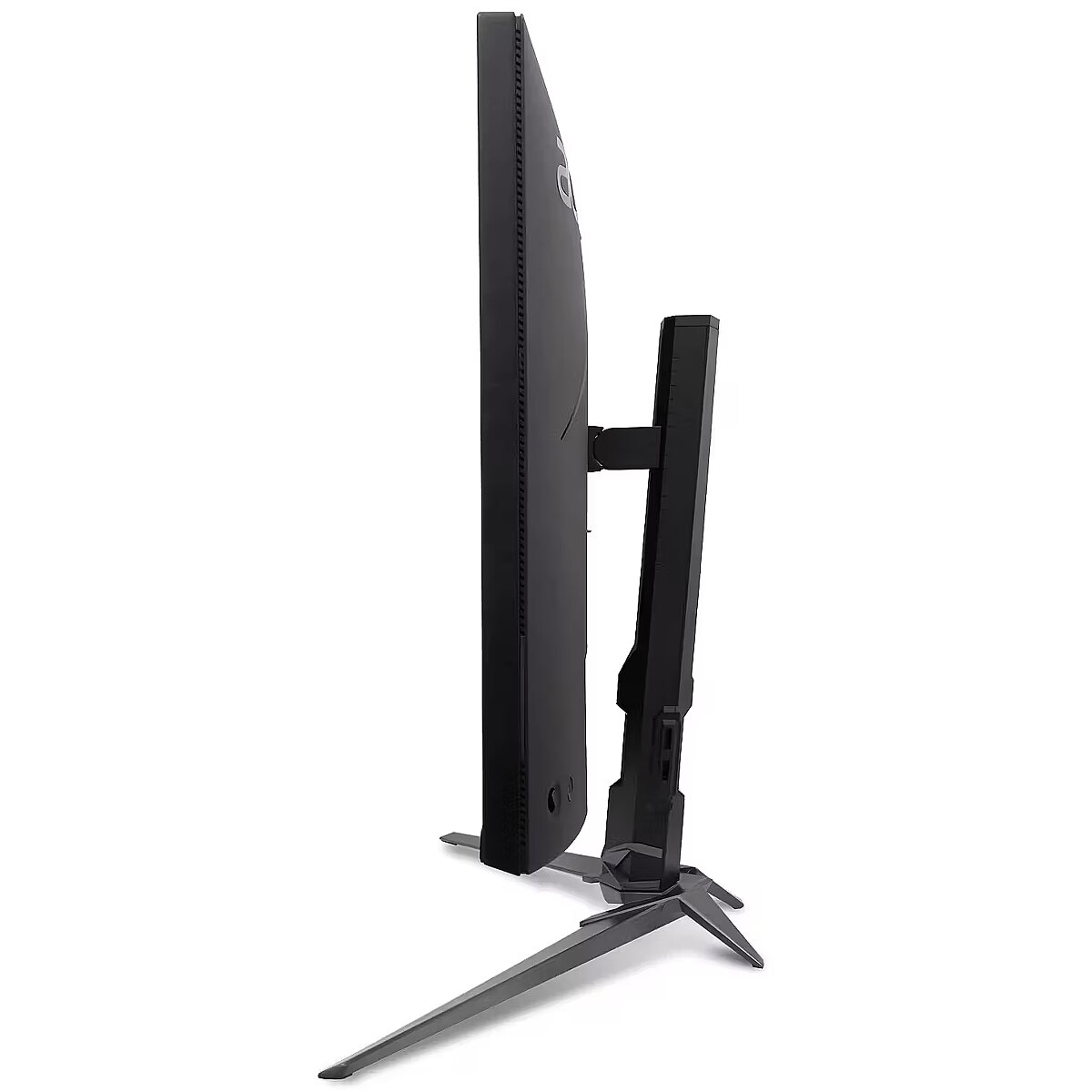
Pivot mode allows physically rotating the monitor by 90°, expanding the functionality of the working environment. The vertical format facilitates document comparison, working with tables, and viewing web pages, ensuring more effective information layout and more accurate visual perception.
The Swivel technology allows the monitor to be rotated left and right around the vertical axis, ensuring precise screen positioning in relation to the user. Such a design improves the viewing angle, reduces neck strain, and makes the workspace more comfortable for collaboration or material demonstration.
Tilt technology allows for adjusting the screen's slope angle back and forth, ensuring the correct image placement in relation to the user's line of sight. This kind of adjustment helps reduce neck and eye strain, improves image perception, and makes long-term work at the monitor more comfortable.
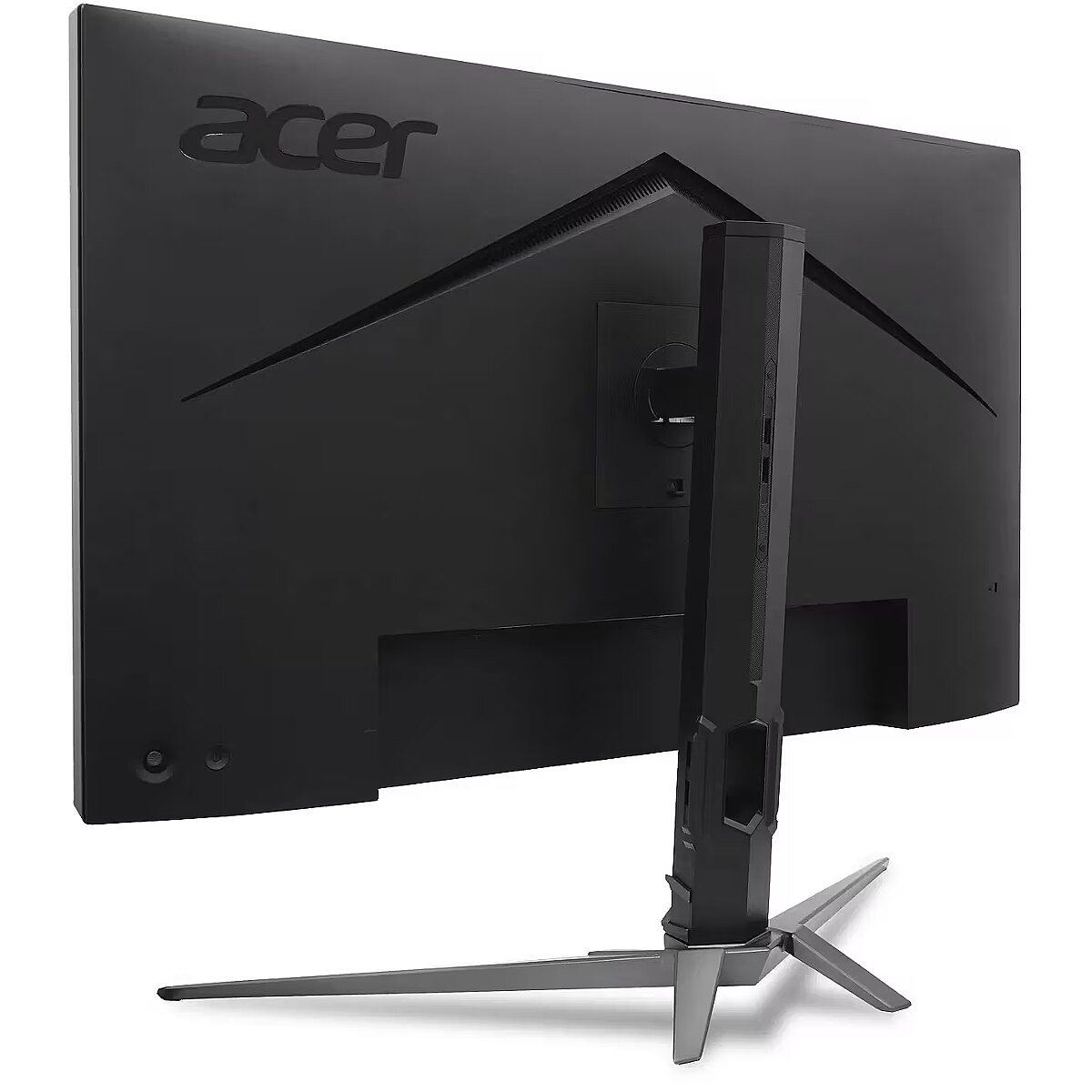
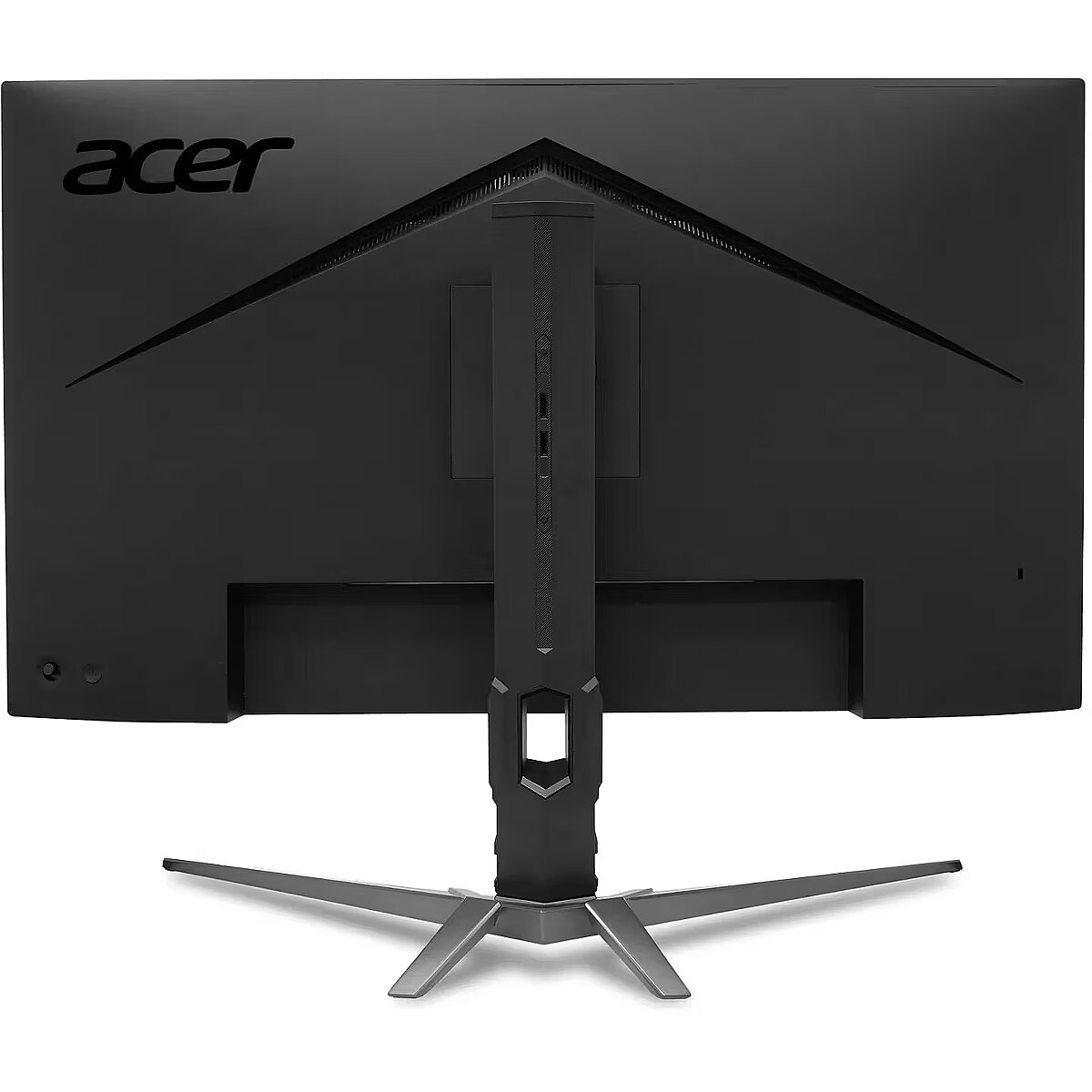
Compatibility with VESA wall mount makes the monitor universal for installation: it can be attached to the wall, used with a movable bracket or integrated into an ergonomic stand. The standard facilitates assembly, improves cable organization and frees up additional space.
The built-in speakers provide direct sound playback, eliminating the need for external audio devices. This simplifies the setup of the work system and saves space. The speakers are suitable for everyday needs, including online meetings, training, and video viewing, providing adequate sound level.
HDMI is a digital interface designed for stable video and audio transmission with a single cable. This approach reduces the number of connections and prevents unnecessary signal conversion. HDMI ensures a reliable connection, high throughput, and precise operation with modern devices without loss of quality.
DisplayPort is the latest monitor interface standard that ensures stable image transmission with high resolution and refresh intensity. It supports HDR, frame synchronization and multiple monitor systems, maintaining detail accuracy and image quality for professional and gaming work.
Warranty
Acer provides this model with a 2 year warranty at all certified service centres.
*When purchasing a monitor on the legal entity's details - manufacturer's warranty 1 year.







 DVI is a digital standard and ensures high image quality, however, thanks to the big size of the plug and the inability of the standard to develop further due to a few technical restrictions this type of connection is gradually losing its popularity to modern HDMI and DisplayPort standards.




