Accessories included - DisplayPort cable Power cord ROG pouch ROG sticker USB Type-B to A cable
Quick start guide
AC input frequency Power - 50/60 Hz
AC input voltage Power - 100 - 240 V
Adjustable height (max) Ergonomics - 11 cm
AMD FreeSync Performance - Yes
AMD FreeSync type Performance - FreeSync Premium Pro
Anti-glare screen Display - Yes
Aspect ratio - 21:9
Auto Pivot - No
Bluetooth - No
Brand - ASUS
BrandPartCode - 90LM0B70-B01171
Brand specific technologies Other features - ASUS OLED Care
Brightness - 250 cd/m²
Brightness HDR - 400 cd/m²
Built-in camera Multimedia - No
Built-in speaker(s) Multimedia - No
Built-in USB hub Ports & interfaces - Yes
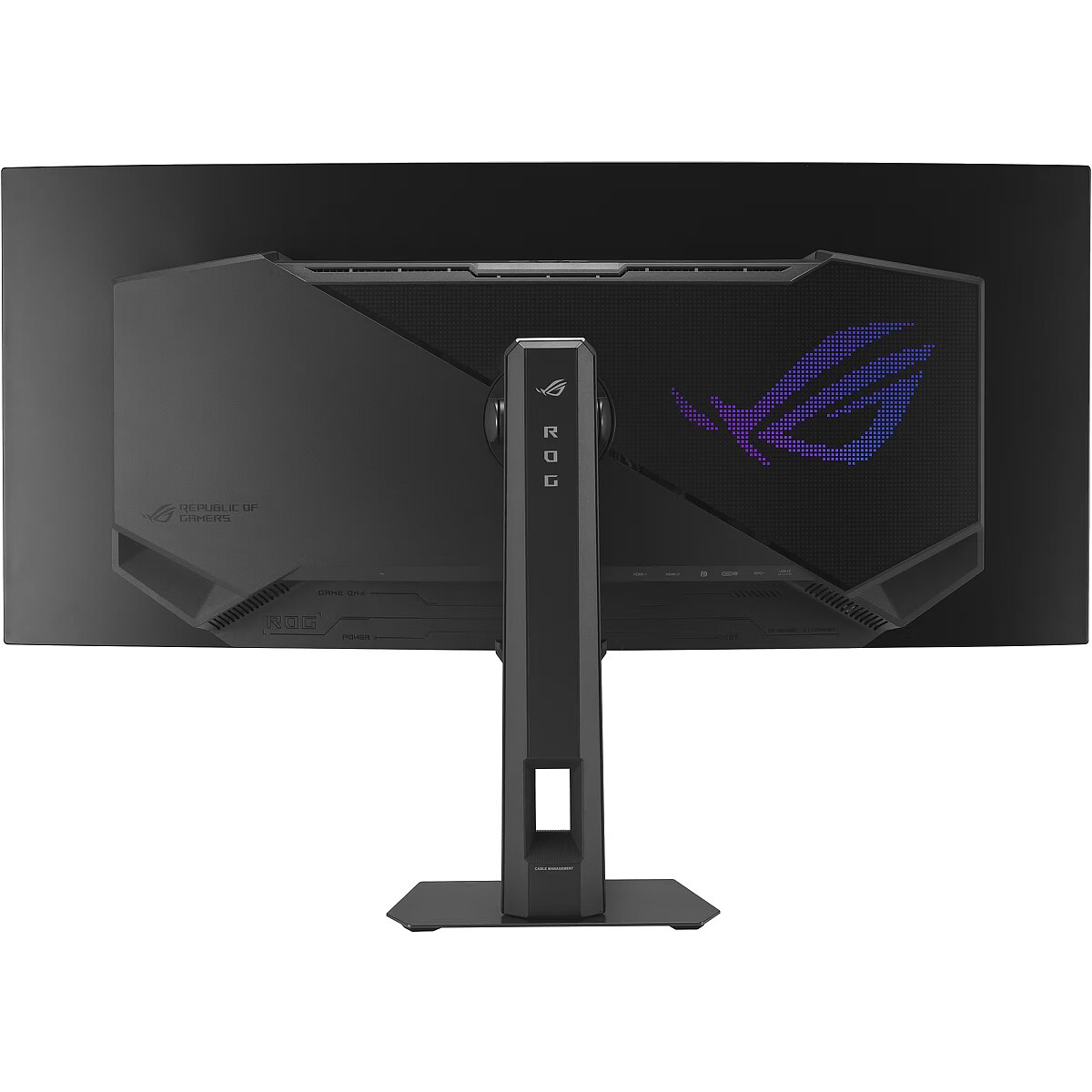
Cable lock slot Ergonomics - Yes
Cable lock slot type Ergonomics - Kensington
Category - Computer Monitors
Category - Root/Electronics/PC peripherals/Monitors
Category 1 - Displays
Category 2 - Monitore
Category Code - LC3
Category_1 - Monitors and TV
Category_2 - LED Monitors 31 inches and up
Certificates - AMD FreeSync Premium Pro
Certificates - FSC Mix
Certificates - G-SYNC
Certificates - TUV
Color - Black
Colour gamut Display - 99.3%
Colour gamut standard Display - DCI-P3
Contrast ratio (typical) Display - 1500000:1
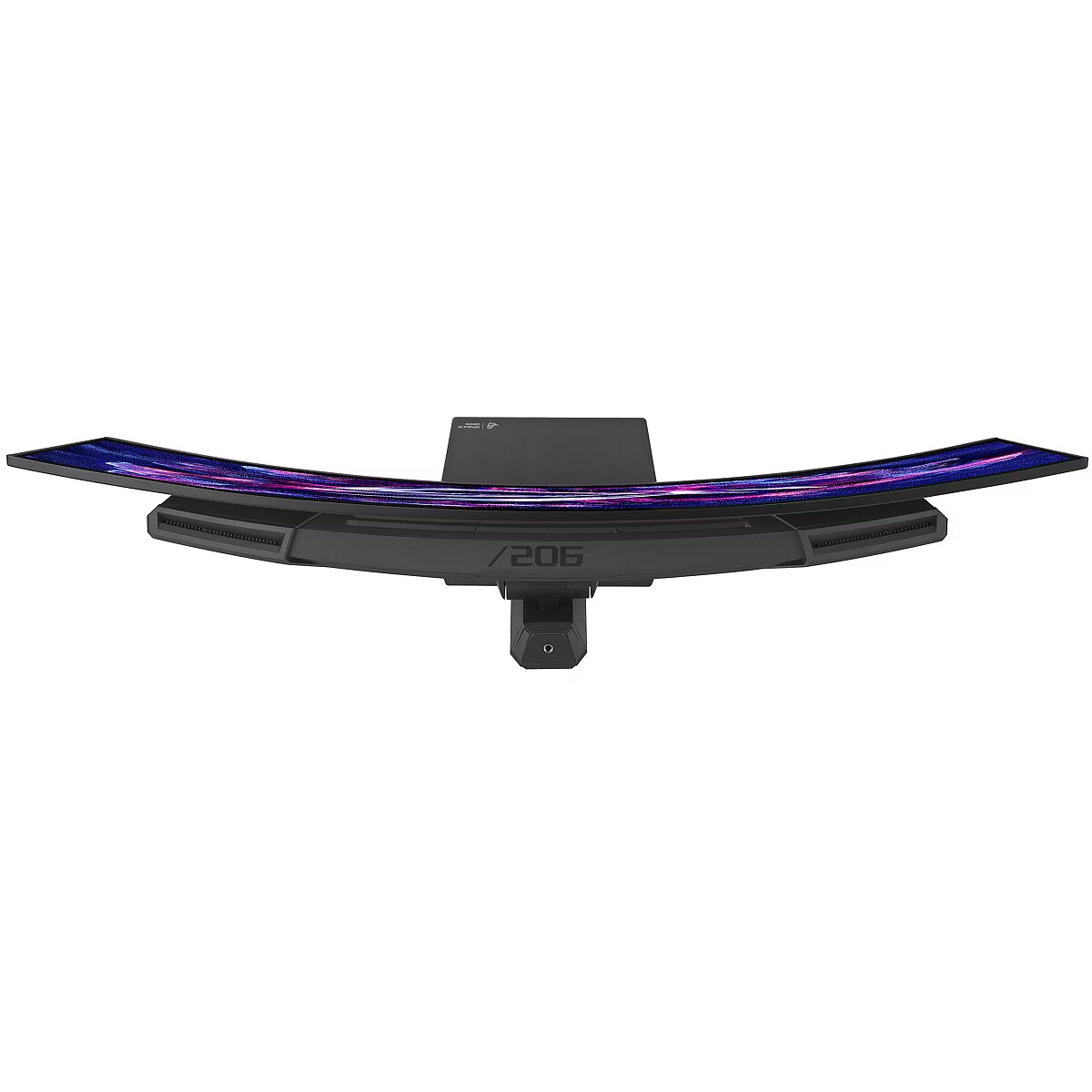
Curved - 1800 R
Dane fizyczne: Głębokość - 199 mm
Dane fizyczne: Kolor obudowy - czarny
Dane fizyczne: Standard VESA - 100 x 100
Dane fizyczne: Szerokość - 812 mm
Dane fizyczne: Waga - 8.3 kg
Dane fizyczne: Wysokość - 545 mm
Dane fizyczne: Zakres regulacji obrotu (Swivel) - 50 °
Dane fizyczne: Zakres regulacji pochylenia (Tilt) - 25 °
Dane fizyczne: Zakres regulacji wysokości (Height) - 110 mm
Dane techniczne: HDR - tak
Dane techniczne: Czas reakcji - 0.03 ms
Dane techniczne: Częstotliwość odświeżania - 175 Hz
Dane techniczne: Grupa produktowa - Monitory Asus
Dane techniczne: Gwarancja - 3 lata w serwisie zewnętrznym
Dane techniczne: Jasność - 250 cd/m²
Dane techniczne: Możliwość regulacji - obrót na podstawie (swivel)
Dane techniczne: Możliwość regulacji - pochył
Dane techniczne: Możliwość regulacji - wysokość
Dane techniczne: Powłoka matrycy - antyrefleksyjna
Dane techniczne: Producent - Asus
Dane techniczne: Przekątna - 34 cali
Dane techniczne: Rodzaj podświetlenia - LED
Dane techniczne: Rozdzielczość ekranu - 3440 x 1440 piksele
Dane techniczne: Rozmiar plamki - 0.232 mm
Dane techniczne: Standard portów wideo - DisplayPort 1.4
Dane techniczne: Standard portów wideo - HDMI 2.1
Dane techniczne: Typ - dla graczy
Dane techniczne: Typ ekranu - zakrzywiony
Dane techniczne: Typ matrycy - QD OLED
Data Act - Link
Data Sheet (Link) Energy Efficiency - https://eprel.ec.europa.eu/api/product/2339195/fiches?language=EN
Depth - 108 mm
Depth (without stand) Weight & dimensions - 108 mm
Depth (with stand) Weight & dimensions - 199 mm
Depth with stand - 199 mm
Description - ONE FOR ALL
ROG Strix OLED XG34WCDG
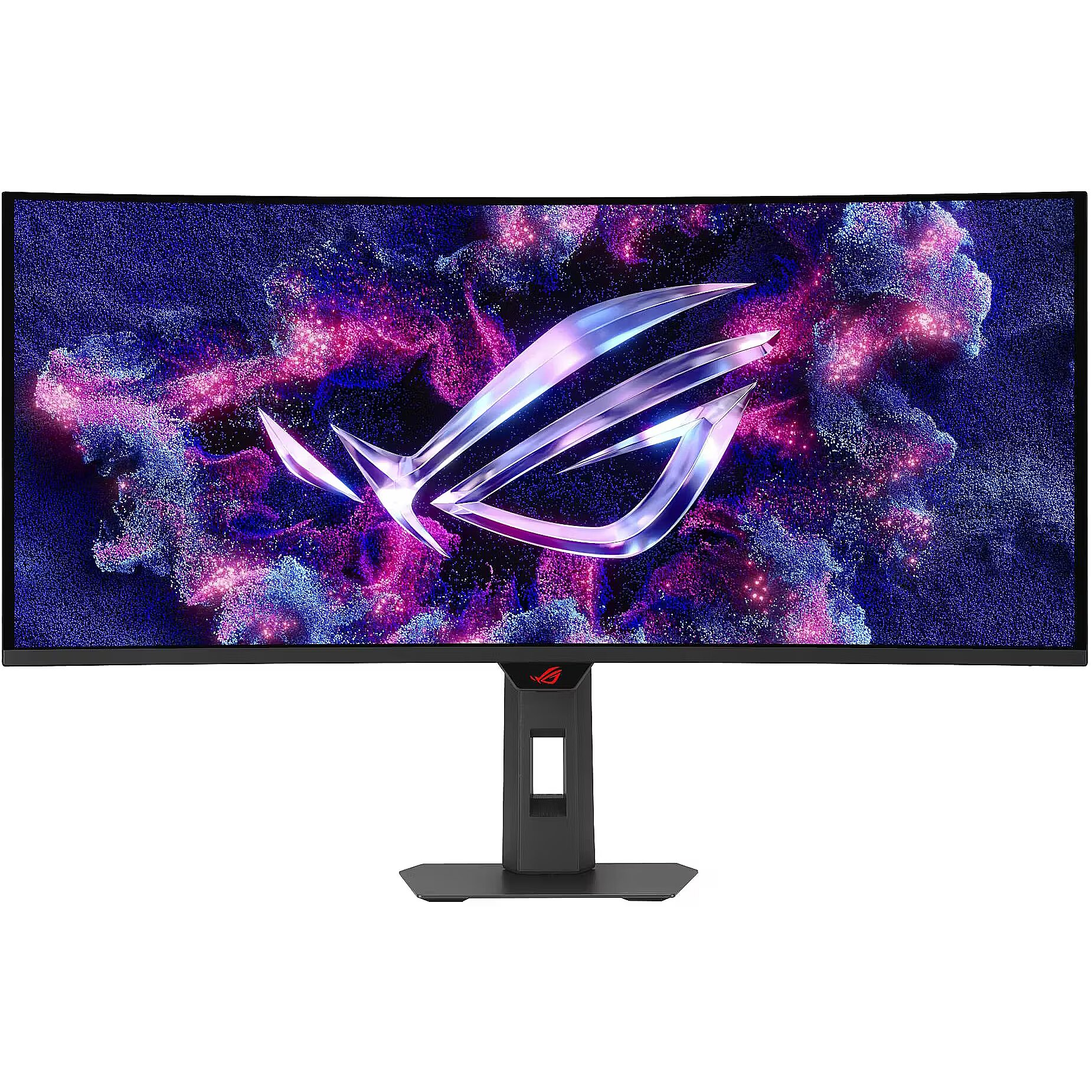
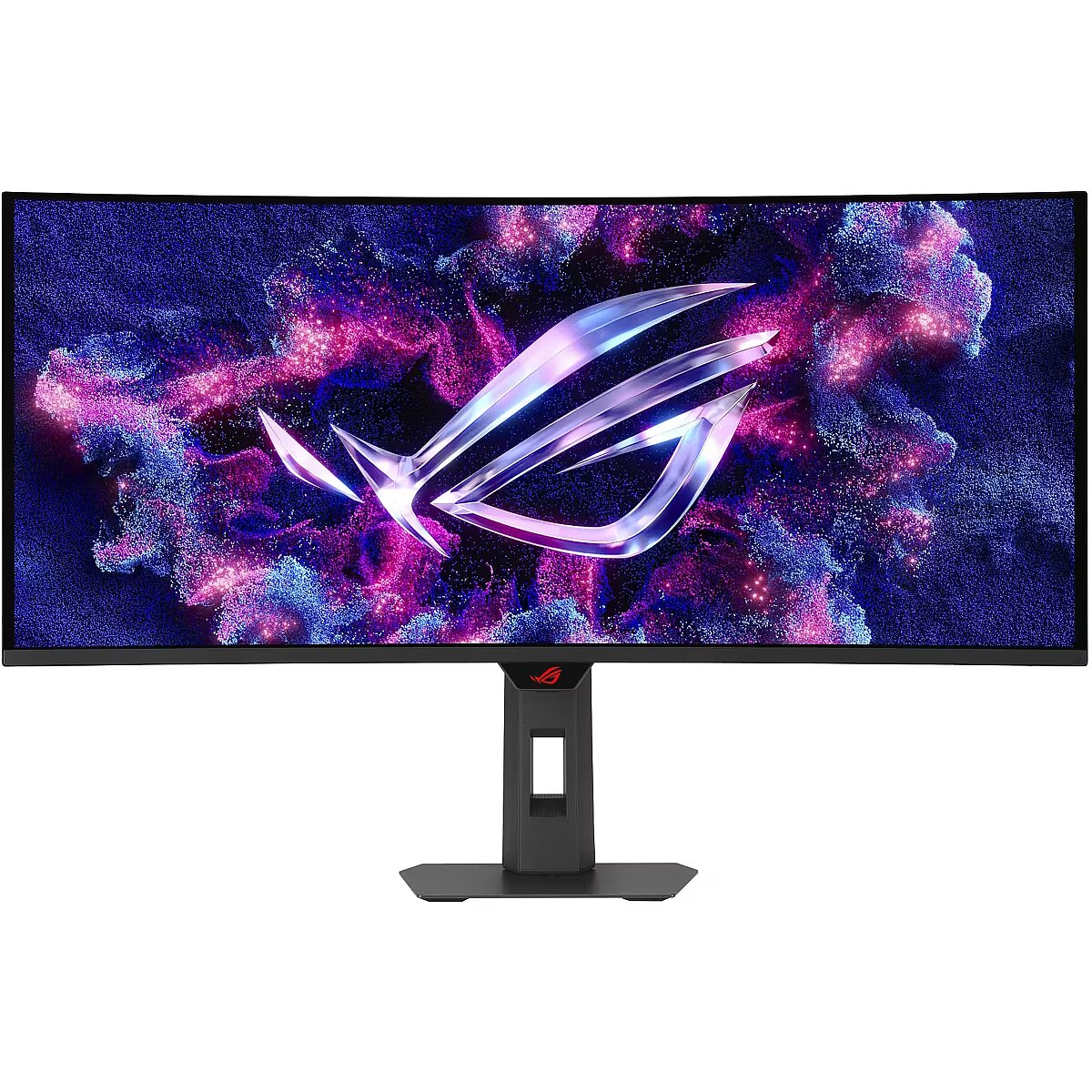
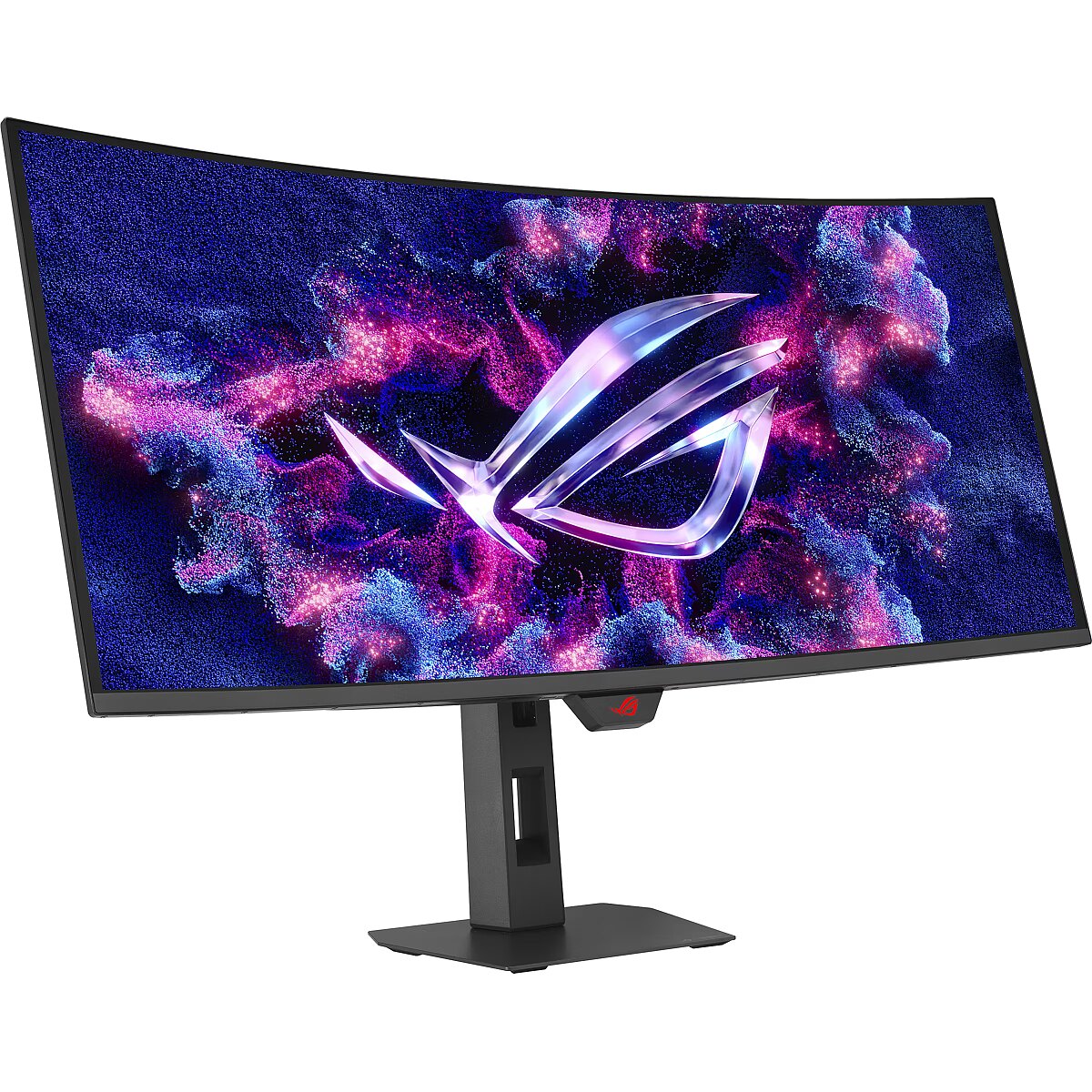
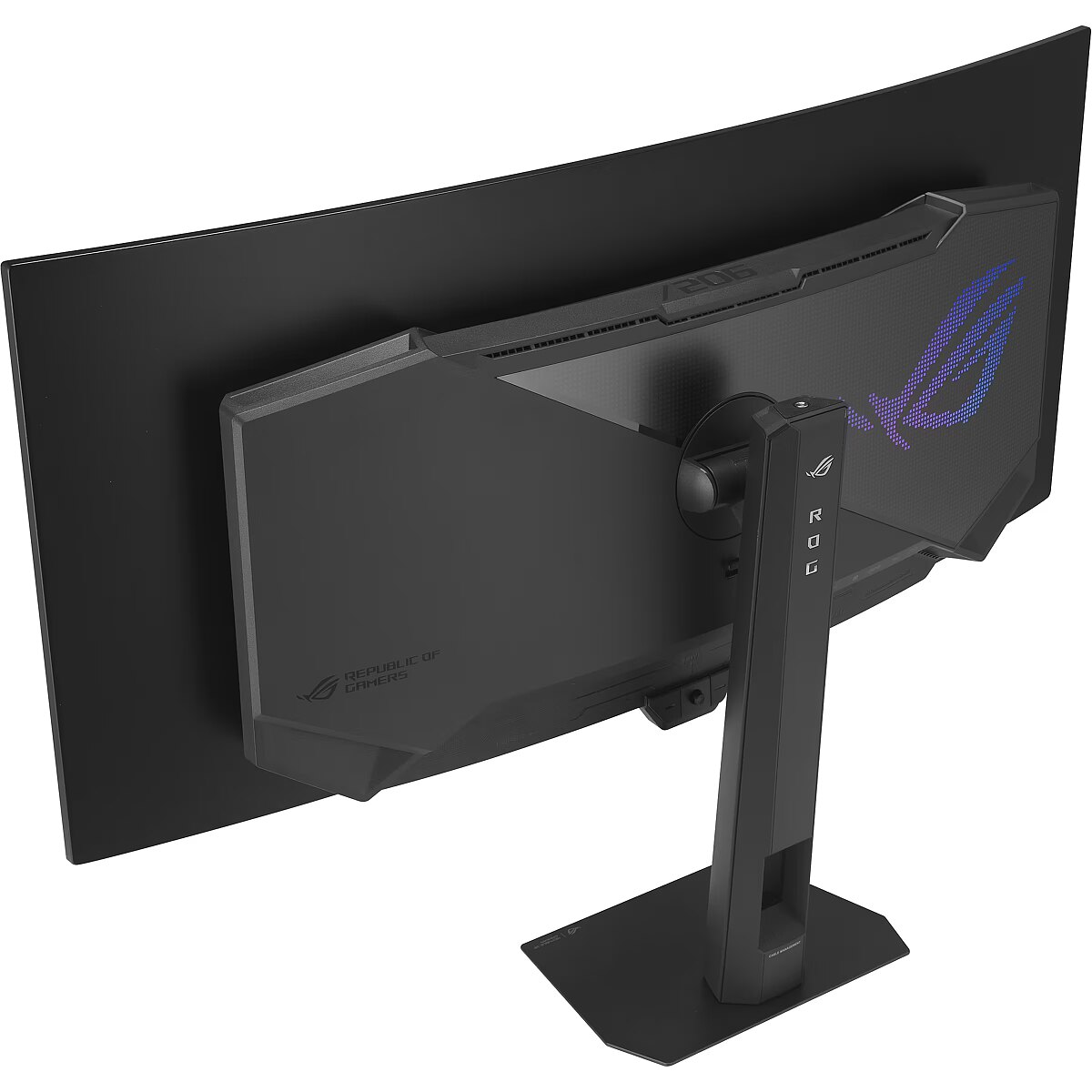
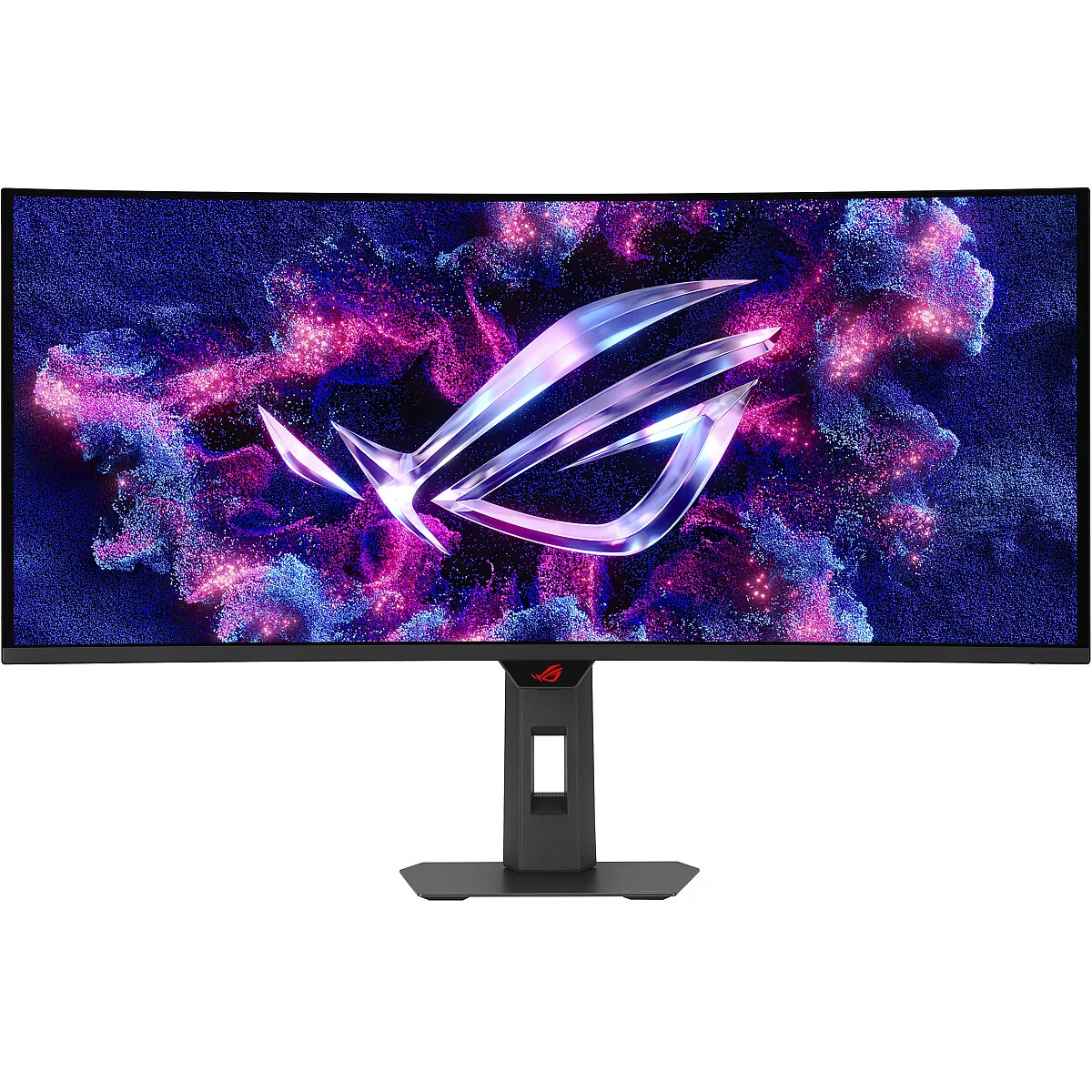
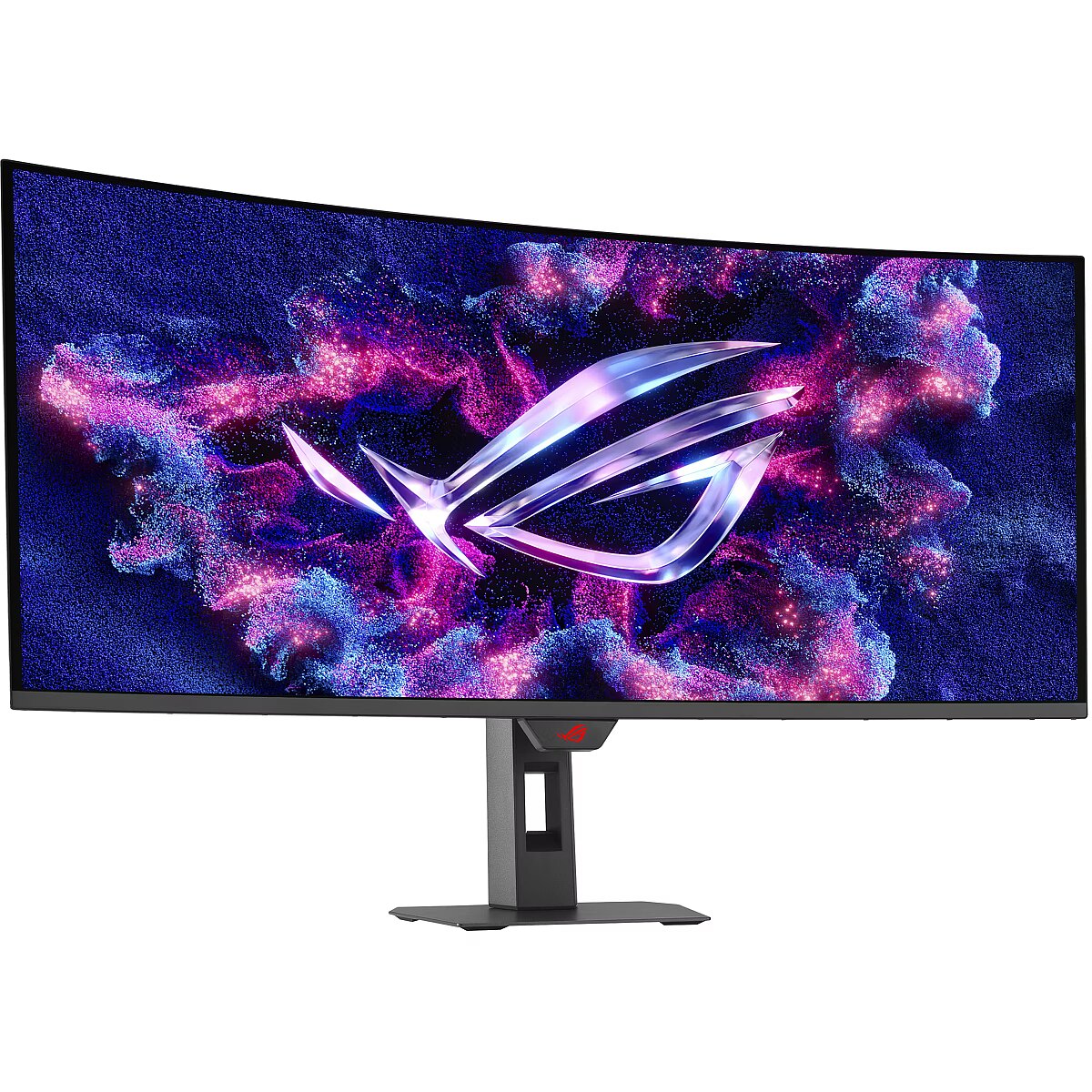
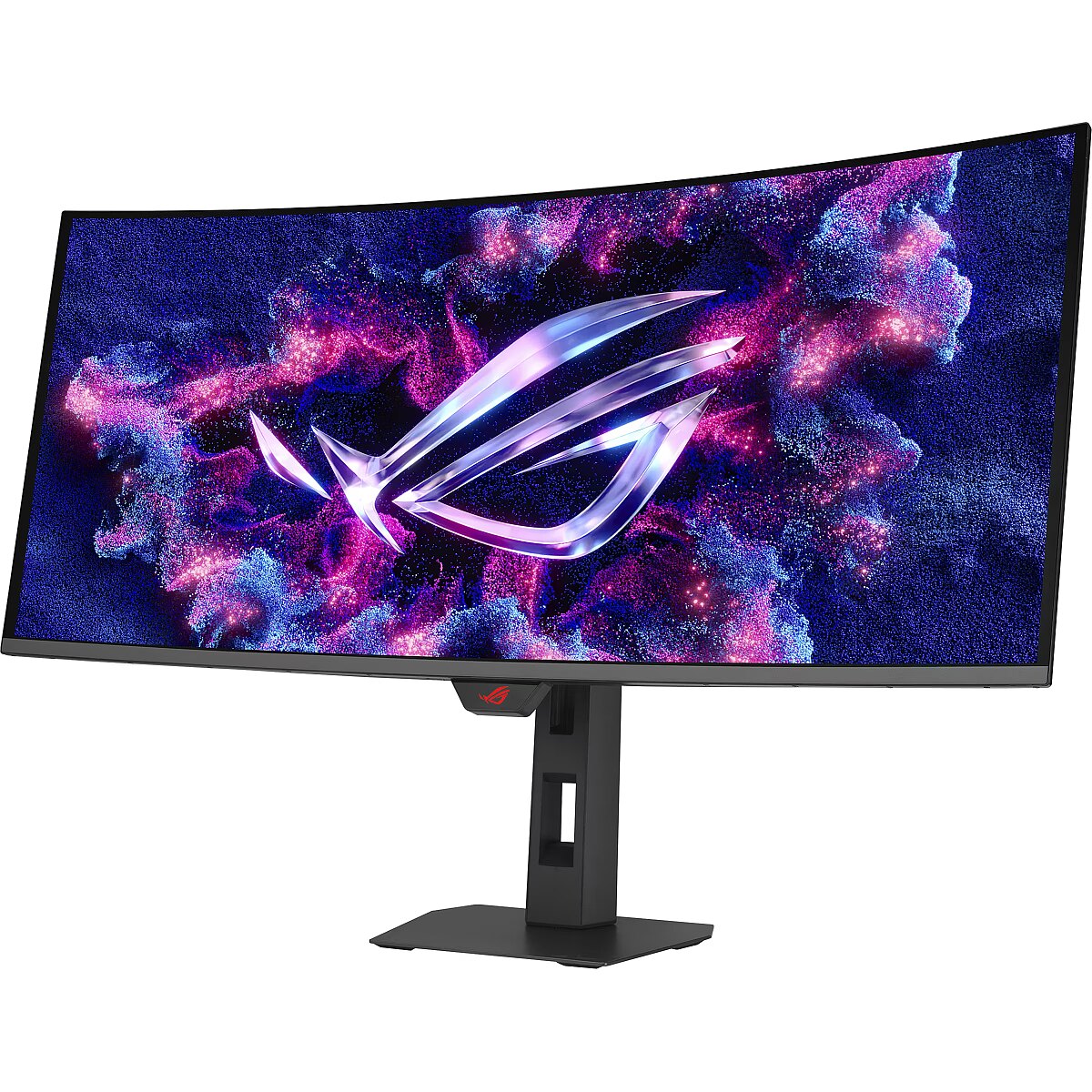
The ROG Strix OLED XG34WCDG is a 34-inch, 175Hz ultra-wide QD-OLED gaming monitor. With the addition of the Neo Proximity Sensor in the new ROG OLED Care Pro suite, the monitor transitions to a black screen when no user is detected, guarding against burn-in.34-inch 3440 x 1440 QD-OLED gaming monitor with 175Hz refresh rate and 0.03ms response timeNew ASUS OLED Care Pro functions with Neo Proximity Sensor that precisely detects when the user is away, switching to a black screen to reduce the risk of burn-inVESA DisplayHDR™ 400 True Black compliance, 99.3% DCI-P3 gamut, true 10-bit color, and Delta E < 2 color difference for astonishing HDR performance, making it perfect for photo and video editingExclusive ASUS DisplayWidget Center application allows users to easily access OLED Care Pro functions and adjust monitor settings using a mouseROG Gaming A.I technology with AI-powered features to enhance users' gaming experience
Description - XG34WCDG 34-inch 3440 x 1440 QD-OLED gaming monitor with 175Hz refresh rate and 0.03ms response time New ASUS OLED Care Pro functions with Neo Proximity Sensor that precisely detects when the user is away, switching to a black screen to reduce the risk of burn-in VESA DisplayHDR 400 True Black compliance, 99.3% DCI-P3 gamut, true 10-bit color, and Delta E < 2 color difference for astonishing HDR performance, making it perfect for photo and video editing Exclusive ASUS DisplayWidget Center application allows users to easily access OLED Care Pro functions and adjust monitor settings using a mouse ROG Gaming A.I technology with AI-powered features to enhance users' gaming experience
Design - Feet colour - Black
Design - Market positioning - Gaming
Design - Product colour - Black
Designation - CE+WEEE
Digital horizontal frequency Display - 280 - 280 kHz
Digital vertical frequency Display - 48 - 175 Hz
dimension depth - 920 mm
dimension height - 510 mm
dimension weight - 1000 g
dimension width - 230 mm
Display - Anti-glare screen - Yes
Display - Colour gamut - 99.3%
Display - Colour gamut standard - DCI-P3
Display - Contrast ratio (typical) - 1500000:1
Display - Digital horizontal frequency - 280 - 280 kHz
Display - Digital vertical frequency - 48 - 175 Hz
Display - Display brightness (peak) - 1000 cd/m²
Display - Display brightness (typical) - 250 cd/m²
Display - Display diagonal - 86.4 cm (34")
Display - Display diagonal (metric) - 87 cm
Display - Display number of colours - 1.073 billion colours
Display - Display resolution - 3440 x 1440 pixels
Display - Display technology - QD-OLED
Display - HD type - UltraWide Quad HD
Display - High Dynamic Range (HDR) supported - Yes
Display - High Dynamic Range (HDR) technology - DisplayHDR 400 True Black
Display - Maximum refresh rate - 175 Hz
Display - Native aspect ratio - 21:9
Display - Panel type - OLED
Display - Pixel pitch - 0.232 x 0.232 mm
Display - Response time - 0.03 ms
Display - Response time measurement type - GTG (Gray to Gray)
Display - Screen curvature rating - 1800R
Display - Screen shape - Curved
Display - Touchscreen - No
Display - Viewable size, horizontal - 80 cm
Display - Viewable size, vertical - 33.7 cm
Display - Viewing angle, horizontal - 178°
Display - Viewing angle, vertical - 178°
Display brightness (peak) Display - 1000 cd/m²
Display brightness (typical) Display - 250 cd/m²
Display diagonal (metric) Display - 87 cm
Display diagonal Display - 86.4 cm (34")
Display number of colours Display - 1.073 billion colours
DisplayPorts quantity Ports & interfaces - 1
DisplayPort version Ports & interfaces - 1.4
Display resolution Display - 3440 x 1440 pixels
Display surface - Matt
Display technology Display - QD-OLED
Dodatkowe informacje o matrycy: Kontrast - 1500000:1
Dodatkowe informacje o matrycy: Kąt widzenia w pionie - 178 °
Dodatkowe informacje o matrycy: Kąt widzenia w poziomie - 178 °
Dodatkowe informacje o matrycy: Liczba wyświetlanych kolorów - 1070 mln
Dot pitch - 0.232 mm
ean - 4711387973332
EAN - 4711387973332
Eans - 4711387973332
EAN_code - 4711387973332
Efektywność energetyczna: Klasa energetyczna - F
Efektywność energetyczna: Klasa energetyczna w trybie HDR - G
Efektywność energetyczna: Zużycie energii - 32 kWh/1000h
Efektywność energetyczna: Zużycie energii w trybie HDR - 50 kWh/1000h
Energy class - F
Energy consumption (HDR) per 1000 hours Power - 50 kWh
Energy consumption (SDR) per 1000 hours Power - 32 kWh
Energy efficiency class (HDR) Power - G
Energy efficiency class (SDR) Power - F
Energy efficiency class Energy Efficiency - F
Energy efficiency scale Power - A to G
Energy label - Pobierz
EPREL Registration Number Energy Efficiency - 2339195
EPREL Version Number Energy Efficiency - 4
Ergonomics - Adjustable height (max) - 11 cm
Ergonomics - Cable lock slot - Yes
Ergonomics - Cable lock slot type - Kensington
Ergonomics - Height adjustment - Yes
Ergonomics - Panel mounting interface - 100 x 100 mm
Ergonomics - Swivel angle range - -25 - 25°
Ergonomics - Swivelling - Yes
Ergonomics - Tilt adjustment - Yes
Ergonomics - Tilt angle range - -5 - 20°
Ergonomics - VESA mounting - Yes
Ergonomics - Wall mountable - Yes
Feet colour Design - Black
Flicker-free technology Performance - Yes
Frequency, horizontal max. - 280 kHz
Frequency, horizontal min. - 24 kHz
Frequency, vertical max. - 175 Hz
Frequency, vertical min. - 48 Hz
Funkcje Gamingowe: Obsługa G-Sync - tak
Funkcje Gamingowe: Obsługa FreeSync - tak
Funkcje Gamingowe: Pozostale technologie - Adaptive Sync
Funkcje Gamingowe: Rodzaj FreeSync - FreeSync Premium Pro
Funkcje Gamingowe: Rodzaj G-Sync - G-Sync Compatible
Game mode Performance - Yes
GTIN - 0197105973336
GTIN - 197105973336
GTIN - 4711387973332
guarantee - 36
guarantee_type - external
HDMI Ports & interfaces - Yes
HDMI ports quantity Ports & interfaces - 2
HDMI version Ports & interfaces - 2.1
HD type Display - UltraWide Quad HD
Headphone out Ports & interfaces - Yes
Headphone outputs Ports & interfaces - 1
Height - 380 mm
Height (without stand) Weight & dimensions - 380 mm
Height (with stand) Weight & dimensions - 545 mm
Height adjustment - Yes
Height adjustment Ergonomics - Yes
Height adjustment range - 110 mm
Height with stand - 545 mm
High Dynamic Range (HDR) supported Display - Yes
High Dynamic Range (HDR) technology Display - DisplayHDR 400 True Black
I/O connectors - 1 x 3,5 mm minijack
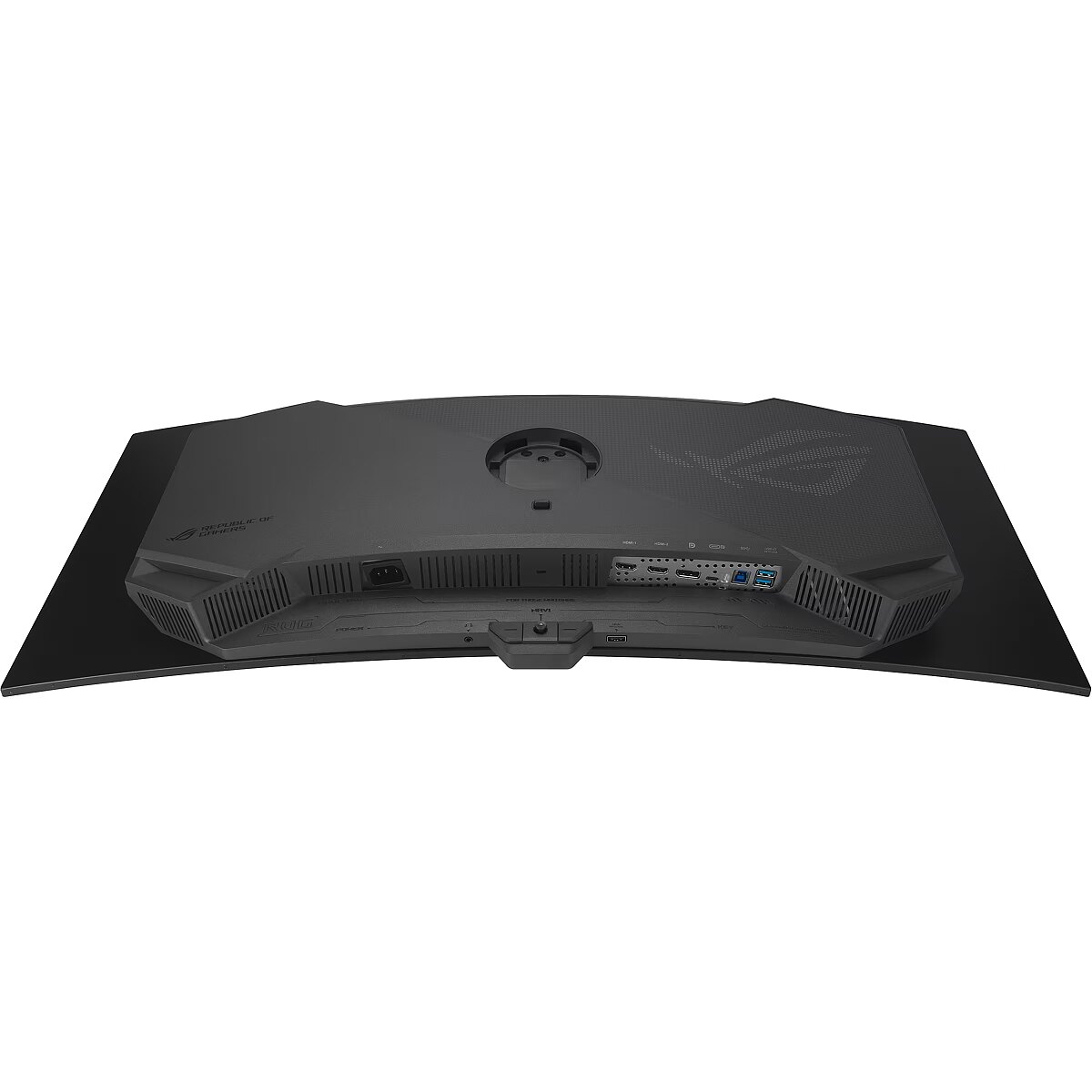
I/O connectors - 1 x DisplayPort
I/O connectors - 1 x USB (Type C)
I/O connectors - 1 x USB 2.0
I/O connectors - 2 x HDMI
I/O connectors - 2 x USB 3.2 Type-A Gen 1
Informacje podstawowe: Monitor bezramkowy - tak
Informacje podstawowe: Standard HDR - HDR400
Kensington Security Slot - Tak
LongDesc - ONE FOR ALLROG Strix OLED XG34WCDGThe ROG Strix OLED XG34WCDG is a 34-inch, 175Hz ultra-wide QD-OLED gaming monitor. With the addition of the Neo Proximity Sensor in the new ROG OLED Care Pro suite, the monitor transitions to a black screen when no user is detected, guarding against burn-in.
LongProductName - ROG Strix OLED XG34WCDG Monitor – 34-inch 3440x1440, 175Hz (Above 144Hz), 0.03ms (GTG), ASUS OLED Care Pro, Neo Proximity Sensor, 99.3% DCI-P3, true 10-bit color, G-Sync compatible, DisplayWidget Center, ELMB, HDR
LongSummaryDescription - ASUS ROG Strix OLED XG34WCDG. Display diagonal: 86.4 cm (34"), Display resolution: 3440 x 1440 pixels, HD type: UltraWide Quad HD, Display technology: QD-OLED, Response time: 0.03 ms, Native aspect ratio: 21:9, Viewing angle, horizontal: 178°, Viewing angle, vertical: 178°. Built-in USB hub, USB hub version: 2.0 / 3.2 Gen 1 (3.1 Gen 1). VESA mounting, Height adjustment. Product colour: Black
Low Blue Light technology Performance - Yes
Manufacturer - Asus
Manufacturer - ASUS
Manufacturer_code - 90LM0B70-B01171
Market positioning Design - Gaming
Matrix type - QD OLED
Maximum refresh rate Display - 175 Hz
Model - XG34WCDG
Model name - XG34WCDG
MPN - 90LM0B70-B01171
Multimedia - Built-in camera - No
Multimedia - Built-in speaker(s) - No
Name - ASUS Monitor ROG Strix OLED XG34WCDG (90LM0B70-B01171) (90LM0B70B01171)
Name - ASUS ROG Strix QD-OLED XG34WCDG, gaming monitor - 34 - black, WQHD, curved, HDR, DP, HDMI, USB-C, 175Hz panel
Name - ASUS XG34WCDG - 175Hz | UWQHD | QD-OLED | 34"
name - Monitor 34 inches XG34WCDG QD-OLED 175Hz* 1800R DP 2HDMI USB-C USBx2 21:9 H:0-110MM
Native aspect ratio Display - 21:9
Number of colors - 1,07 mld
NVIDIA G-SYNC Performance - Yes
NVIDIA G-SYNC type Performance - G-SYNC Compatible
Ochrona oczu: Filtr światła niebieskiego - tak
Ochrona oczu: Redukcja migotania - tak
Other features - Brand specific technologies - ASUS OLED Care
Package depth Packaging data - 224 mm
Package height Packaging data - 515 mm
Package type Packaging data - Box
Package weight Packaging data - 11.7 kg
Package width Packaging data - 930 mm
Packaging data - Package depth - 224 mm
Packaging data - Package height - 515 mm
Packaging data - Package type - Box
Packaging data - Package weight - 11.7 kg
Packaging data - Package width - 930 mm
Panel mounting interface Ergonomics - 100 x 100 mm
Panel type Display - OLED
Performance - AMD FreeSync - Yes
Performance - AMD FreeSync type - FreeSync Premium Pro
Performance - Flicker-free technology - Yes
Performance - Game mode - Yes
Performance - Low Blue Light technology - Yes
Performance - NVIDIA G-SYNC - Yes
Performance - NVIDIA G-SYNC type - G-SYNC Compatible
Performance - VESA Adaptive Sync support - Yes
Pixel pitch Display - 0.232 x 0.232 mm
Ports & interfaces - Built-in USB hub - Yes
Ports & interfaces - DisplayPorts quantity - 1
Ports & interfaces - DisplayPort version - 1.4
Ports & interfaces - HDMI - Yes
Ports & interfaces - HDMI ports quantity - 2
Ports & interfaces - HDMI version - 2.1
Ports & interfaces - Headphone out - Yes
Ports & interfaces - Headphone outputs - 1
Ports & interfaces - USB hub version - 2.0 / 3.2 Gen 1 (3.1 Gen 1)
Ports & interfaces - USB Power Delivery (USB PD) - Yes
Ports & interfaces - USB Power Delivery up to - 15 W
Ports & interfaces - USB Type-A downstream ports quantity - 2
Ports & interfaces - USB Type-C DisplayPort Alternate Mode - Yes
Ports & interfaces - USB Type-C downstream ports quantity - 1
Power - AC input frequency - 50/60 Hz
Power - AC input voltage - 100 - 240 V
Power - Energy consumption (HDR) per 1000 hours - 50 kWh
Power - Energy consumption (SDR) per 1000 hours - 32 kWh
Power - Energy efficiency class (HDR) - G
Power - Energy efficiency class (SDR) - F
Power - Energy efficiency scale - A to G
Power - Power consumption (off) - 0.3 W
Power - Power consumption (PowerSave) - 0.5 W
Power - Power consumption (standby) - 0.5 W
Power - Power consumption (typical) - 36 W
Power consumption - 32 W
Power consumption (off) Power - 0.3 W
Power consumption (PowerSave) Power - 0.5 W
Power consumption (standby) Power - 0.5 W
Power consumption (typical) Power - 36 W
Pozostałe cechy: Akcesoria - kabel DisplayPort
Pozostałe cechy: Akcesoria - kabel USB
Pozostałe cechy: Akcesoria - power cord
producer - Asus
Producer - Asus
ProducerCode - XG34WCDG
Product colour Design - Black
ProductName - XG34WCDG
Product Net Weight ELKO Logistics Data - 8.3 kg
Refresh rate - 175 Hz
Resolution - 3440 x 1440
Response time - 0.03 ms
Response time Display - 0.03 ms
Response time measurement type Display - GTG (Gray to Gray)
Screen curvature rating Display - 1800R
Screen shape Display - Curved
Screen size (diag.) - 34''
Shipping Box Depth ELKO Internal Logistics Data - 92.5 cm
Shipping Box Height ELKO Internal Logistics Data - 50 cm
Shipping Box Weight ELKO Internal Logistics Data - 11.6000003815 kg
Shipping Box Width ELKO Internal Logistics Data - 22 cm
ShortDescription - 175Hz | UWQHD | QD-OLED | 34"
ShortSummaryDescription - ASUS ROG Strix OLED XG34WCDG, 86.4 cm (34"), 3440 x 1440 pixels, UltraWide Quad HD, QD-OLED, 0.03 ms, Black
Speakers built-in - No
Static contrast - 1 500 000:1
Summary - ASUS ROG Strix OLED XG34WCDG. Display diagonal: 86.4 cm (34"), Display resolution: 3440 x 1440 pixels, HD type: UltraWide Quad HD, Display technology: QD-OLED, Response time: 0.03 ms, Native aspect ratio: 21:9, Viewing angle, horizontal: 178°, Viewing angle, vertical: 178°. Built-in USB hub, USB hub version: 2.0 / 3.2 Gen 1 (3.1 Gen 1). VESA mounting, Height adjustment. Product colour: Black
Sustainability - Sustainability certificates - Forest Stewardship Council (FSC) Mix
Sustainability certificates Sustainability - Forest Stewardship Council (FSC) Mix
Swivel angle range Ergonomics - -25 - 25°
Swivelling Ergonomics - Yes
Tilt adjustment Ergonomics - Yes
Tilt angle range Ergonomics - -5 - 20°
Title - ASUS ROG Strix OLED XG34WCDG computer monitor 86.4 cm (34") 3440 x 1440 pixels UltraWide Quad HD QD-OLED Black
Touch screen - No
Touchscreen Display - No
Transreflective technology - LED
TV tuner built-in - No
Unit Box Height - 0.5
Unit Box Length - 0.925
Unit Box Width - 0.22
Unit Calculated Volume ELKO Internal Logistics Data - 0.1017 cubm
Unit Calculated Weight ELKO Logistics Data - 11.6 kg
Units per Pallet ELKO Logistics Data - 0
Units per Shipping Box ELKO Logistics Data - 1
URL - https://rog.asus.com/monitors/32-to-34-inches/rog-strix-oled-xg34wcdg/
USB hub version Ports & interfaces - 2.0 / 3.2 Gen 1 (3.1 Gen 1)
USB Power Delivery (USB PD) Ports & interfaces - Yes
USB Power Delivery up to Ports & interfaces - 15 W
USB Type-A downstream ports quantity Ports & interfaces - 2
USB Type-C DisplayPort Alternate Mode Ports & interfaces - Yes
USB Type-C downstream ports quantity Ports & interfaces - 1
Vendor Homepage - https://rog.asus.com/monitors/32-to-34-inches/rog-strix-oled-xg34wcdg/
vendpn - XG34WCDG
VESA - 100 x 100
VESA Adaptive Sync support Performance - Yes
VESA mounting Ergonomics - Yes
Viewable size, horizontal Display - 80 cm
Viewable size, vertical Display - 33.7 cm
Viewing angle, horizontal - 178 °
Viewing angle, horizontal Display - 178°
Viewing angle, vertical - 178 °
Viewing angle, vertical Display - 178°
Visible area, horizontal - 800.06 mm
Visible area, vertical - 337.06 mm
Wall mountable Ergonomics - Yes
Warranty - 36 months
WarrantyInfo -
Web camera - None
Weight - 6.2 kg
Weight - 11,50
Weight - 11.5
Weight & dimensions - Depth (without stand) - 108 mm
Weight & dimensions - Depth (with stand) - 199 mm
Weight & dimensions - Height (without stand) - 380 mm
Weight & dimensions - Height (with stand) - 545 mm
Weight & dimensions - Weight (without stand) - 6.2 kg
Weight & dimensions - Weight (with stand) - 8.3 kg
Weight & dimensions - Width (without stand) - 812 mm
Weight & dimensions - Width (with stand) - 812 mm
Weight (without stand) Weight & dimensions - 6.2 kg
Weight (with stand) Weight & dimensions - 8.3 kg
Weight with stand - 8.3 kg
Width - 812 mm
Width (without stand) Weight & dimensions - 812 mm
Width (with stand) Weight & dimensions - 812 mm
WiFi - No
Złącza: Złącza - 1 x DisplayPort
Złącza: Złącza - 1 x USB 2.0
Złącza: Złącza - 1 x USB Type-C
Złącza: Złącza - 2 x HDMI 2.1
Złącza: Złącza - 2 x USB 3.2 gen 1 Type A




 DVI is a digital standard and ensures high image quality, however, thanks to the big size of the plug and the inability of the standard to develop further due to a few technical restrictions this type of connection is gradually losing its popularity to modern HDMI and DisplayPort standards.




