Brand - Acer
BrandPartCode - UM.QV0EE.605
Category - Computer Monitors
Category - Root/Electronics/PC peripherals/Monitors
Code - UM.QV0EE.605
Dane fizyczne: Głębokość - 199.5 mm
Dane fizyczne: Kolor obudowy - czarny
Dane fizyczne: Standard VESA - 100 x 100
Dane fizyczne: Szerokość - 540.3 mm
Dane fizyczne: Waga - 3.1 kg
Dane fizyczne: Wysokość - 422.8 mm
Dane fizyczne: Zakres regulacji pochylenia (Tilt) - 30 °
Dane techniczne: Czas reakcji - 1 ms
Dane techniczne: Częstotliwość odświeżania - 144 Hz
Dane techniczne: Grupa produktowa - Monitory Acer
Dane techniczne: Gwarancja - 2 lata w serwisie zewnętrznym
Dane techniczne: Głośniki - tak
Dane techniczne: Jasność - 250 cd/m²
Dane techniczne: Możliwość regulacji - pochył
Dane techniczne: Powłoka matrycy - antyrefleksyjna
Dane techniczne: Producent - Acer
Dane techniczne: Przekątna - 24 cali
Dane techniczne: Rodzaj podświetlenia - LED
Dane techniczne: Rozdzielczość ekranu - 1920 x 1080 (Full HD) piksele
Dane techniczne: Standard portów wideo - DisplayPort
Dane techniczne: Standard portów wideo - HDMI
Dane techniczne: Typ - dla graczy
Dane techniczne: Typ ekranu - płaski
Dane techniczne: Typ matrycy - IPS
Design - Market positioning - Gaming
Design - Product colour - Black, Red
Design > Colour of product - Black
Display - Anti-glare screen - Yes
Display - Contrast ratio (dynamic) - 100000000:1
Display - Contrast ratio (typical) - 1500:1
Display - Display brightness (typical) - 250 cd/m²
Display - Display diagonal - 60.5 cm (23.8")
Display - Display diagonal (metric) - 60.5 cm
Display - Display resolution - 1920 x 1080 pixels
Display - Display technology - LCD
Display - HD type - Full HD
Display - Maximum refresh rate - 144 Hz
Display - Native aspect ratio - 16:9
Display - Panel type - IPS
Display - Pixel pitch - 0.275 x 0.275 mm
Display - Response time - 1 ms
Display - Screen shape - Flat
Display - sRGB coverage (typical) - 99%
Display - Touchscreen - No
Display - Viewable size, horizontal - 52.7 cm
Display - Viewable size, vertical - 29.6 cm
Display - Viewing angle, horizontal - 178°
Display - Viewing angle, vertical - 178°
Display > Aspect ratio - 16:9
Display > Backlight type - LED
Display > Contrast ratio (typical) - 1500:1
Display > Display - 1920 x 1080 pixels
Display > Display brightness - 250 cd/m²
Display > Display surface - Anti-Glare
Display > HD type - Full HD
Display > Maximum refresh rate - 144 Hz
Display > Panel type - IPS
Display > Response time - 1 ms
Display > Viewing angle, horizontal - 178 °
Display > Viewing angle, vertical - 178 °
Dodatkowe informacje o matrycy: Format obrazu - 16:9
Dodatkowe informacje o matrycy: Kontrast dynamiczny - 100 000 000:1
Dodatkowe informacje o matrycy: Kąt widzenia w pionie - 178 °
Dodatkowe informacje o matrycy: Kąt widzenia w poziomie - 178 °
Dodatkowe informacje o matrycy: Liczba wyświetlanych kolorów - 16.7 mln
EAN - 4711474414915
Eans - 4711474414915
Efektywność energetyczna: Klasa energetyczna - D
Ergonomics - Panel mounting interface - 100 x 100 mm
Ergonomics - Tilt adjustment - Yes
Ergonomics - Tilt angle range - -5 - 25°
Ergonomics - VESA mounting - Yes
Ergonomics > Height adjustment - No
Ergonomics > Pivot - No
Ergonomics > Swivelling - No
Ergonomics > Tilt adjustment - No
Ergonomics > VESA mounting - Yes
Ergonomics > VESA mounting interfaces - 100 x 100 mm
Funkcje Gamingowe: Obsługa FreeSync - tak
Funkcje Gamingowe: Rodzaj FreeSync - FreeSync
GTIN - 4711474414915
Informacje podstawowe: Monitor bezramkowy - tak
Informacje podstawowe: Moc głośników - 2 x 2W
Link - https://www.acer.com/ro-ro/monitors/gaming/nitro-vg0/pdp/UM.QV0EE.605?utm
LongDesc - The Acer Nitro VG0 series delivers stunning visuals and unrivaled performance. With up to 4K resolution, 320Hz (OC) refresh rate, HDR10 support, and DCI-P3 90% wide color gamut, every frame becomes a masterpiece. Designed to immerse you in your passion and enhance every aspect of your digital world.Visuals That Leave You AwestruckWitness every pixel in breathtaking detail with up to 4K resolution, redefining clarity and sharpness in every frame. Whether you're battling in the most graphically intense games or crafting intricate digital art, the unmatched resolution ensures you never miss a detail.Refresh Rates That Shatter LimitsElevate your competitive edge with up to a 320Hz overclocked refresh rate, designed to keep up with the fastest action. Every flick, turn, and move is rendered with ultra-smooth precision, eliminating ghosting or screen tearing.Motion So Smooth, It's UnrealEnjoy fluid, uninterrupted gameplay with up to 0.5ms (GTG, Min.) response time, reducing motion blur to negligible levels. Every movement is sharp, every transition seamless, giving you the speed to outmaneuver your rivals.Freedom From Screen TearsElevate your gameplay with AMD FreeSync Premium™ technology (application in progress). Frame rates sync with your GPU for a dynamic, tear-free experience that enhances fluidity and responsiveness.Contrast That Draws You InHDR10 support redefines visual fidelity with vivid colors, deeper blacks, and brighter highlights. The increased contrast and precision make every game look cinematic, drawing you into its world like never before.Colors That Ignite ImaginationWith up to DCI-P3 90% wide color gamut, experience a vibrancy and richness in colors that bridges the gap between reality and imagination. Perfect for both creators and gamers, this level of accuracy ensures every visual is not just seen but felt.
LongProductName - 23.8", 1920 x 1080 IPS, 144Hz, 16:9, 250cd/m², 1ms, 178°/178°
LongSummaryDescription - Acer NITRO VG0 VG240Y P6bmipx. Display diagonal: 60.5 cm (23.8"), Display resolution: 1920 x 1080 pixels, HD type: Full HD, Display technology: LCD, Response time: 1 ms, Native aspect ratio: 16:9, Viewing angle, horizontal: 178°, Viewing angle, vertical: 178°. Built-in speaker(s). VESA mounting. Product colour: Black, Red
Multimedia - Built-in camera - No
Multimedia - Built-in speaker(s) - Yes
Multimedia - Number of speakers - 2
Multimedia - RMS rated power - 4 W
Multimedia > Built-in speaker(s) - Yes
Multimedia > TV tuner integrated - No
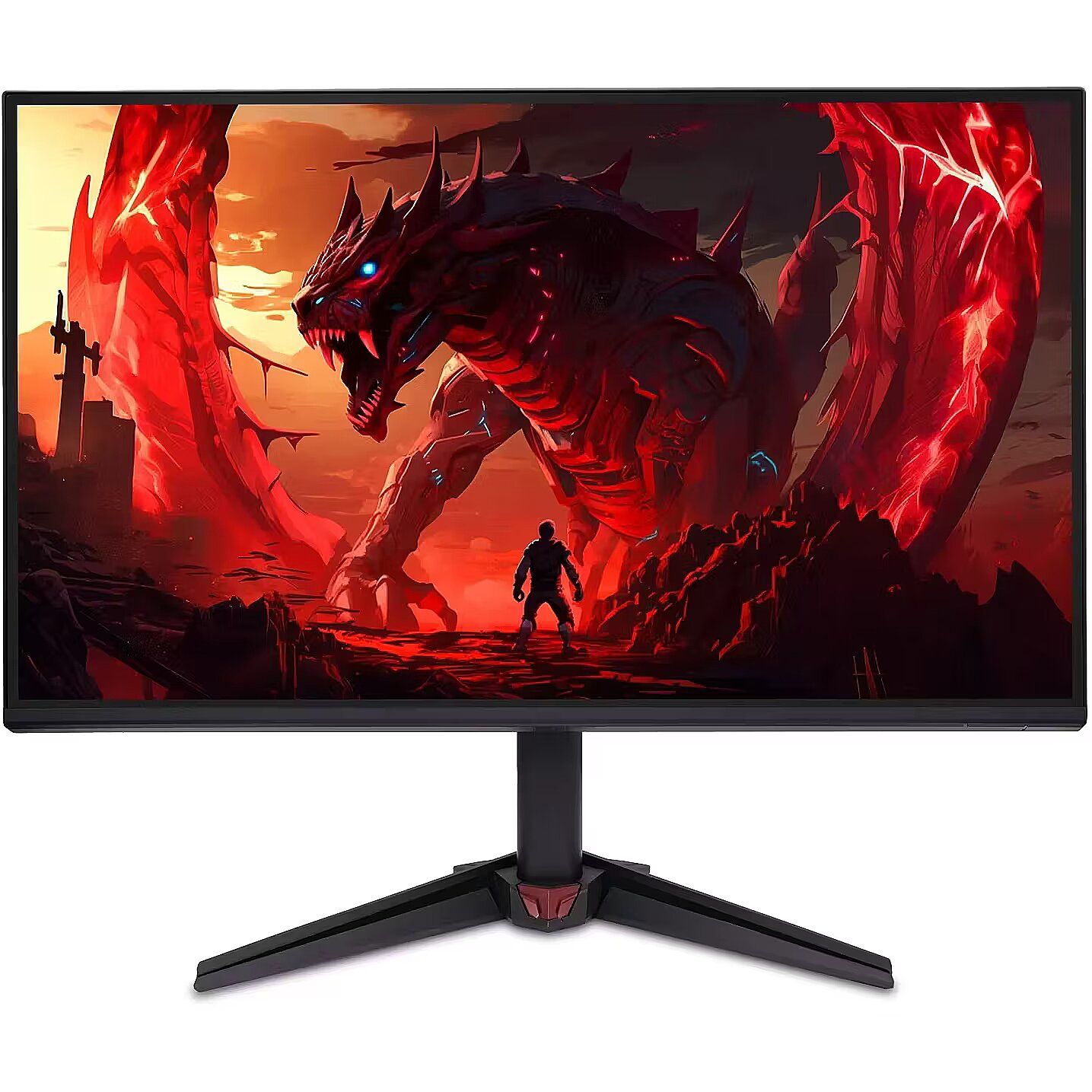
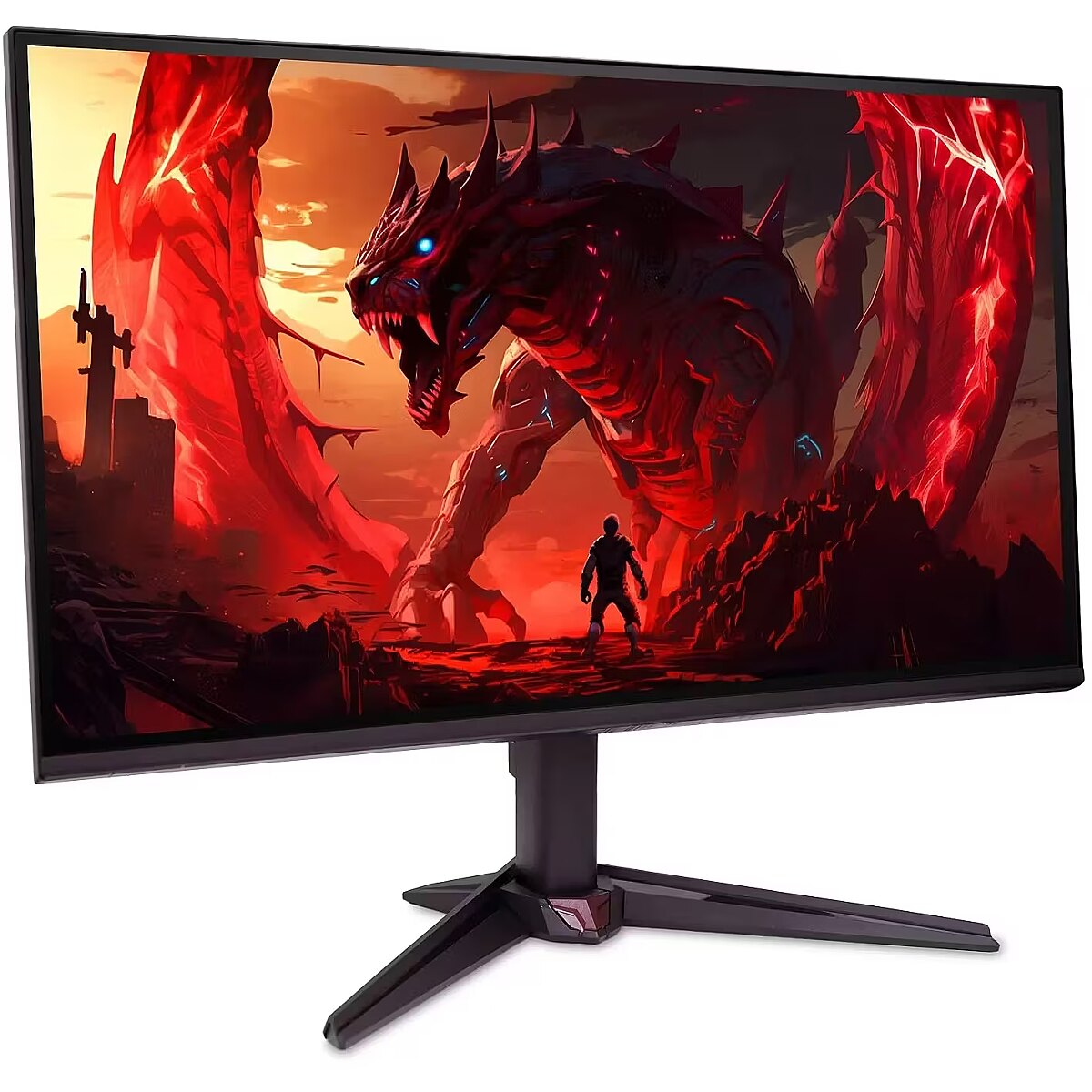
Name - Acer Nitro VG240YP6BMIPX - 144Hz | Full HD | IPS | 24''
Name - Acer | Nitro VG240YP6BMIPX | IPS | Full HD | 16:9 | 144 Hz | 1 ms | 1920 x 1080 pixels | 250 cd/m² | HDMI ports quantity 1 | Black
Networking > Ethernet LAN (RJ-45) ports - N/A
Ochrona oczu: Filtr światła niebieskiego - tak
Ochrona oczu: Redukcja migotania - tak
Package features > Embeeded battery - No
Package features > Gross depth (mm) - 133 mm
Package features > Gross height (mm) - 391 mm
Package features > Gross width (mm) - 600 mm
Package features > Packing quantity - 1.00 pc(s)
Package features > Palette Qty - 21 pc(s)
Package features > Paper/Pasteboard - 1900 g
Package features > Plastic (No PET) - 100 g
Package features > Tare weight (kg) - 2 kg
Package features > Volume (m3) - 0.0312018 m³
Package features > WEE classification - CL109:2:2017-04-01
Package features > WEEE tax - Yes
Packaging content - Cables included - HDMI, Power
Packaging content - Stand included - Yes
PDF - https://www.blobs.lt/products/1/2/9/8/9/4/684b53f51a82ff44b38b62e9436e33ab/original.pdf
Performance - AMD FreeSync - Yes
Performance - AMD FreeSync type - FreeSync
Performance - Flicker-free technology - Yes
Performance - Low Blue Light technology - Yes
Performance - NVIDIA G-SYNC - No
Ports & interfaces - Built-in USB hub - No
Ports & interfaces - DisplayPort out version - 1.2
Ports & interfaces - DisplayPorts quantity - 1
Ports & interfaces - HDMI - Yes
Ports & interfaces - HDMI ports quantity - 1
Ports & interfaces - HDMI version - 1.4
Ports & interfaces - Headphone out - Yes
Ports & interfaces > DisplayPorts quantity - 1
Ports & interfaces > HDMI ports quantity - 1
Power - Energy consumption (SDR) per 1000 hours - 14 kWh
Power - Energy efficiency class (HDR) - Not available
Power - Energy efficiency class (SDR) - D
Power - Energy efficiency scale - A to G
Power - Power consumption (off) - 0.3 W
Power - Power consumption (standby) - 0.5 W
Power - Power supply type - Internal
Pozostałe cechy: Akcesoria - kabel zasilający
Producent: Nazwa producenta / importera - Acer
Acer Italy S.r.l.
Viale delle Industrie 1/A
20044 Aresse
Producer - Acer
ProducerCode - UM.QV0EE.605
ProductName - VG240Y P6bmipx
ShortDescription - 24'' | Full HD | IPS | 144Hz
ShortSummaryDescription - Acer NITRO VG0 VG240Y P6bmipx, 60.5 cm (23.8"), 1920 x 1080 pixels, Full HD, LCD, 1 ms, Black, Red
Technical details > Connectivity - HDMI, DisplayPort, Headphone
Technical details > Gross weight - 5.03 kg
Technical details > Net weight - 3.03 kg
Technical details > Producer - Acer
Technical details > Producer product name - Nitro VG240YP6BMIPX
Technical details > USB-C - No
Technical details > USB-C power delivery - N/A
Title - Acer NITRO VG0 VG240Y P6bmipx computer monitor 60.5 cm (23.8") 1920 x 1080 pixels Full HD LCD Black, Red
URL - https://www.acer.com/gb-en/monitors/gaming/nitro-vg0
Warranty - 24
Warranty - 24 month(s)
WarrantyInfo -
Weight & dimensions - Depth (without stand) - 49.5 mm
Weight & dimensions - Depth (with stand) - 199.3 mm
Weight & dimensions - Height (without stand) - 318.9 mm
Weight & dimensions - Height (with stand) - 423 mm
Weight & dimensions - Weight (without stand) - 2.64 kg
Weight & dimensions - Weight (with stand) - 3.03 kg
Weight & dimensions - Width (without stand) - 539.5 mm
Weight & dimensions - Width (with stand) - 539.5 mm
Złącza: Złącza - 1 x DisplayPort
Złącza: Złącza - 1 x HDMI
Złącza: Złącza - 1 x wyjście audio











 DVI is a digital standard and ensures high image quality, however, thanks to the big size of the plug and the inability of the standard to develop further due to a few technical restrictions this type of connection is gradually losing its popularity to modern HDMI and DisplayPort standards.




