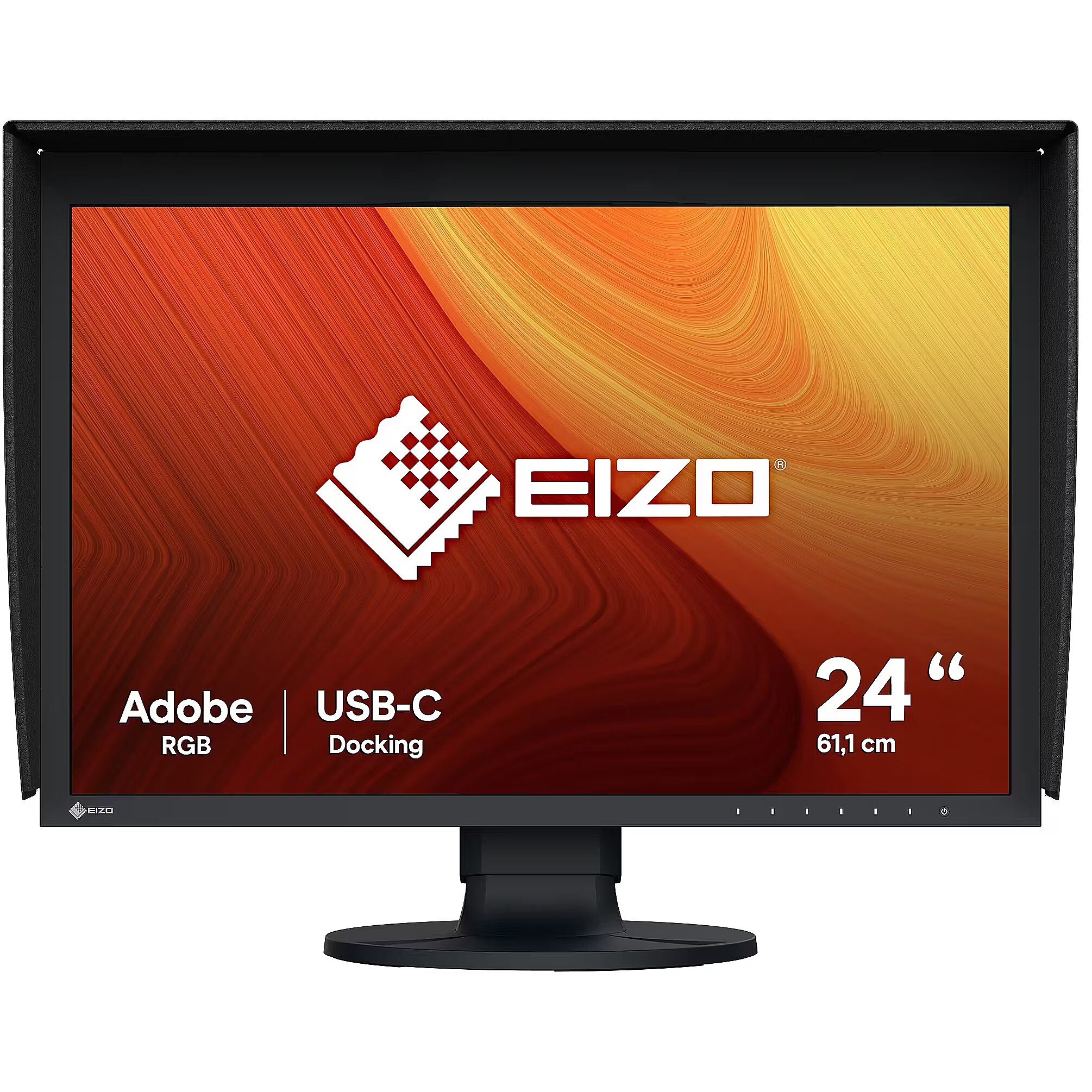
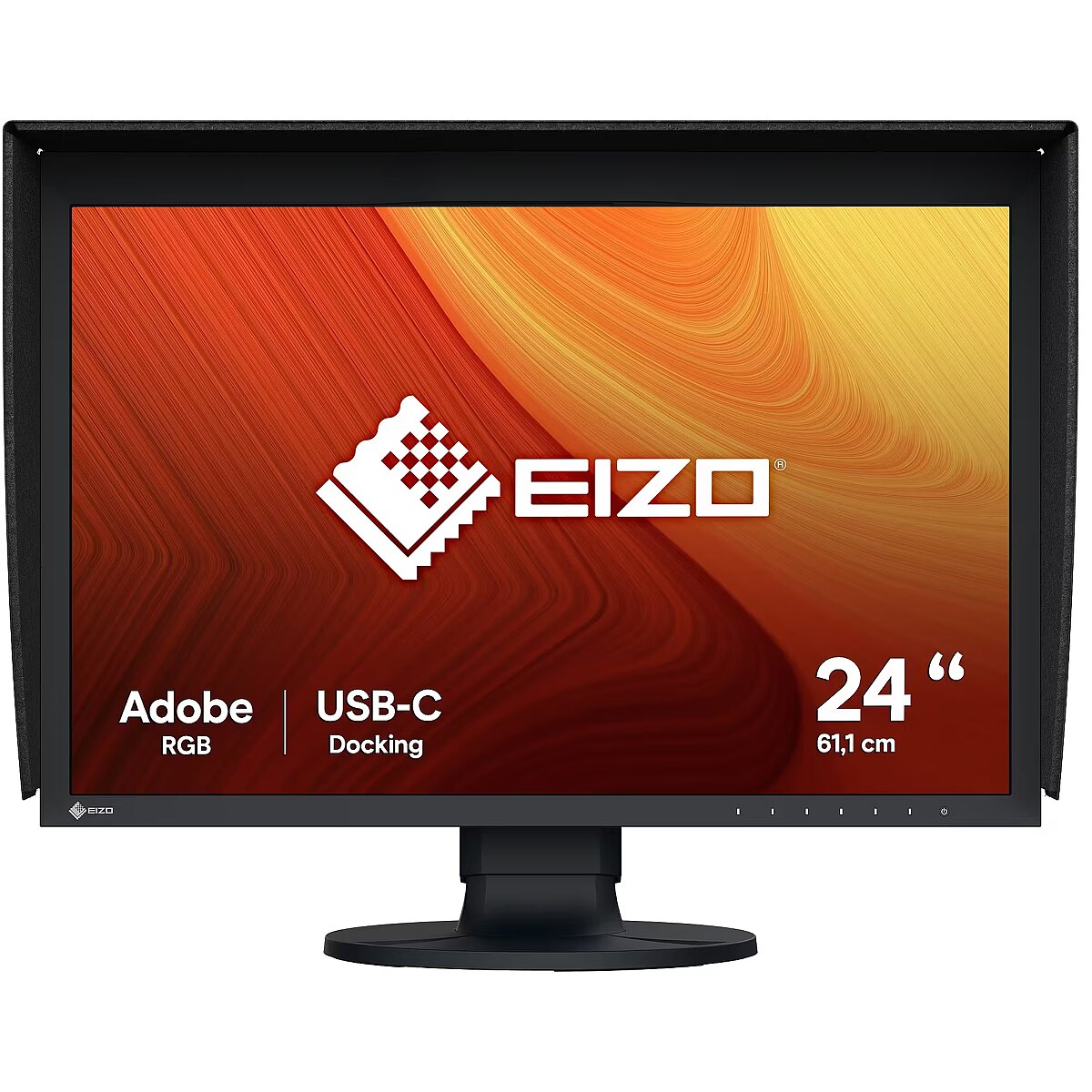
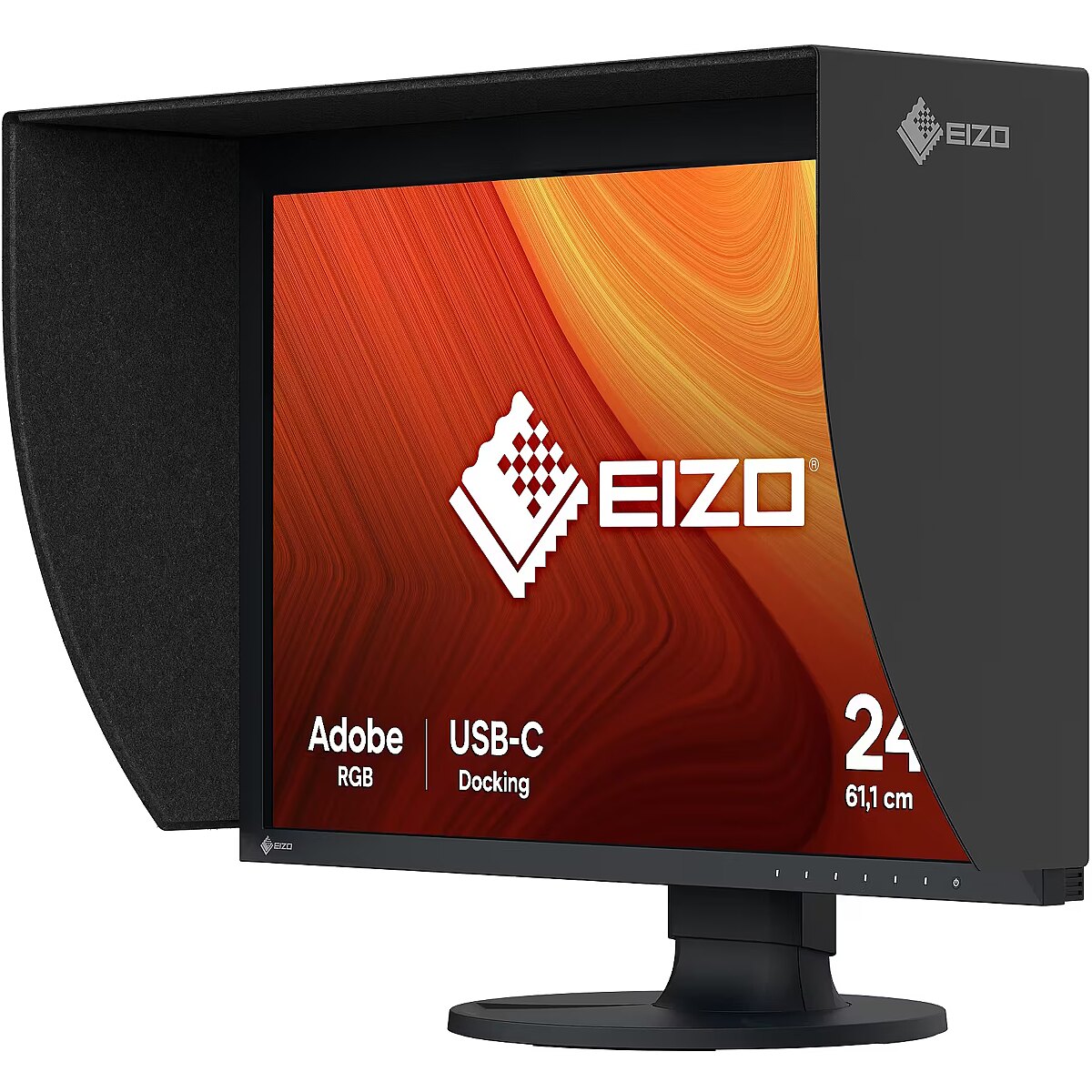
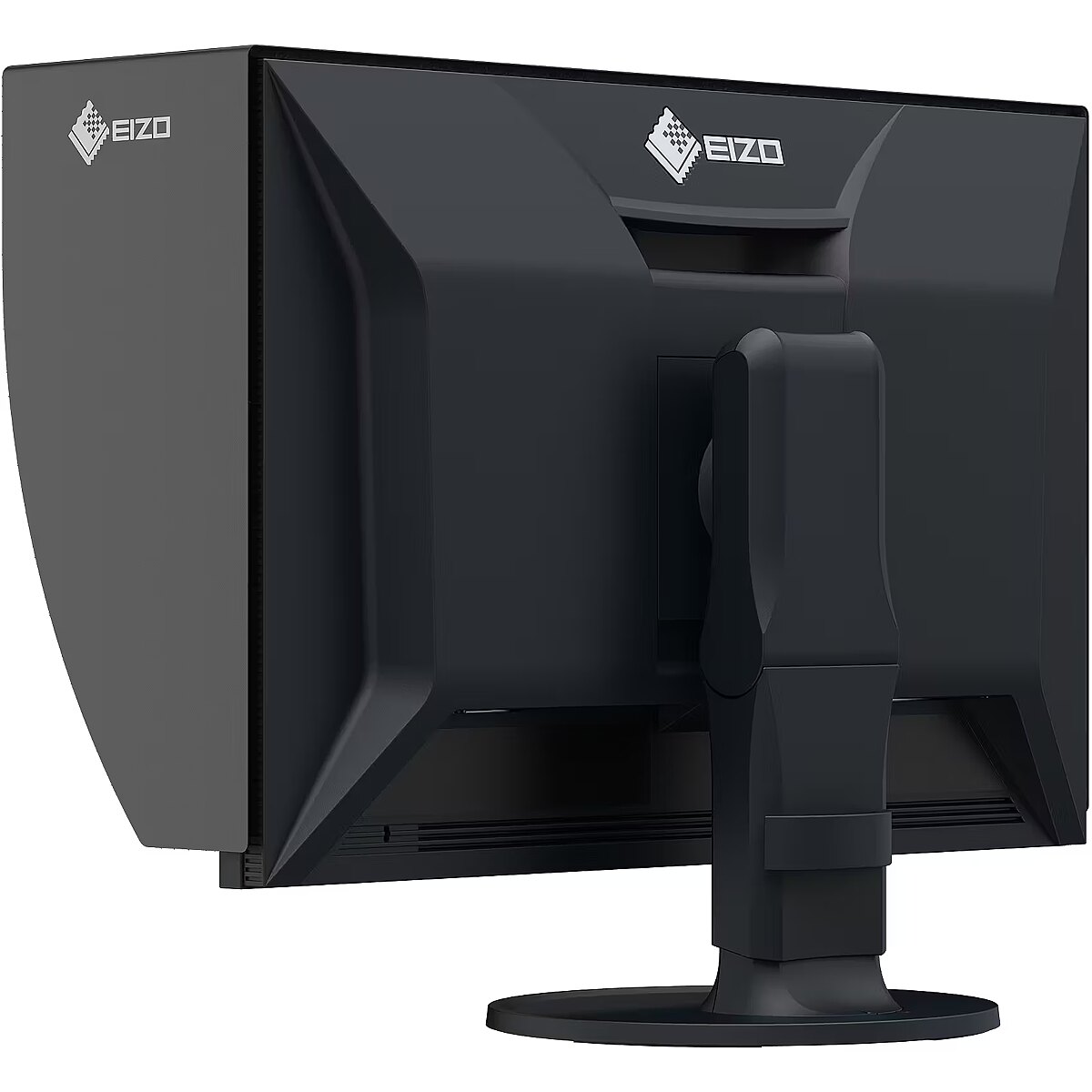
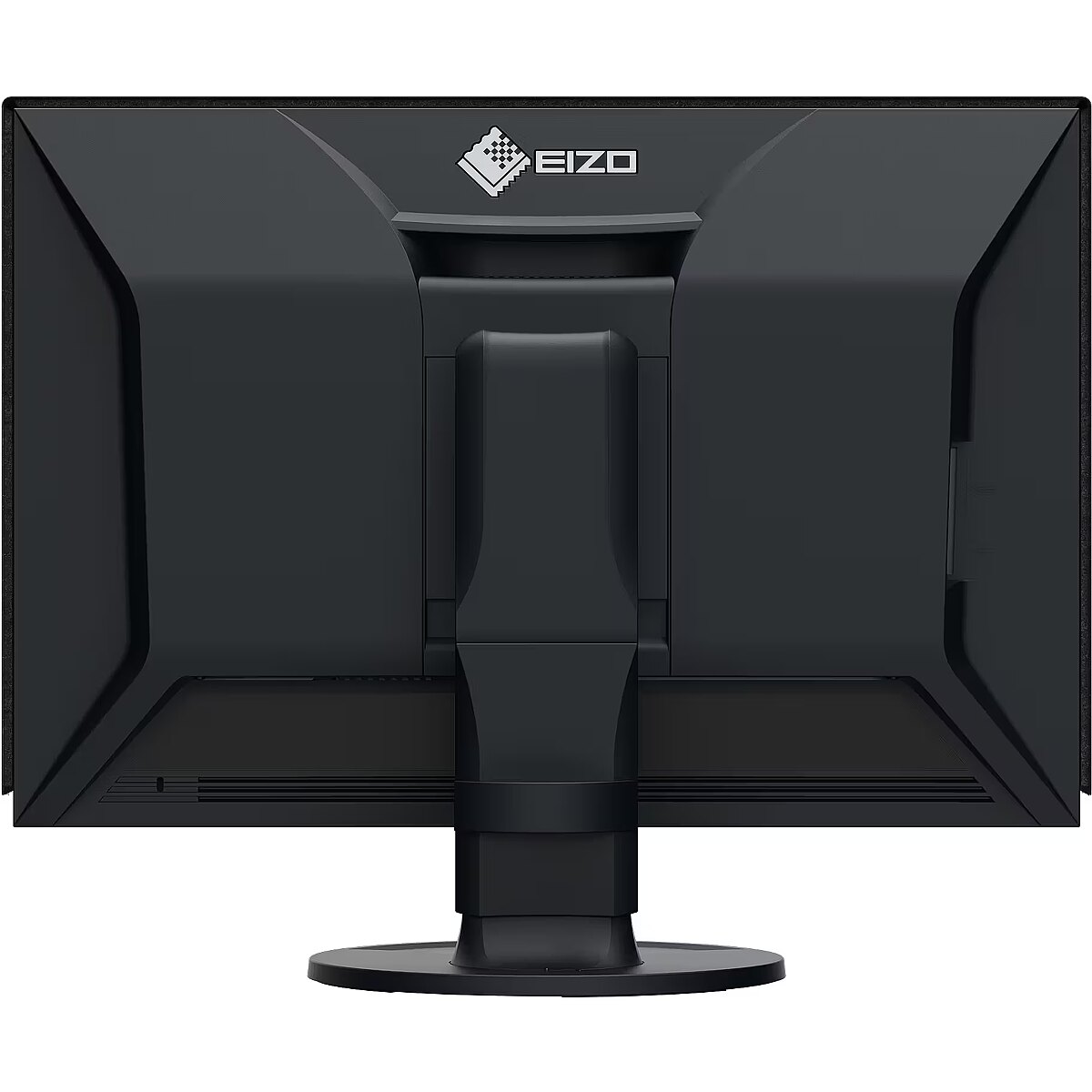
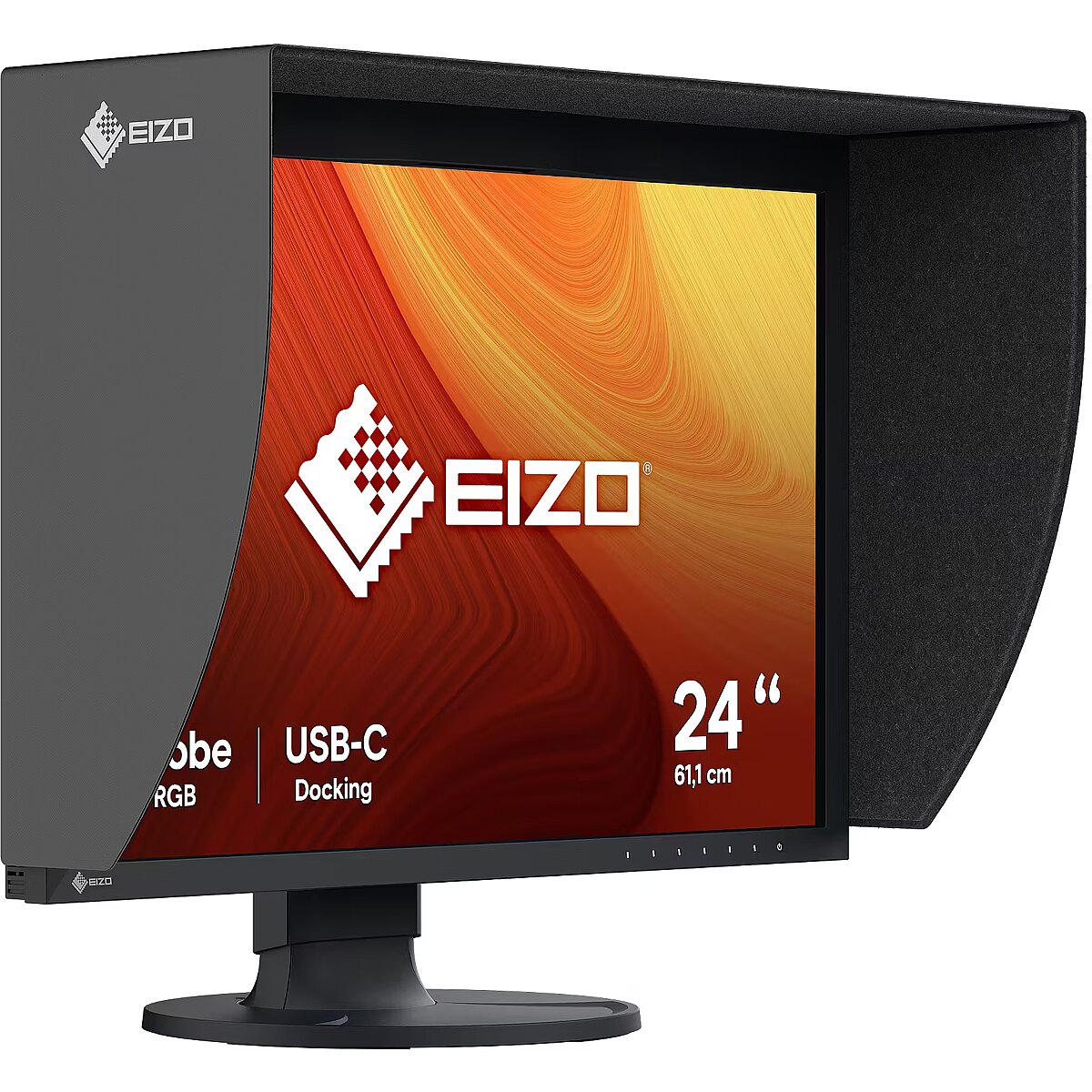
The EIZO CG2400S, 24" monitor with WUXGA 1920x1200 resolution is designed for professional and precise graphic work. It offers excellent color accuracy, ergonomic design, and extensive customization options, making it a reliable solution for designers, photographers, and content creators.
IPS technology ensures a more uniform liquid crystal structure, allowing pixels to maintain stable properties regardless of the viewing direction. This reduces color shifts and visual artifacts, making IPS technically a more balanced solution in comparison to other panel technologies.
This monitor with a 60 Hz refresh rate ensures predictable pixel operation and sufficient motion smoothness for standard tasks. It is suitable for document work, image processing and video viewing, guaranteeing stable frame updates without unnecessary system or user load.
Flicker-Free reduces the frequency flickering common to some brightness adjustment methods. This reduces visual stress and ensures a smooth, pleasant image for the eyes. The technology is particularly useful for working in darker rooms and during prolonged viewing sessions.
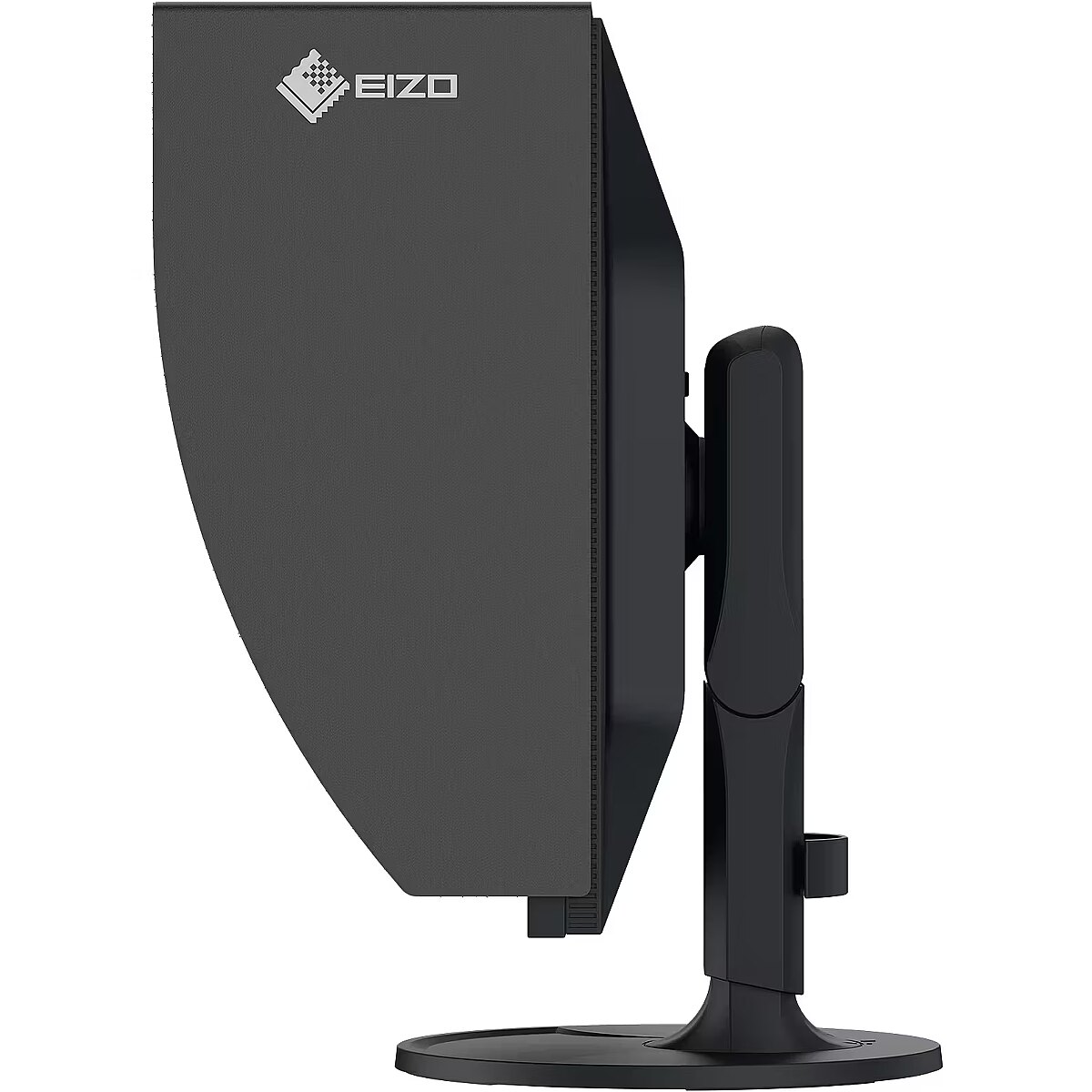
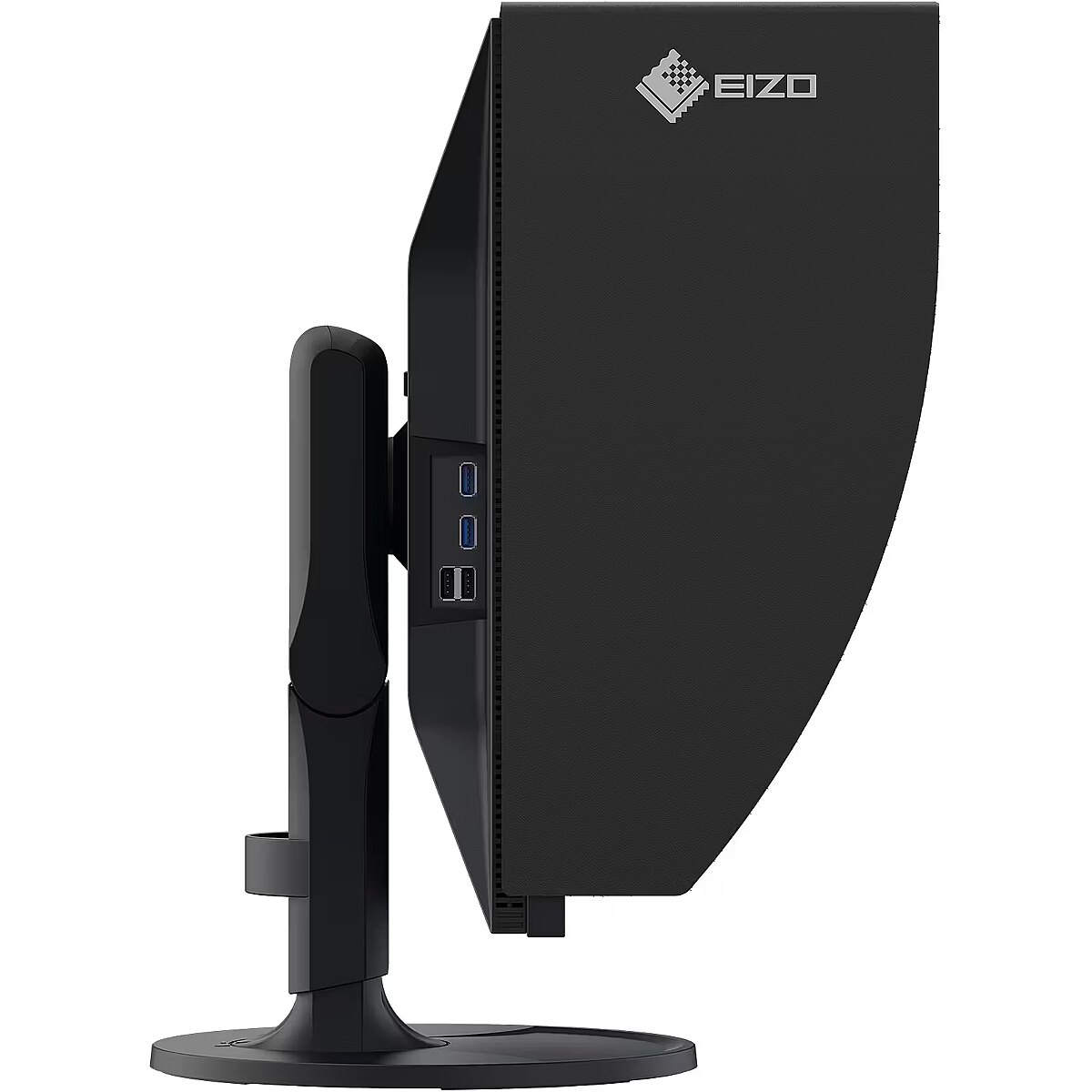
Pivot mode allows physically rotating the monitor by 90°, expanding the functionality of the working environment. The vertical format facilitates document comparison, working with tables, and viewing web pages, ensuring more effective information layout and more accurate visual perception.
The Swivel feature ensures smooth horizontal rotation of the monitor, allowing quick adjustment of screen orientation to the user's position changes. This is particularly useful in work at a shared desk, project discussions or use of multiple devices where flexible viewing direction adjustment is required.
Tilt technology allows for adjusting the screen's slope angle back and forth, ensuring the correct image placement in relation to the user's line of sight. This kind of adjustment helps reduce neck and eye strain, improves image perception, and makes long-term work at the monitor more comfortable.
VESA wall mount provides a standardized mounting hole layout, allowing you to safely attach the monitor to the wall using compatible brackets. This type of installation frees up desk space, reduces vibrations from the table, and ensures a stable screen position for prolonged work.
HDMI provides video and audio transmission with a single cable, which enhances connection stability and reduces the risk of interference. The interface reduces the number of connections and maintains the integrity of the digital signal. HDMI supports modern formats and ensures reliable operation with a wide range of devices.
DisplayPort is a modern monitor interface standard that ensures stable image transmission with high resolution and refresh intensity. It supports HDR, frame synchronization, and multiple monitor systems, maintaining detail accuracy and image quality for professional and gaming work.
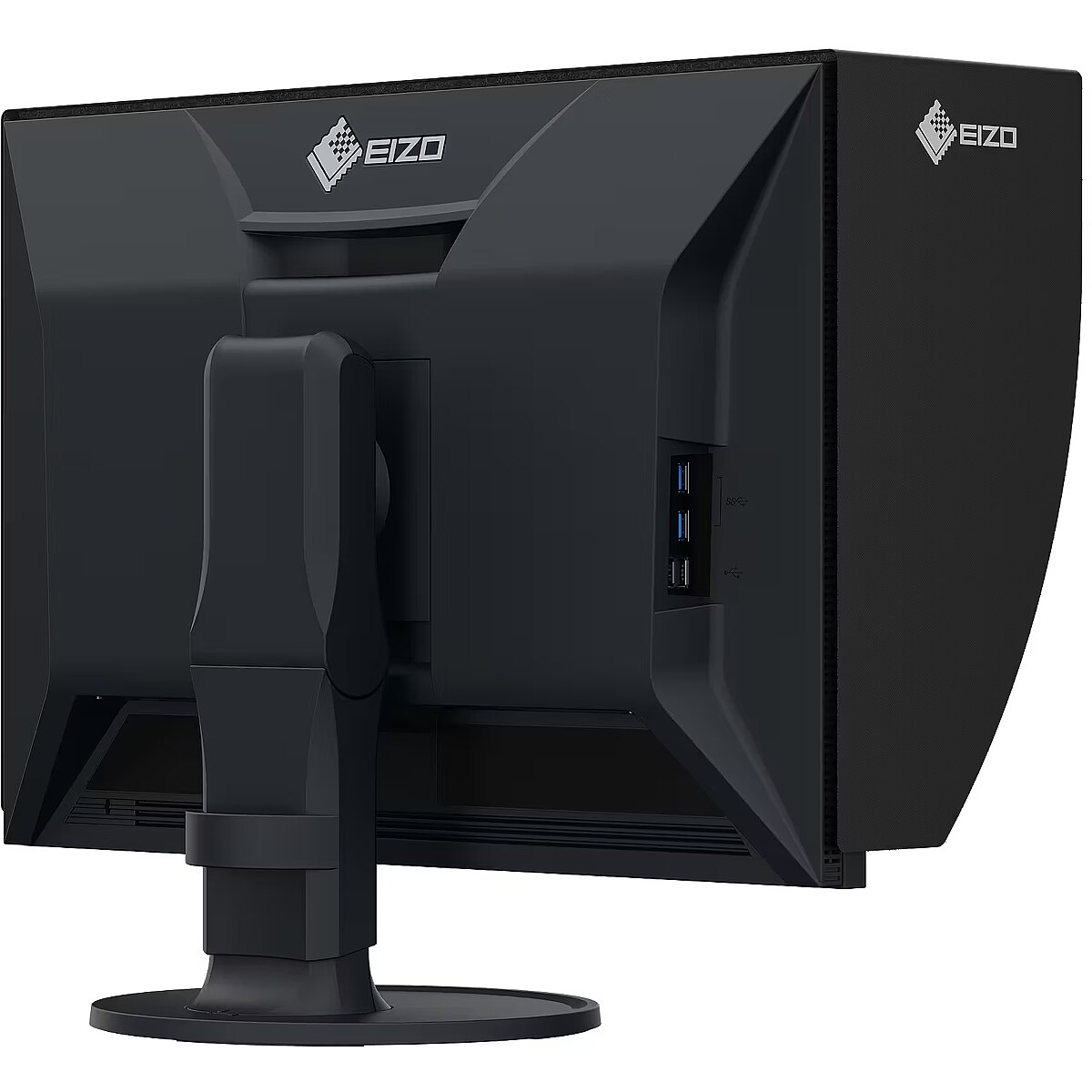
The USB-C connection combines image, sound, data and power transmission into one cable, reducing workplace load and speeding up device connectivity. It is compatible with many modern laptops and provides a stable signal, making monitor usage more convenient and technically effective.
Several USB-C ports make the monitor more versatile for modern devices. Each port can simultaneously transmit video, audio, data and power through a single cable, reducing the number of wires. This allows to connect multiple peripheral devices or signal sources without additional adapters.
USB Power Delivery is capable of powering connected devices through a single cable, eliminating the need for additional chargers. This feature simplifies connection and maintains a more organized workspace. The technology ensures stable power supply and data transmission.
USB-C video input ensures the transmission of video and audio signals through a single cable, simplifying the connection and reducing the number of wires. The connector supports modern data transmission protocols and ensures a stable signal. It improves the monitor's compatibility with a wide range of modern devices.
Warranty
EIZO provides this model with a 3 year warranty at all certified service centres.








 DVI is a digital standard and ensures high image quality, however, thanks to the big size of the plug and the inability of the standard to develop further due to a few technical restrictions this type of connection is gradually losing its popularity to modern HDMI and DisplayPort standards.




