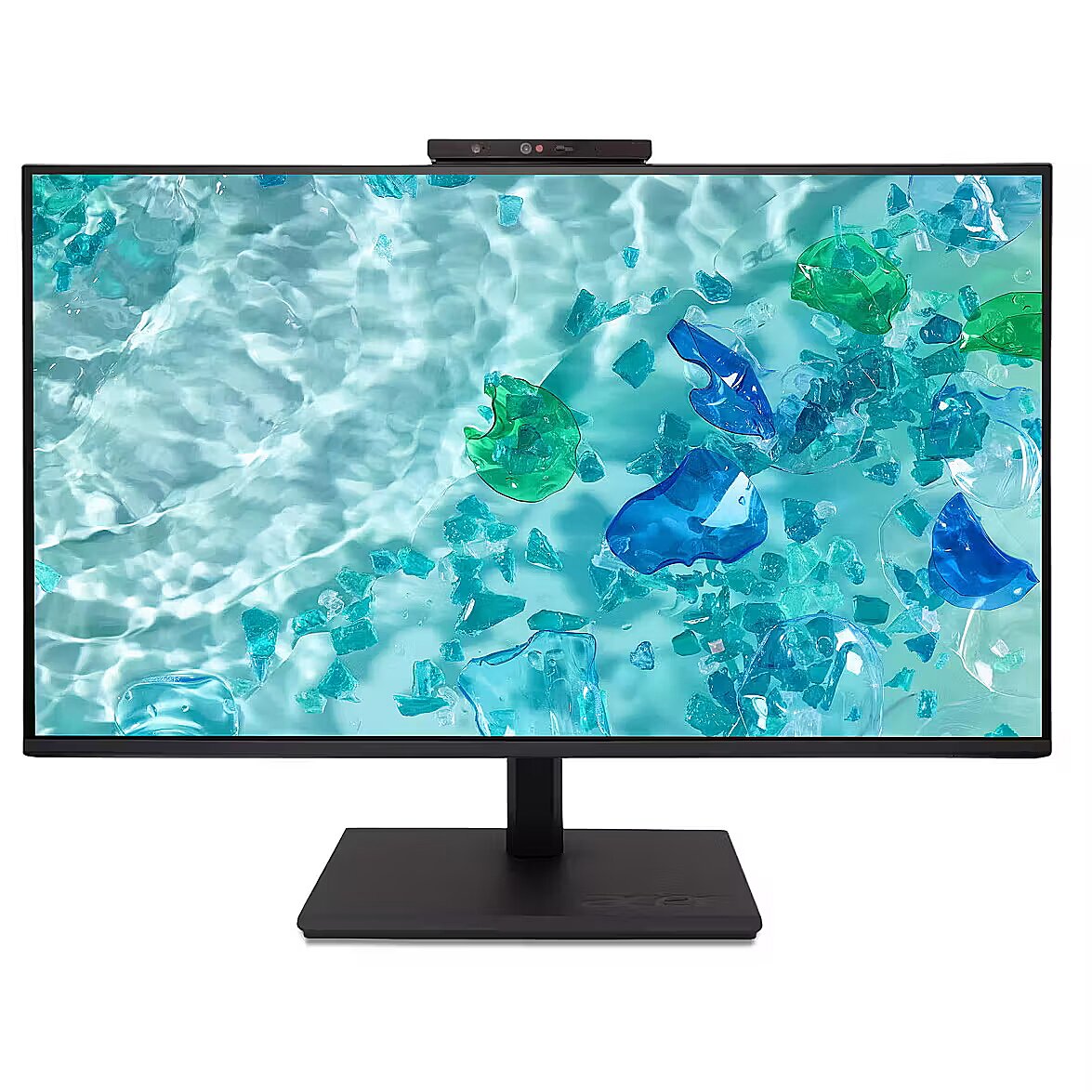
This Acer Vero B277D6bmiprczx, 27" monitor with FHD 1920x1080 resolution ensures a clear and comfortable image for work, study, and everyday tasks. It combines a convenient form factor, modern design, and optimal visual features, making everyday use more productive and enjoyable.
The response time 4ms reduces pixel transition delay, thereby minimizing blur and afterimage formation in moving images. Such an indicator is especially useful for dynamic content, ensuring clearer and more stable frame representation. The monitor responds faster to image changes, improving visual accuracy.
IPS technology ensures a more uniform liquid crystal structure, allowing pixels to maintain stable properties regardless of the viewing direction. This reduces color shifts and visual artifacts, making IPS technically a more balanced solution in comparison to other panel technologies.
AMD FreeSync provides adaptive monitor refresh rate with variable frequency range. It helps to prevent image tearing that occurs due to unsynchronized frame output. The technology improves motion uniformity and stability, especially in situations with variable frame frequency.
This monitor with a refresh rate of 120 Hz ensures more frequent frame renewals, which improves the visibility of fast motion. This mode reduces image latency and minimizes artifacts that occur during rapid movement. It is suitable for tasks that require precise visual information at an increased refresh rate.
Flicker-Free ensures a stable light flow without sudden intensity fluctuations, which may not be visible, but cause discomfort during prolonged usage. The technology improves visual perception, helps to reduce eye strain, and increases comfort when working with texts and static images.
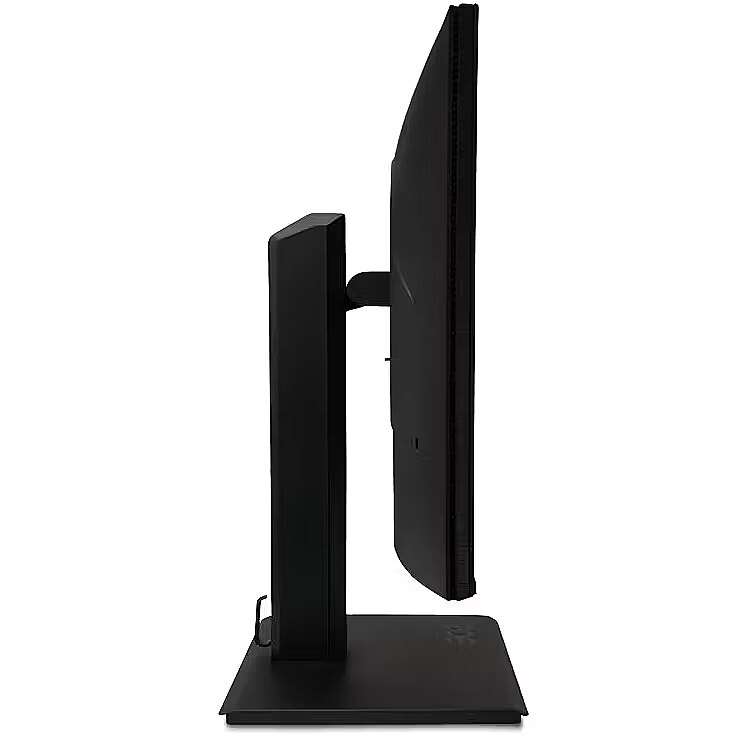
The Pivot function allows the user to quickly switch between horizontal and vertical orientation, adapting the screen to the task at hand. Vertical positioning enhances the display of long structured data, technical information, and graphics, helping to work with large volumes of material without loss of convenience.
The Swivel feature ensures smooth horizontal rotation of the monitor, allowing quick adjustment of screen orientation to the user's position changes. This is particularly useful in work at a shared desk, project discussions or use of multiple devices where flexible viewing direction adjustment is required.
The Tilt function ensures flexible adjustment of the panel's vertical tilt, allowing for precise adaptation of the screen to the working position. This reduces the risk of discomfort during prolonged use, maintains an optimal viewing angle, and helps avoid image distortion in various lighting conditions.
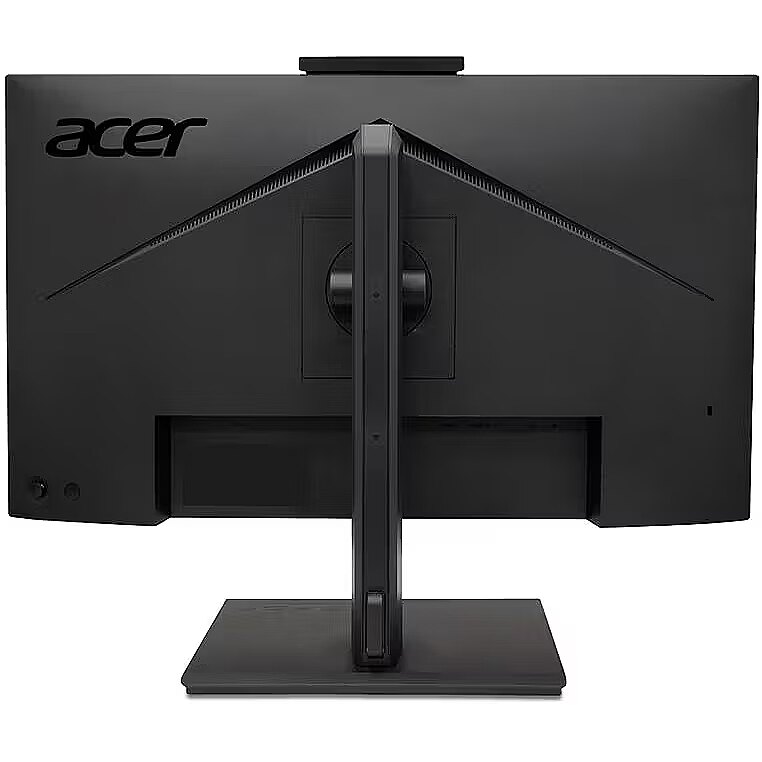
VESA wall mount allows you to install a monitor on the wall, adhering to a uniform industrial standard. It facilitates the choice of mount, increases the flexibility of workspace organization, and allows you to adjust the height and angle of placement, regardless of the desk or tripod.
The built-in speakers provide direct sound playback, eliminating the need for external audio devices. This simplifies the setup of the work system and saves space. The speakers are suitable for everyday needs, including online meetings, training, and video viewing, providing adequate sound level.
D-Sub is an analog interface that ensures monitor compatibility with various video signals. It allows the use of a monitor with older devices without adapters, maintaining a stable image. D-Sub makes the device universal for various generation operating systems, ensuring correct graphics transmission and minimal distortions.
HDMI is a digital interface designed for stable video and audio transmission with a single cable. This approach reduces the number of connections and prevents unnecessary signal conversion. HDMI ensures a reliable connection, high throughput, and precise operation with modern devices without loss of quality.
DisplayPort is a modern image transmission standard that ensures stable playback with high resolution and refresh intensity. The interface supports HDR and multiple monitor configurations, transmits details without quality loss and provides accurate graphics display on professional and gaming monitors.
Warranty
Acer provides this model with a 2 year warranty at all certified service centres.
*When purchasing a monitor on the legal entity's details - manufacturer's warranty 1 year.





 DVI is a digital standard and ensures high image quality, however, thanks to the big size of the plug and the inability of the standard to develop further due to a few technical restrictions this type of connection is gradually losing its popularity to modern HDMI and DisplayPort standards.




