ARTIKEL1 - GCB3482WQSU-B1 34IN UWQHD FAST
ARTIKEL2 - 1500R 3440X1440 120HZ 21:9 0.6M
Brand - iiyama
BrandPartCode - GCB3482WQSU-B1
Category - Computer Monitors
Category 1 - Displays
Category 2 - Monitore
Category_1 - Monitors and TV
Category_2 - LED Monitors 31 inches and up
Design - Market positioning - Gaming
Design - Product colour - Black
Display - Colour depth - 8 bit
Display - Colour gamut standard - NTSC, sRGB
Display - Contrast ratio (dynamic) - 80000000:1
Display - Contrast ratio (typical) - 3000:1
Display - Display brightness (typical) - 500 cd/m²
Display - Display diagonal - 86.4 cm (34")
Display - Display diagonal (metric) - 86.4 cm
Display - Display number of colours - 16.7 million colours
Display - Display resolution - 3440 x 1440 pixels
Display - Display technology - LED
Display - HD type - UltraWide Quad HD
Display - High Dynamic Range (HDR) supported - Yes
Display - High Dynamic Range (HDR) technology - High Dynamic Range (HDR) 400
Display - Horizontal scan range - 30 - 180 kHz
Display - Maximum refresh rate - 120 Hz
Display - Native aspect ratio - 21:9
Display - NTSC coverage (typical) - 72%
Display - Panel type - VA
Display - Pixel pitch - 0.232 x 0.232 mm
Display - Response time - 0.6 ms
Display - Response time (MPRT) - 0.6 ms
Display - Screen curvature rating - 1500R
Display - Screen shape - Curved
Display - sRGB coverage (typical) - 99%
Display - Touchscreen - No
Display - Viewable size, horizontal - 79.7 cm
Display - Viewable size, vertical - 33.4 cm
Display - Viewing angle, horizontal - 178°
Display - Viewing angle, vertical - 178°
EAN - 4948570125159
EANCode - 4948570125159
EAN_code - 4948570125159
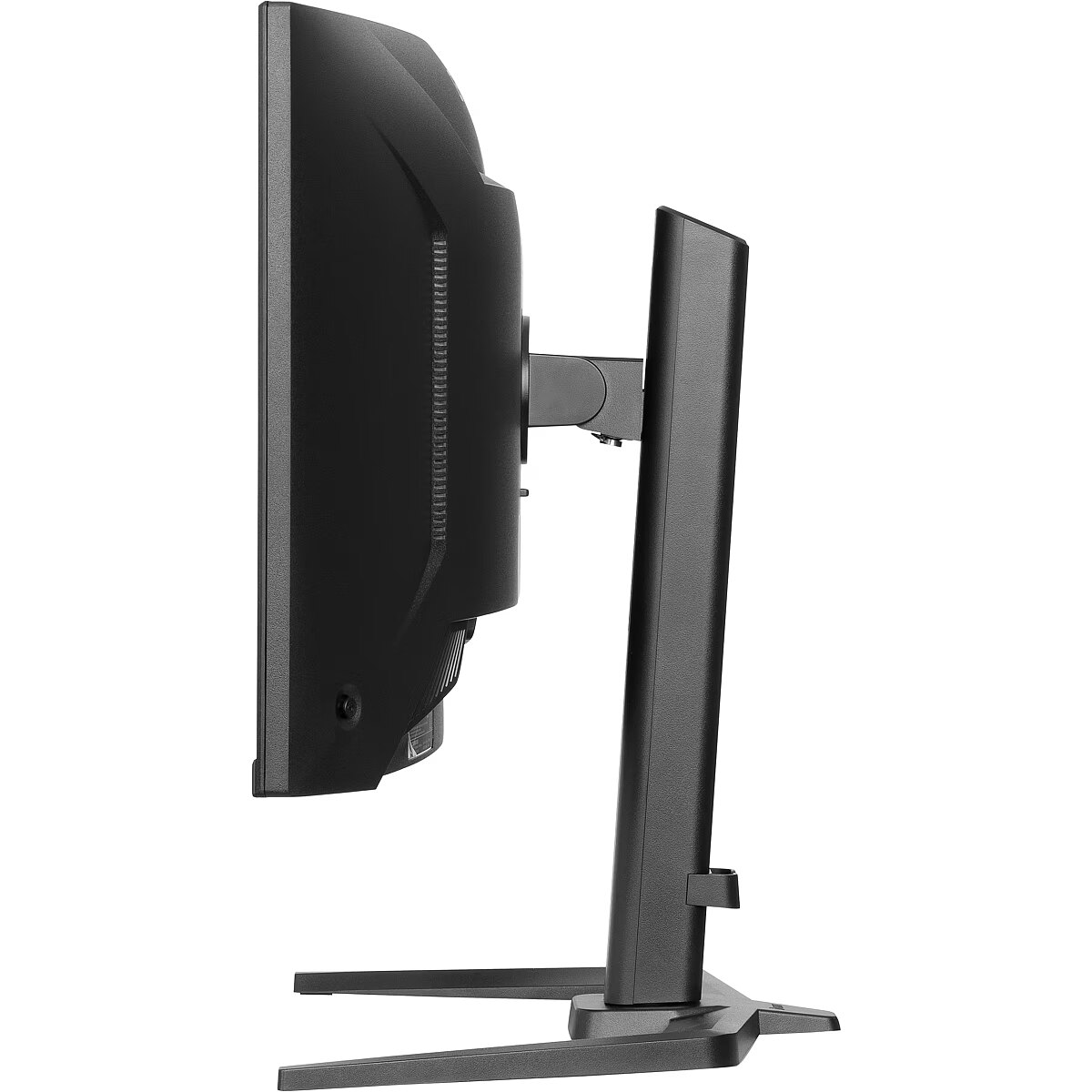
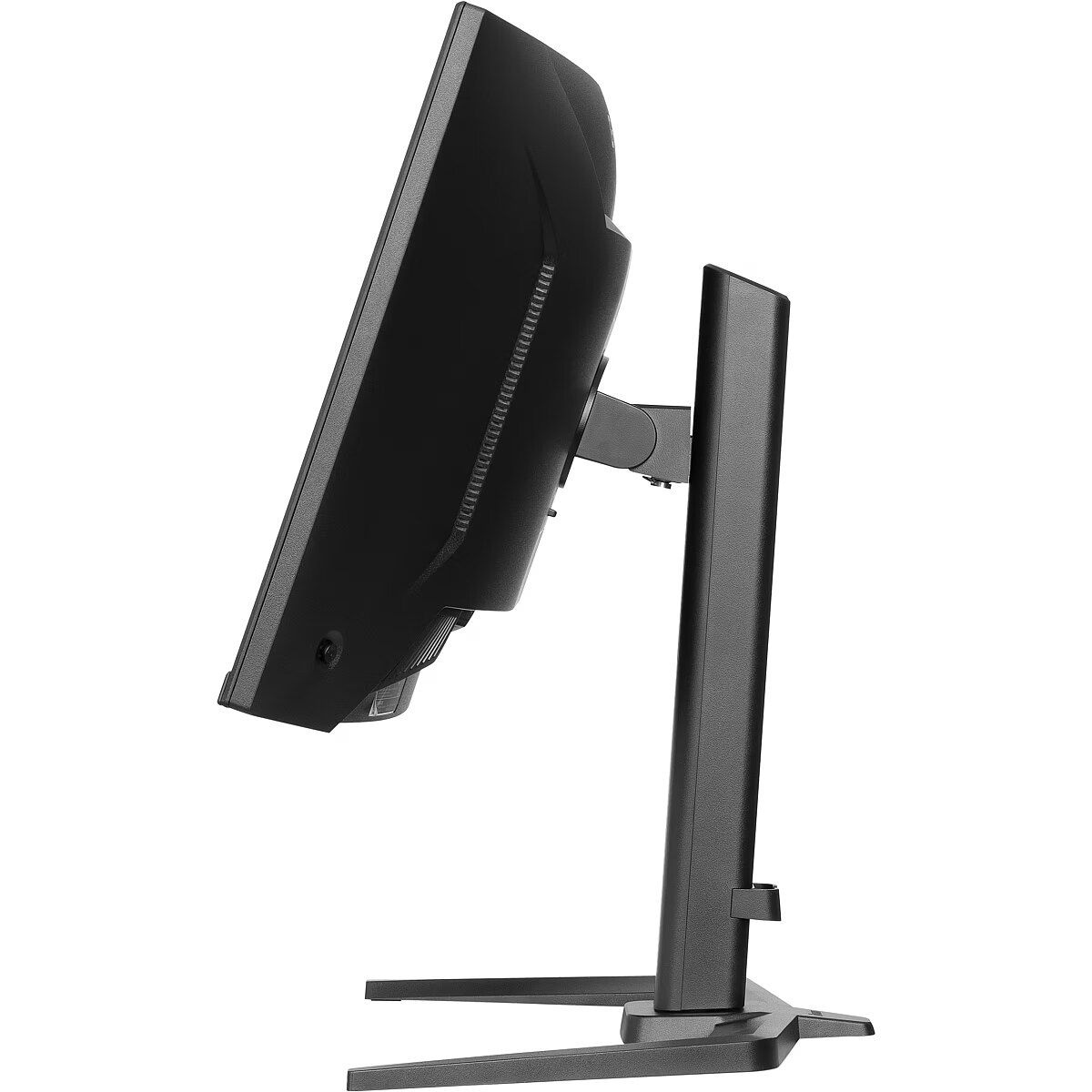
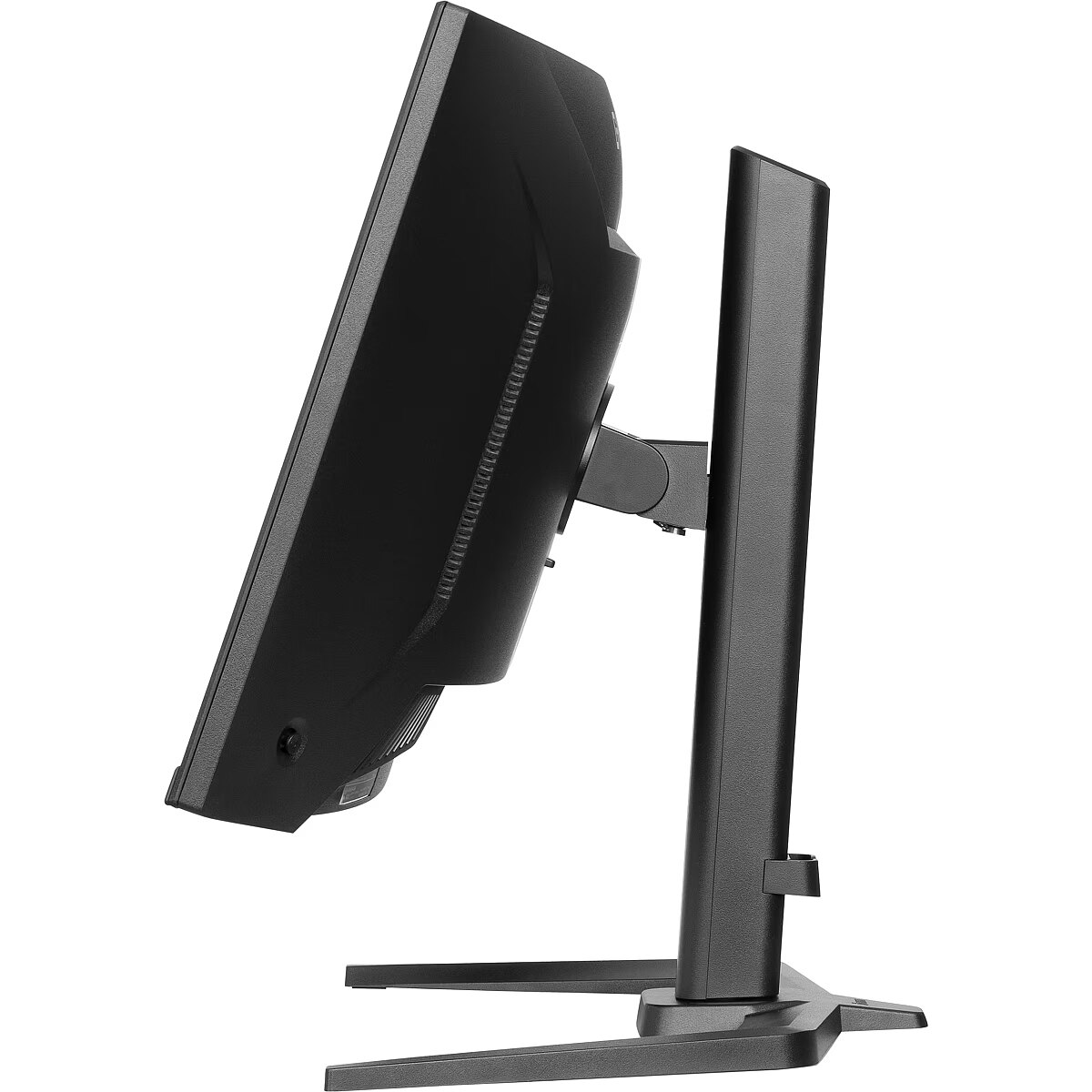
Ergonomics - Adjustable height (max) - 15 cm
Ergonomics - Cable lock slot - Yes
Ergonomics - Cable lock slot type - Kensington
Ergonomics - Cable management - Yes
Ergonomics - Height adjustment - Yes
Ergonomics - On Screen Display (OSD) - Yes
Ergonomics - On Screen Display (OSD) languages - Czech, German, English, Spanish, French, Italian, Japanese, Dutch, Polish, Portuguese, Russian
Ergonomics - Panel mounting interface - 100 x 100 mm
Ergonomics - Swivel angle range - 89 - 89°
Ergonomics - Swivelling - Yes
Ergonomics - Tilt adjustment - Yes
Ergonomics - Tilt angle range - 5 - 23°
Ergonomics - VESA mounting - Yes
Ergonomics - Wall mountable - Yes
GRUPPE1 - Displays
GRUPPE2 - Lcd Monitor
GTIN - 4948570125159
HERSTELLER - IIYAMA CONSIGNMENT
HSTNUMMER - GCB3482WQSU-B1
LongDesc - Dive into an immersive gaming experience with the 34" GCB3482WQSU-B1 curved gaming monitor. Its 1500R curvature wraps around your field of view, delivering a more engaging and comfortable experience. The VA panel with an ultra-wide 3440x1440 resolution ensures deep contrasts and vibrant colours, bringing your games to life with stunning detail. With a 120Hz refresh rate, motion appears smooth and fluid, striking a great balance between performance and visual fidelity. The 0.6ms response time (MPRT) helps reduce motion blur, keeping gameplay crisp, while HDR400 enhances brightness and contrast for more realistic visuals. Thanks to FreeSync Premium, screen tearing and stuttering are minimised, ensuring seamless, lag-free gameplay. Whether you're battling in FPS games, racing at high speeds, or exploring open worlds , this monitor keeps you ahead of the competition.
LongProductName - Get ahead with the curved GCB3482WQSU-B1 Black Hawk featuring 120Hz refresh rate and 0.6ms response time
LongSummaryDescription - iiyama GCB3482WQSU-B1. Display diagonal: 86.4 cm (34"), Display resolution: 3440 x 1440 pixels, HD type: UltraWide Quad HD, Display technology: LED, Response time: 0.6 ms, Native aspect ratio: 21:9, Viewing angle, horizontal: 178°, Viewing angle, vertical: 178°. Built-in speaker(s). Built-in USB hub, USB hub version: 3.2 Gen 1 (3.1 Gen 1). VESA mounting, Height adjustment. Product colour: Black
Manufacturer - Iiyama
Manufacturer - iiyama
Manufacturer_code - GCB3482WQSU-B1
MPN - GCB3482WQSU-B1
Multimedia - Built-in camera - No
Multimedia - Built-in speaker(s) - Yes
Multimedia - Number of speakers - 2
Multimedia - RMS rated power - 10 W
Name - Iiyama G-Master GCB3482WQSU-B1 BLACK HAWK - 34 - black, WQHD, curved, VA, Free-Sync Premium, USB-C, 120Hz panel
Name - TFT 34.0/86.4cm iiyama G-Master GCB3482WQSU Black Hawk *schwarz* 21:9
Other features - Compliance certificates - CE, EAC, PSE, REACH, RoHS, TÜV mark, UKCA, VCCI, WEEE
Other features - Control panel - Power Indicator, Joystick: Power / Menu (Center), Up / Signal Select, Down, Left / i-Style Colour / Night Mode / Blue Light Reducer, Right / Volume
Other features - Depth - 290 mm
Other features - Packaging content - quick start guide, safety guide
Other features - User controls - picture adjust (contrast, brightness, OD, HDR, FreeSync Premium, ACR, Night Mode, Blue Light Reducer, Motion Blur Reduction, Gamma), input select, audio settings (volume, mute), store user settings (user modes), colour settings (6-axis, colour temperature, user preset, black tuner), image adjust (i-Style Colour, x-res technology, sharpness, HDMI range, direct drive mode, video mode adjust), language, setup menu (OSD horizontal position, OSD vertical position, OSD time, opening logo, power LED, DDC/CI control, USB charge), display information, reset
Other features - Weight - 8.4 kg
Other features - Width - 808 mm
Packaging content - Cables included - AC, USB, HDMI, DisplayPort
Packaging content - DisplayPort cable length - 1.85 m
Packaging content - HDMI cable length - 1.85 m
Packaging content - Power cable length - 1.85 m
Packaging data - Package depth - 190 mm
Packaging data - Package height - 480 mm
Packaging data - Package type - Box
Packaging data - Package weight - 13.4 kg
Packaging data - Package width - 900 mm
Packaging data - USB cable length - 1.5 m
Performance - AMD FreeSync - Yes
Performance - AMD FreeSync type - FreeSync Premium
Performance - Flicker-free technology - Yes
Performance - Low Blue Light technology - Yes
Performance - VESA Adaptive Sync support - Yes
Ports & interfaces - Built-in USB hub - Yes
Ports & interfaces - DisplayPorts quantity - 1
Ports & interfaces - DisplayPort version - 1.4
Ports & interfaces - HDCP - Yes
Ports & interfaces - HDMI - Yes
Ports & interfaces - HDMI ports quantity - 2
Ports & interfaces - HDMI version - 2.0
Ports & interfaces - Headphone out - Yes
Ports & interfaces - Number of downstream ports - 4
Ports & interfaces - USB hub version - 3.2 Gen 1 (3.1 Gen 1)
Ports & interfaces - USB upstream port type - USB Type-A, USB Type-C
Power - AC input frequency - 50/60 Hz
Power - AC input voltage - 100 - 240 V
Power - Energy consumption (HDR) per 1000 hours - 50.2 kWh
Power - Energy consumption (SDR) per 1000 hours - 26.3 kWh
Power - Energy efficiency class (HDR) - G
Power - Energy efficiency class (SDR) - E
Power - Energy efficiency scale - A to G
Power - Power consumption (off) - 0.3 W
Power - Power consumption (standby) - 0.5 W
Power - Power consumption (typical) - 50 W
Power - Power supply type - Internal
ProductName - GCB3482WQSU-B1
ShortSummaryDescription - iiyama GCB3482WQSU-B1, 86.4 cm (34"), 3440 x 1440 pixels, UltraWide Quad HD, LED, 0.6 ms, Black
Stck_Kart - 1
Stck_Pal - 15
Storno - Y
Sustainability - Sustainability certificates - ErP, EPEAT Bronze
Title - iiyama GCB3482WQSU-B1 computer monitor 86.4 cm (34") 3440 x 1440 pixels UltraWide Quad HD LED Black
URL - https://iiyama.com/
WarrantyInfo -
Weight - 8.4
Weight - 18,10
Weight & dimensions - Depth (without stand) - 290 mm
Weight & dimensions - Depth (with stand) - 290 mm
Weight & dimensions - Height (without stand) - 433 mm
Weight & dimensions - Height (with stand) - 578 mm
Weight & dimensions - Weight (with stand) - 8.4 kg
Weight & dimensions - Width (without stand) - 808 mm
Weight & dimensions - Width (with stand) - 808 mm








 DVI is a digital standard and ensures high image quality, however, thanks to the big size of the plug and the inability of the standard to develop further due to a few technical restrictions this type of connection is gradually losing its popularity to modern HDMI and DisplayPort standards.




