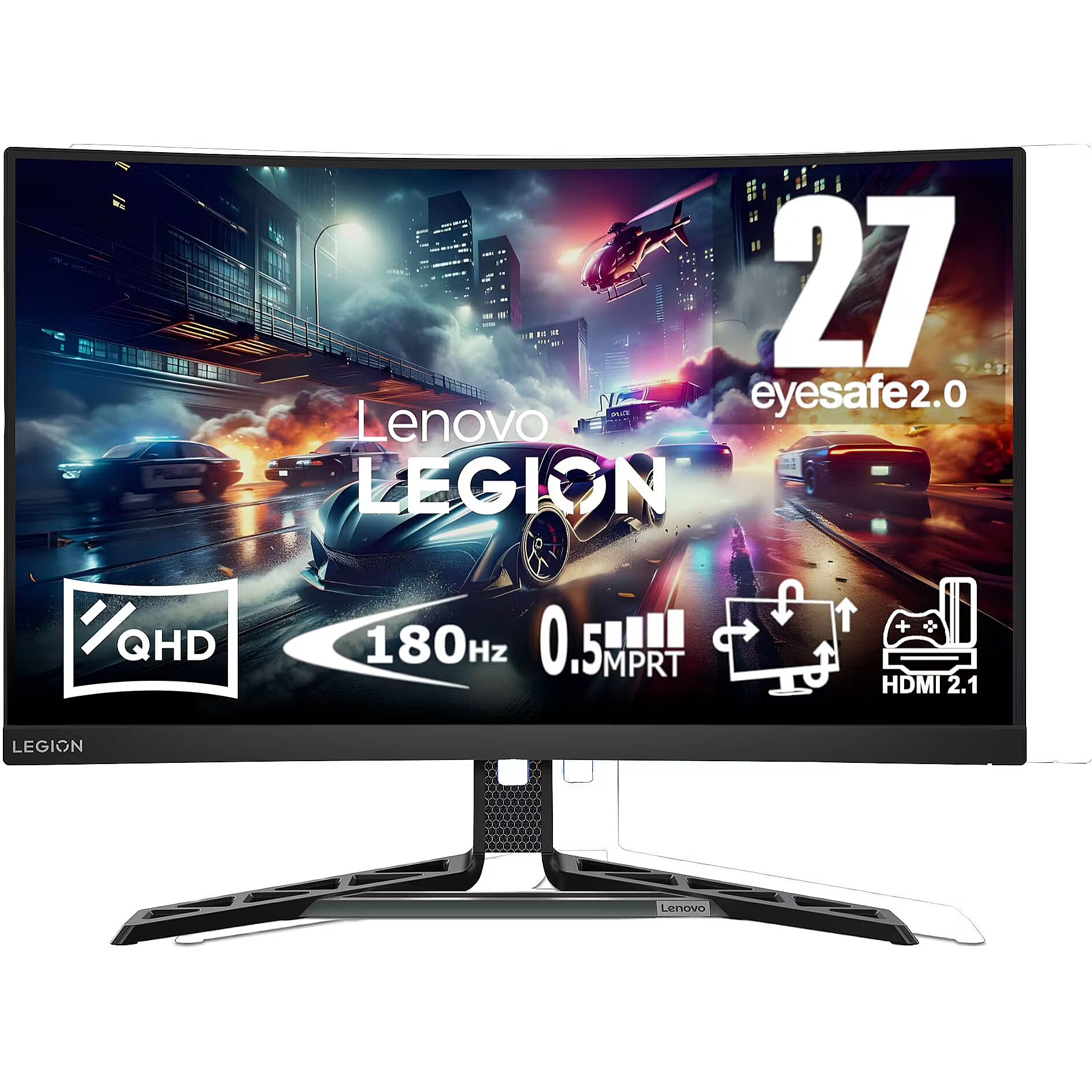
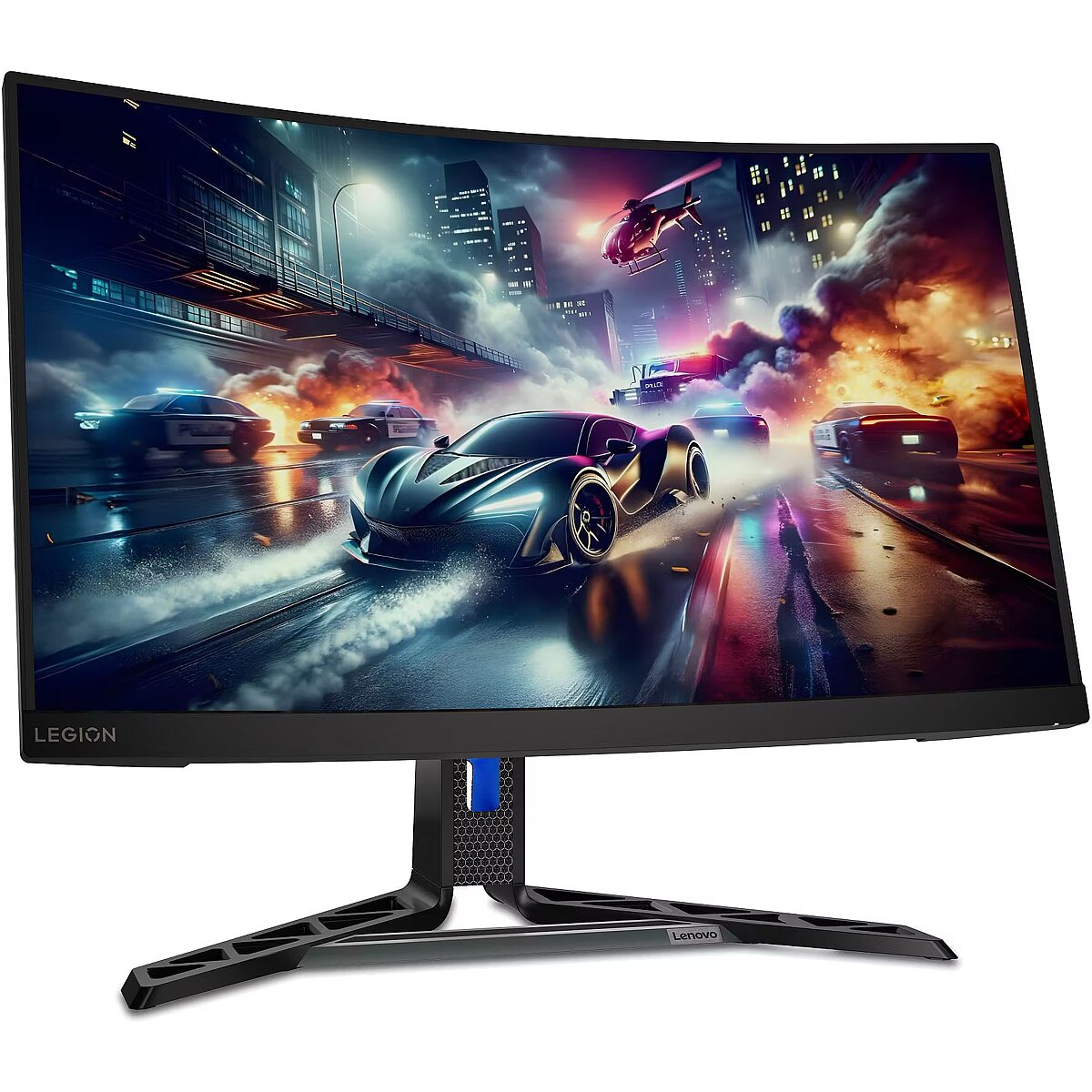
This Lenovo Legion R27qc-30, 27" gaming monitor with WQHD 2560x1440 resolution offers an expanded workspace and crystal-clear picture. It's a great choice for gamers who appreciate realistic graphics, rich details and smooth gameplay on a large screen.
The reaction time of 4ms means that pixels change state faster, reducing artifacts in motion picture depiction. This ensures a more accurate representation of fast transitions and reduces visual disturbances. The monitor provides a clear image in dynamic situations and improves the readability of moving objects.
VA panel technology ensures high contrast and deep black color, thanks to the vertical orientation of the liquid crystals. They maintain brightness stability at various viewing angles and reduce lighting losses. Compared to TN, VA panels are better suited for watching movies and working with dark images, retaining details in shadows.
AMD FreeSync is a technology that synchronizes the refresh rate of a monitor with the frame rate of a video card, reducing image tearing and brightness fluctuations. It automatically adjusts screen operation to workload, ensuring a smoother and more stable dynamic scene display without additional delay.
This monitor with a frequency of 180 Hz ensures maximum smooth motion and minimal reaction lag, which is critical in e-sports games. The high frequency helps track fast objects precisely, reduces blurring, and ensures image stability during rapid movements, improving professional players' control and reaction speed.
Flicker-Free ensures a stable light flow without sudden intensity fluctuations, which may not be visible, but cause discomfort during prolonged usage. The technology improves visual perception, helps to reduce eye strain, and increases comfort when working with texts and static images.
Pivot mode allows physically rotating the monitor by 90°, expanding the functionality of the working environment. The vertical format facilitates document comparison, working with tables, and viewing web pages, ensuring more effective information layout and more accurate visual perception.
The Swivel technology allows the monitor to be rotated left and right around the vertical axis, ensuring precise screen positioning in relation to the user. Such a design improves the viewing angle, reduces neck strain, and makes the workspace more comfortable for collaboration or material demonstration.
Tilt technology allows for adjusting the screen's slope angle back and forth, ensuring the correct image placement in relation to the user's line of sight. This kind of adjustment helps reduce neck and eye strain, improves image perception, and makes long-term work at the monitor more comfortable.
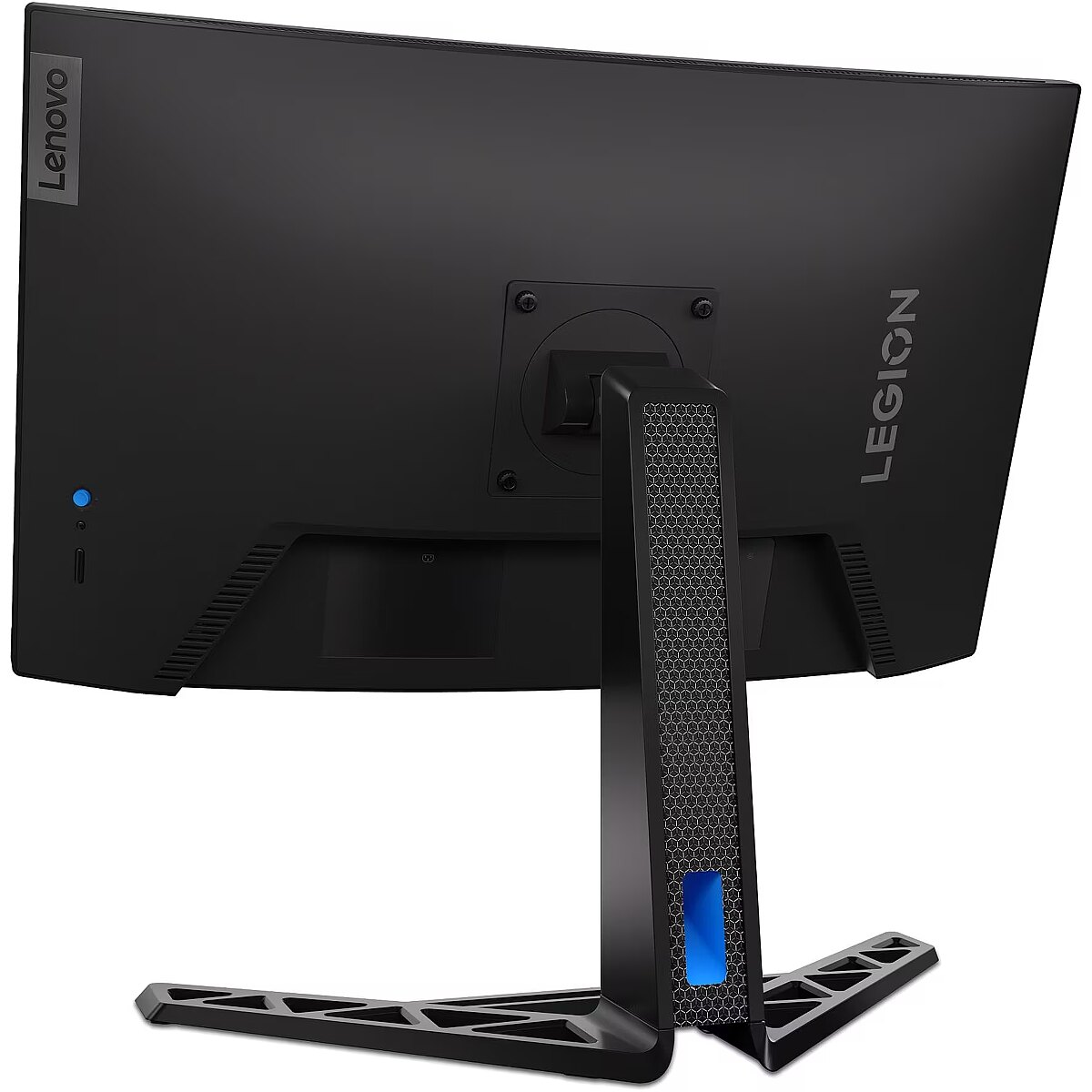
VESA wall mount provides a standardized mounting hole layout, allowing you to safely attach the monitor to the wall using compatible brackets. This type of installation frees up desk space, reduces vibrations from the table, and ensures a stable screen position for prolonged work.
Built-in speakers allow the monitor to independently process and play audio signals, reducing the need for additional devices. This makes the workplace more compact and facilitates connection. The speakers provide basic sound support for multimedia and communication applications.
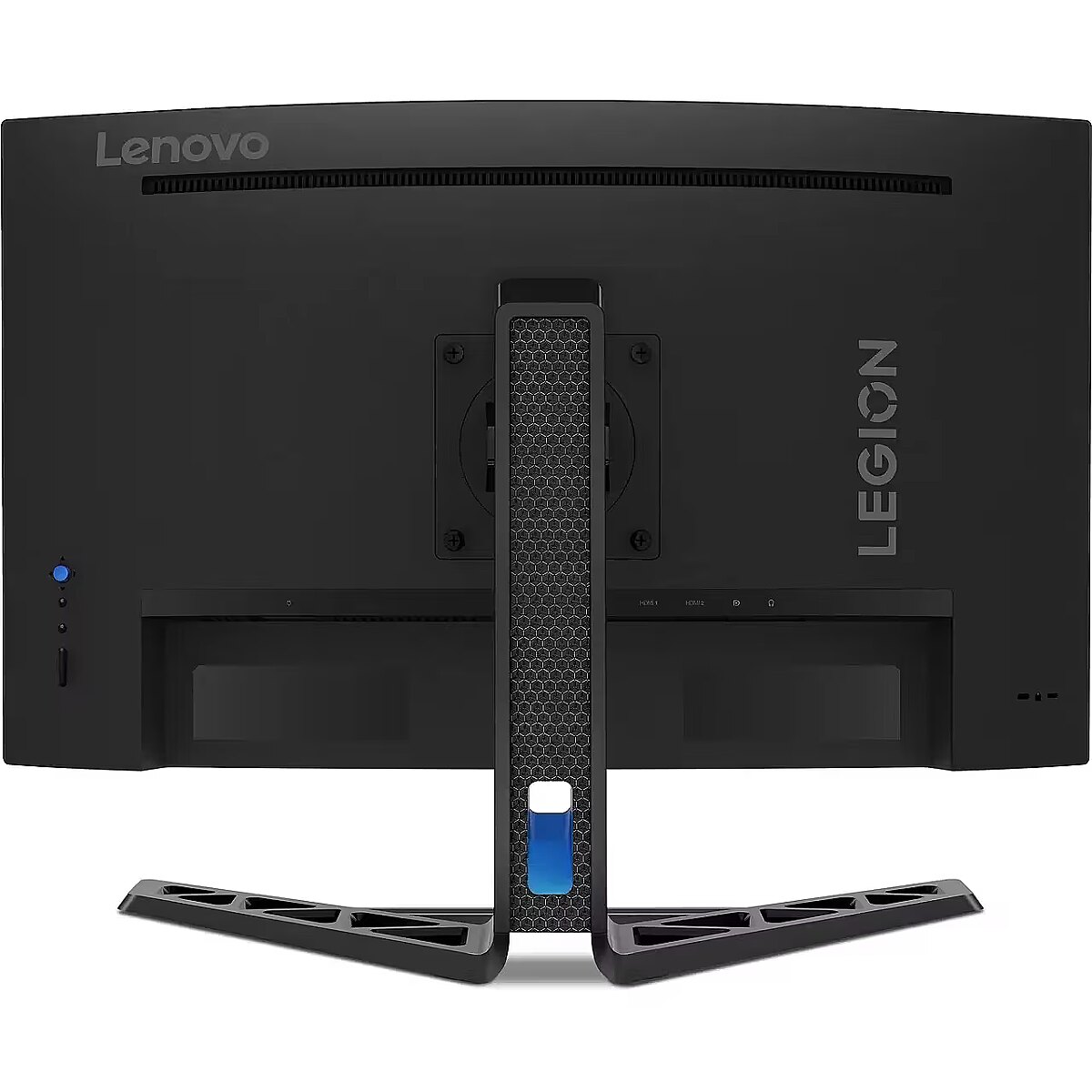
HDMI uses a single cable connection for video and audio transmission, ensuring a stable signal and minimal losses. Such an interface simplifies connection and reduces the possibility of synchronization errors. HDMI is compatible with a majority of modern devices and ensures reliable operation in various configurations.
DisplayPort is a modern image transmission standard that ensures stable playback with high resolution and refresh intensity. The interface supports HDR and multiple monitor configurations, transmits details without quality loss and provides accurate graphics display on professional and gaming monitors.
Warranty
Lenovo provides this model with a 2 year warranty at all certified service centres.






 DVI is a digital standard and ensures high image quality, however, thanks to the big size of the plug and the inability of the standard to develop further due to a few technical restrictions this type of connection is gradually losing its popularity to modern HDMI and DisplayPort standards.




