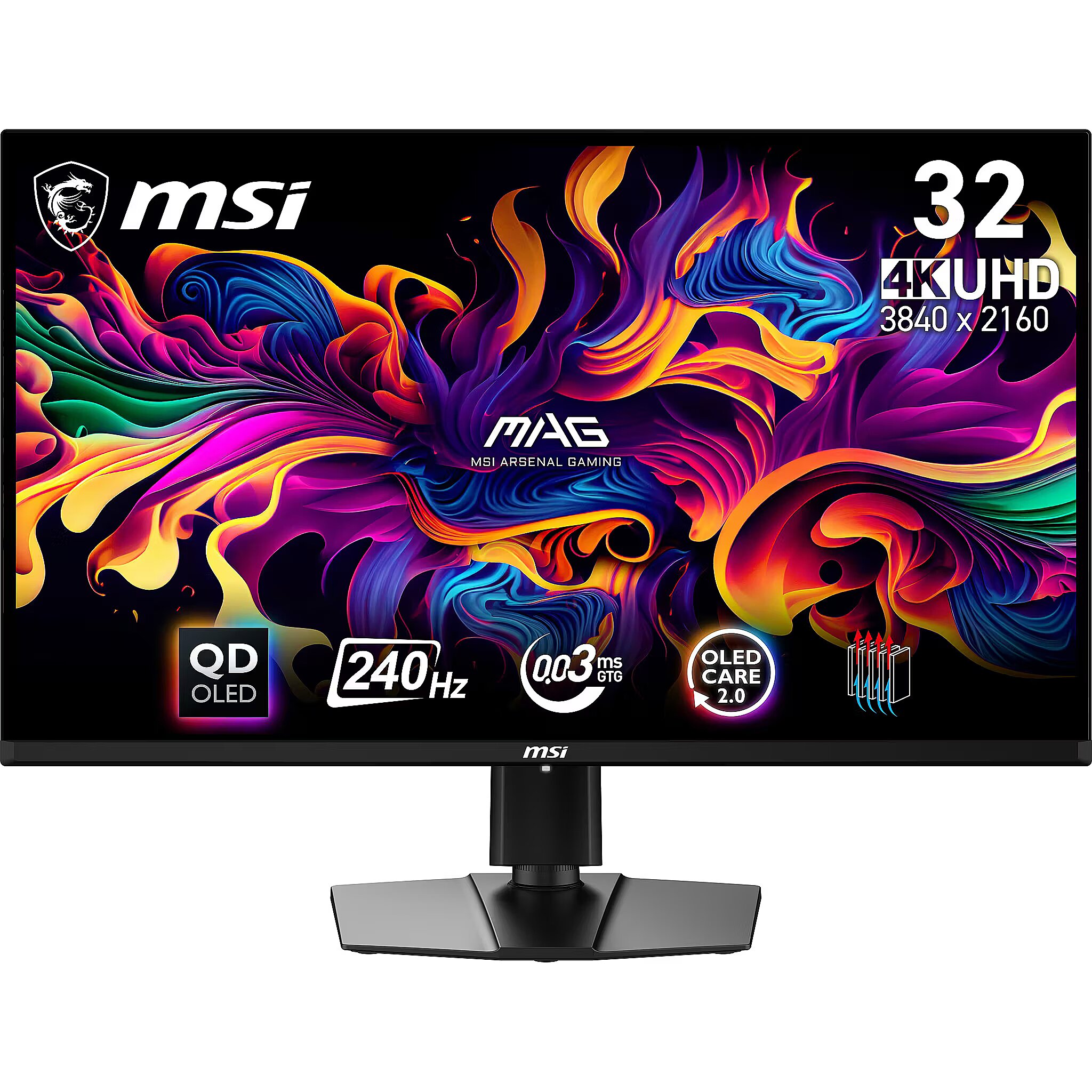
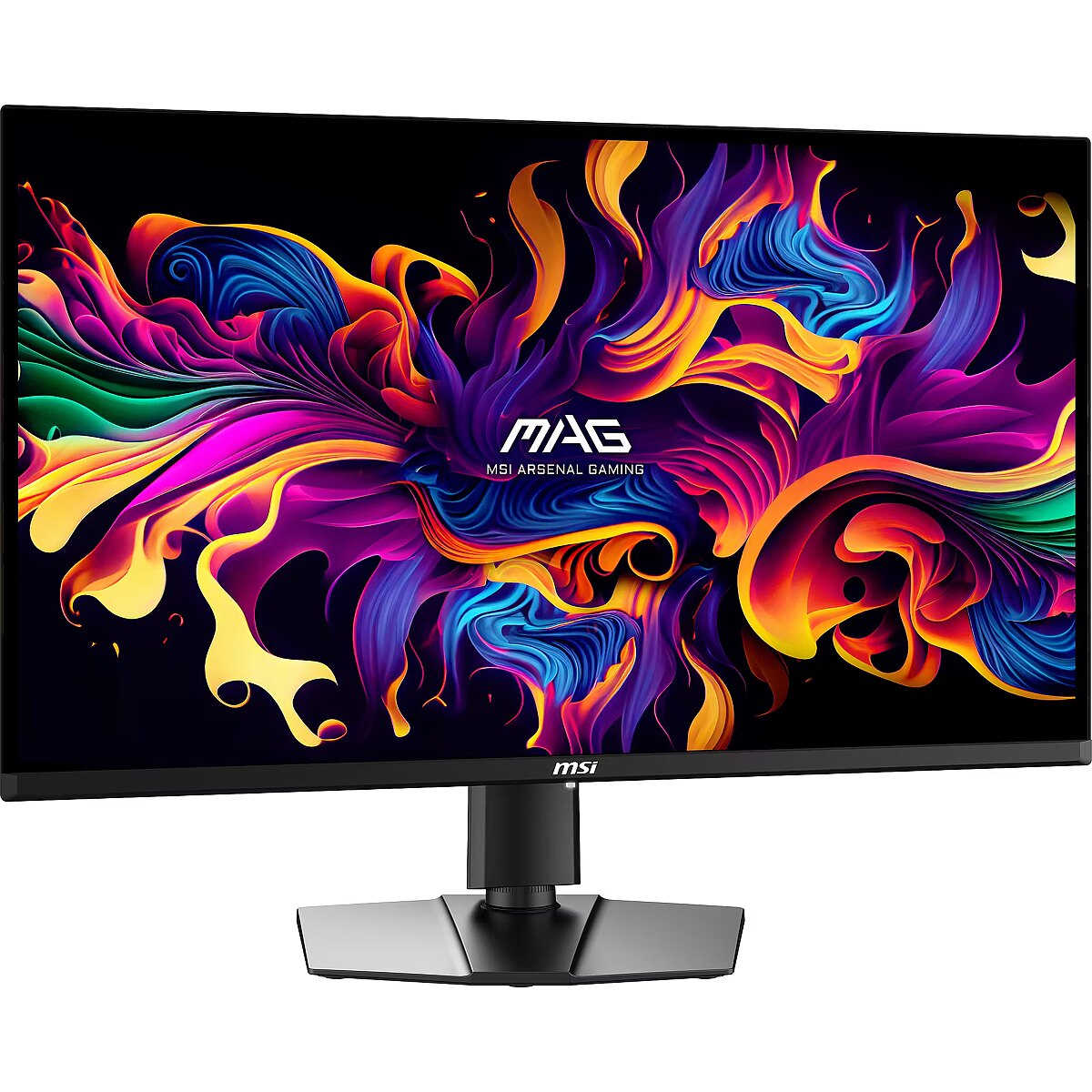
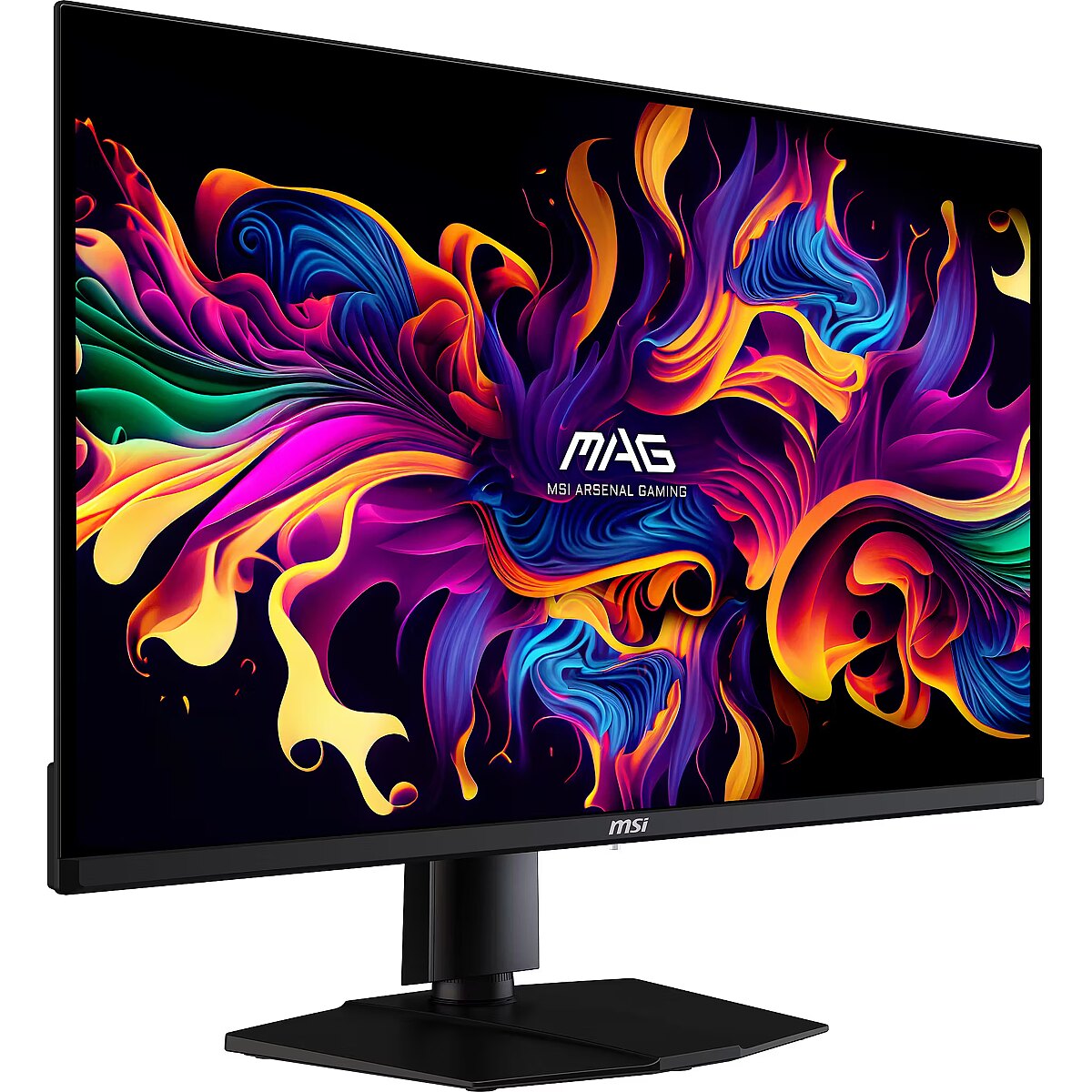
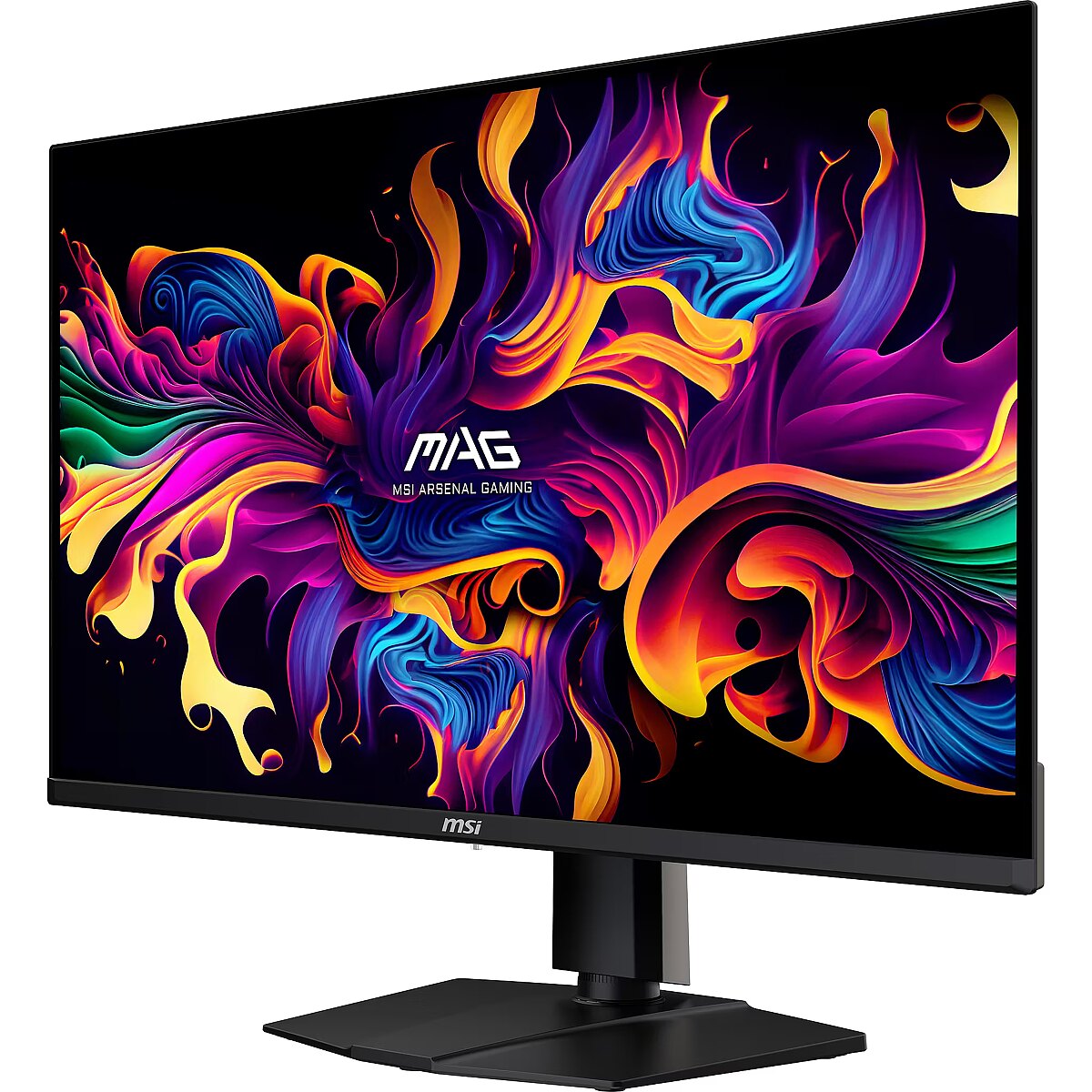
This MSI MAG 321UPX, 31.5" gaming monitor with 4K UHD 3840x2160 resolution is designed for those who want to fully immerse themselves in the dynamic gaming process and obtain an exceptionally clear image. It provides impressive detail accuracy, wide screen space and excellent visual comfort in any game.
The reaction time of 1ms means that pixels change state faster, reducing artifacts in motion picture depiction. This ensures a more accurate representation of fast transitions and reduces visual disturbances. The monitor provides a clear image in dynamic situations and improves the readability of moving objects.
OLED technology allows each pixel to emit light on its own, eliminating "glowing" black areas and improving contrast. This makes the panels suitable for working with video, games and graphics, where color accuracy and dynamics are important.
The frequency 240 Hz ensures quick panel response and precise motion display, reducing visual delay. This mode is especially useful for e-sports players as it allows them to anticipate their opponent's actions more easily and maintain a stable image even in high game dynamism.
Flicker-Free reduces the frequency flickering common to some brightness adjustment methods. This reduces visual stress and ensures a smooth, pleasant image for the eyes. The technology is particularly useful for working in darker rooms and during prolonged viewing sessions.
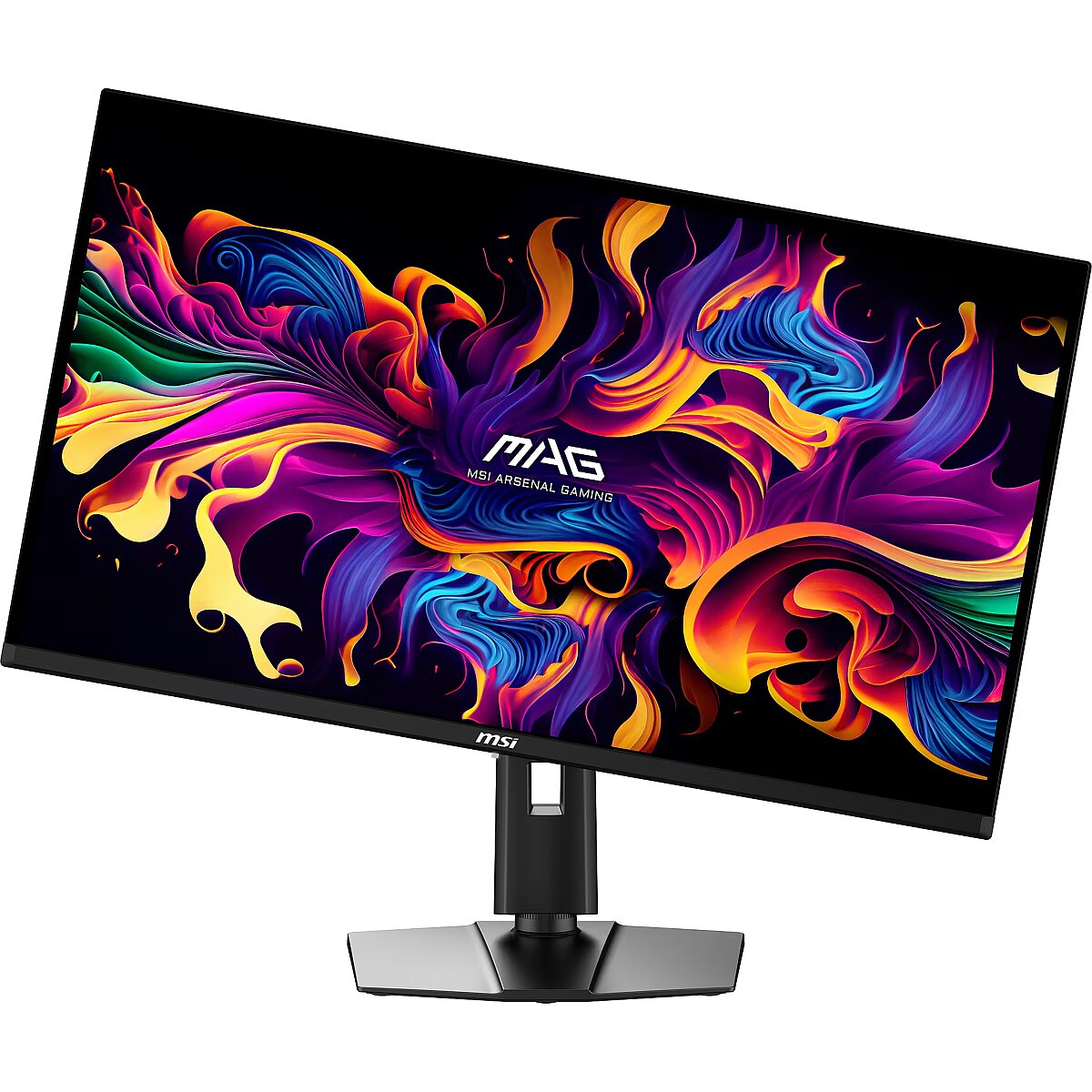
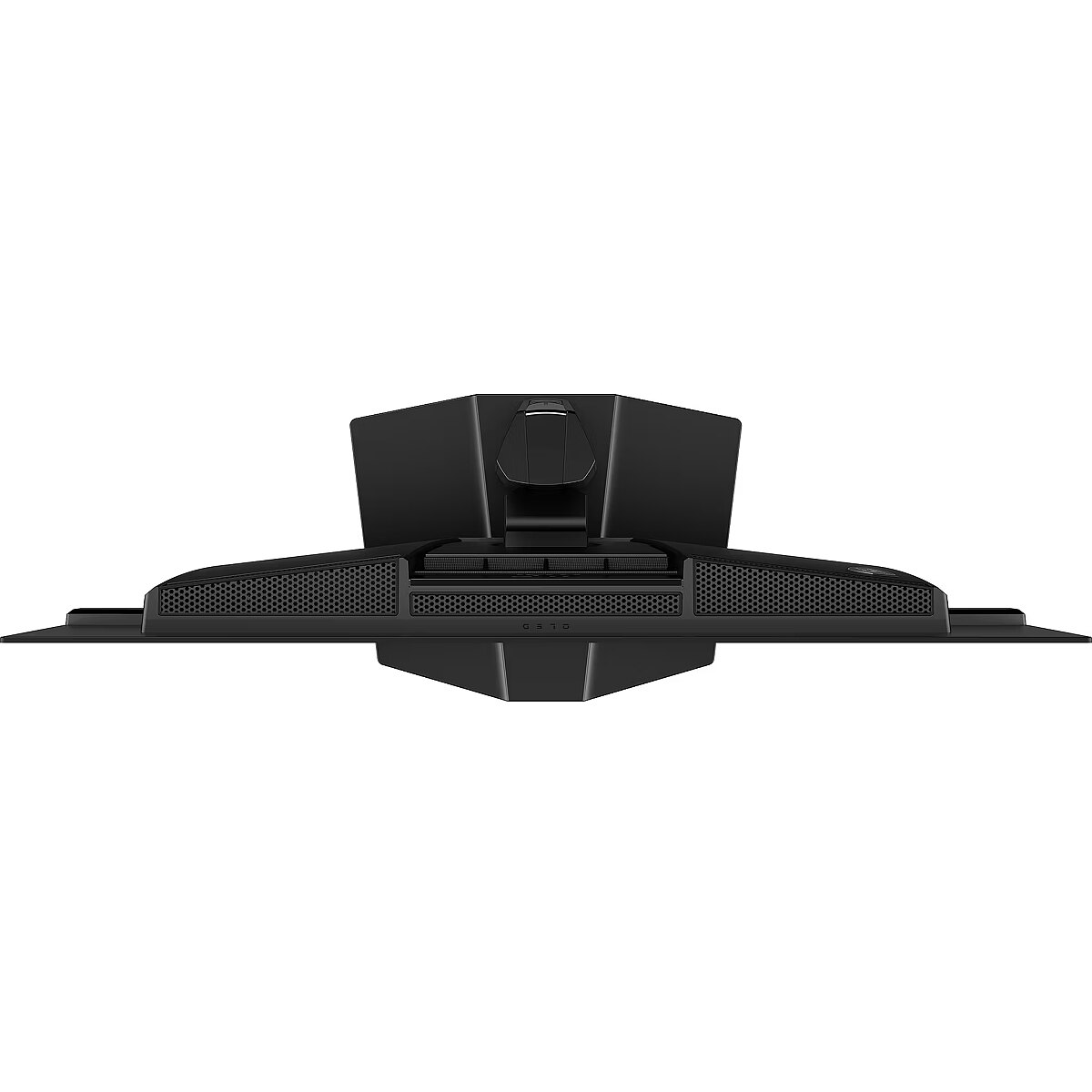
The Pivot function allows the user to quickly switch between horizontal and vertical orientation, adapting the screen to the task at hand. Vertical positioning enhances the display of long structured data, technical information, and graphics, helping to work with large volumes of material without loss of convenience.
The Swivel mechanism allows for changing the horizontal angle of the screen without moving the entire structure. This facilitates workspace adjustment, improves visibility from different points and helps adjust the monitor for various usage scenarios, including configurations for multiple users or multiple monitors.
Tilt mechanism allows to change the screen's vertical angle without moving the whole construction. Such adjustment improves workplace ergonomics, ensures stable image quality and helps to adapt the monitor to the user's individual preferences or specific tasks.
VESA wall mount provides a standardized mounting hole layout, allowing you to safely attach the monitor to the wall using compatible brackets. This type of installation frees up desk space, reduces vibrations from the table, and ensures a stable screen position for prolonged work.
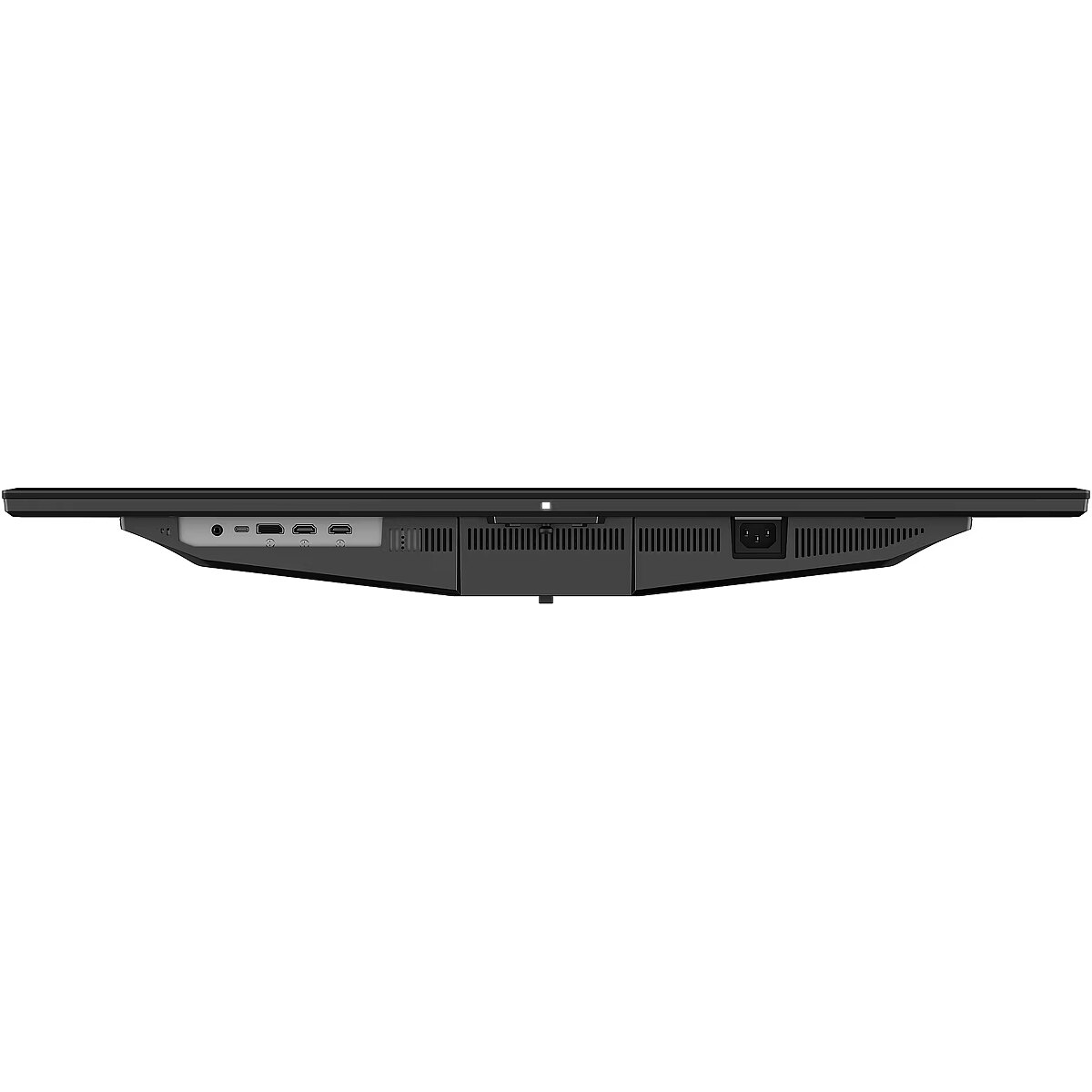
HDMI is a digital interface designed for stable video and audio transmission with a single cable. This approach reduces the number of connections and prevents unnecessary signal conversion. HDMI ensures a reliable connection, high throughput, and precise operation with modern devices without loss of quality.
DisplayPort is a modern image transmission standard that ensures stable playback with high resolution and refresh intensity. The interface supports HDR and multiple monitor configurations, transmits details without quality loss and provides accurate graphics display on professional and gaming monitors.
The USB-C connection combines image, sound, data and power transmission into one cable, reducing workplace load and speeding up device connectivity. It is compatible with many modern laptops and provides a stable signal, making monitor usage more convenient and technically effective.
Several USB-C ports ensure flexible modern device connection. The ports support image, data, and power transmission over a single cable, simplifying workplace organization. Simultaneous connection of multiple devices increases convenience and speeds up switching between them.
USB Power Delivery support allows the monitor to power connected devices directly without separate adapters. This reduces the amount of cables and simplifies the working environment. Data transmission and simultaneous charging makes the use of peripheral devices more comfortable and efficient.
USB-C video input ensures the transmission of video and audio signals through a single cable, simplifying the connection and reducing the number of wires. The connector supports modern data transmission protocols and ensures a stable signal. It improves the monitor's compatibility with a wide range of modern devices.
Warranty
MSI provides this model with a 2 year warranty at all certified service centres.
*When purchasing a monitor on the legal entity's details - manufacturer's warranty 1 year.









 DVI is a digital standard and ensures high image quality, however, thanks to the big size of the plug and the inability of the standard to develop further due to a few technical restrictions this type of connection is gradually losing its popularity to modern HDMI and DisplayPort standards.




