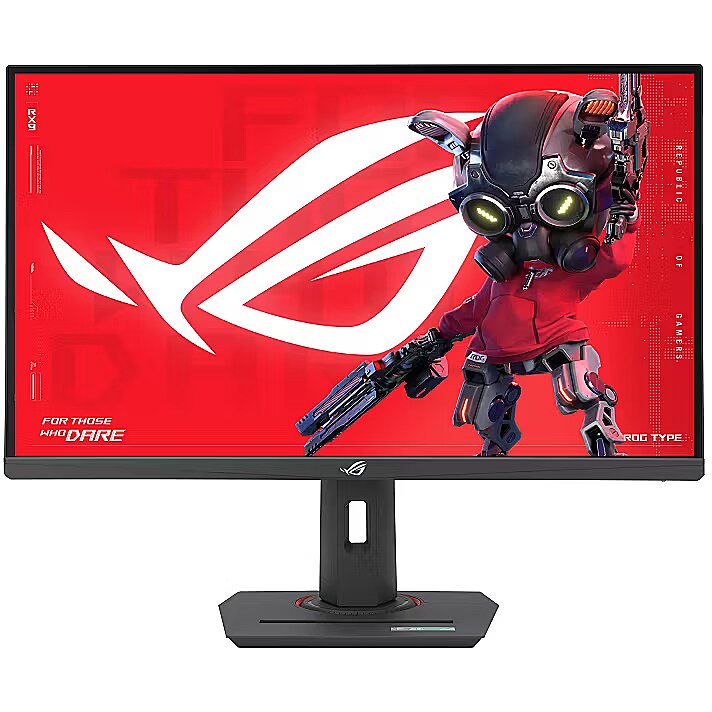
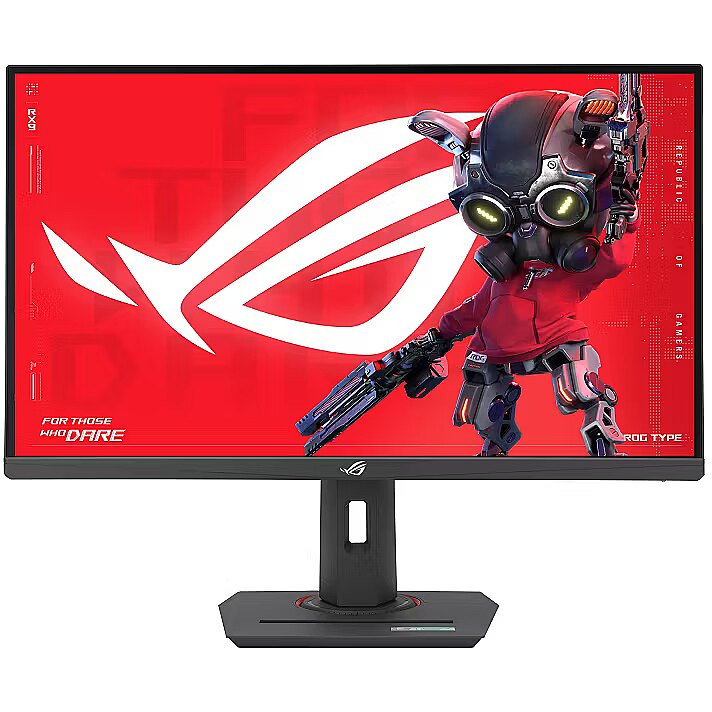
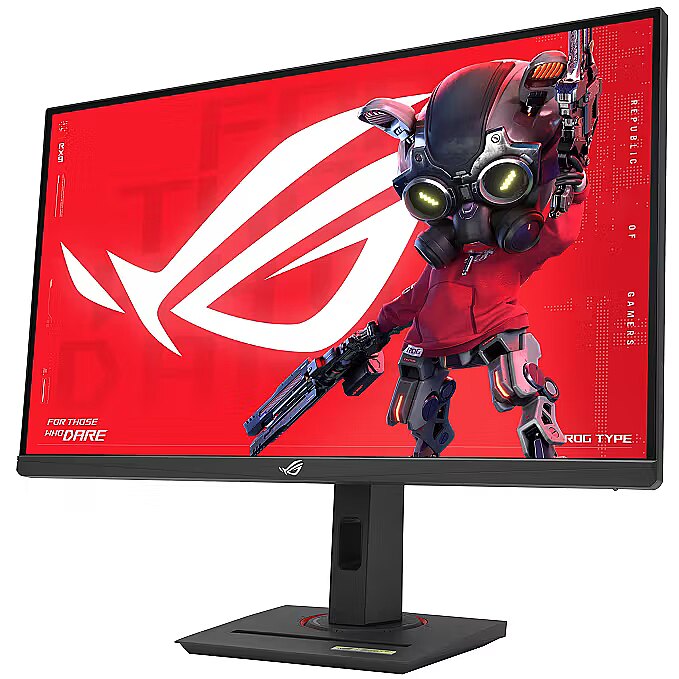
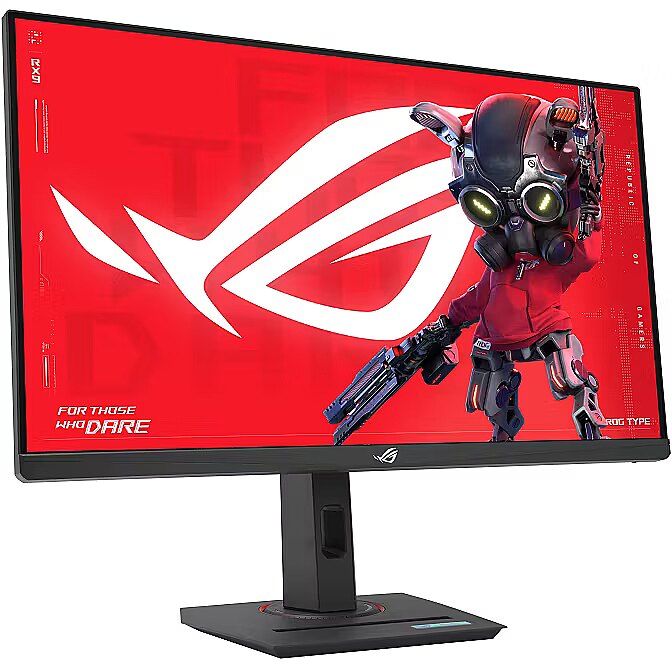
This Asus ROG Strix XG27UCS, 27" gaming monitor with 4K UHD 3840x2160 resolution is designed for those who want to fully immerse themselves in the dynamic gaming process and obtain an exceptionally clear image. It provides impressive detail accuracy, wide screen space and excellent visual comfort in any game.
The response time 1ms reduces pixel transition delay, thereby minimizing blur and afterimage formation in moving images. Such an indicator is especially useful for dynamic content, ensuring clearer and more stable frame representation. The monitor responds faster to image changes, improving visual accuracy.
IPS technology ensures a more uniform liquid crystal structure, allowing pixels to maintain stable properties regardless of the viewing direction. This reduces color shifts and visual artifacts, making IPS technically a more balanced solution in comparison to other panel technologies.
AMD FreeSync provides adaptive monitor refresh rate with variable frequency range. It helps to prevent image tearing that occurs due to unsynchronized frame output. The technology improves motion uniformity and stability, especially in situations with variable frame frequency.
NVIDIA G-SYNC synchronizes each panel refresh cycle with the actual frame output, ensuring a harmonized operation of the panel and graphics system. This mode reduces motion distortions and ensures precise dynamic scene reproduction, especially in situations with variable frame rates.
The 160 Hz refresh rate ensures a high frame refresh density, which improves the sharpness of fast movements and reduces the blur effect. It reduces reaction lag and increases image stability in dynamic scenes. It is suitable for games, interactive programs, and tasks with high visual speed requirements.
Flicker-Free reduces the frequency flickering common to some brightness adjustment methods. This reduces visual stress and ensures a smooth, pleasant image for the eyes. The technology is particularly useful for working in darker rooms and during prolonged viewing sessions.
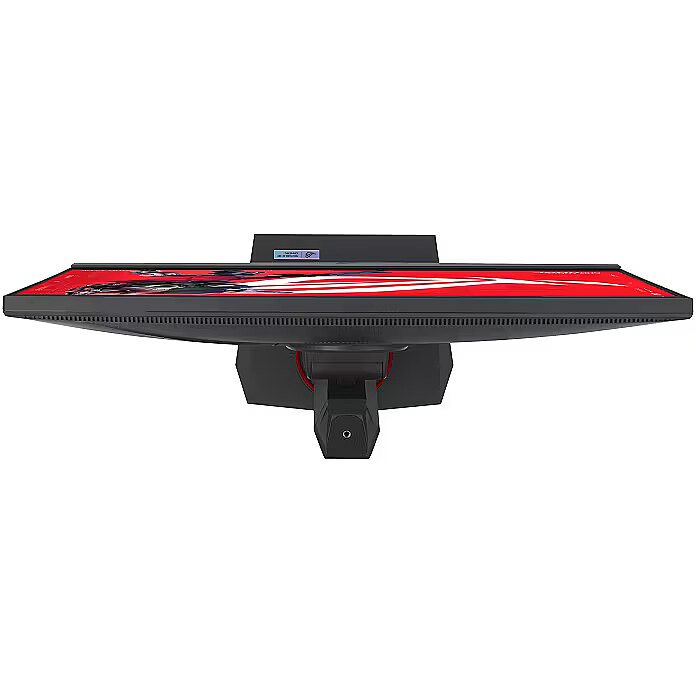
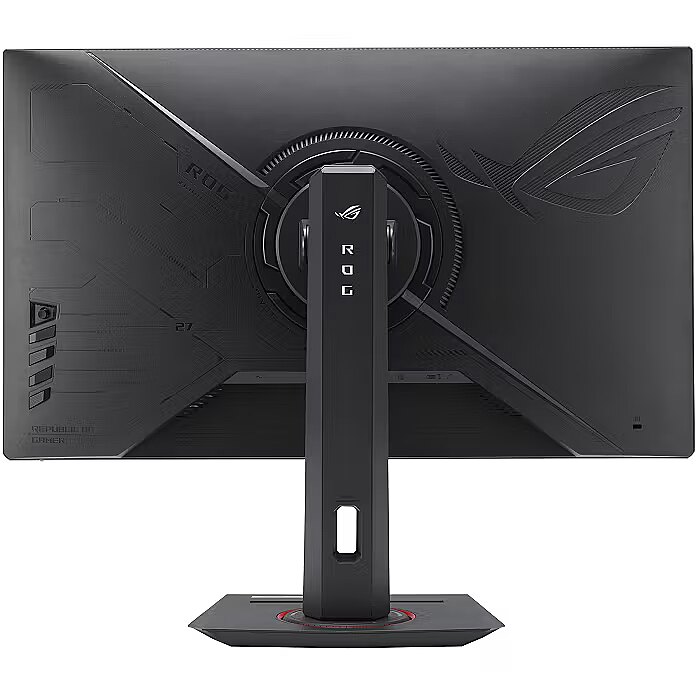
The Pivot function allows the user to quickly switch between horizontal and vertical orientation, adapting the screen to the task at hand. Vertical positioning enhances the display of long structured data, technical information, and graphics, helping to work with large volumes of material without loss of convenience.
The Swivel technology allows the monitor to be rotated left and right around the vertical axis, ensuring precise screen positioning in relation to the user. Such a design improves the viewing angle, reduces neck strain, and makes the workspace more comfortable for collaboration or material demonstration.
Tilt technology allows for adjusting the screen's slope angle back and forth, ensuring the correct image placement in relation to the user's line of sight. This kind of adjustment helps reduce neck and eye strain, improves image perception, and makes long-term work at the monitor more comfortable.
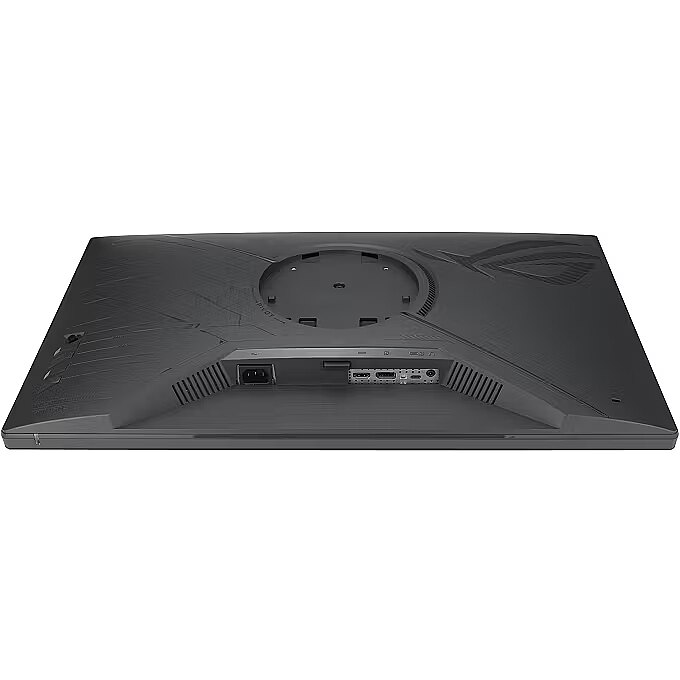
Compatibility with VESA wall mount makes the monitor universal for installation: it can be attached to the wall, used with a movable bracket or integrated into an ergonomic stand. The standard facilitates assembly, improves cable organization and frees up additional space.
HDMI is a digital interface designed for stable video and audio transmission with a single cable. This approach reduces the number of connections and prevents unnecessary signal conversion. HDMI ensures a reliable connection, high throughput, and precise operation with modern devices without loss of quality.
DisplayPort is a modern interface that allows stable image transmission with high resolution and refresh intensity. The interface is compatible with professional and gaming monitors, supports multiple monitor configurations and HDR, ensuring accurate detail transmission and minimal graphics distortion.
The USB-C connection provides video, audio, and power transmission through a single cable, reducing the number of wires and facilitating the connection. It offers fast data transmission and a stable picture, making the monitor convenient for use with modern laptops and mobile devices without multiple separate connections.
Several USB-C ports ensure flexible modern device connection. The ports support image, data, and power transmission over a single cable, simplifying workplace organization. Simultaneous connection of multiple devices increases convenience and speeds up switching between them.
USB Power Delivery support allows the monitor to power connected devices directly without separate adapters. This reduces the amount of cables and simplifies the working environment. Data transmission and simultaneous charging makes the use of peripheral devices more comfortable and efficient.
USB-C video input ensures the transmission of video and audio signals through a single cable, simplifying the connection and reducing the number of wires. The connector supports modern data transmission protocols and ensures a stable signal. It improves the monitor's compatibility with a wide range of modern devices.
Warranty
Asus provides this model with a 2 year warranty at all certified service centres.
*When purchasing a monitor on the legal entity's details - manufacturer's warranty 1 year.




 DVI is a digital standard and ensures high image quality, however, thanks to the big size of the plug and the inability of the standard to develop further due to a few technical restrictions this type of connection is gradually losing its popularity to modern HDMI and DisplayPort standards.