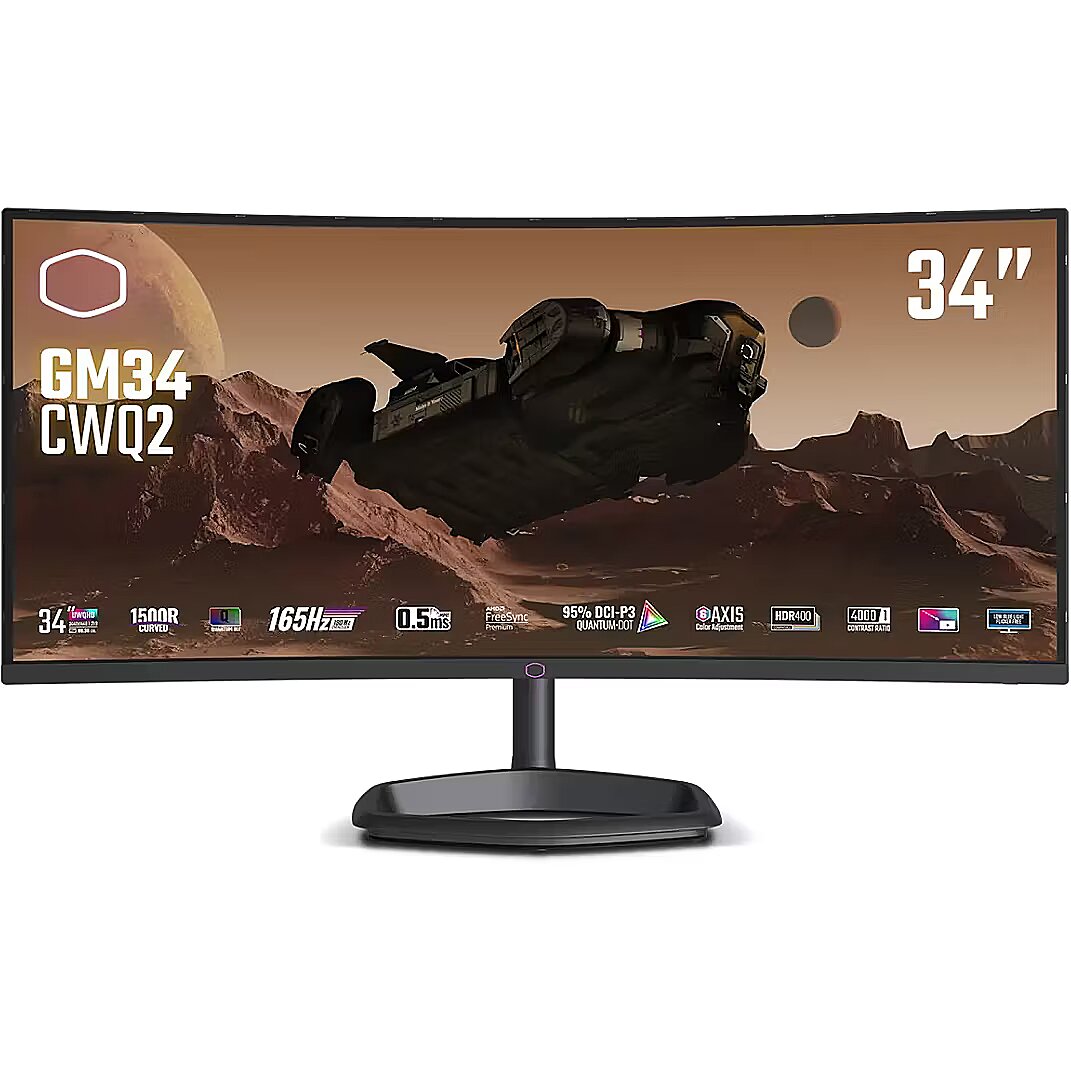
This Cooler Master GM34-CWQ2, 34" gaming monitor with UWWQHD 3440x1440 resolution is designed for those who want to fully immerse themselves in the dynamic gaming process and obtain an exceptionally clear image. It provides impressive detail accuracy, wide screen space and excellent visual comfort in any game.
VA panel technology ensures high contrast and deep black color, thanks to the vertical orientation of the liquid crystals. They maintain brightness stability at various viewing angles and reduce lighting losses. Compared to TN, VA panels are better suited for watching movies and working with dark images, retaining details in shadows.
AMD FreeSync is a technology that synchronizes the refresh rate of a monitor with the frame rate of a video card, reducing image tearing and brightness fluctuations. It automatically adjusts screen operation to workload, ensuring a smoother and more stable dynamic scene display without additional delay.
Flicker-Free ensures a stable light flow without sudden intensity fluctuations, which may not be visible, but cause discomfort during prolonged usage. The technology improves visual perception, helps to reduce eye strain, and increases comfort when working with texts and static images.
The Swivel feature ensures smooth horizontal rotation of the monitor, allowing quick adjustment of screen orientation to the user's position changes. This is particularly useful in work at a shared desk, project discussions or use of multiple devices where flexible viewing direction adjustment is required.
The Tilt function ensures flexible adjustment of the panel's vertical tilt, allowing for precise adaptation of the screen to the working position. This reduces the risk of discomfort during prolonged use, maintains an optimal viewing angle, and helps avoid image distortion in various lighting conditions.
Built-in speakers provide sound playback without having to connect separate acoustic systems, reducing the amount of equipment in the workplace. They provide basic audio signals for video conferencing, system announcements, and multimedia. This solution enhances convenience and reduces the number of additional cables.
The USB-C connection combines image, sound, data and power transmission into one cable, reducing workplace load and speeding up device connectivity. It is compatible with many modern laptops and provides a stable signal, making monitor usage more convenient and technically effective.
The monitor comes with a 1 year warranty





 DVI is a digital standard and ensures high image quality, however, thanks to the big size of the plug and the inability of the standard to develop further due to a few technical restrictions this type of connection is gradually losing its popularity to modern HDMI and DisplayPort standards.




