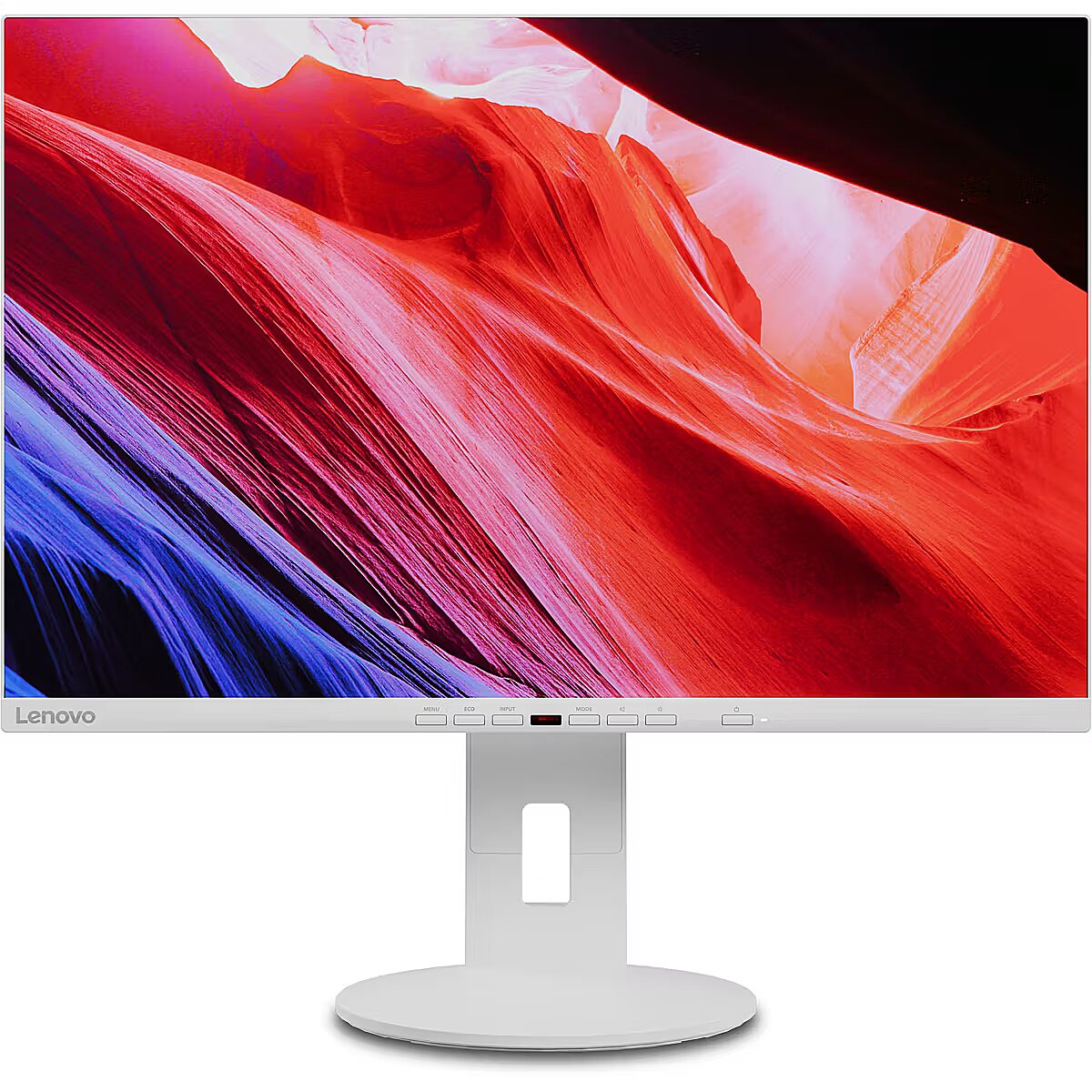
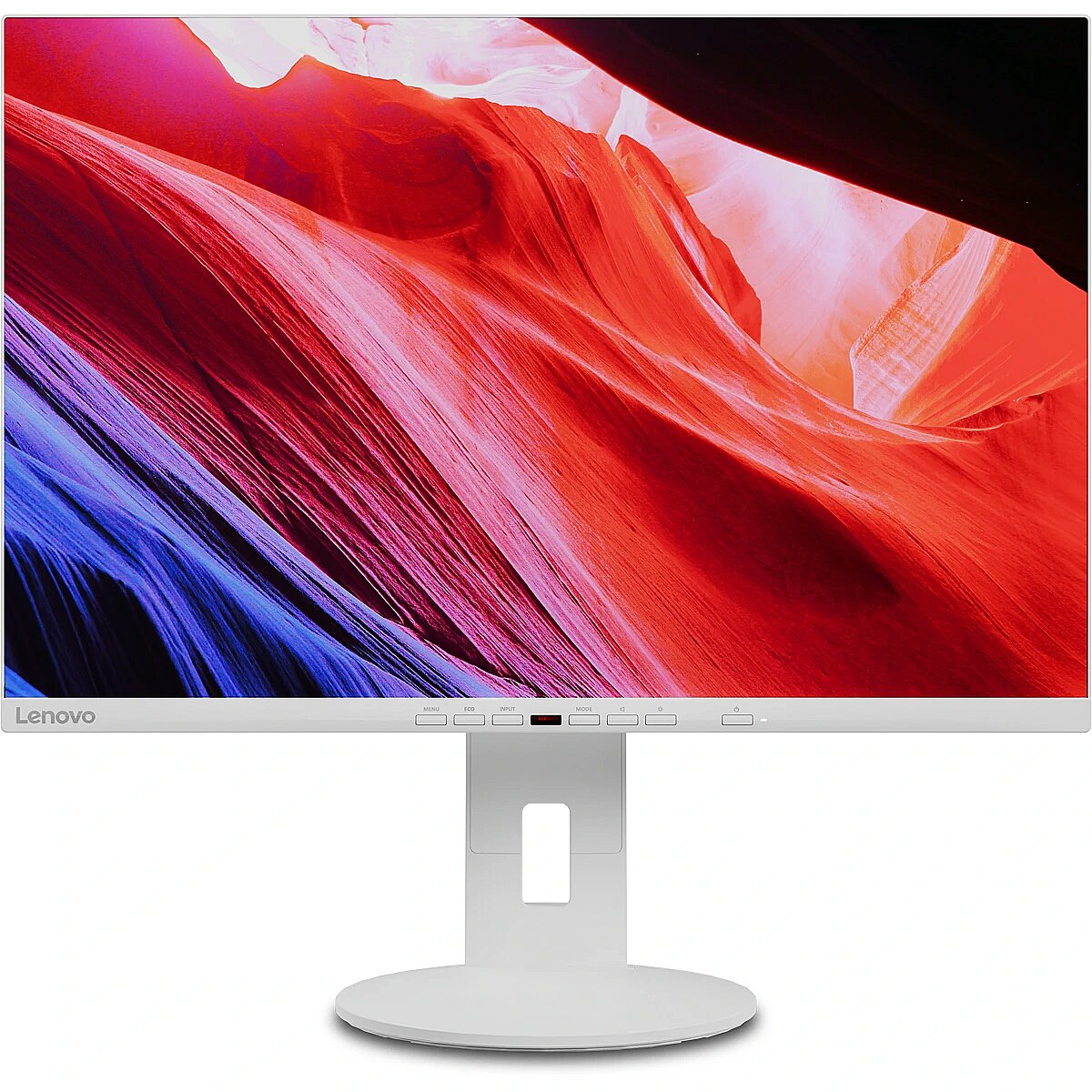
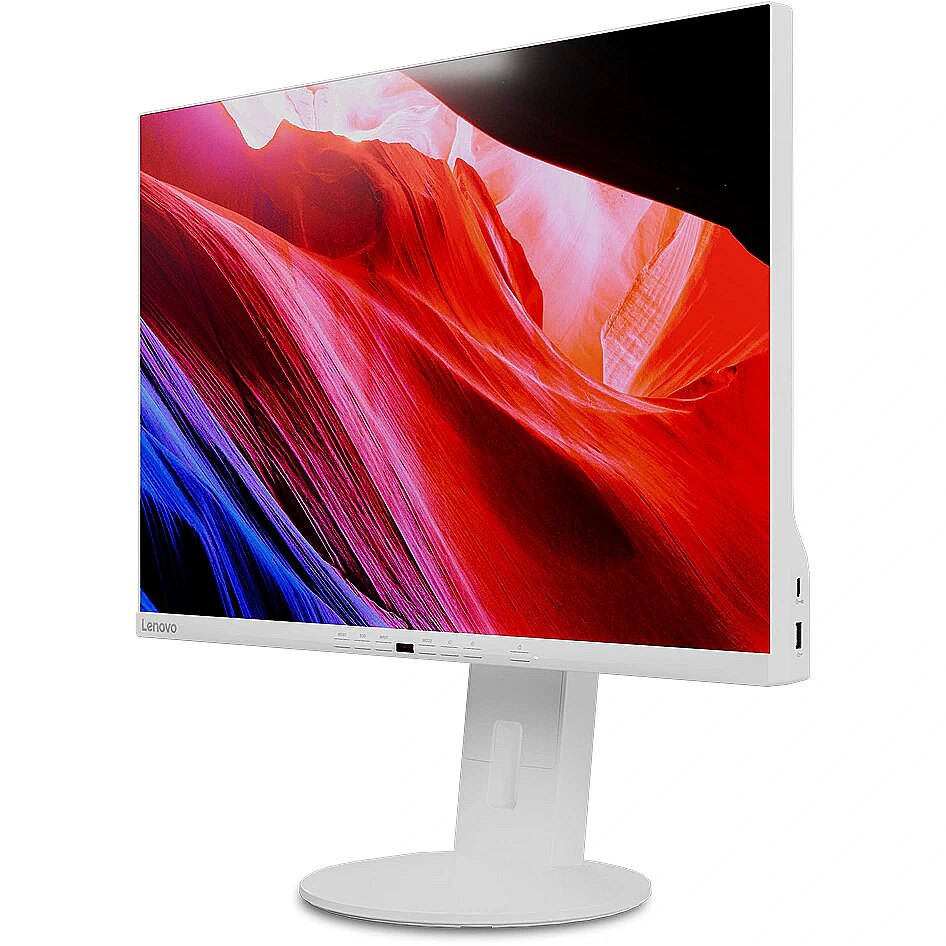
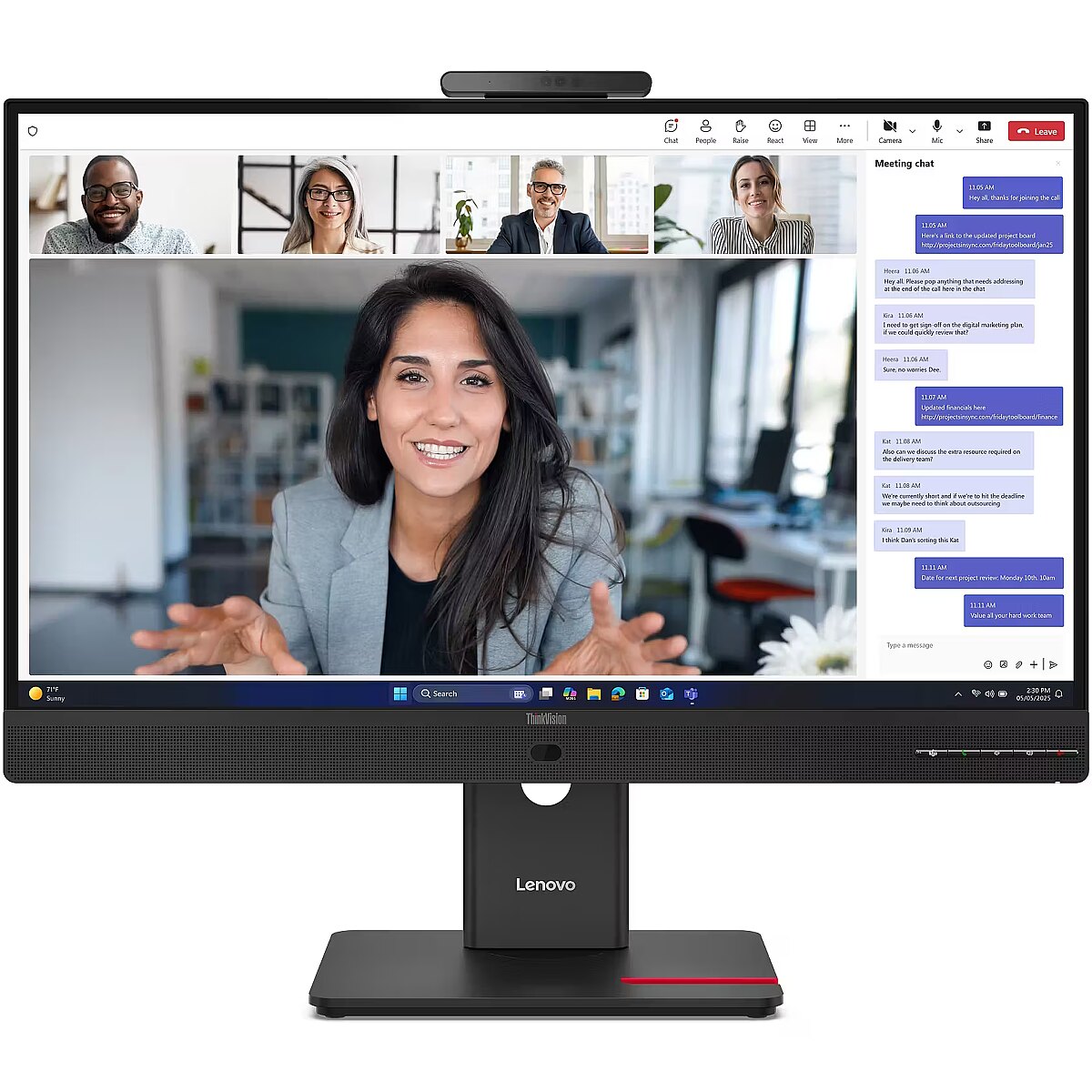
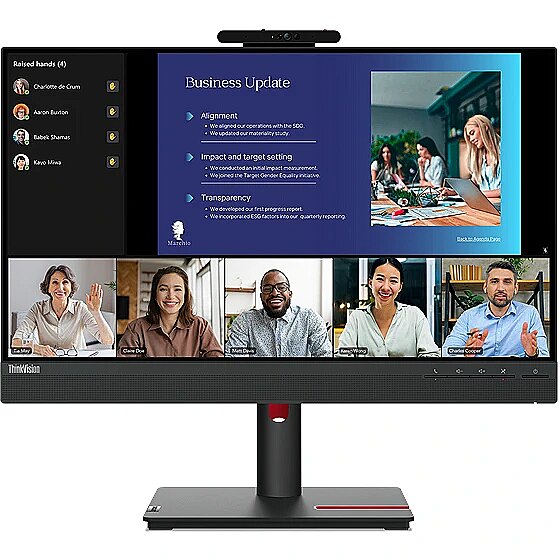
This Lenovo C24D-20, 23.8" monitor with FHD 1920x1080 resolution ensures a clear and comfortable image for work, study, and everyday tasks. It combines a convenient form factor, modern design, and optimal visual features, making everyday use more productive and enjoyable.
The IPS technology provides a stable image, thanks to wide viewing angles and consistent color reproduction across the entire screen area. Unlike TN and VA panels, IPS maintains accurate colors even when the viewing position is changed, reducing distortions and increasing reliability for precise visual work.
Flicker-Free reduces the frequency flickering common to some brightness adjustment methods. This reduces visual stress and ensures a smooth, pleasant image for the eyes. The technology is particularly useful for working in darker rooms and during prolonged viewing sessions.
Pivot mode allows physically rotating the monitor by 90°, expanding the functionality of the working environment. The vertical format facilitates document comparison, working with tables, and viewing web pages, ensuring more effective information layout and more accurate visual perception.
The Swivel technology allows the monitor to be rotated left and right around the vertical axis, ensuring precise screen positioning in relation to the user. Such a design improves the viewing angle, reduces neck strain, and makes the workspace more comfortable for collaboration or material demonstration.
The Tilt function ensures flexible adjustment of the panel's vertical tilt, allowing for precise adaptation of the screen to the working position. This reduces the risk of discomfort during prolonged use, maintains an optimal viewing angle, and helps avoid image distortion in various lighting conditions.
Built-in speakers allow the monitor to independently process and play audio signals, reducing the need for additional devices. This makes the workplace more compact and facilitates connection. The speakers provide basic sound support for multimedia and communication applications.
D-Sub is an analog interface that ensures monitor compatibility with various video signals. It allows the use of a monitor with older devices without adapters, maintaining a stable image. D-Sub makes the device universal for various generation operating systems, ensuring correct graphics transmission and minimal distortions.
DVI ensures monitor compatibility with a wide range of video cards, including models from previous years, while maintaining high image quality. The interface stabilizes the transmission of graphics, supports various resolutions, and reduces distortions, making it a reliable choice for working with various systems.
Warranty
Lenovo provides this model with a 2 year warranty at all certified service centres.
*When purchasing a monitor on the legal entity's details - manufacturer's warranty 1 year.

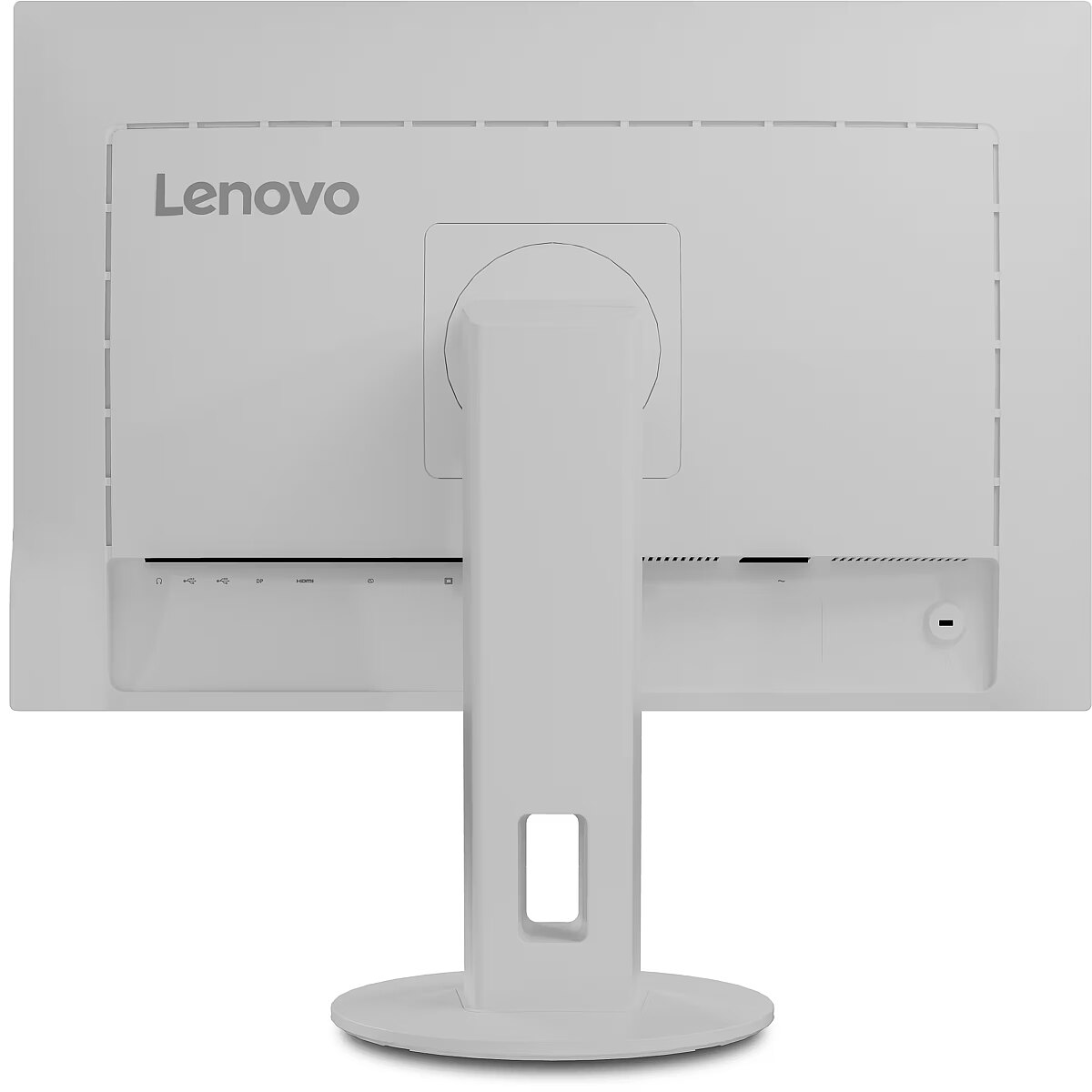


 DVI is a digital standard and ensures high image quality, however, thanks to the big size of the plug and the inability of the standard to develop further due to a few technical restrictions this type of connection is gradually losing its popularity to modern HDMI and DisplayPort standards.




