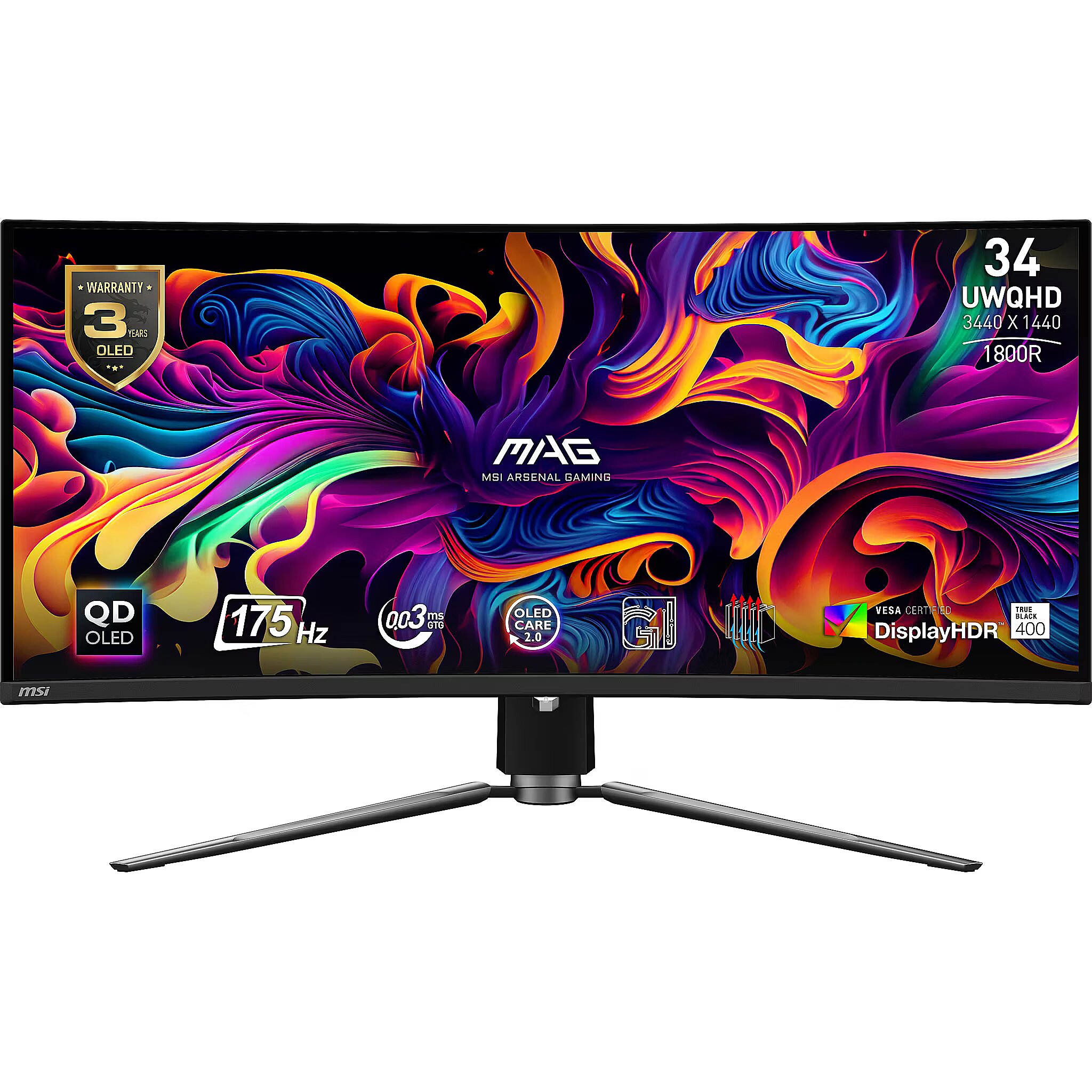
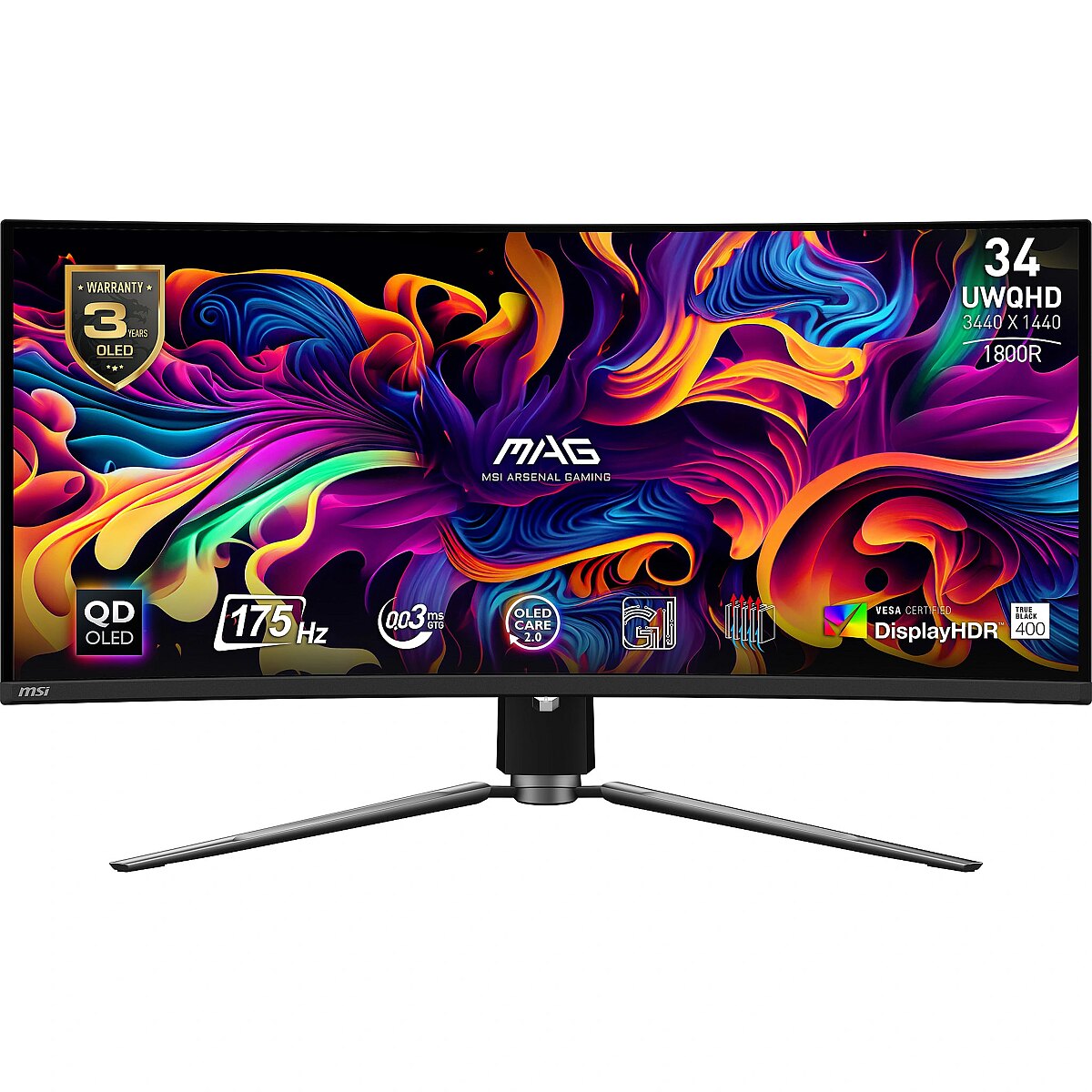
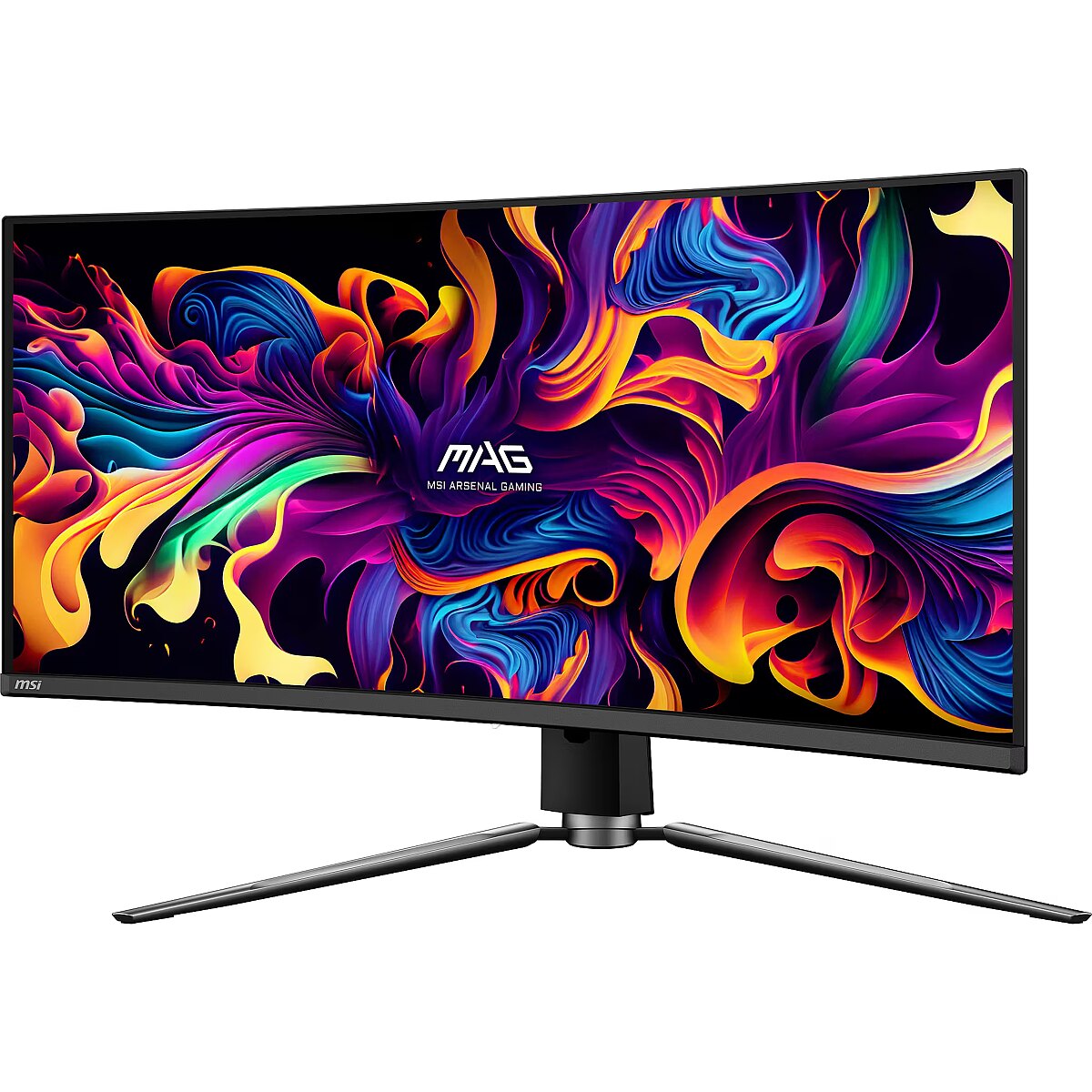
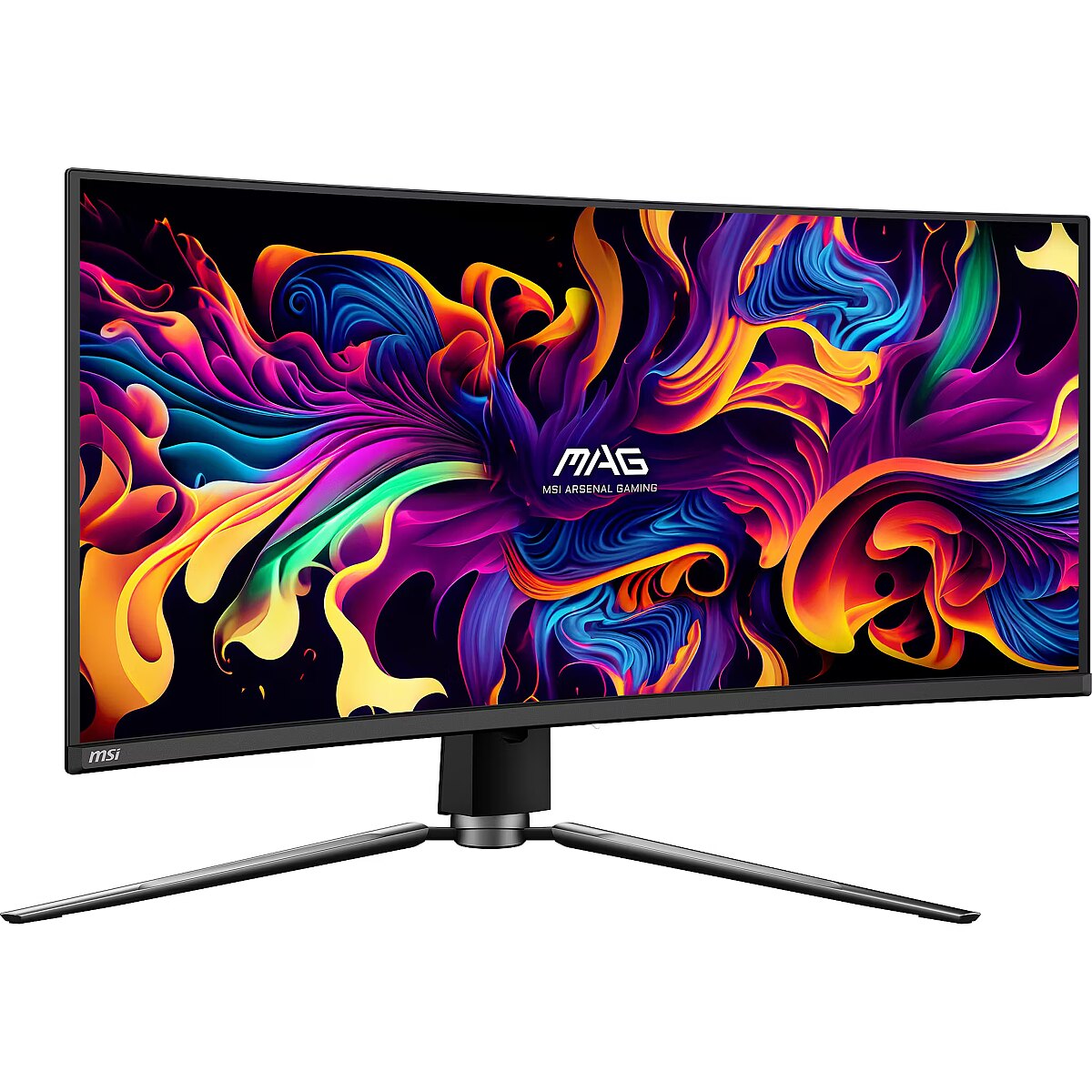
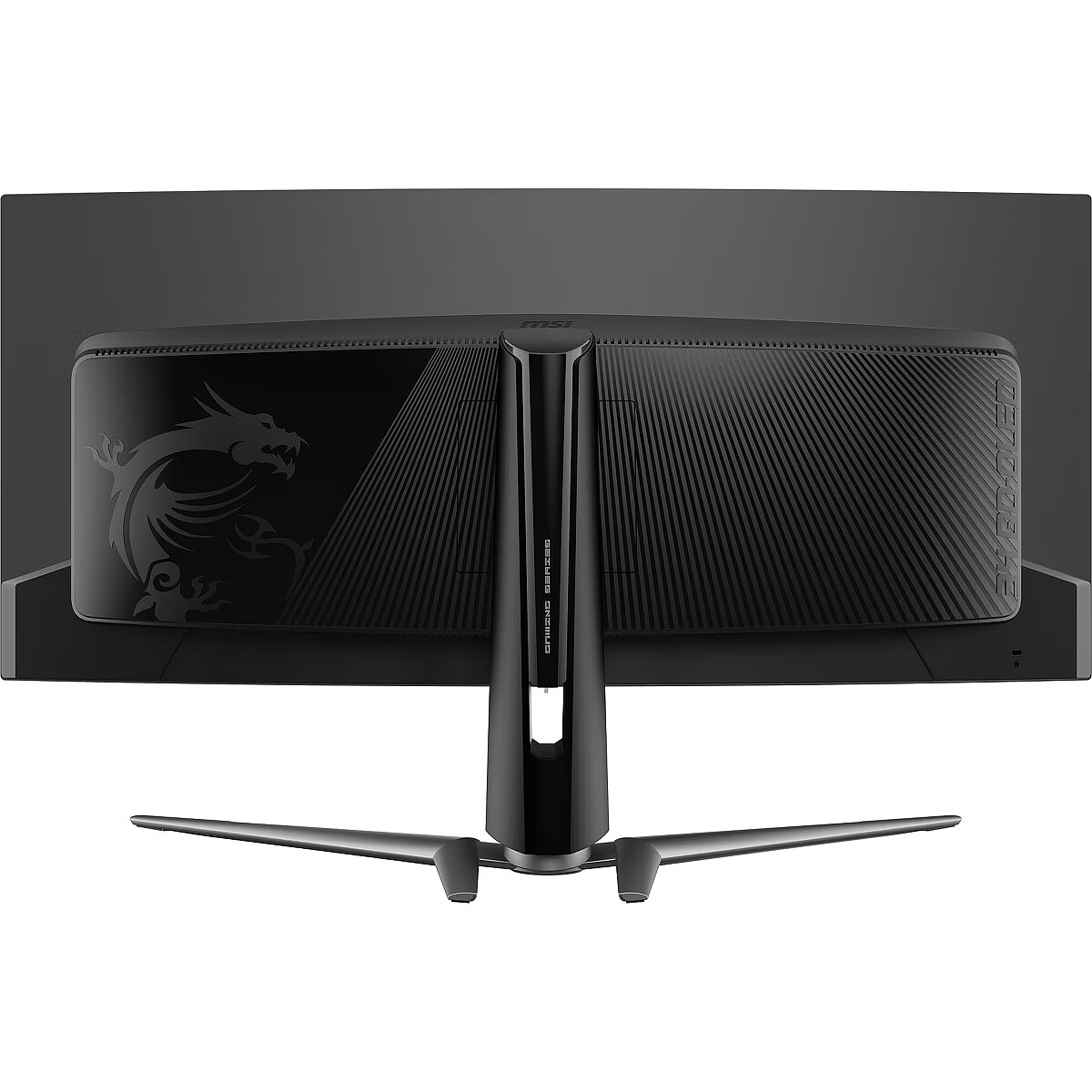
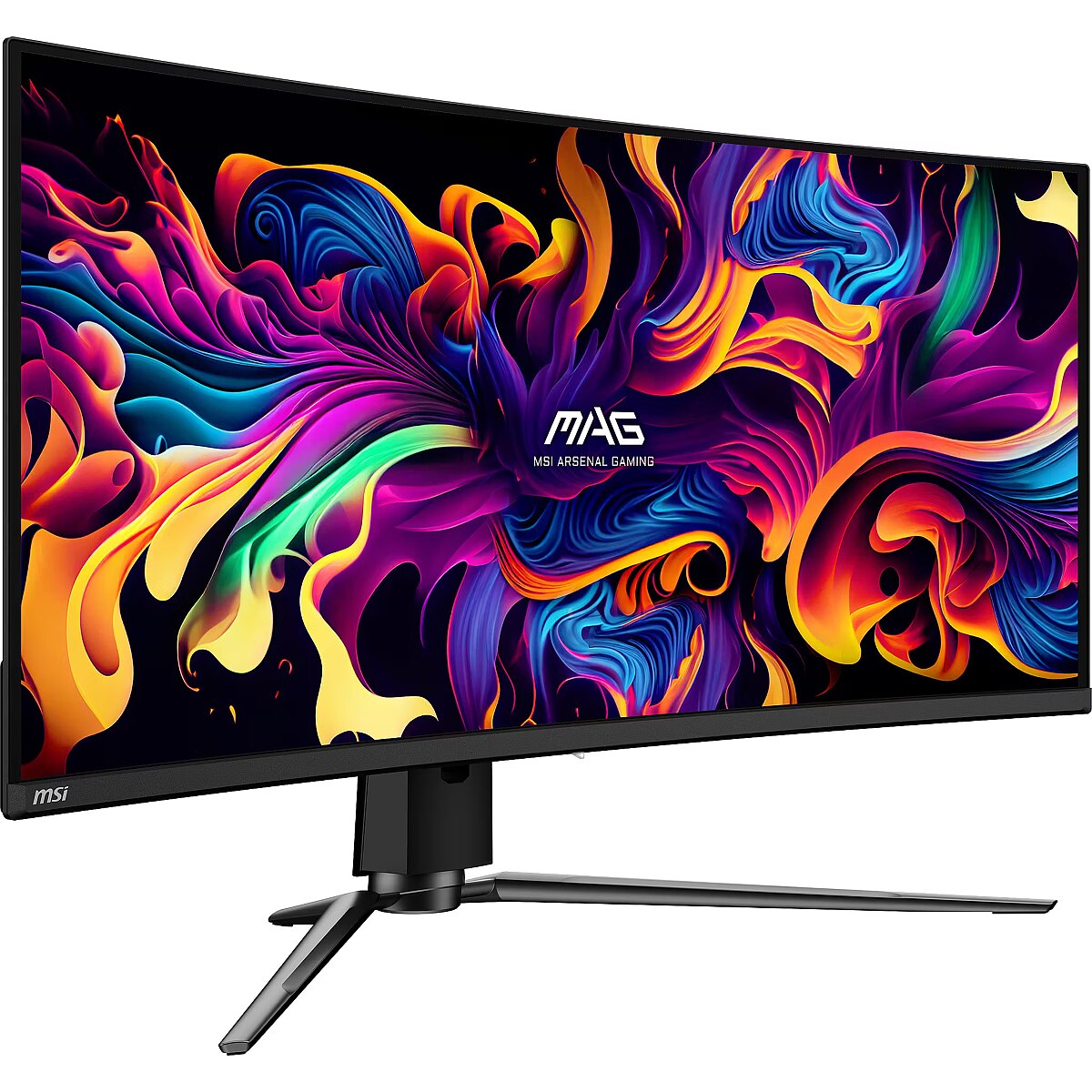
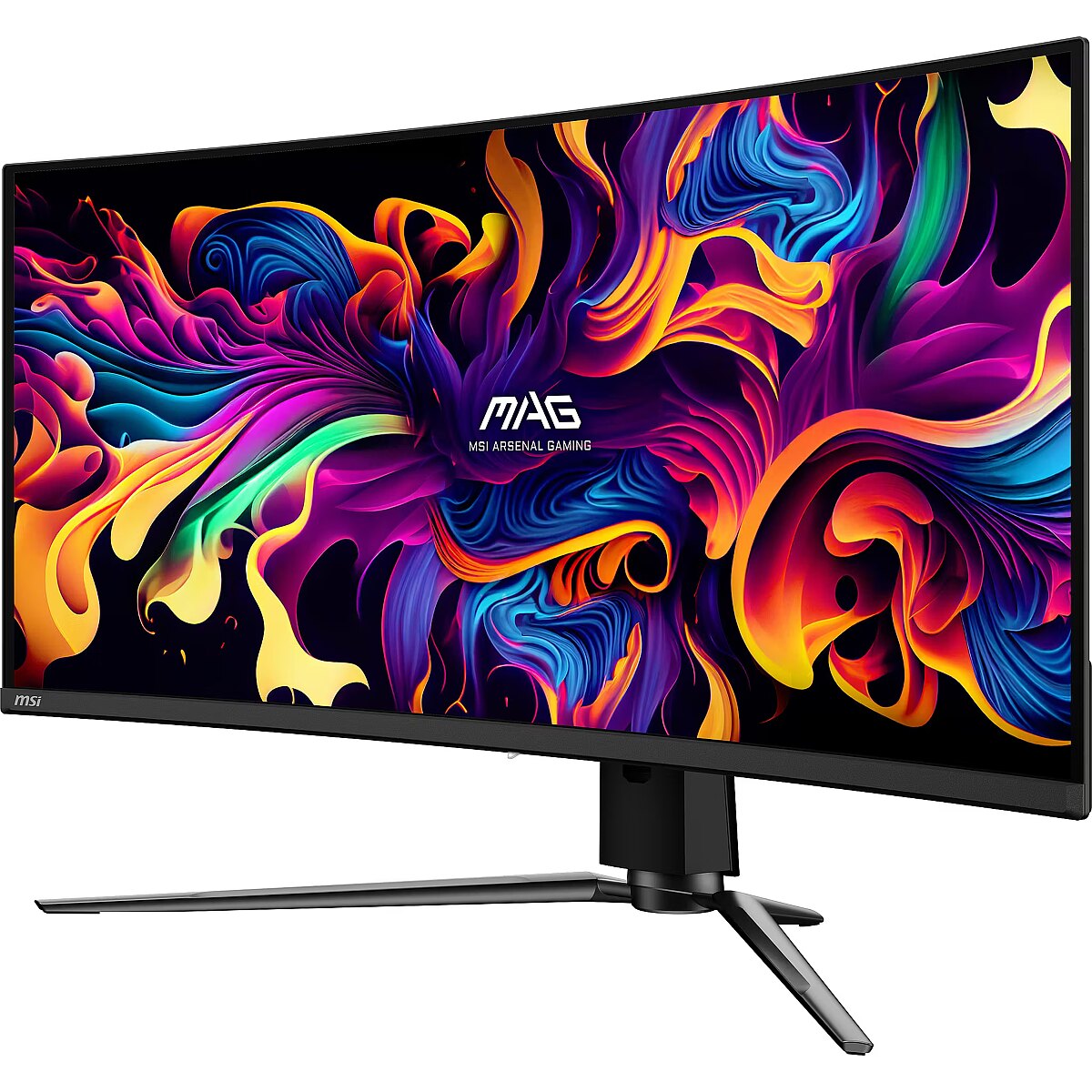
This MSI MAG 341CQPDE, 34" gaming monitor with UWWQHD 3440x1440 resolution is designed for those who want to fully immerse themselves in the dynamic gaming process and obtain an exceptionally clear image. It provides impressive detail accuracy, wide screen space and excellent visual comfort in any game.
The response time of 0.03ms ensures a fast pixel transition between tones, reducing the possibility of motion trails and blurring. Such speed improves the sharpness of dynamic scenes and reduces visual artifacts at high frame rate changes, which is essential for interactive applications and precise motion representation.
Thanks to independent pixel illumination, the OLED display shows smoother colors and reduces motion blur. This provides a realistic image for watching movies, editing photos, and dynamic applications.
The 175 Hz frequency ensures very smooth motion in dynamic scenes and low image latency. This refresh rate represents rapid frame changes and reduces artifacts in sharp camera motion. It is an optimal solution for users who value high responsiveness and stable image.
The Flicker-Free technology reduces or completely eliminates flickering in lighting, ensuring a stable and uniform image. The reduced visual vibration lessens eye strain and improves comfort during prolonged use, especially when using the monitor at a lower brightness level.
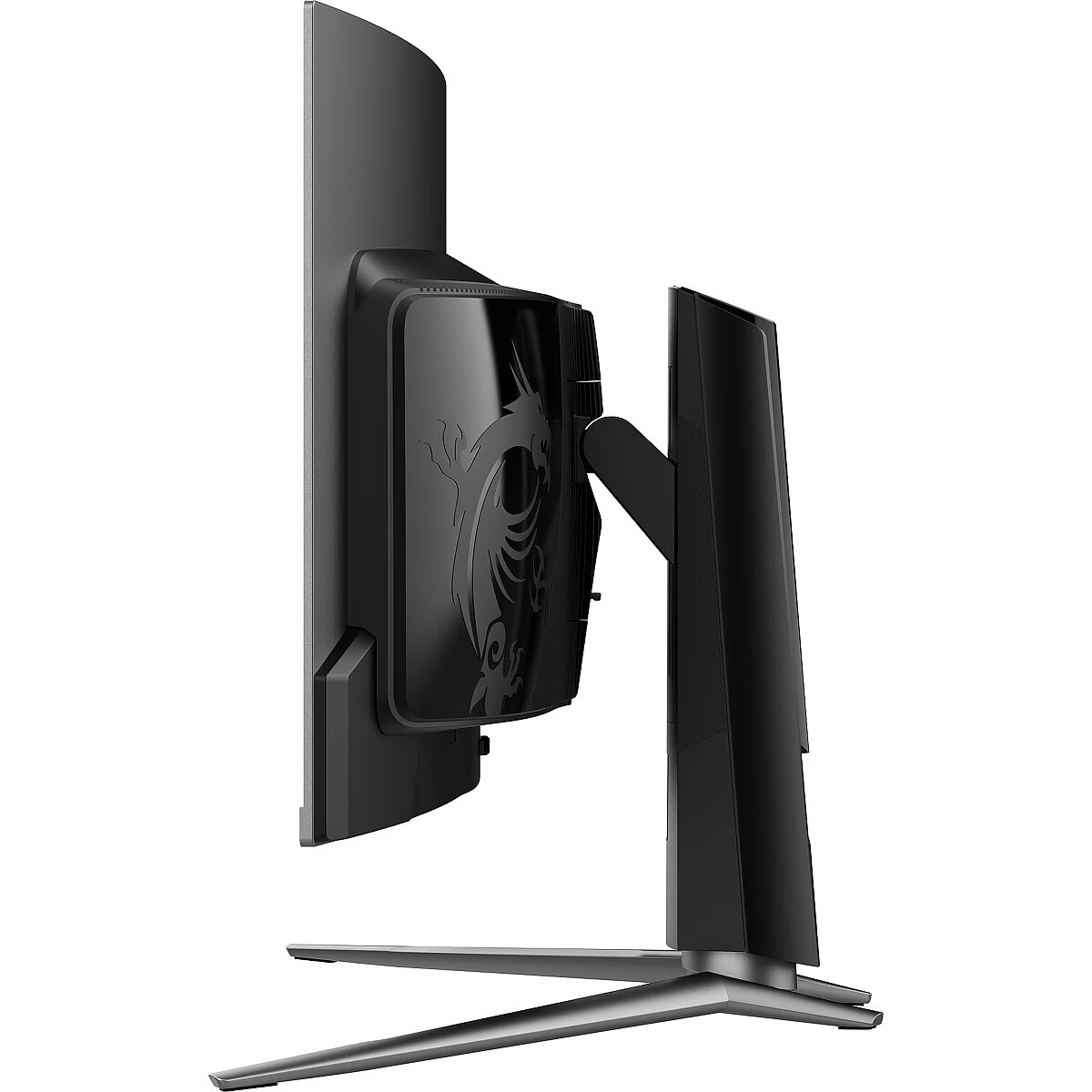
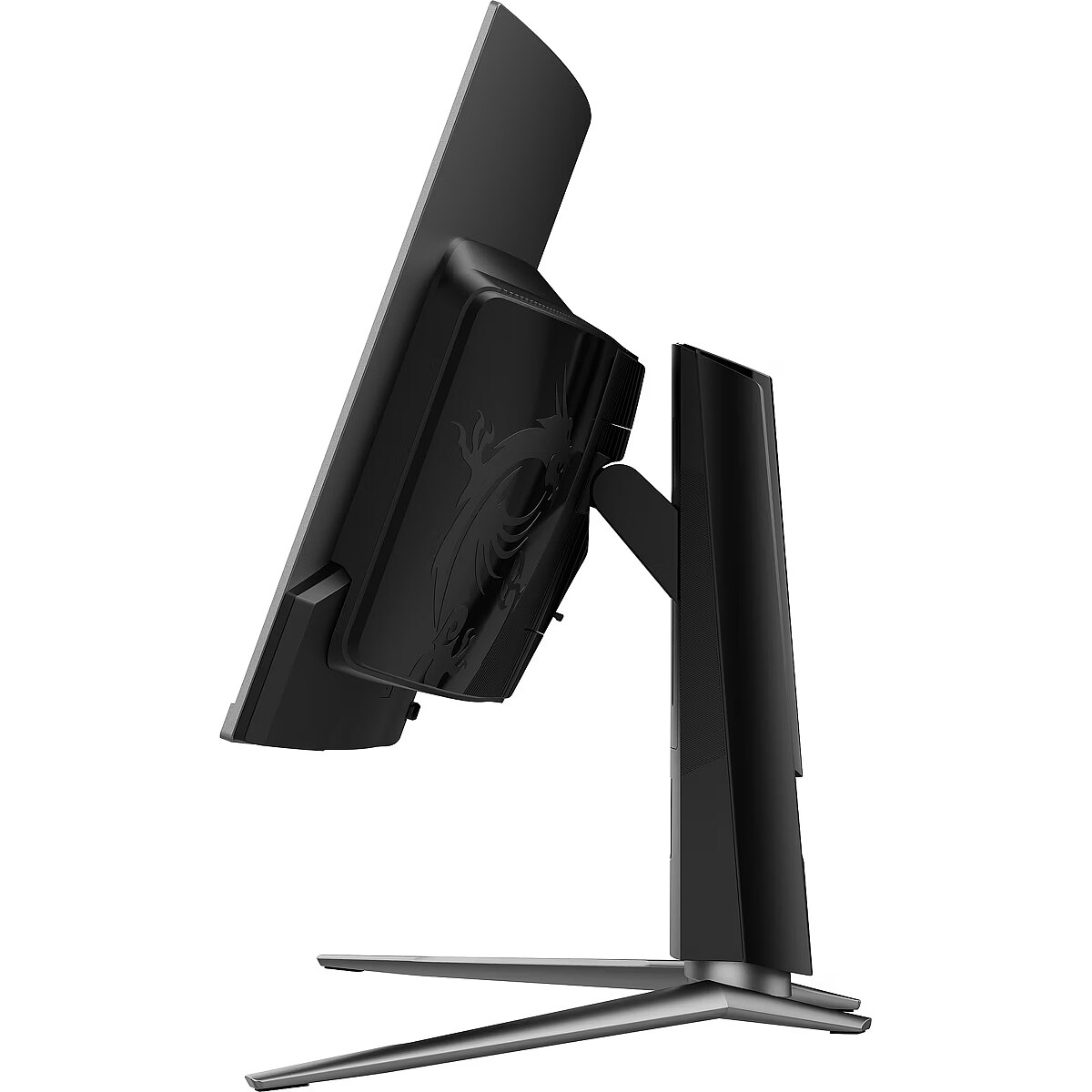
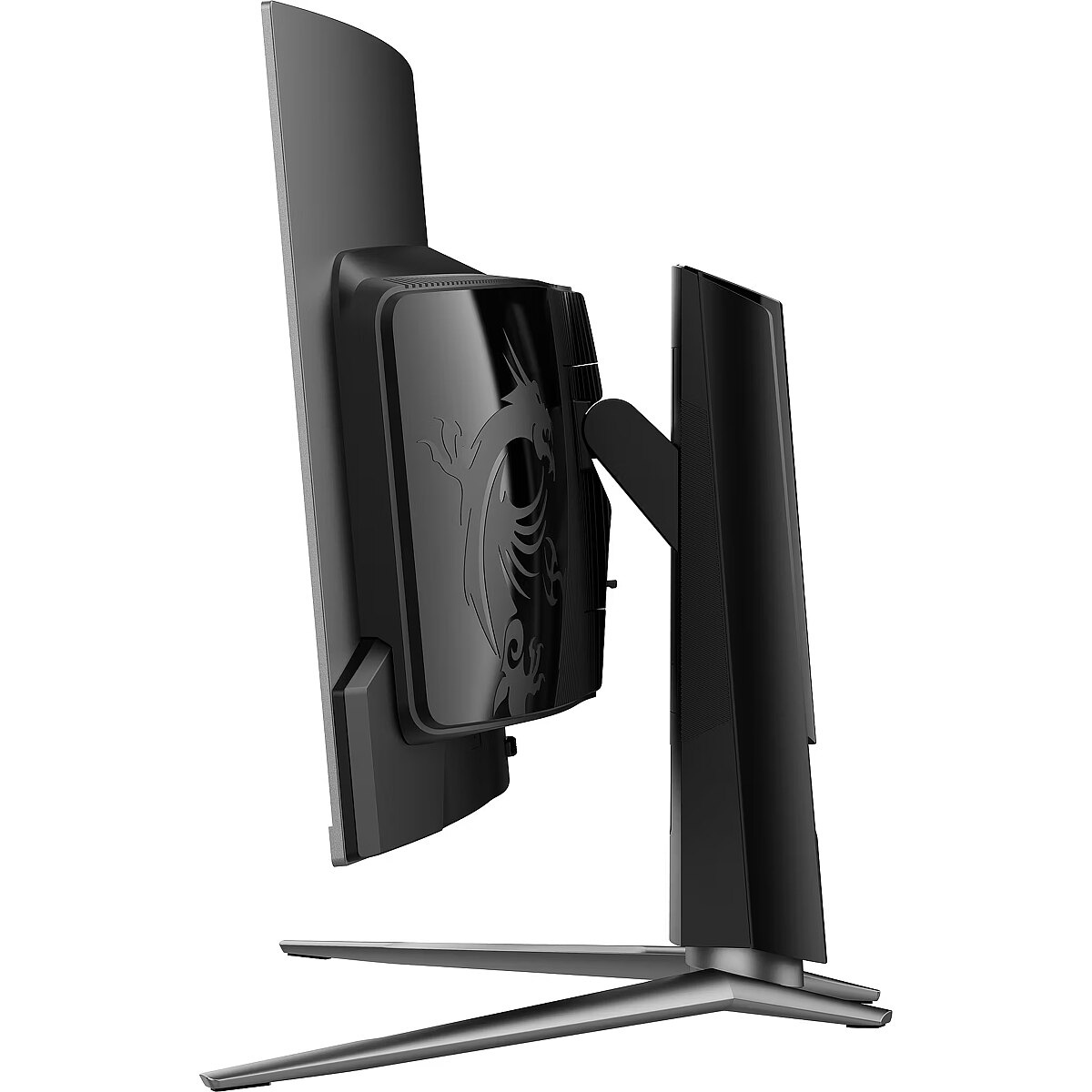
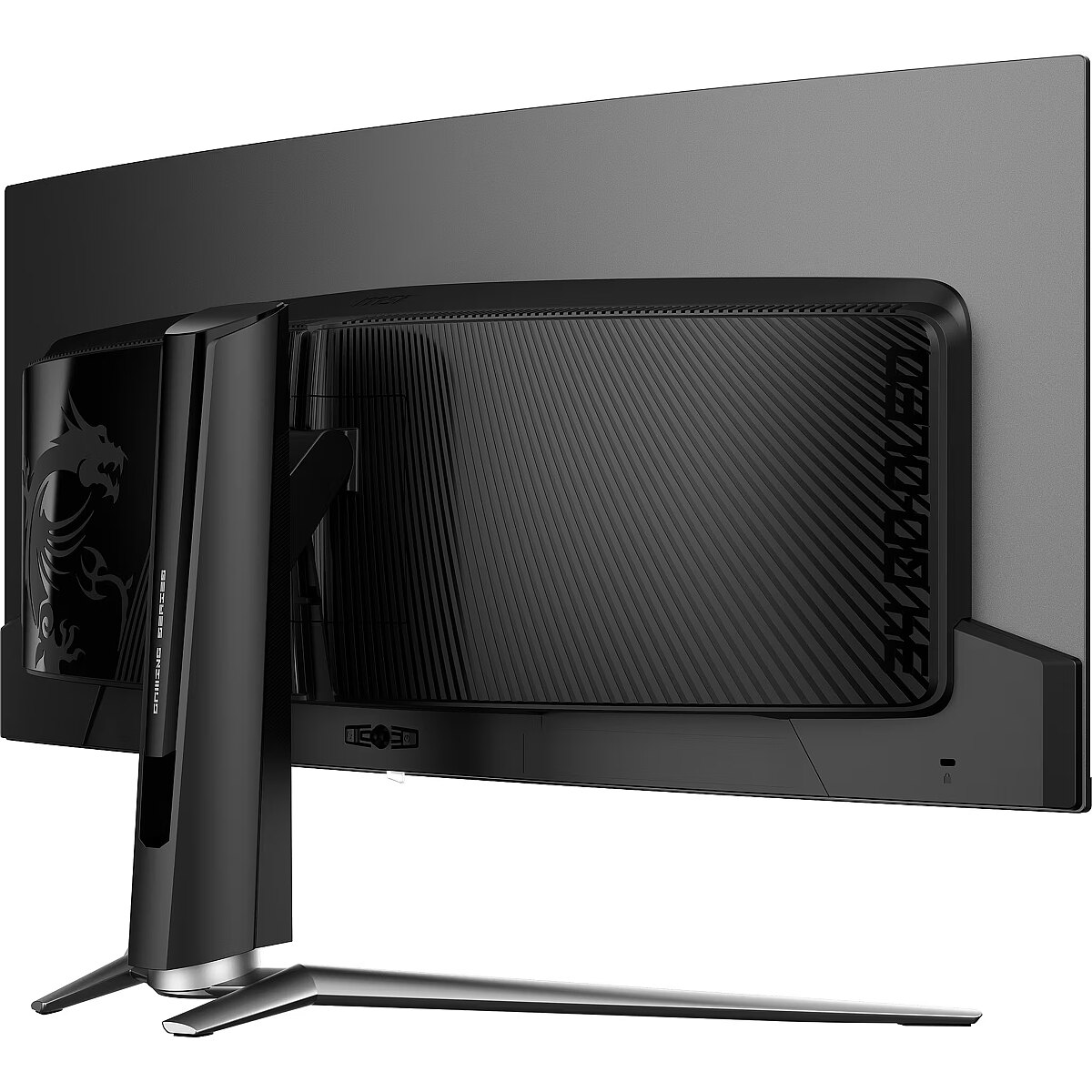
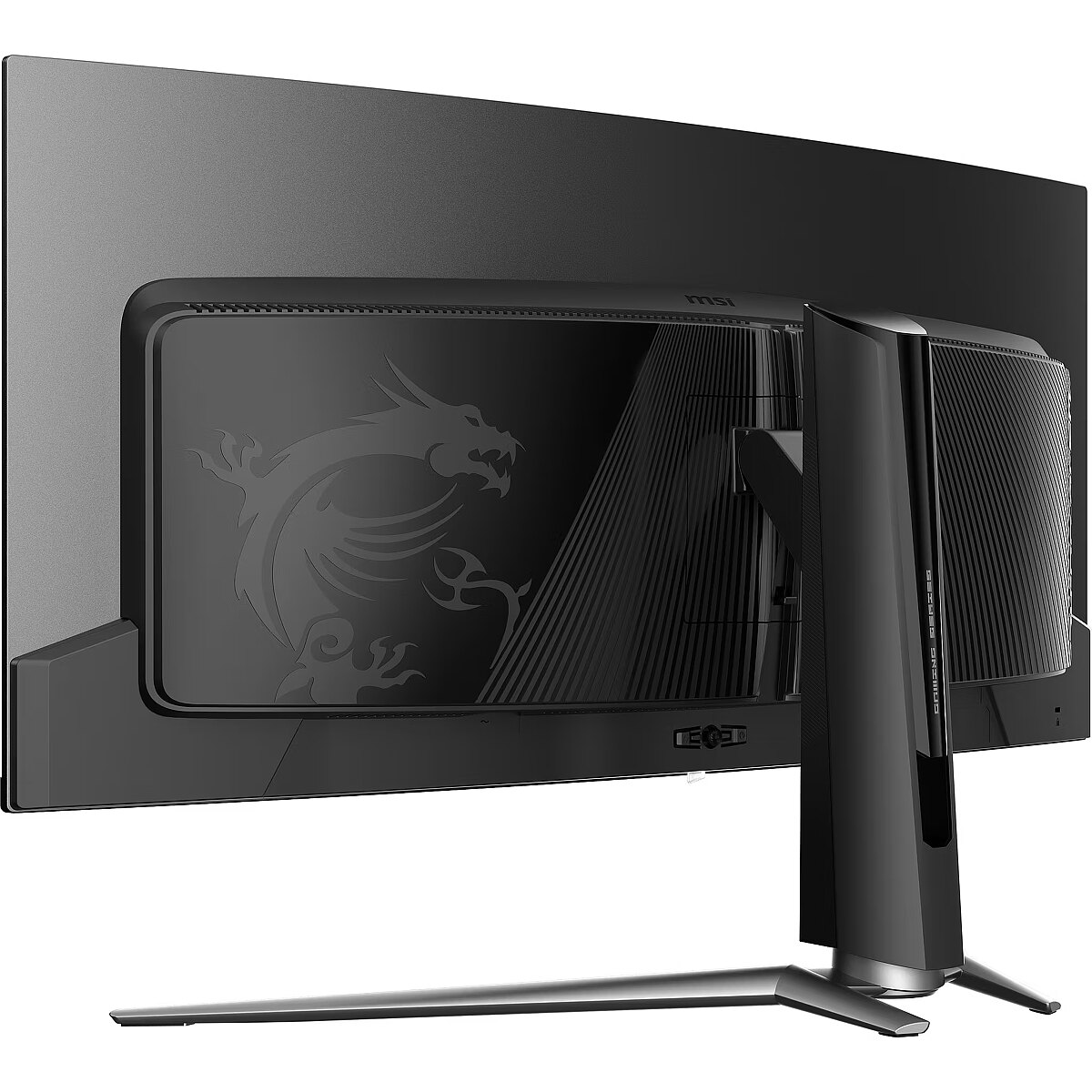
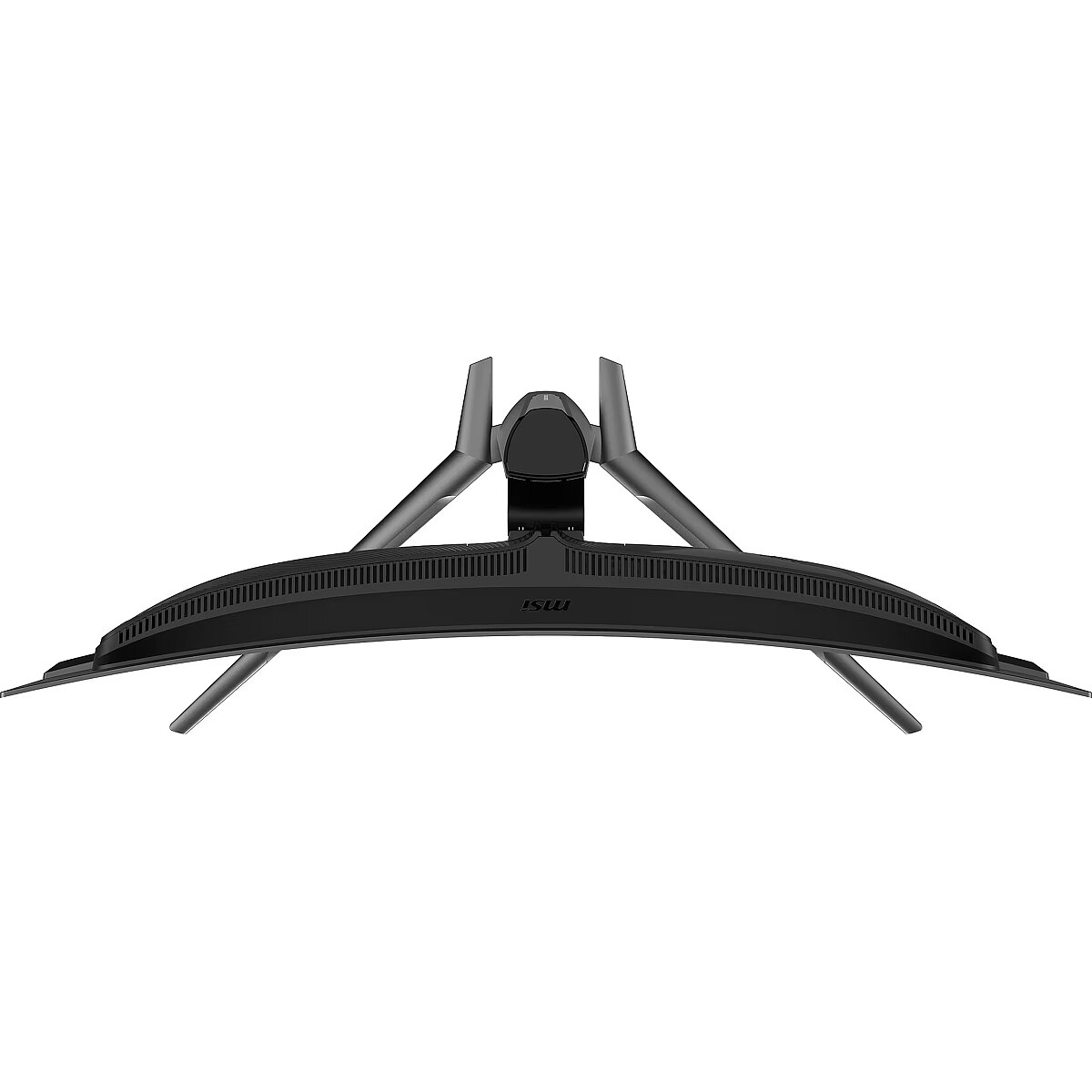
The Swivel technology allows the monitor to be rotated left and right around the vertical axis, ensuring precise screen positioning in relation to the user. Such a design improves the viewing angle, reduces neck strain, and makes the workspace more comfortable for collaboration or material demonstration.
Tilt technology allows for adjusting the screen's slope angle back and forth, ensuring the correct image placement in relation to the user's line of sight. This kind of adjustment helps reduce neck and eye strain, improves image perception, and makes long-term work at the monitor more comfortable.
VESA wall mount provides a standardized mounting hole layout, allowing you to safely attach the monitor to the wall using compatible brackets. This type of installation frees up desk space, reduces vibrations from the table, and ensures a stable screen position for prolonged work.
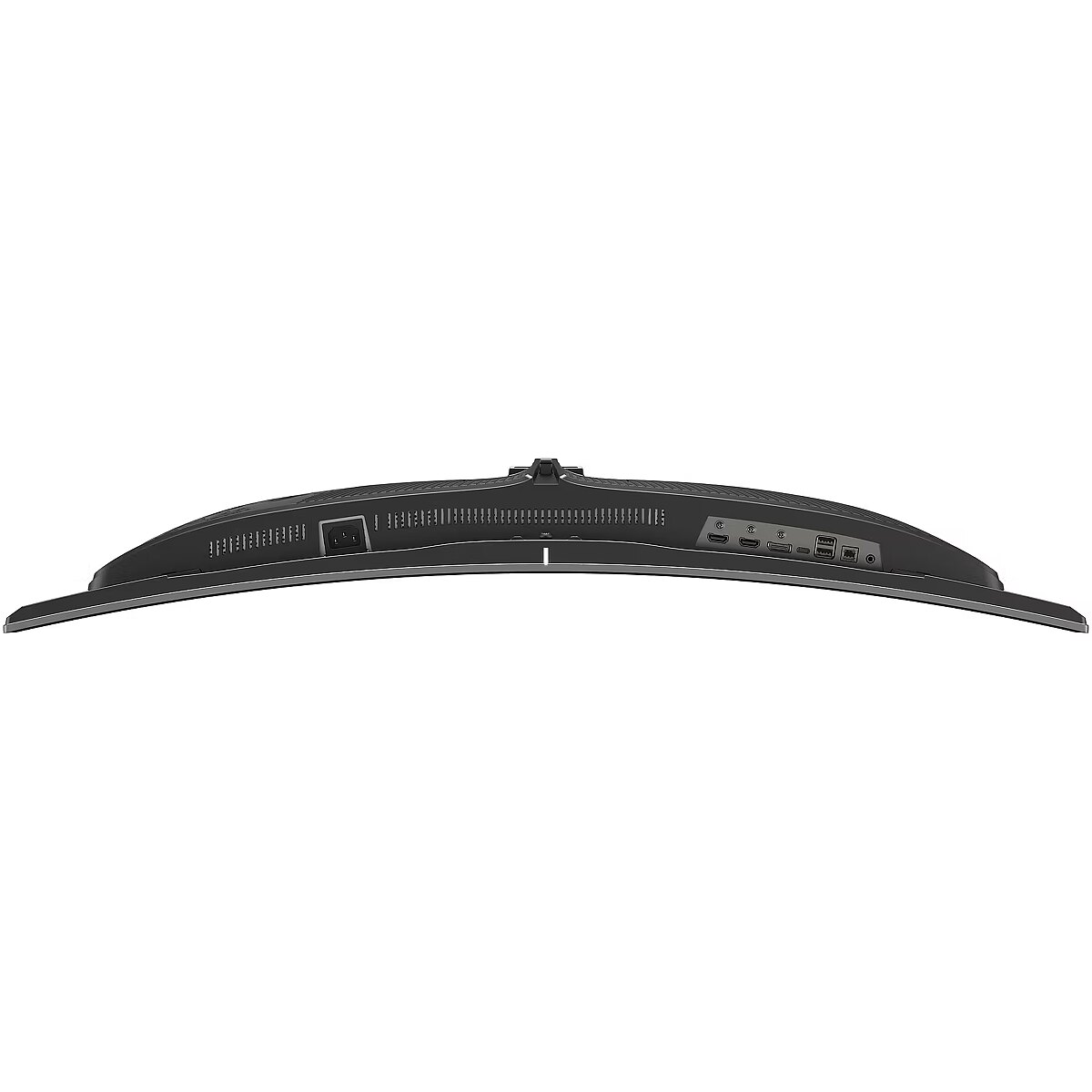
HDMI is a digital interface designed for stable video and audio transmission with a single cable. This approach reduces the number of connections and prevents unnecessary signal conversion. HDMI ensures a reliable connection, high throughput, and precise operation with modern devices without loss of quality.
DisplayPort is the latest monitor interface standard that ensures stable image transmission with high resolution and refresh intensity. It supports HDR, frame synchronization and multiple monitor systems, maintaining detail accuracy and image quality for professional and gaming work.
The USB-C connection combines image, sound, data and power transmission into one cable, reducing workplace load and speeding up device connectivity. It is compatible with many modern laptops and provides a stable signal, making monitor usage more convenient and technically effective.
Several USB-C ports make the monitor more versatile for modern devices. Each port can simultaneously transmit video, audio, data and power through a single cable, reducing the number of wires. This allows to connect multiple peripheral devices or signal sources without additional adapters.
USB Power Delivery is capable of powering connected devices through a single cable, eliminating the need for additional chargers. This feature simplifies connection and maintains a more organized workspace. The technology ensures stable power supply and data transmission.
The USB-C video input allows for the transmission of image and sound through a single cable, reducing connection complexity and simplifying workspace organization. The interface provides high data transmission speed and stable operation, maintaining compatibility with most modern digital devices.
Warranty
MSI provides this model with a 3 year warranty at all certified service centres.




 DVI is a digital standard and ensures high image quality, however, thanks to the big size of the plug and the inability of the standard to develop further due to a few technical restrictions this type of connection is gradually losing its popularity to modern HDMI and DisplayPort standards.




