Accessories included - Initial color calibration report DisplayPort cable HDMI cable Power cable Detachable stand Quick Start Guide USB-C cable Warranty Card Welcome Card
Aspect ratio - 16:9
Auto Pivot - Yes
Bluetooth - No
Brand - ASUS
BrandPartCode - 90LM097A-B01370
Brightness - 350 cd/m²
Brightness HDR - 600 cd/m²
Category - Computer Monitors
Category - Root/Electronics/PC peripherals/Monitors
Category 1 - Displays
Category 2 - Monitore
Certificates - TUV
Color - Black
Dane fizyczne: Głębokość - 190 mm
Dane fizyczne: Kolor obudowy - czarny
Dane fizyczne: Standard VESA - 100 x 100
Dane fizyczne: Szerokość - 549 mm
Dane fizyczne: Waga - 6 kg
Dane fizyczne: Wysokość - 521 mm
Dane techniczne: Czas reakcji - 5 ms
Dane techniczne: Częstotliwość odświeżania - 60 Hz
Dane techniczne: Grupa produktowa - Monitory Asus
Dane techniczne: Gwarancja - 3 lata w serwisie zewnętrznym
Dane techniczne: Głośniki - tak (2 x 2 W)
Dane techniczne: HDR - tak
Dane techniczne: Jasność - 600 cd/m²
Dane techniczne: Możliwość regulacji - obrotowy ekran (pivot)
Dane techniczne: Możliwość regulacji - obrót na podstawie (swivel)
Dane techniczne: Możliwość regulacji - pochył
Dane techniczne: Możliwość regulacji - wysokość
Dane techniczne: Powłoka matrycy - antyrefleksyjna
Dane techniczne: Producent - Asus
Dane techniczne: Przekątna - 24 cali
Dane techniczne: Rodzaj podświetlenia - LED
Dane techniczne: Rozdzielczość ekranu - 3840 x 2160 (4K Ultra HD) piksele
Dane techniczne: Rozmiar plamki - 0.135 mm
Dane techniczne: Standard portów wideo - HDMI 2.0
Dane techniczne: Standard portów wideo - USB-C
Dane techniczne: Typ - graficzny
Dane techniczne: Typ ekranu - płaski
Dane techniczne: Typ matrycy - IPS
Data Act - Link
Depth - 63 mm
Depth with stand - 190 mm
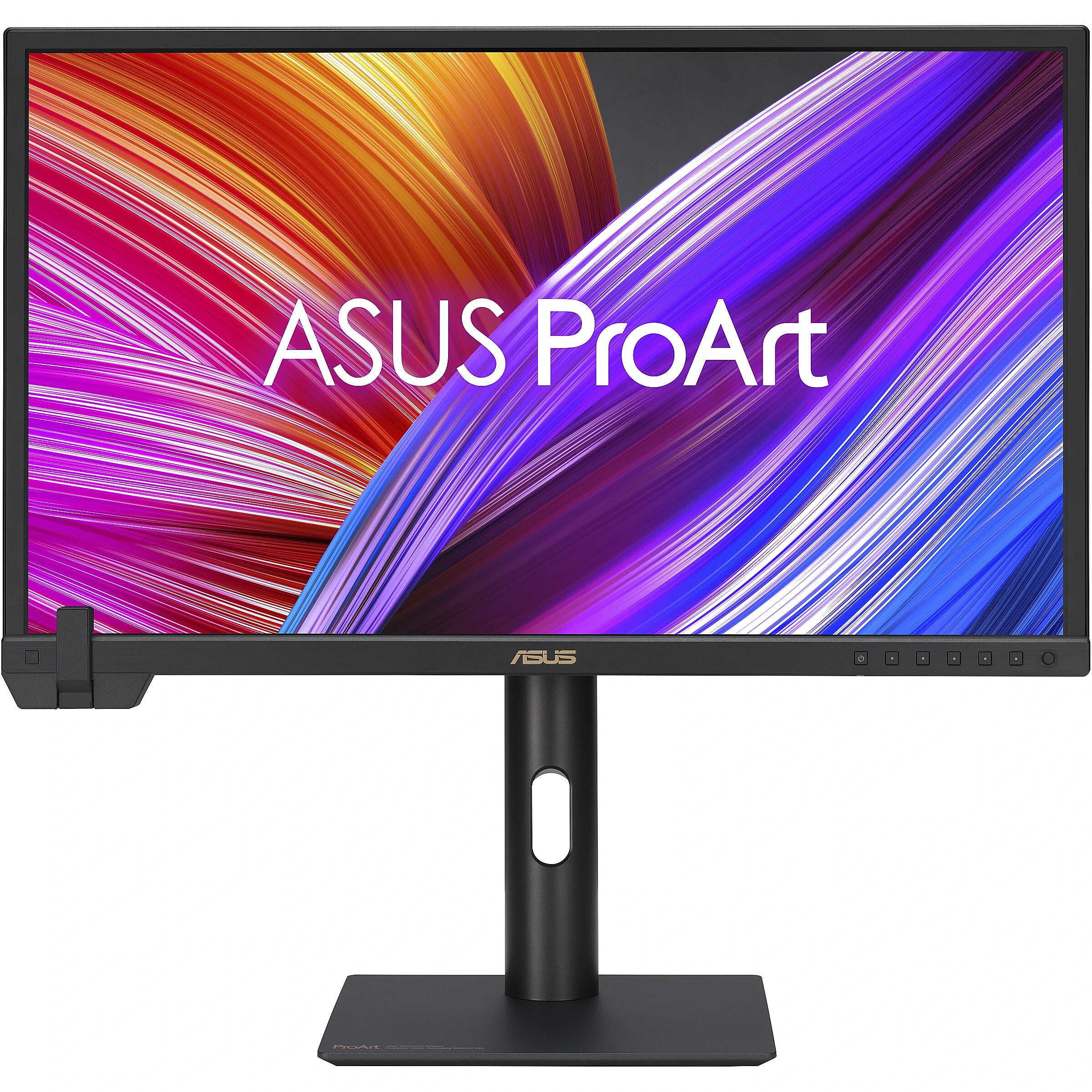
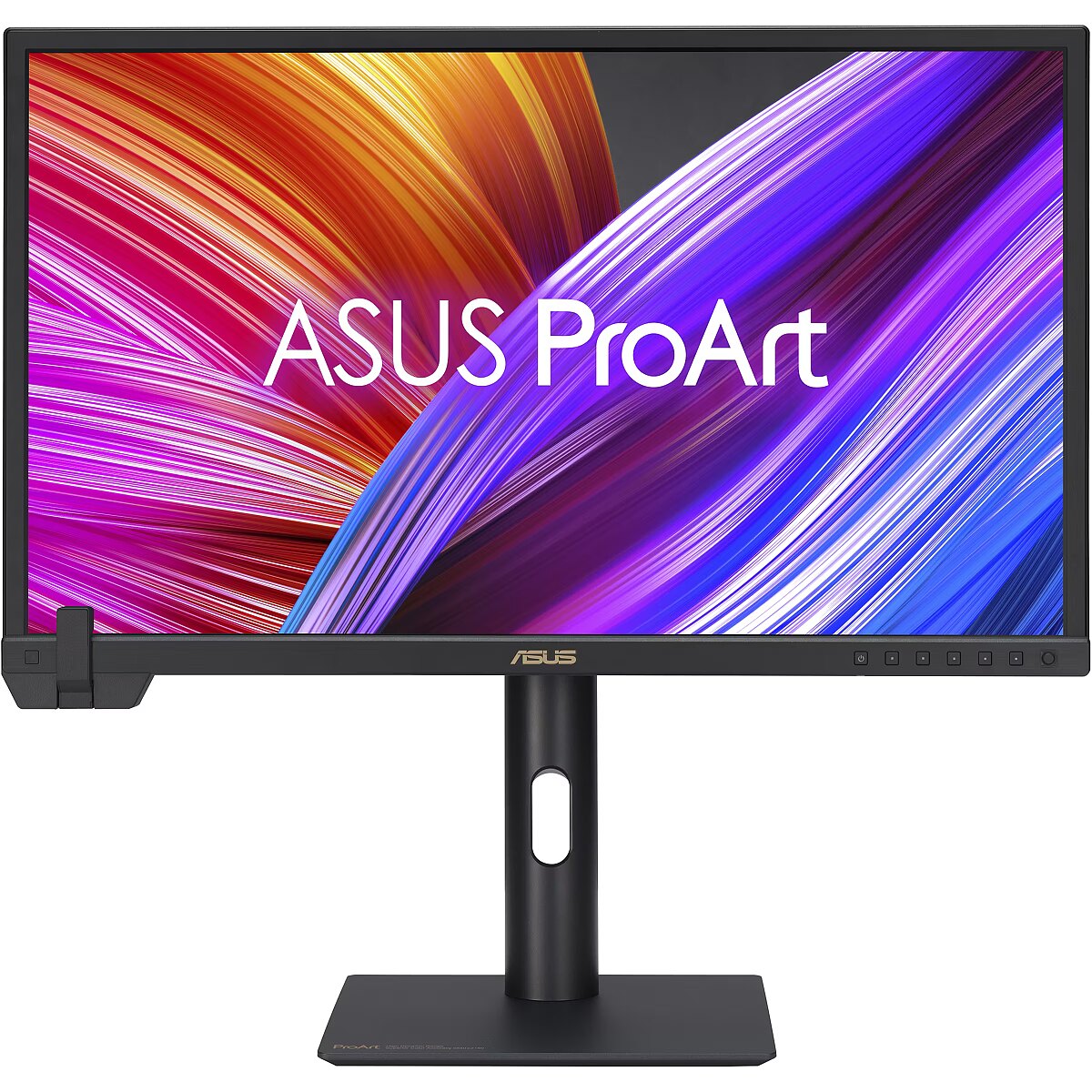
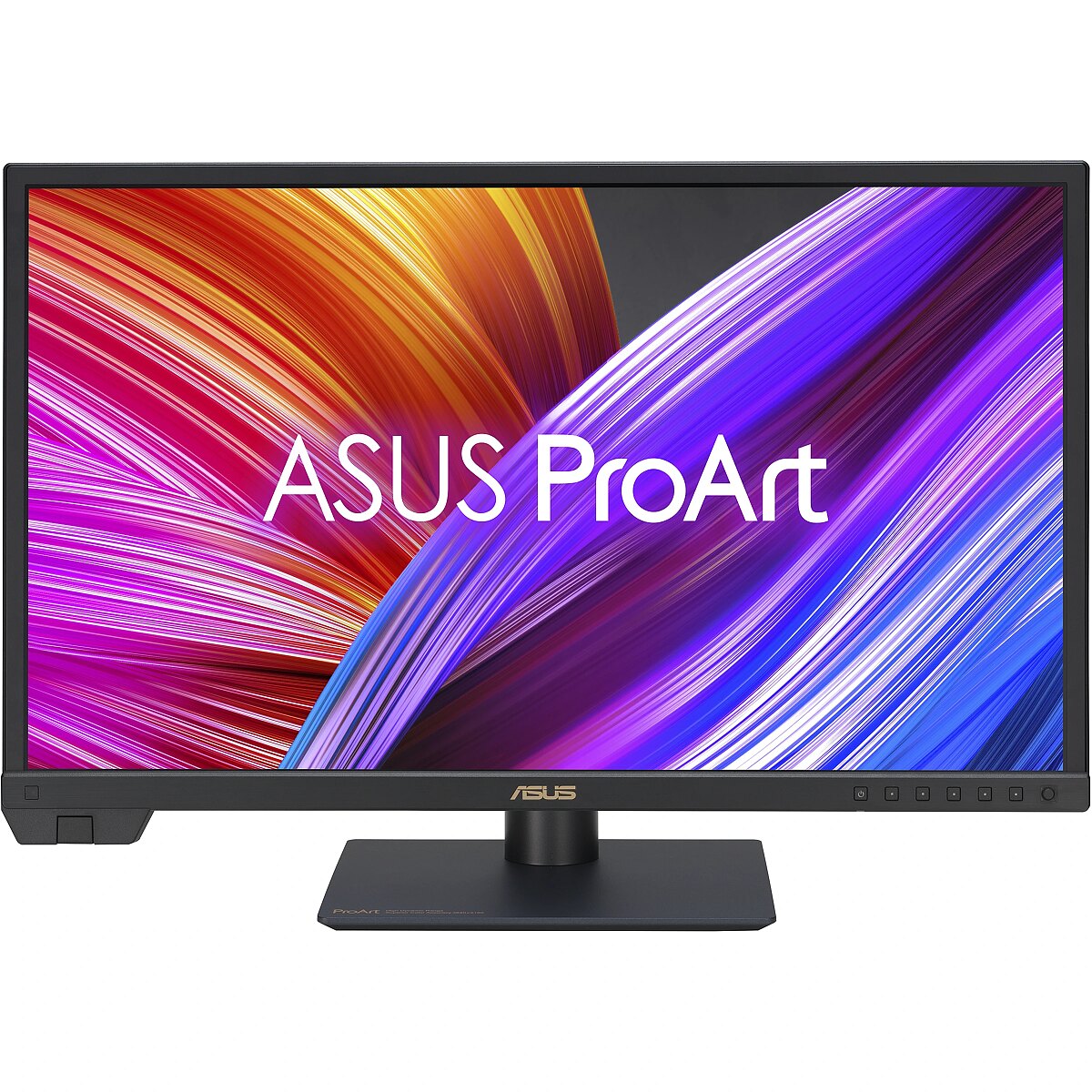
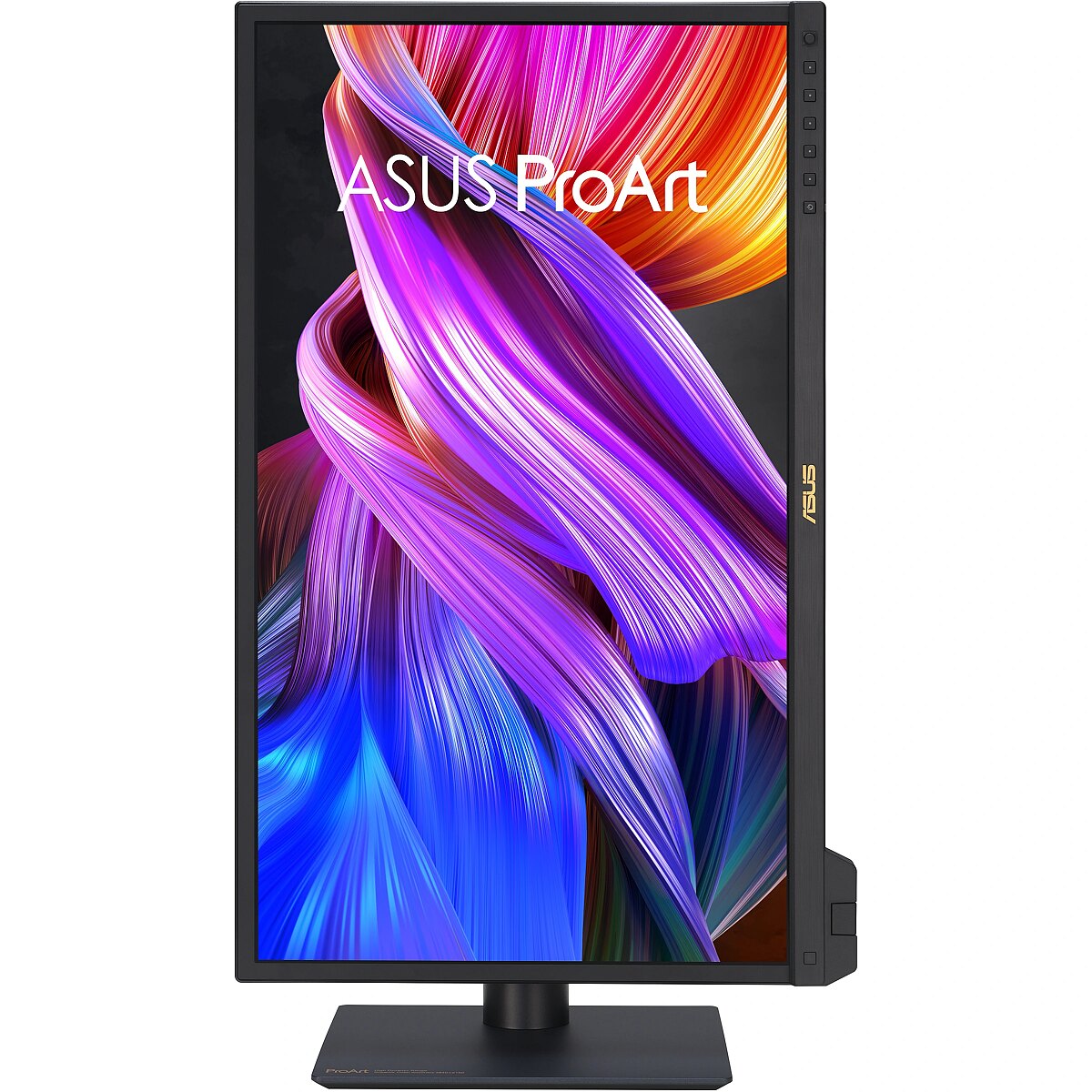
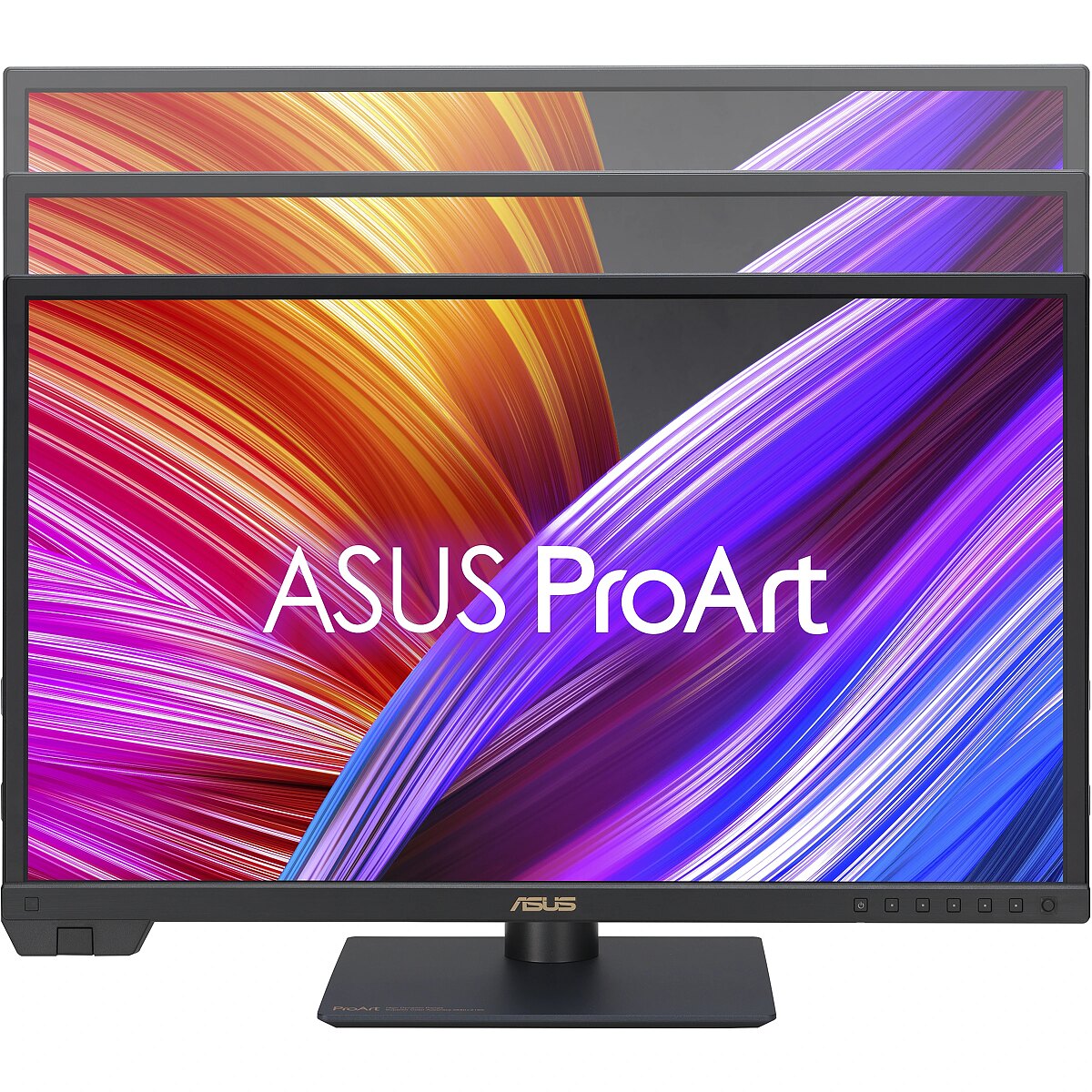
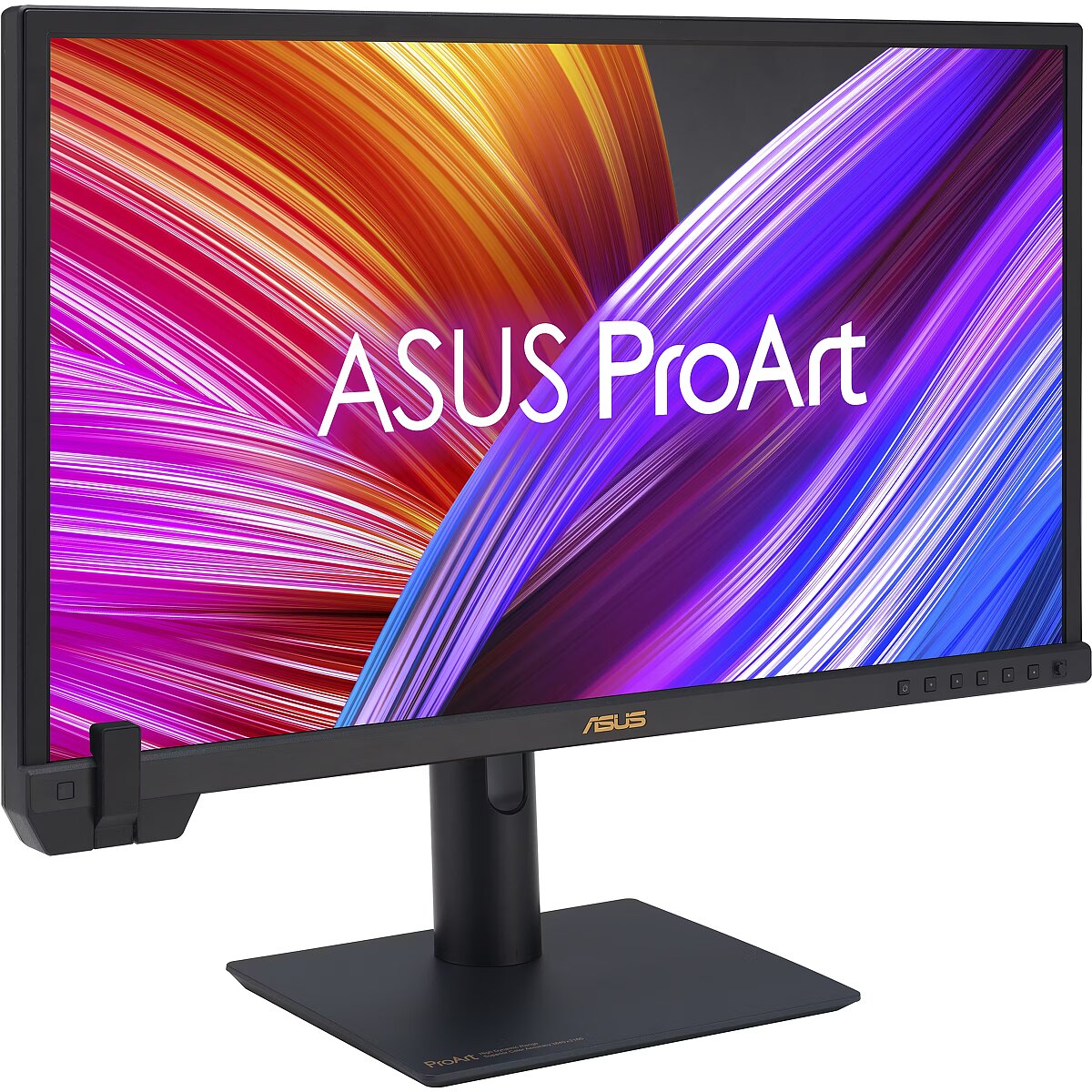
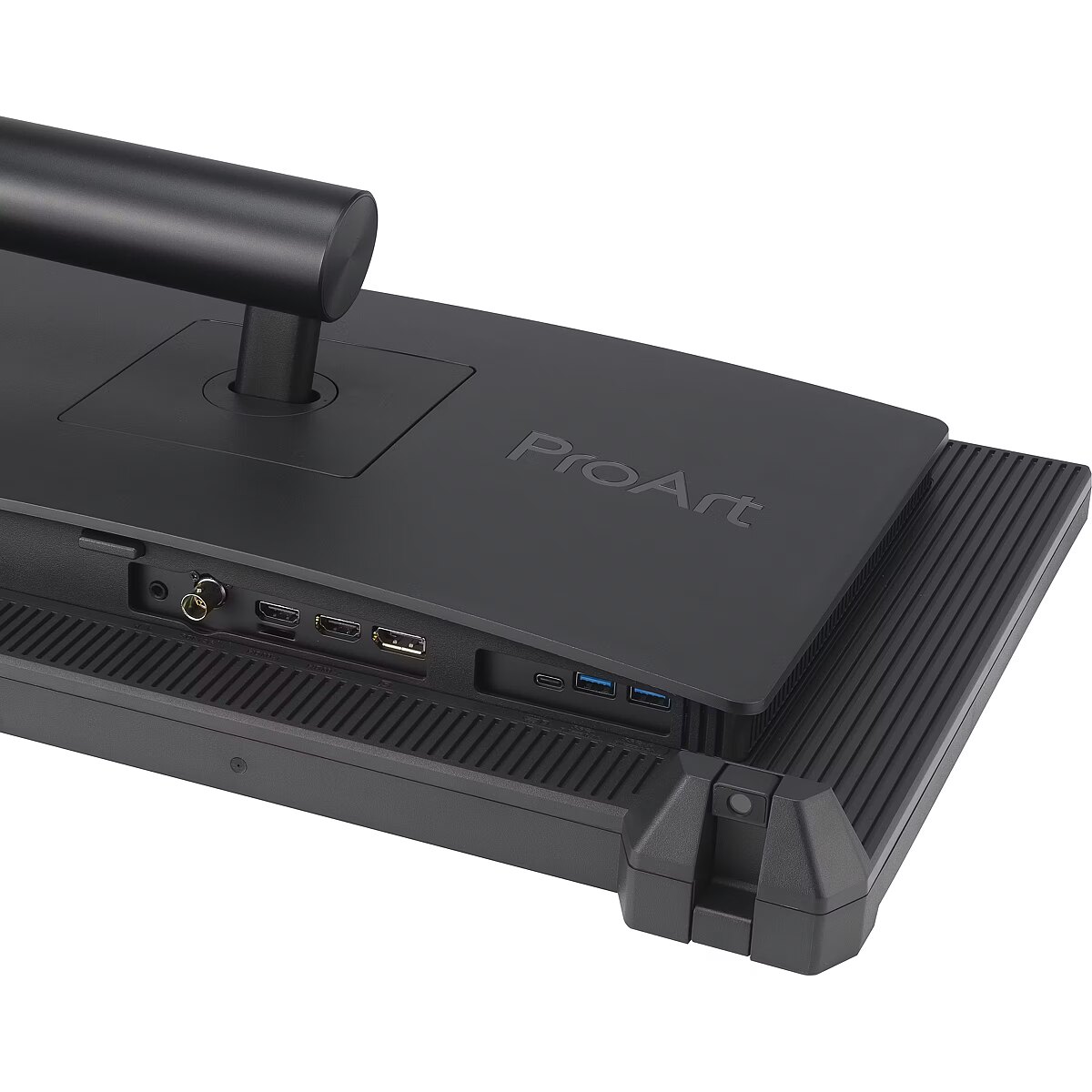
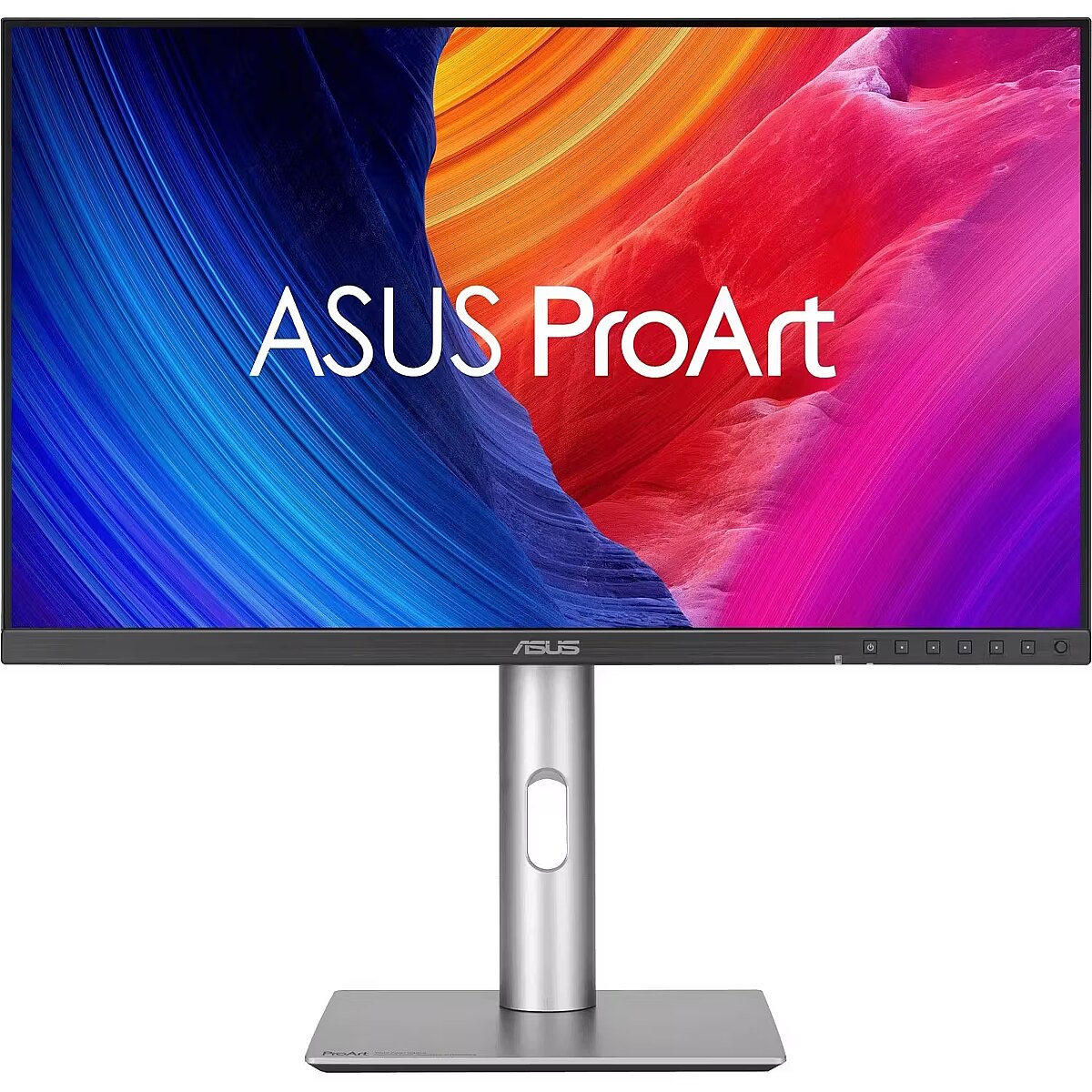
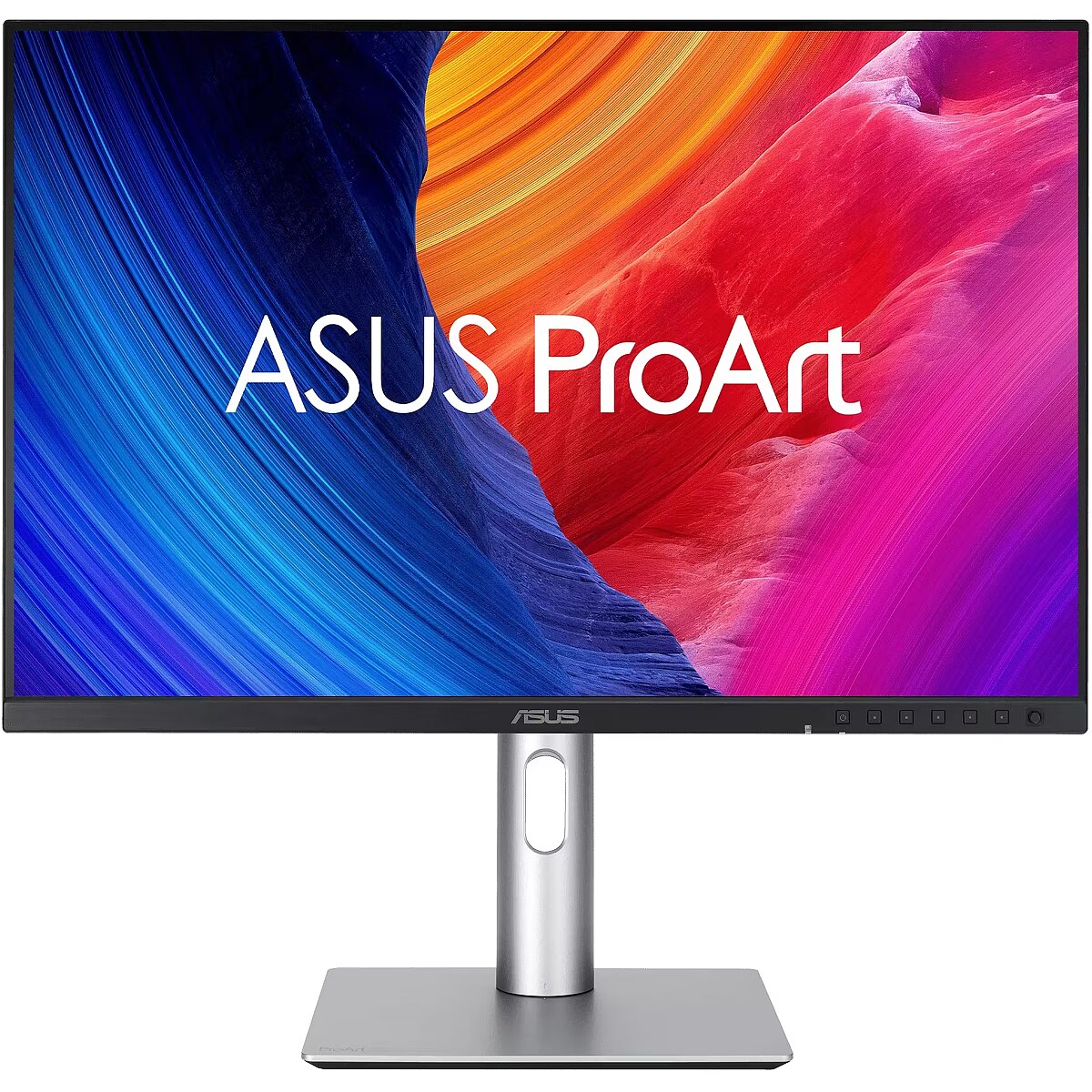
Description - PA24US 24-inch monitor High-quality 23.6-inch 4K (3840 x 2160) sensor with 600 nits peak brightness, with support for HDR-10, HLG Built-in colourimeter supports self-calibration/automatic calibration in addition to Calman and Light Illusion ColourSpace CMS professional hardware calibration software True 10-bit colour depth, wide colour space with 99% Adobe RGB coverage and 95% DCI-P3 coverage 12G-SDI port supports real-time playback at 4K resolution at 60 Hz completely without compression Extensive connectivity options include 12G-SDI input, full-featured USB-C port with up to 80W power delivery, DisplayPort, HDMI and USB hub for maximum flexibility Ergonomic design with adjustable tilt, horizontal swivel, 90° rotation (pivot) and height adjustment for complete user comfort Sustainability through the use of paper-based packaging and energy-efficient operation in compliance with environmental standards
Design - Detachable stand - Yes
Design - Feet colour - Black
Design - Product colour - Black
Designation - CE+WEEE
dimension depth - 800 mm
dimension height - 500 mm
dimension weight - 9800 g
dimension width - 150 mm
Display - Adobe RGB coverage - 99%
Display - Anti-glare screen - Yes
Display - Backlight type - LED
Display - Colour depth - 10 bit
Display - Colour gamut - 95%
Display - Colour gamut standard - DCI-P3
Display - Contrast ratio (dynamic) - 100000000:1
Display - Contrast ratio (typical) - 1000:1
Display - Digital horizontal frequency - 15 - 135 kHz
Display - Digital vertical frequency - 48 - 60 Hz
Display - Display brightness (peak) - 600 cd/m²
Display - Display brightness (typical) - 350 cd/m²
Display - Display diagonal - 59.9 cm (23.6")
Display - Display number of colours - 1.073 billion colours
Display - Display resolution - 3840 x 2160 pixels
Display - Display technology - LCD
Display - HD type - 4K Ultra HD
Display - High Dynamic Range (HDR) supported - Yes
Display - High Dynamic Range (HDR) technology - High Dynamic Range 10 (HDR10), Hybrid Log-Gamma (HLG)
Display - Maximum refresh rate - 60 Hz
Display - Native aspect ratio - 16:9
Display - Panel type - IPS
Display - Pixel pitch - 0.135 x 0.135 mm
Display - Response time - 5 ms
Display - Screen shape - Flat
Display - sRGB coverage (typical) - 100%
Display - Touchscreen - No
Display - Viewable size, horizontal - 52.2 cm
Display - Viewable size, vertical - 29.4 cm
Display - Viewing angle, horizontal - 178°
Display - Viewing angle, vertical - 178°
Display surface - Matt
Dodatkowe informacje o matrycy: Format obrazu - 16:9
Dodatkowe informacje o matrycy: Kontrast - 1000:1
Dodatkowe informacje o matrycy: Kąt widzenia w pionie - 178 °
Dodatkowe informacje o matrycy: Kąt widzenia w poziomie - 178 °
Dodatkowe informacje o matrycy: Liczba wyświetlanych kolorów - 1070 mln
Dot pitch - 0.135 mm
Dynamic contrast - 1 000 000:1
ean - 4711387267080
EAN - 4711387267080
Eans - 4711387267080
Efektywność energetyczna: Zużycie energii w trybie pracy - 24.1 W
Energy class - G
Energy label - Pobierz
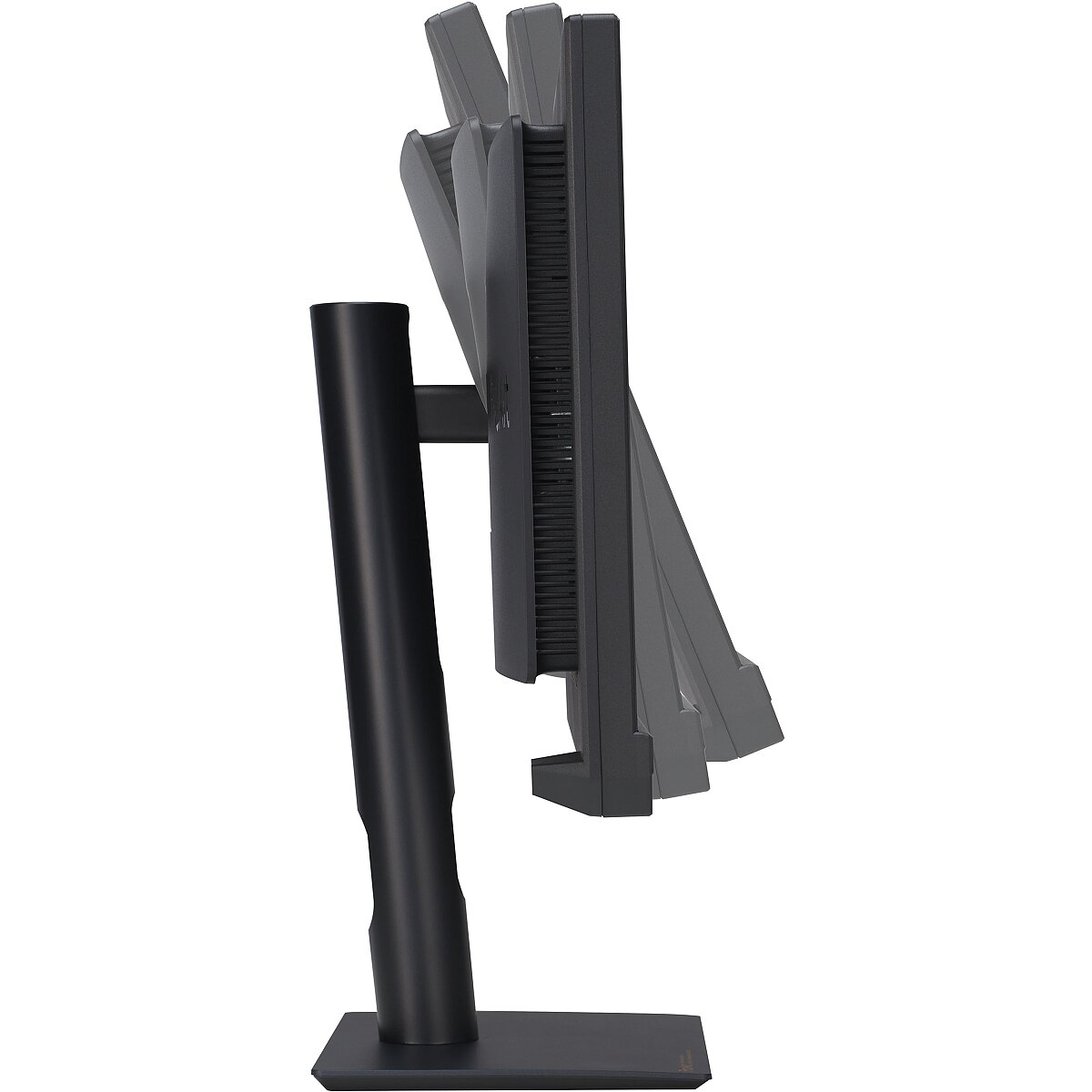
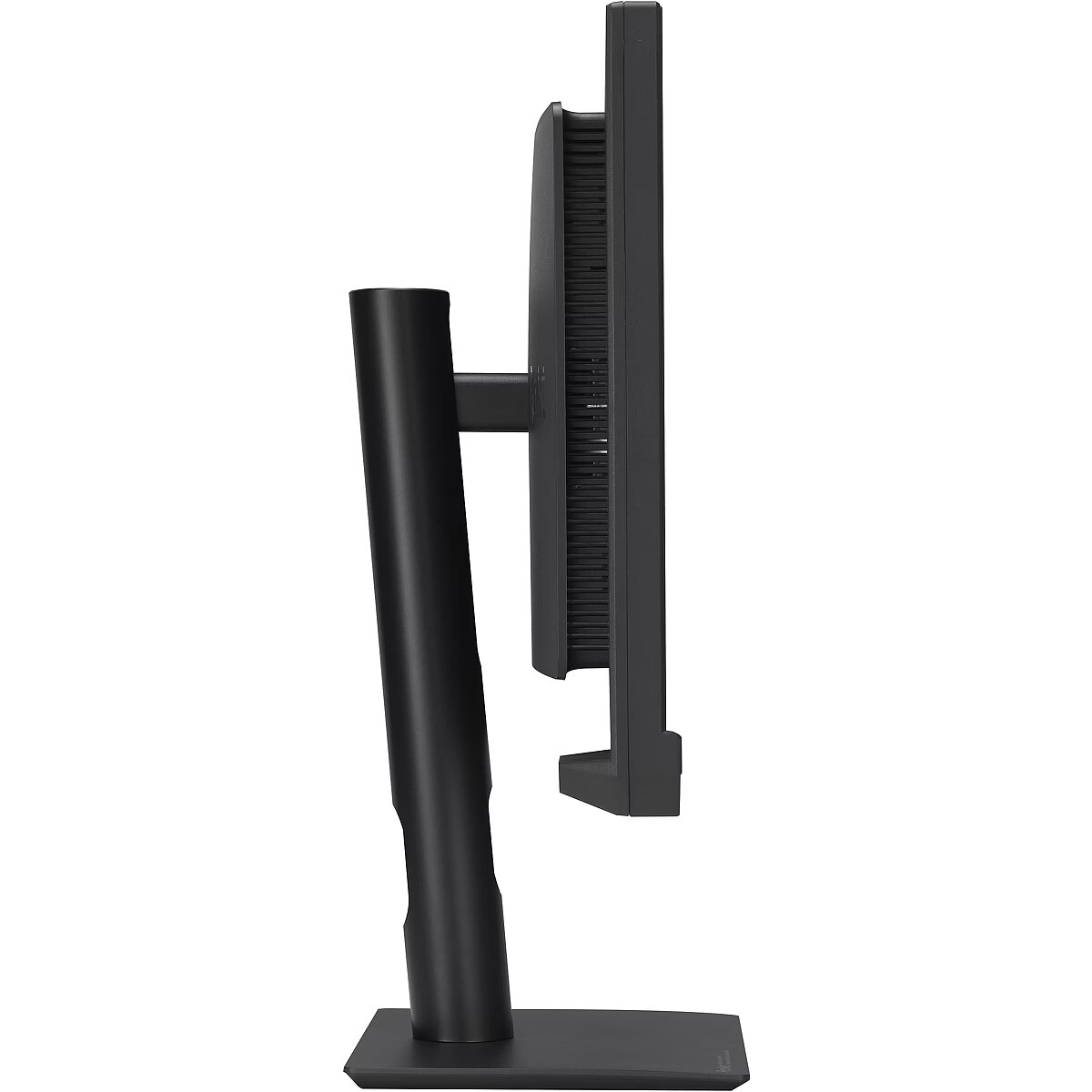
Ergonomics - Adjustable height (max) - 13 cm
Ergonomics - Cable lock slot - Yes
Ergonomics - Cable lock slot type - Kensington
Ergonomics - Height adjustment - Yes
Ergonomics - Panel mounting interface - 100 x 100 mm
Ergonomics - Picture-in-Picture - Yes
Ergonomics - Pivot - Yes
Ergonomics - Pivot angle - -90 - 90°
Ergonomics - Swivel angle range - -30 - 30°
Ergonomics - Swivelling - Yes
Ergonomics - Tilt adjustment - Yes
Ergonomics - Tilt angle range - -3 - 21°
Ergonomics - VESA mounting - Yes
Ergonomics - Wall mountable - Yes
GTIN - 0197105146297
GTIN - 197105146297
GTIN - 4711387267080
guarantee - 36
guarantee_type - external
Height - 346 mm
Height adjustment - Yes
Height adjustment range - 130 mm
Height with stand - 521 mm
I/O connectors - 1 x 3,5 mm minijack
I/O connectors - 1 x USB (Type C)
I/O connectors - 2 x HDMI
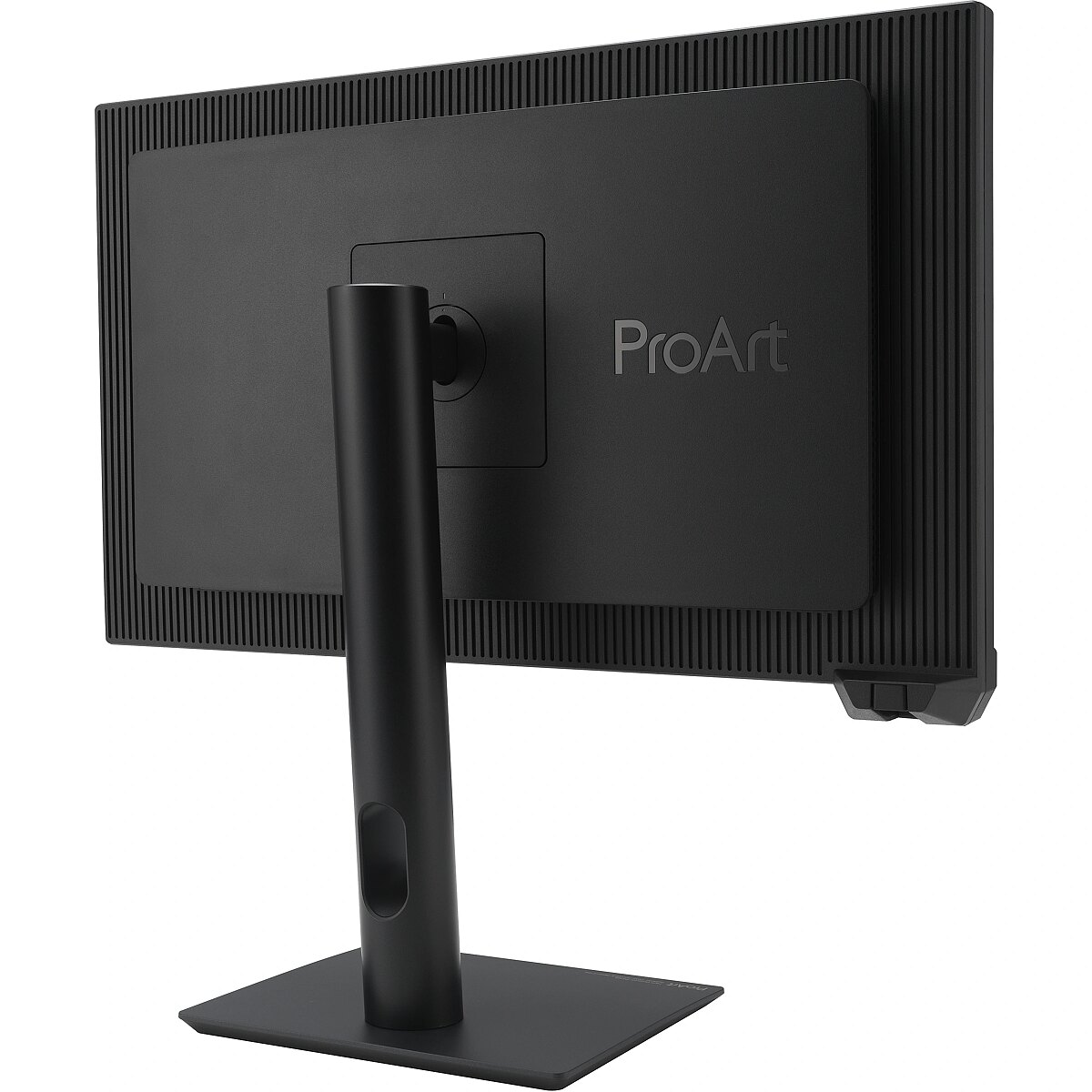
LongDesc - On-set SDI MonitorProArt Display PA24US is 23.6-inch 4K HDR monitor offers 187 high PPI IPS panel with 99% Adobe RGB and 95% DCI-P3 coverage to deliver highly accurate colors that bring out the finest details in your creations. 12G-SDI input can receive video signals up to 4K@60Hz and up to quad-view at same time. A built-in motorized flip colorimeter for auto / self calibration to ensure professional-grade color accuracy. 600 nits peak brightness with multiple HDR format support provides creators with the ideal platform for working HDR content.Empowering Content CreatorsDigital Imaging Technician (DIT)Needs a hi-quality SDI monitor for on-set quick color grading and managing production workflow. It can provide precise and true color reproduction and details from camera and present to director/customers.Colorists12G-SDI input connection let creators who using SDI PCIe capture cards or capture boxes can be directly connect to the PA24US via SDI instead of HDMI, delivers 4K high quality uncompressed videos to preview precise image performance.Filmmakers & Video EditorsAn ultra-high-resolution with wide-color-gamut monitor performance is a must-have tool for 4K HDR video production. Factory pre-calibration ensures industry-leading color fidelity, and a wide color gamut and Delta E < 1 color difference ensures outstanding color accuracy.Impeccable 4K HDR Imagery On-setUncompressed 4K Video23.6-inch with 4K UHD (3840 x 2160) panel delivers four times the pixel density and three times more onscreen space than similarly sized FHD displays, resulting in sharper visuals with greater levels of detail.ProArt Display PA24US features 12G-SDI connection, allows receiving and transmitting uncompressed up to 4K@60Hz video footage directly from camera devices with ultra-low latency.High Dynamic RangeProArt Display PA24US features up to 600 nits of brightness, also passed VESA DisplayHDR 600 certification. Multiple HDR format supports HDR-10 / HLG high dynamic range technology for brighter whites and darker blacks, resulting in a rich and lifelike viewing experience.Intuitive and Intelligent CalibrationSelf CalibrationProArt Displays now boasts an innovative self-calibration feature for the embedded colorimeter. The self-calibration is a standalone solution without any software and compatible with any operating system. You can directly complete the color calibration and scheduled color calibration functions through the OSD operation of ProArt Display. With this flexibility, you can achieve color consistency anytime and anywhere.ProArt CalibrationASUS ProArt Calibration technology saves all color parameter profiles on the ProArt monitor’s internal scaler IC chip, instead of on the PC. The monitor can be calibrated and the look-up table subsequently rewritten, allowing users to connect it to devices with different operating systems or applications without needing to adjust settings.*ProArt Calibration support will be ready on 2023/Q4 via firmware update.ProArt Color CenterProArt Color Center offers remote group control and calibration tools, allowing you to handle these vital tasks from a centralized location. You’ll be able to remote control & group calibration, scheduled calibration and customized color parameters to maintain professional-level accuracy and consistency all the time.Seamless CalibrationProArt Displays are compatible with most major calibrators, including those from X-Rite, Datacolor and Klein. They also work seamlessly with Calman and Light Illusion ColourSpace CMS professional hardware calibration software.*Calman Ready and Light Illusion ColourSpace CMS support will be ready on 2023/Q4 via firmware update.Enjoy true-to-life colorPA24US exceeds industry color reproduction standards with its 99% Adobe RGB and 95% DCI-P3 color gamut, and it features true 10-bit color depth to display more than 1.07 billion colors. 600 nits peak brightness to ensure the deepest blacks and brightest whites, enabling PA24US to accurately display the most minute details in shadows and bright highlights for incredibly realistic visuals.Class-Leading Color FidelityEach ProArt display is factory pre-calibrated using a new, three-scale process to guarantee industry-leading color fidelity. The display then undergoes stringent testing using ASUS advanced grayscale tracking technology to ensure smoother color gradations, better uniformity and high color accuracy with a Delta E < 1 color difference value. Each grayscale level is also carefully measured and set to ensure compliance with the precise DICOM standard for medical use.Create in Ultra-Vivid HDRASUS Smart HDR TechnologyExclusive ASUS Smart HDR technology enables ProArt Display PA24US to support multiple HDR formats, including HLG and HDR10.HLG allows users to view and create material for broadcast and satellite TV platforms such as BBC iPlayer, Japan NHK TV, and DirecTV.HDR10 support ensures compatibility with existing streaming video services and a growing list of HDR-enabled games.Multiple PQ CurvesASUS ProArt Displays support multiple HDR10 curves, including PQ Hard Clip, PQ Optimized and PQ Basic, which can cover all content creation needs.HDR PreviewHDR Preview enables a direct camera-to-monitor connection to view captured HDR content with its full tonal range. It also works within most video editing software platforms, providing accurate simulations of the final output for an easier, more streamlined editing experience.*Raw data/camera imagery must support HDR mode and follow PQ curve.Streamlined, Efficient Workflows12G-SDI ConnectivitySDI (Serial digital interface) is a professional video signal that’s preferred in production environments, providing longer distance without video compression with reliability. BNC-type cable that has specialized connectors on each end to lock into the devices they connect to, so it cannot be easily dropped or pulled out.Compare with general 3G-SDI, 12G-SDI provides up to 4x bandwidth allows receiving and transmitting uncompressed up to 4K@60Hz video footage directly from camera devices with ultra-low latency.Connect to your workflowRich connectivity offers a full-function USB-C port enables superfast data transfers, video signal and 80-watt power delivery to charge laptops and other devices―all via a single cable. DisplayPort1.4 and two HDMI(v2.0) for compatibility with current and future displays and peripherals. It also features an earphone jack and USB 3.2 hub.Picture-by-Picture (PbP)View two to four different settings simultaneously by placing multiple input sources onscreen side-by-side; and configure each individual window's color settings with sRGB, Adobe RGB, DCI-P3, Rec. 2020, User Mode 1 or User Mode 2.Picture-in-Picture (PiP)Easily place your second input source in a window in one corner of the display.ASUS Flicker-Free technologyIt's time to say goodbye to those tired, strained eyes. ProArt Displays features TÜV Rheinland-certified ASUS Flicker-Free technology to reduce flicker and minimize instances of eyestrain and other damaging ailments for a comfortable viewing experience.Blue Light FilterThe TÜV Rheinland-certified ASUS Blue Light Filter protects you from harmful blue light, and you can easily access via a hotkey. ProArt displays has undergone stringent performance tests and has been certified by TÜV Rheinland laboratories, a global provider of technical, safety, and certification services, to be flicker-free and to emit low blue light levels.Ergonomic DesignA comfortable viewing position is always easy to achieve with ASUS ProArt Display. With an ergonomically-designed quick release stand with tilt, swivel, pivot and height adjustments provide comfortable viewing and usage experiences. Furthermore, the VESA wall-mountable to save on desktop space.Accurate Real-time On-set PreviewQuickFit Plus is clever feature overlays a grid on the screen that allows to align and preview.Center marker and safety area it can real-time preview when you are on-set shooting to avoid video image beyond the screen.Ruler provides actual size of inch ruler in the edge; you also can customize the working size to fit your preference.
LongProductName - ProArt Display PA24US Professional Monitor – 24-inch (23.6-inch viewable), IPS, 4K UHD (3840 x 2160), Built-in Motorized Colorimeter, Self / Auto Calibration, HDR-10, HLG, 99% Adobe RGB, 95% DCI-P3, ΔE < 1, 12G-SDI, USB-C PD 80W, VESA DisplayHDR 600, Hardware Calibration, Calman Ready, ColourSpace Integration, Ergonomic Stand, Green Sustainability
LongSummaryDescription - ASUS ProArt PA24US. Display diagonal: 59.9 cm (23.6"), Display resolution: 3840 x 2160 pixels, HD type: 4K Ultra HD, Display technology: LCD, Response time: 5 ms, Native aspect ratio: 16:9, Viewing angle, horizontal: 178°, Viewing angle, vertical: 178°. Built-in speaker(s). Built-in USB hub, USB hub version: 3.2 Gen 1 (3.1 Gen 1). VESA mounting, Height adjustment. Product colour: Black
Manufacturer - ASUS
Matrix type - TFT IPS
Model - PA24US
MPN - 90LM097A-B01370
Multimedia - Built-in camera - No
Multimedia - Built-in speaker(s) - Yes
Multimedia - Number of speakers - 2
Multimedia - RMS rated power - 4 W
Name - ASUS PA24US - 60Hz | 4K | 24'' | IPS | 5ms
Name - ASUS ProArt PA24US 61.13cm
name - Monitor 24 inches PA24US 4K UHD DP HDMI USB3.2/C HDR600 350cd/m2 speakers pivot 12G-SDI
Number of colors - 1,07 mld
Ochrona oczu: Filtr światła niebieskiego - tak
Ochrona oczu: Redukcja migotania - tak
Optional accessory -
Other features -
Other features - Certification - TÜV Flicker-free
TÜV Low Blue Light
VESA DisplayHDR 600
Calman Ready
Packaging content - Stand included - Yes
Packaging data - Package depth - 479 mm
Packaging data - Package height - 152 mm
Packaging data - Package type - Box
Packaging data - Package weight - 9.7 kg
Packaging data - Package width - 761 mm
Performance - AMD FreeSync - No
Performance - Flicker-free technology - Yes
Performance - Low Blue Light technology - Yes
Performance - NVIDIA G-SYNC - No
Ports & interfaces - Built-in USB hub - Yes
Ports & interfaces - DisplayPorts quantity - 1
Ports & interfaces - DisplayPort version - 1.4
Ports & interfaces - HDCP - Yes
Ports & interfaces - HDCP version - 2.2
Ports & interfaces - HDMI - Yes
Ports & interfaces - HDMI ports quantity - 2
Ports & interfaces - HDMI version - 2.0
Ports & interfaces - Headphone connectivity - 3.5 mm
Ports & interfaces - Headphone out - Yes
Ports & interfaces - Headphone outputs - 1
Ports & interfaces - Number of USB Type-C upstream ports quantity - 1
Ports & interfaces - USB hub version - 3.2 Gen 1 (3.1 Gen 1)
Ports & interfaces - USB Power Delivery (USB PD) - Yes
Ports & interfaces - USB Power Delivery up to - 80 W
Ports & interfaces - USB Type-A downstream ports quantity - 2
Ports & interfaces - USB Type-C DisplayPort Alternate Mode - Yes
Power - AC input frequency - 50/60 Hz
Power - AC input voltage - 100 - 240 V
Power - Energy consumption (HDR) per 1000 hours - 91 kWh
Power - Energy consumption (SDR) per 1000 hours - 45 kWh
Power - Energy efficiency class (HDR) - G
Power - Energy efficiency class (SDR) - G
Power - Energy efficiency scale - A to G
Power - Power consumption (off) - 0 W
Power - Power consumption (PowerSave) - 0.5 W
Power - Power consumption (typical) - 24.1 W
Power consumption - 24.1 W
Pozostałe cechy: Akcesoria - kabel DisplayPort
Pozostałe cechy: Akcesoria - kabel HDMI
Pozostałe cechy: Akcesoria - kabel USB-C
Pozostałe cechy: Akcesoria - kabel zasilający
Pozostałe cechy: Model - ASUS PA US
Producent: Nazwa producenta / importera - Asus
ASUS COMPUTER GmBH
HARKORT STR. 21-23
40880 RATINGEN
producer - Asus
Producer - Asus
ProducerCode - PA24US
ProductName - ProArt PA24US
Refresh rate - 60 Hz
Resolution - 3840 x 2160
Response time - 5 ms
Screen size (diag.) - 23.6"
ShortDescription - 24'' | IPS | 4K | HDR
ShortSummaryDescription - ASUS ProArt PA24US, 59.9 cm (23.6"), 3840 x 2160 pixels, 4K Ultra HD, LCD, 5 ms, Black
Speakers built-in - Yes
Static contrast - 1 000:1
Title - ASUS ProArt PA24US computer monitor 59.9 cm (23.6") 3840 x 2160 pixels 4K Ultra HD LCD Black
Touch screen - No
Transreflective technology - LED
TV tuner built-in - No
URL - https://www.asus.com/displays-desktops/monitors/proart/proart-display-pa24us/
vendpn - PA24US
VESA - 100 x 100
Viewing angle, horizontal - 178 °
Viewing angle, vertical - 178 °
Visible area, horizontal - 522.43 mm
Visible area, vertical - 293.87 mm
Warranty -
WarrantyInfo -
Web camera - None
Weight - 4.3 kg
Weight & dimensions - Depth (without stand) - 625 mm
Weight & dimensions - Depth (with stand) - 190 mm
Weight & dimensions - Height (without stand) - 346 mm
Weight & dimensions - Height (with stand) - 521 mm
Weight & dimensions - Weight (without stand) - 4.3 kg
Weight & dimensions - Weight (with stand) - 6 kg
Weight & dimensions - Width (without stand) - 549 mm
Weight & dimensions - Width (with stand) - 549 mm
Weight with stand - 6 kg
Width - 549 mm
WiFi - No
Złącza: Złącza - 1 x słuchawkowe
Złącza: Złącza - 1 x USB Type-C
Złącza: Złącza - 2 x HDMI 2.0


 DVI is a digital standard and ensures high image quality, however, thanks to the big size of the plug and the inability of the standard to develop further due to a few technical restrictions this type of connection is gradually losing its popularity to modern HDMI and DisplayPort standards.




