ARTIKEL1 - TFT U4025QW 40IN IPS CURVED
ARTIKEL2 - 5120X2160 21:9 HDMI DP TB USB
Aspect ratio - 21:9
Brand - DELL
Brand-specific features - Dell Display Manager (DDM) compatibility - Yes
BrandPartCode - DELL-U4025QW
Breite - 0.55
Built-in camera - No
Built-in speakers - Yes
Cable lock slot - Yes
Carbon footprint - Carbon emissions, end-of-life (kg of CO2e) - 55.2
Carbon footprint - Carbon emissions, energy usage (kg of CO2e) - 192.48
Carbon footprint - Carbon emissions, logistics (kg of CO2e) - 35.52
Carbon footprint - Carbon emissions, manufacturing (kg of CO2e) - 196.8
Carbon footprint - PAIA version - GaBi version 1, 2024
Carbon footprint - Total carbon footprint (kg of CO2e) - 480
Category - Computer Monitors
Category 1 - Displays
Category1 - Monitors
Category 2 - Monitore
Category_1 - Monitors and TV
Category_2 - LED Monitors 31 inches and up
category_en - Computers & Components > Monitors and accessories > LCD monitors
category_lv - Datortehnika > Monitori un aksesuāri > LCD monitori
category_ru - Datortehnika > Monitori un aksesuāri > LCD monitori
Code - 210-BMDV
Code - 210-BMDV_5y
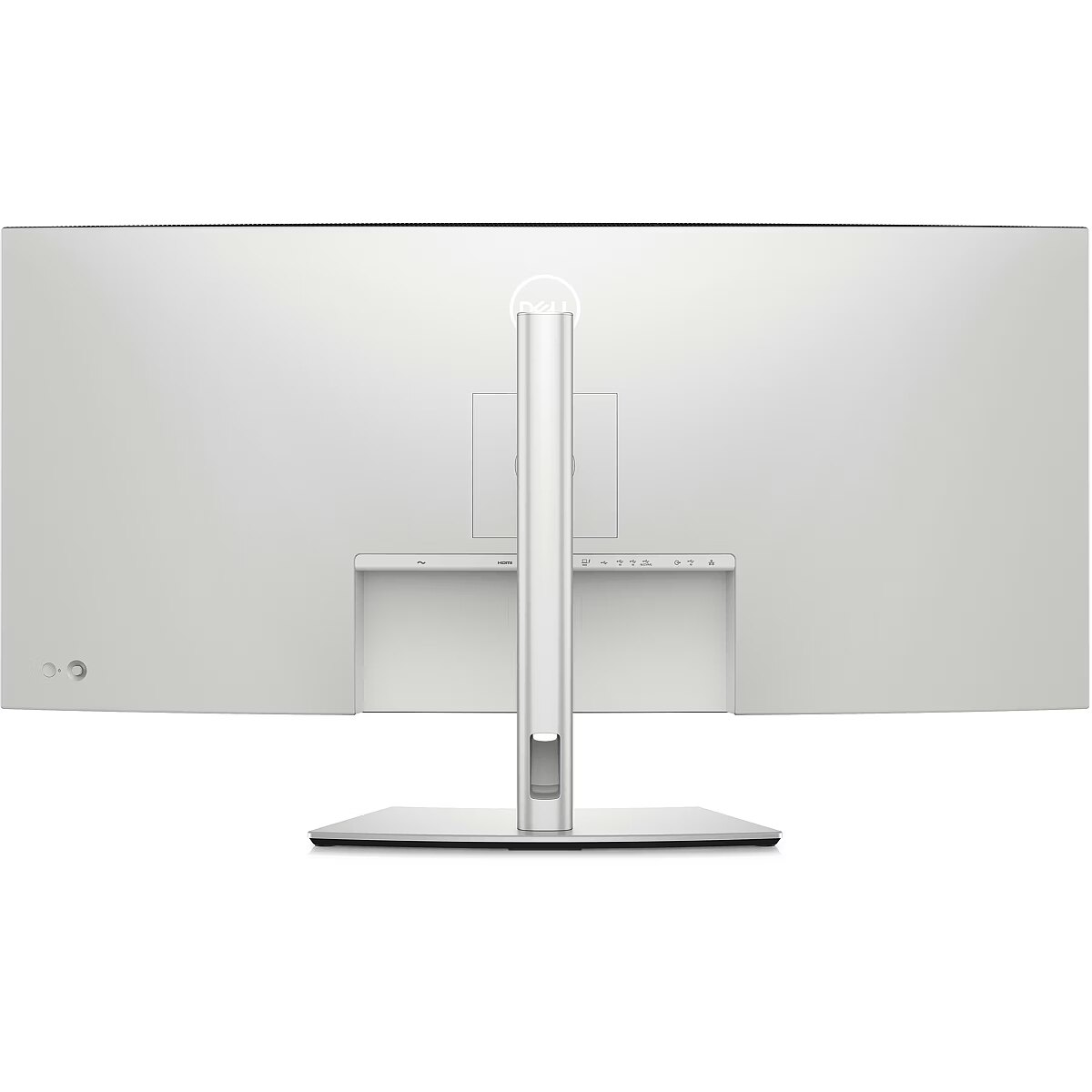
Connections - Audio (3.5mm)
Connections - DisplayPort
Connections - Ethernet (RJ-45)
Connections - HDMI
Connections - Thunderbolt 4
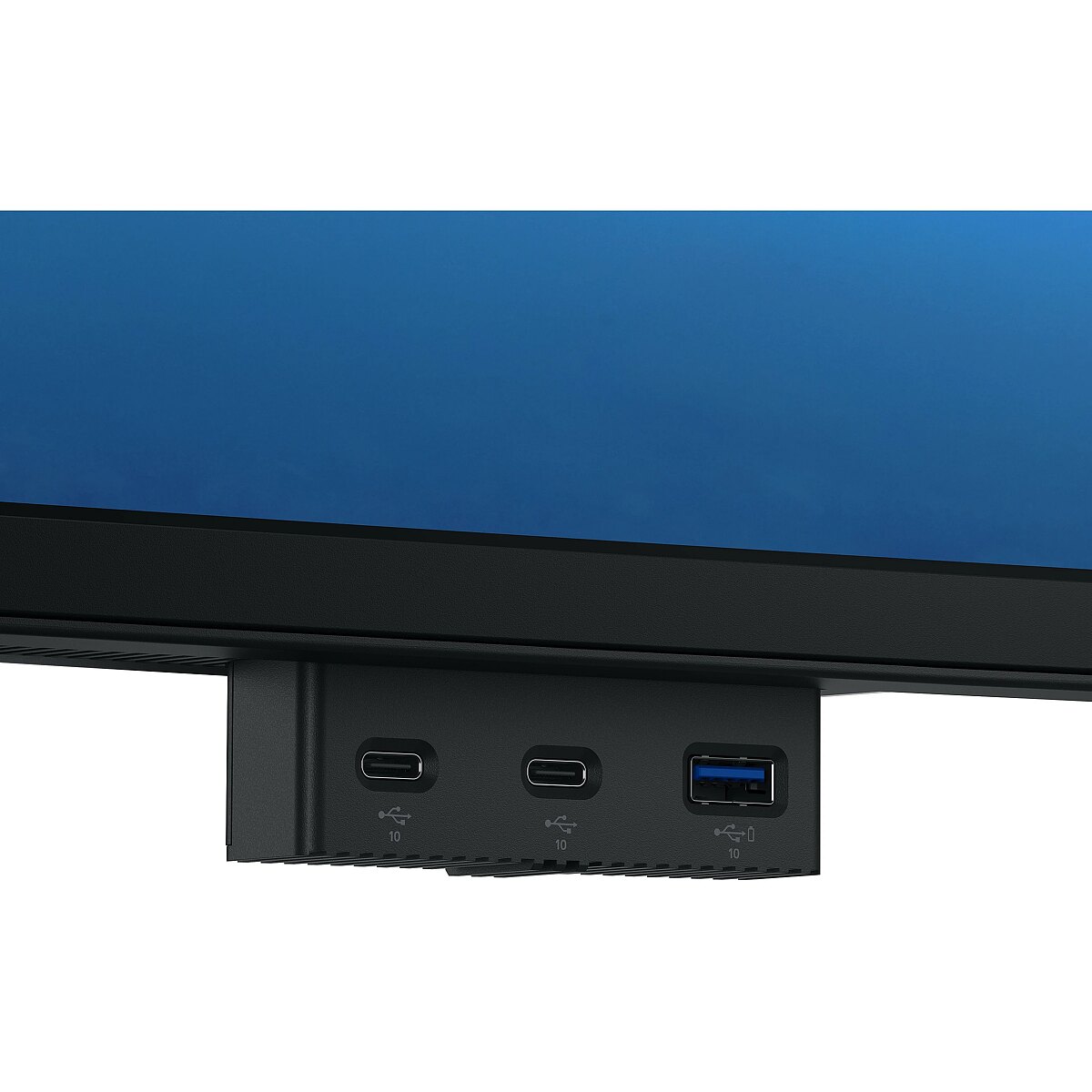
Connections - USB-C (Gen2)
Contrast ratio (typical) - 2000:1
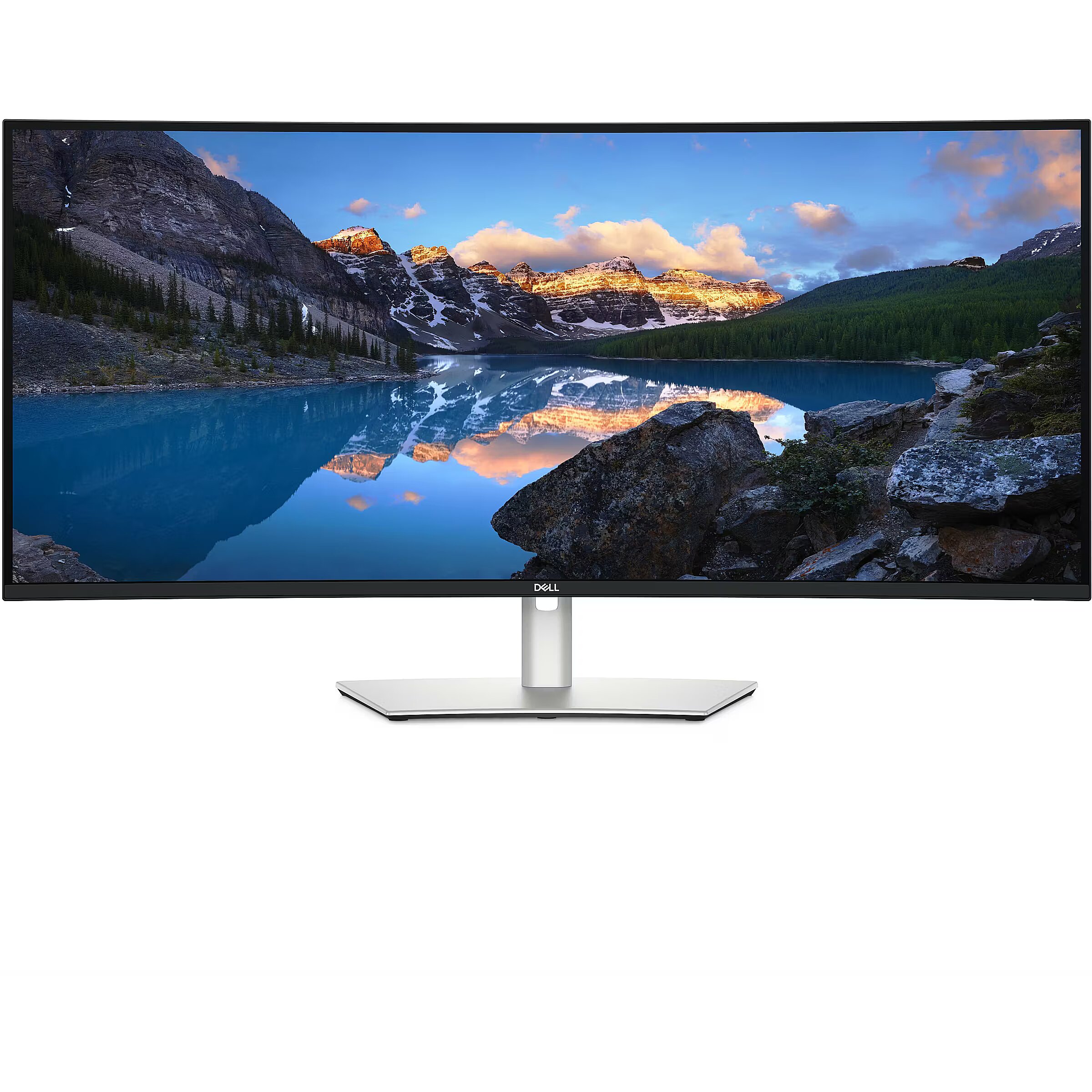
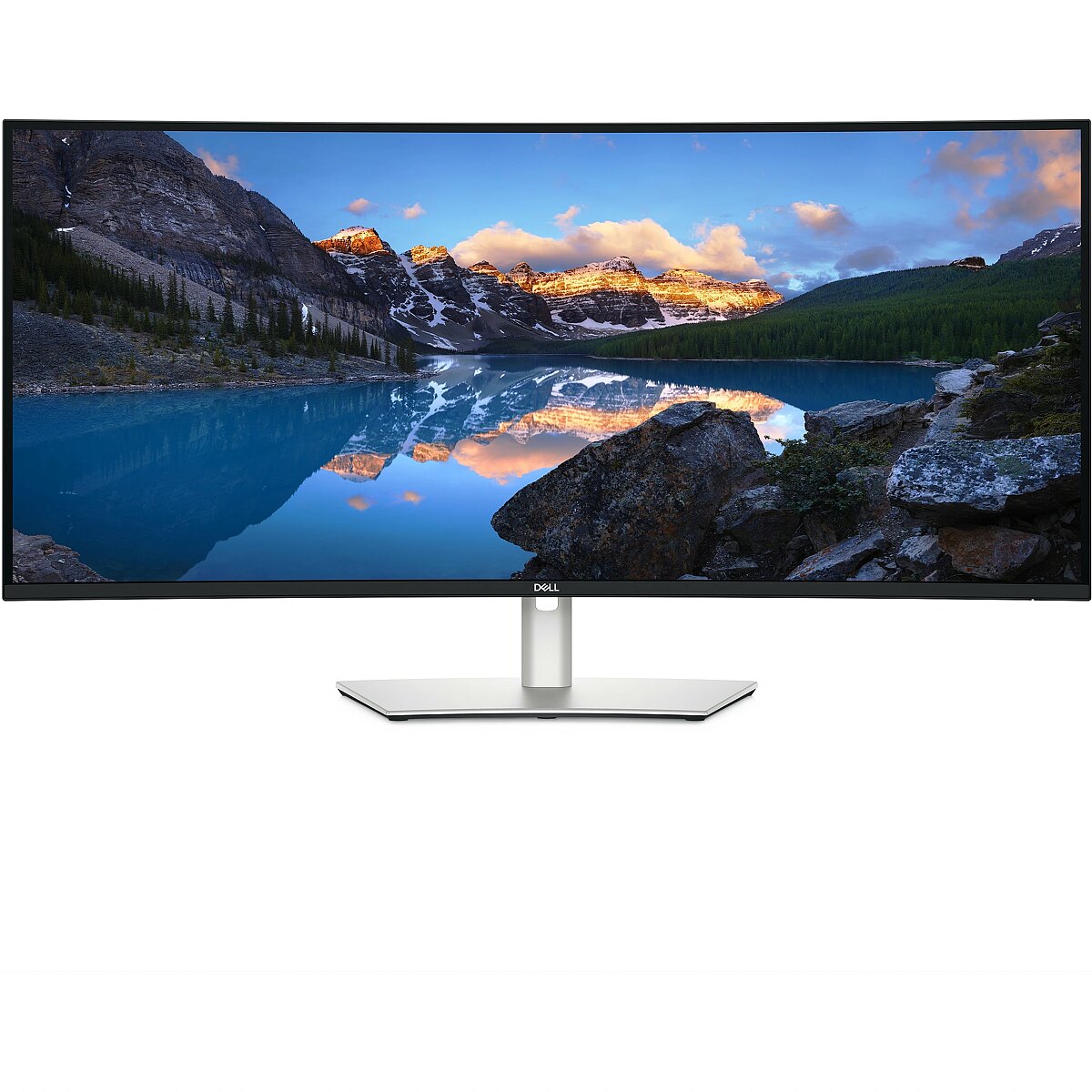
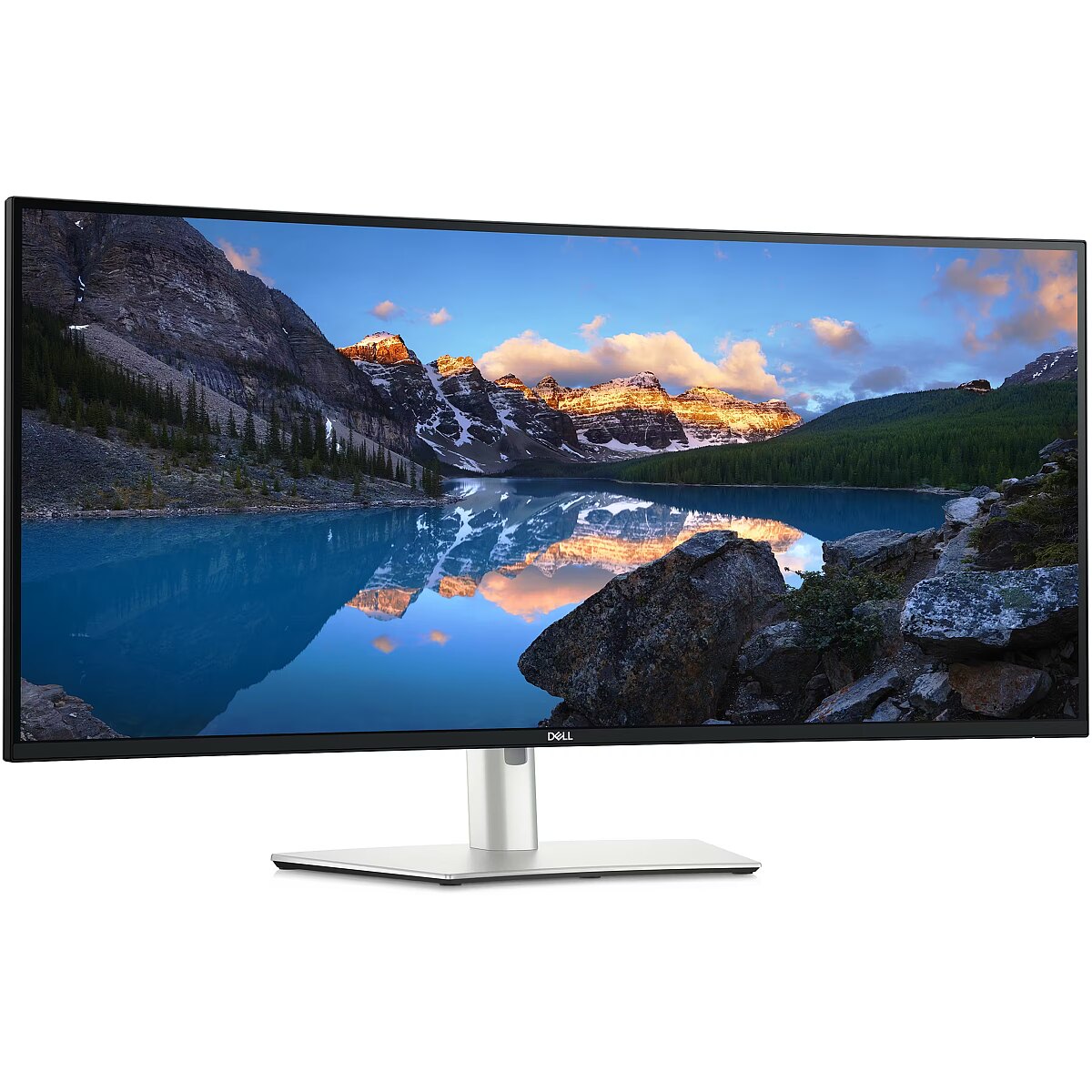
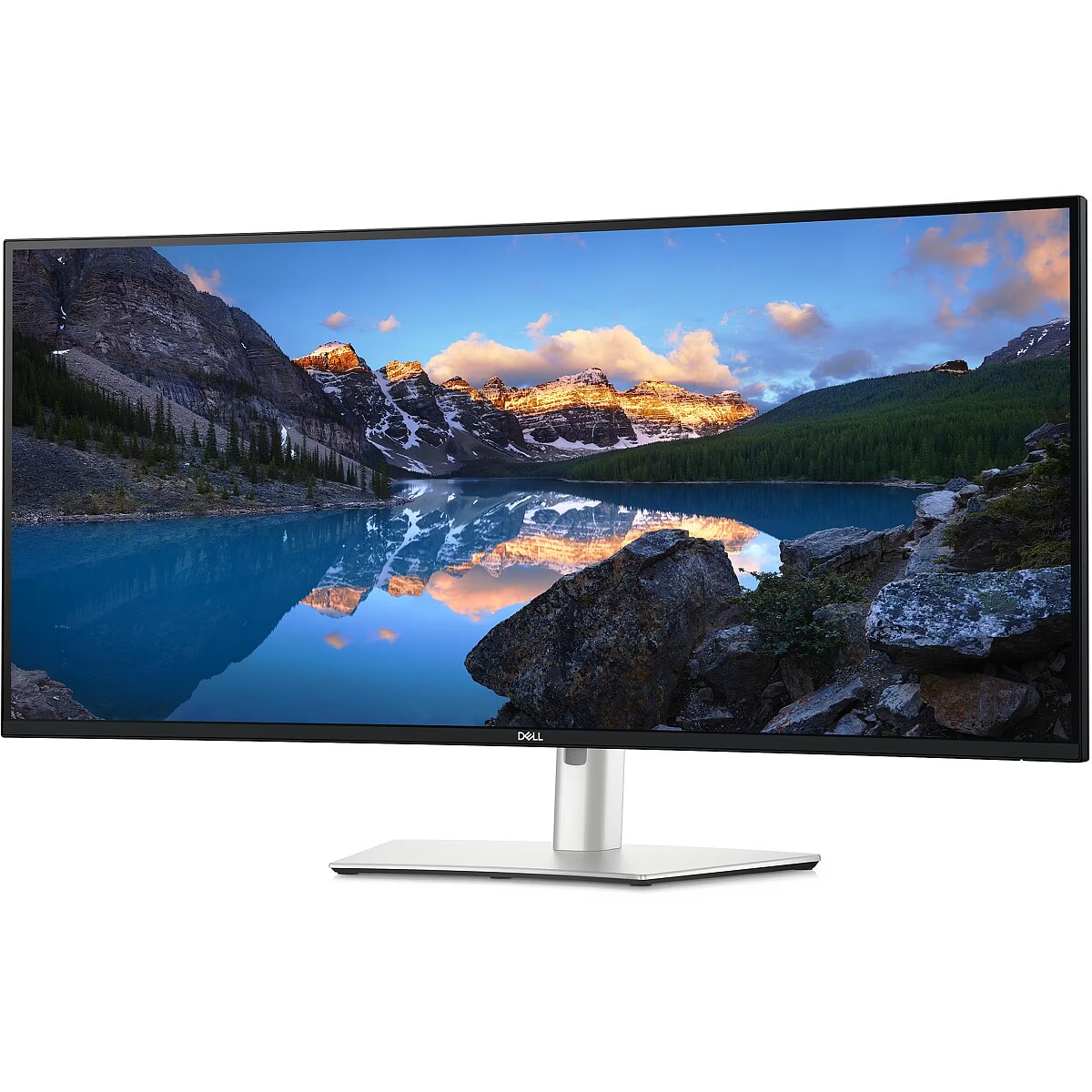
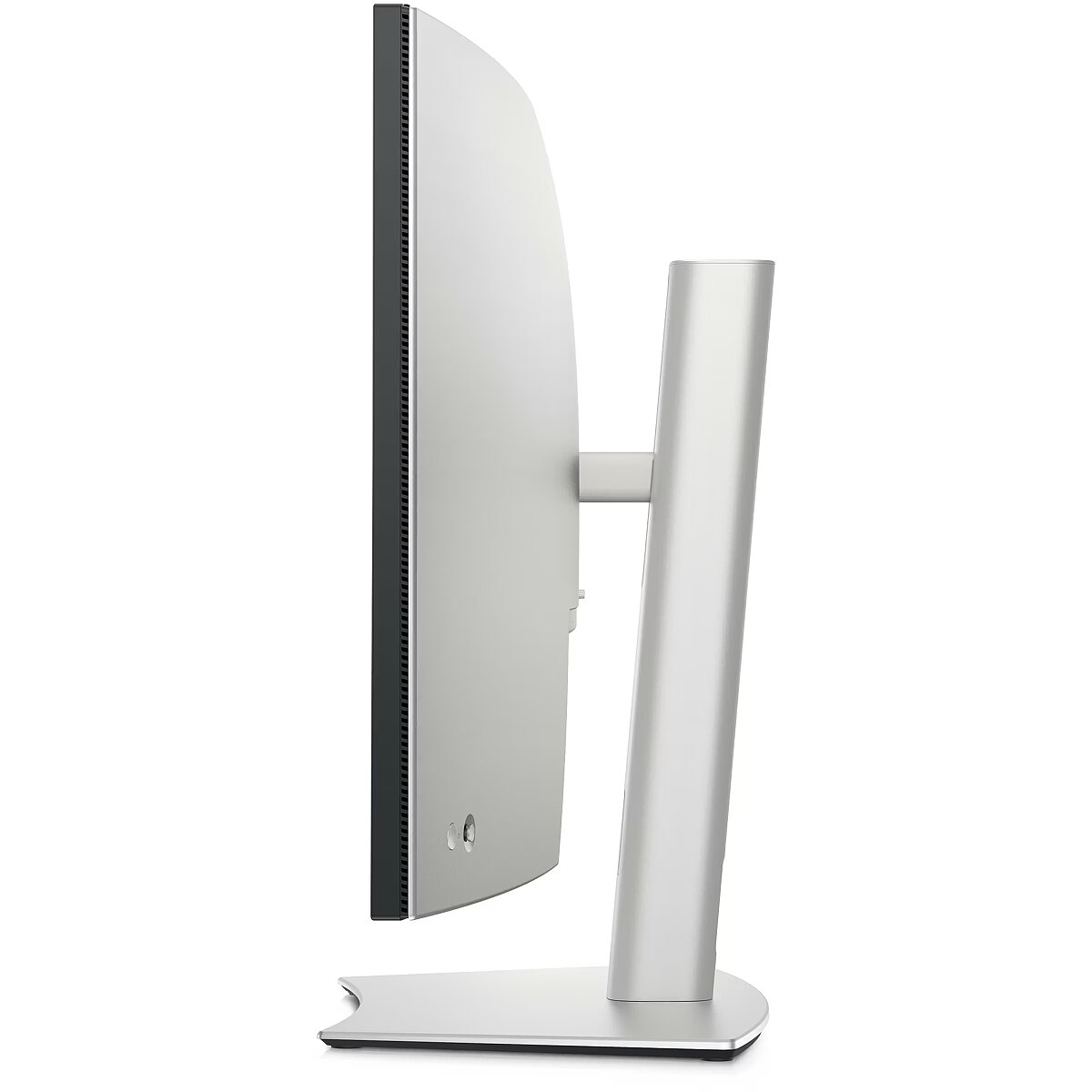
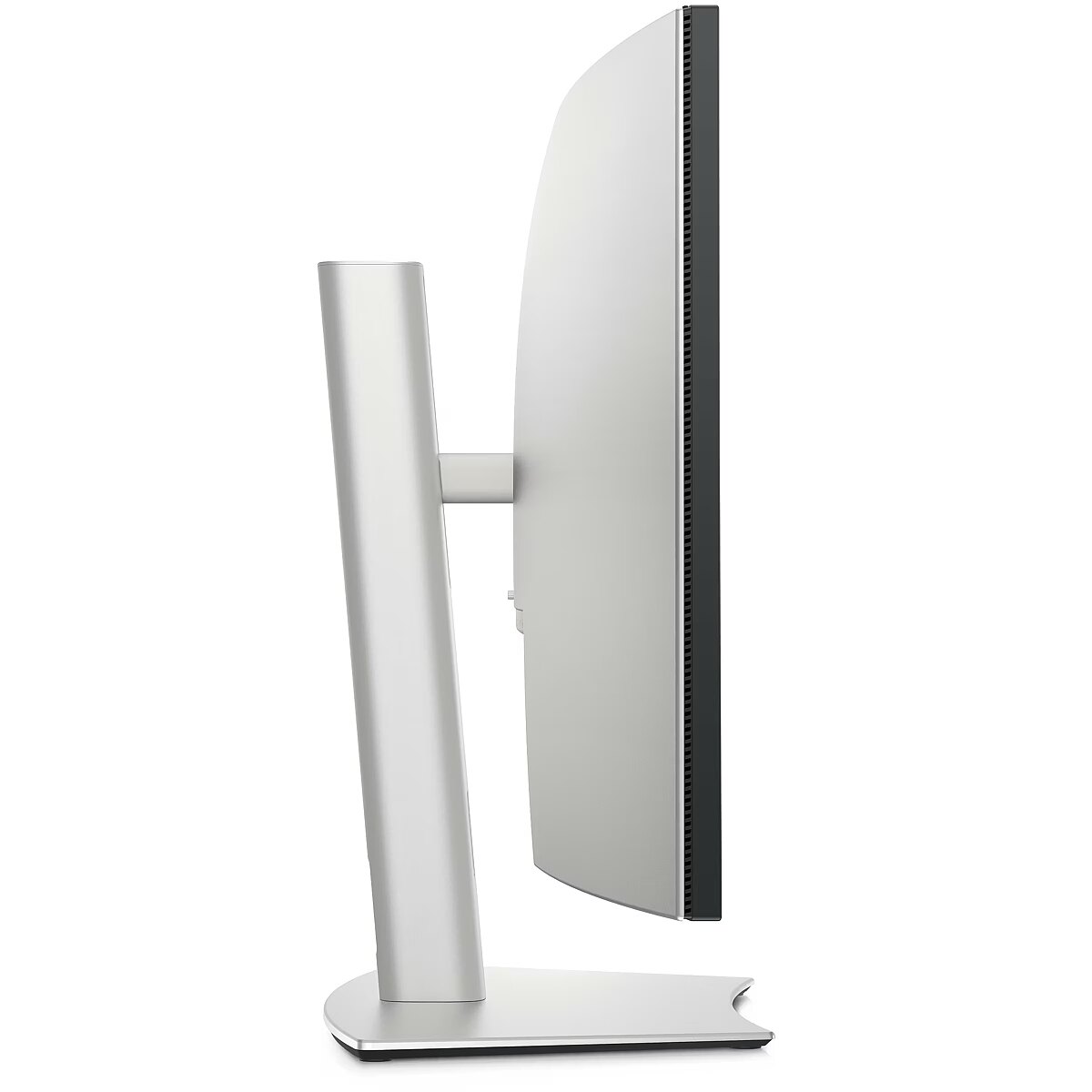
Curved - Yes
Description - DELL 40 U4025QW CURVED 5K IPS 21:9 PIVOT TB4-140W 120HZ RJ-45 IMST
Description1 - Dell LED Curved-Display UltraSharp U4025QW - 101.6 cm (40") - 5120 x 2160 5K2K WUHD
Description2 - The Dell UltraSharp U4025QW monitor redefines the standards of visual excellence and ergonomic design, catering to professionals who refuse to compromise on quality and comfort. With its 40-inch 5K2K UltraWide curved display, it offers an immersive viewing experience, making every detail come alive with over 1.07 billion colors. The monitor's exceptional color accuracy, with 100% Rec 709, 100% sRGB, and 98% DCI-P3 coverage, ensures that your projects reflect true-to-life colors, essential for graphic designers, video editors, and photographers seeking precision in their work.Connectivity is a breeze with Thunderbolt 4, HDMI, and DisplayPort inputs, alongside a built-in KVM switch and USB-C hub, facilitating seamless multitasking and device integration. The ergonomic design, featuring adjustable height, swivel, and tilt, alongside a bezel-less design, maximizes comfort and screen real estate, making it perfect for multi-monitor setups. Moreover, its commitment to sustainability is evident in its ENERGY STAR certification and EPEAT Gold rating, making the Dell UltraSharp U4025QW not only a powerhouse of productivity but also an eco-friendly choice for the environmentally conscious.
description_en - Screen diagonal: 40"
Screen resolution: 5120 x 2160
HD Type:5K Ultra HD
Matrix Type:IPS
Display Technology:LCD
Dot size:0,181 x 0,181
Response time:8 ms
Contrast ratio (typical):2000:1
Display brightness (typical):450 cd/m²
Screen Shape:Curved
Number of USB Type-C output ports:3
Built-in USB Hub:Yes
VESA mount:Yes
Built-in speakers:Yes
description_lv - Ekrāna diagonāle: 40 "
Ekrāna izšķirtspēja: 5120 x 2160
HD Tips: 5K Ultra HD
Matricas tips: IPS
Displeja tehnoloģija: LCD
Punkta izmērs: 0,181 x 0,181
Reakcijas laiks: 8 ms
Kontrasts (tipisks): 2000: 1
Displeja spilgtums (tipisks): 450 cd / m2
Ekrāna forma:izliekta
C tipa USB izejas portu skaits: 3
Iebūvēts USB centrmezgls: Jā
VESA stiprinājums: jā
Iebūvētie skaļruņi: Jā
description_ru - Диагональ экрана: 40 "
Разрешение экрана: 5120 x 2160
Тип HD:5K Ultra HD
Тип матрицы:IPS
Технология дисплея:ЖК
Размер точки:0,181 x 0,181
Время отклика:8 ms
Контрастность (типичная):2000:1
Яркость дисплея (типичная):450 cd/m²
Форма экрана:Curved
Количество выходных портов USB Type-C:3
Встроенный USB-хаб:Да
крепление VESA:Да
Встроенные колонки:Да
Design - Feet colour - Silver
Design - Front bezel colour - Black
Design - Product colour - Silver
Design > Colour of product - Black / Silver
Design > Colour of product - Silver
Dimensions (W x D x H) with stand, mm - 946.62 x 252.80 x 472.32 ~ 622.32
Dimensions W x D x H, mm - 946.62 x 108.04 x 419.14
Display - Anti-glare screen - Yes
Display - Backlight type - Edge LED
Display - Colour gamut - 99%
Display - Colour gamut standard - DCI-P3
Display - Contrast ratio (typical) - 2000:1
Display - Dell ComfortView technology - Yes
Display - Display brightness (peak) - 600 cd/m²
Display - Display brightness (typical) - 450 cd/m²
Display - Display diagonal - 101.6 cm (40")
Display - Display number of colours - 1.07 billion colours
Display - Display resolution - 5120 x 2160 pixels
Display - Display technology - LCD
Display - Dual ambient light sensor - Yes
Display - HD type - 5K Ultra HD
Display - Heat dissipation - 134.8 BTU/h
Display - High Dynamic Range (HDR) supported - Yes
Display - Horizontal scan range - 25 - 280 kHz
Display - LED backlight - Yes
Display - Maximum refresh rate - 120 Hz
Display - Native aspect ratio - 21:9
Display - Panel type - IPS
Display - Pixel density - 140 ppi
Display - Pixel pitch - 0.1815 x 0.1815 mm
Display - Response time - 8 ms
Display - Response time (fast) - 5 ms
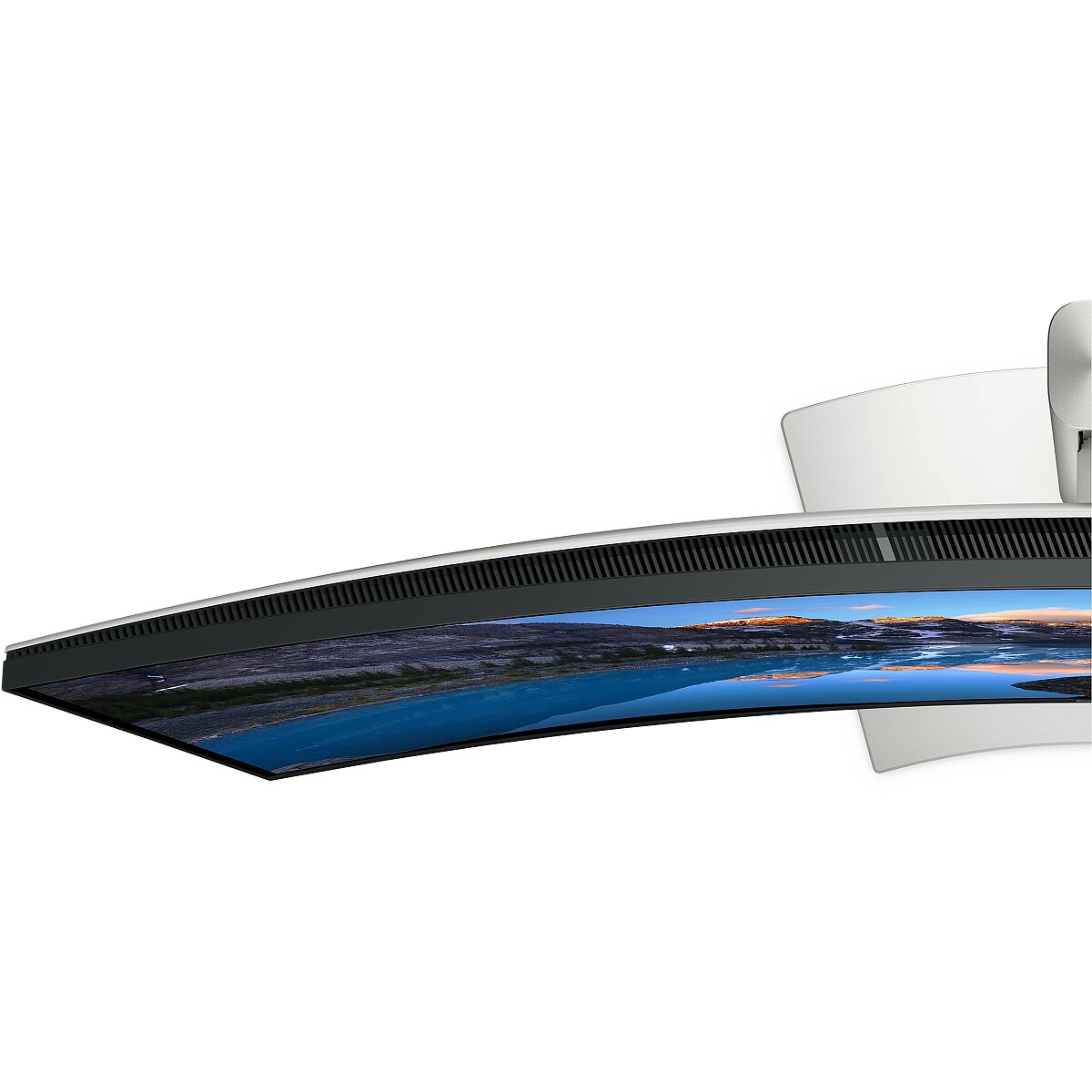
Display - Screen curvature rating - 2500R
Display - Screen shape - Curved
Display - sRGB coverage (typical) - 100%
Display - Supported graphics resolutions - 640 x 480 (VGA), 720 x 400, 800 x 600 (SVGA), 1024 x 768 (XGA), 1152 x 864 (XGA+), 1280 x 1024 (SXGA), 1280 x 800, 1600 x 1200, 1680 x 1050 (WSXGA+), 1920 x 1080 (HD 1080), 1920 x 1200 (WUXGA), 2048 x 1152, 2048 x 1280, 2560 x 1080, 3840 x 2160, 4096 x 2160, 5120 x 2160
Display - Supported video modes - 480p, 720p, 1080p
Display - Surface hardness - 3H
Display - Touchscreen - No
Display - Vertical scan range - 48 - 120 Hz
Display - Viewable size, horizontal - 92.9 cm
Display - Viewable size, vertical - 39.2 cm
Display - Viewable size diagonal - 100.9 cm
Display - Viewing angle, horizontal - 178°
Display - Viewing angle, vertical - 178°
Display > Aspect ratio - 21:9
Display > Contrast ratio (typical) - 2000:1
Display > Display - 5120 x 2160 pixels
Display > Display brightness - 450 cd/m²
Display > Display brightness - 600 cd/m²
Display > Display diagonal - 39.7 "
Display > Display diagonal - 40 "
Display > HD type - WUHD
Display > Maximum refresh rate - 120 Hz
Display > Panel type - IPS
Display > Response time - 5 ms
Display > Response time - 8 ms
Display > Touchscreen - No
Display > Viewing angle, horizontal - 178 °
Display > Viewing angle, vertical - 178 °
Display brightness, cd/m² - 450
Display color - White
Display diagonal, " - 40
Display resolution, pixels - 5120 x 2160
EAN - 2000001312865
EAN - 5397184821510
EANCode - 5397184821510
EAN_code - 5397184821510
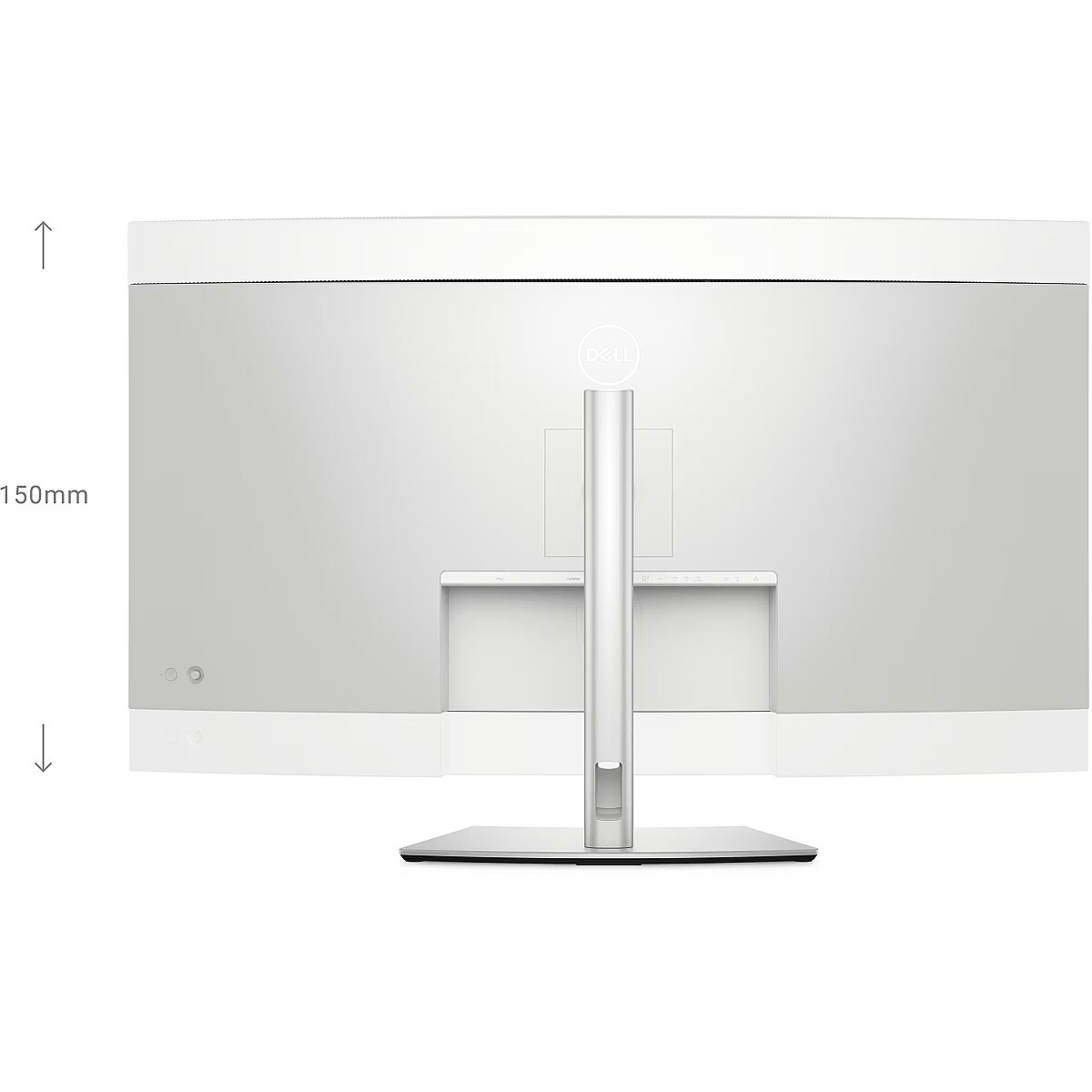
Ergonomics - Adjustable height (max) - 15 cm
Ergonomics - Cable lock slot - Yes
Ergonomics - Cable lock slot type - Kensington
Ergonomics - Cable management - Yes
Ergonomics - Height adjustment - Yes
Ergonomics - LED indicators - Yes
Ergonomics - On Screen Display (OSD) - Yes
Ergonomics - Panel mounting interface - 100 x 100 mm
Ergonomics - Picture-in-Picture - Yes
Ergonomics - Plug and Play - Yes
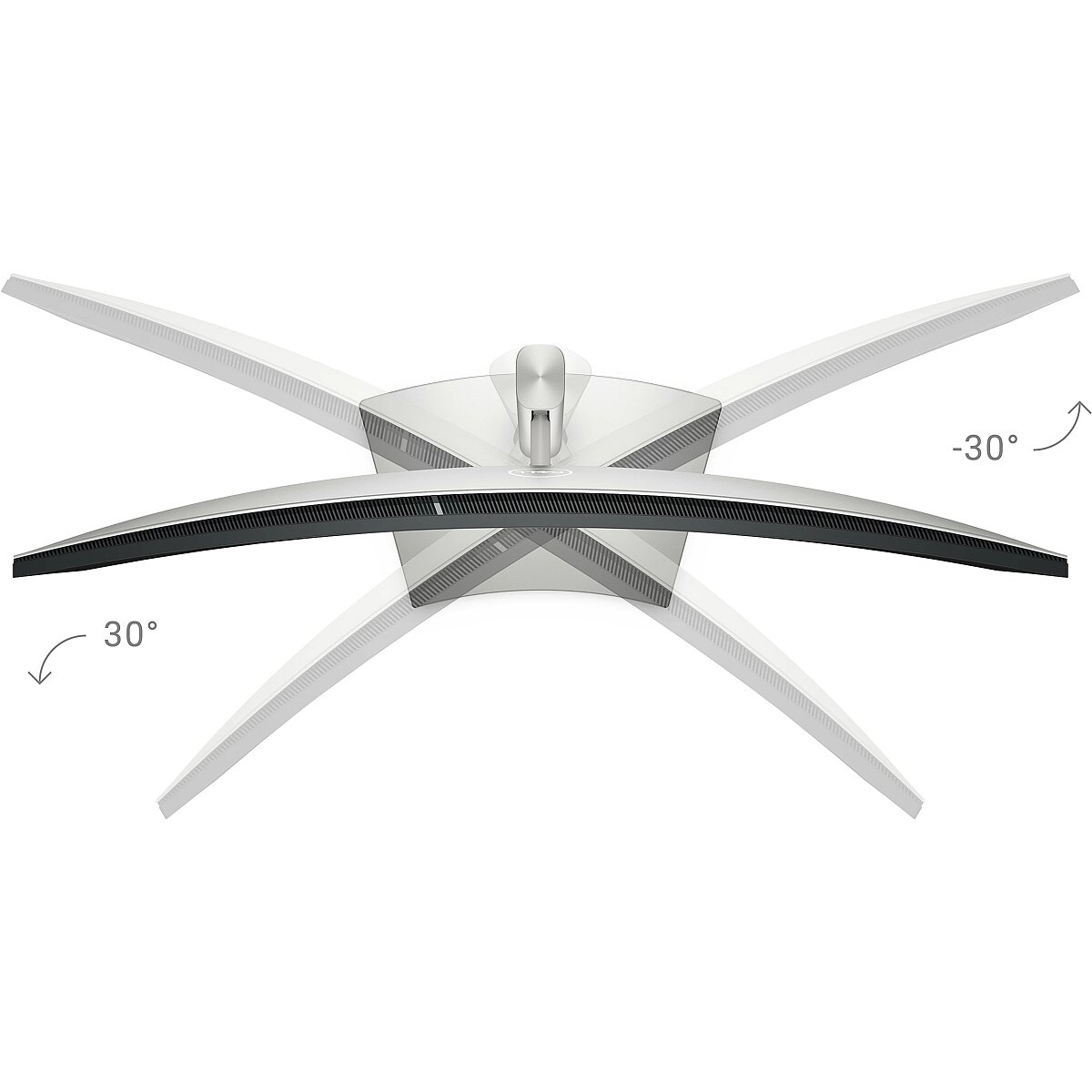
Ergonomics - Swivel angle range - -30 - 30°
Ergonomics - Swivelling - Yes
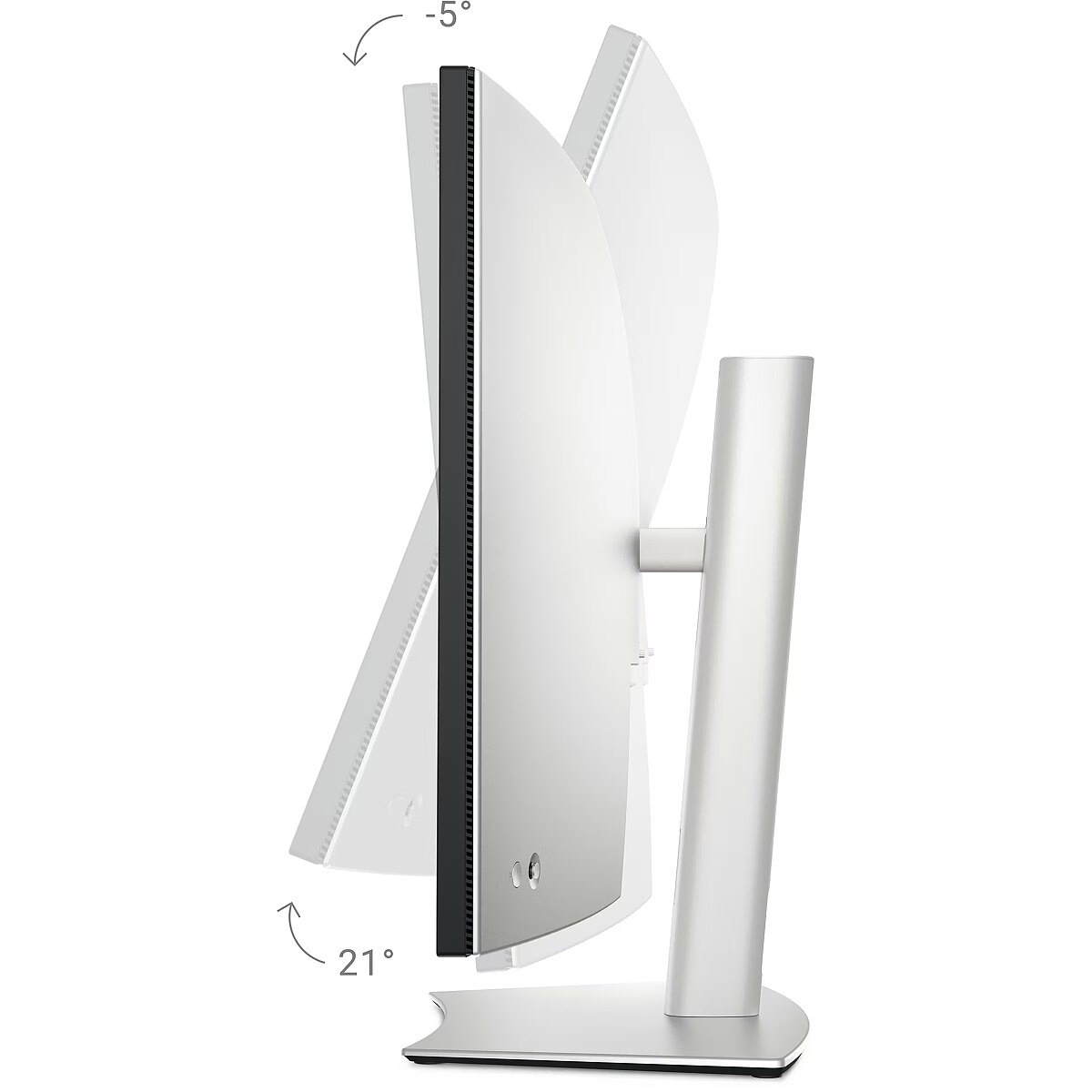
Ergonomics - Tilt adjustment - Yes
Ergonomics - Tilt angle range - -5 - 21°
Ergonomics - VESA mounting - Yes
Ergonomics > Height adjustment - 15 cm
Ergonomics > Height adjustment - Yes
Ergonomics > Pivot - No
Ergonomics > Swivelling - Yes
Ergonomics > Tilt adjustment - Yes
Ergonomics > VESA mounting - Yes
Ergonomics > VESA mounting interfaces - 100 x 100 mm
Gewicht - 19.26
Green certifications - Energy Star
Green certifications - EPEAT
Green certifications - RoHS compliant
Green certifications - TCO
Green certifications - TCO Edge
gross_weight - 19 kg
GRUPPE1 - Displays
GRUPPE2 - Led Small Format
GTIN - 0884116452041
GTIN - 884116452041
GTIN - 5397184821510
Height - 540.000000
Height adjustment - Yes
HERSTELLER - DELL EMC
Hoehe - 0.25
HSTNUMMER - DELL-U4025QW
Laenge - 1
Length - 245.000000
Link - https://www.dell.com/en-uk/shop/dell-ultrasharp-40-curved-thunderbolt-hub-monitor-u4025qw/apd/210-bmdv/monitors-monitor-accessories
Link - https://www.dell.com/en-us/shop/dell-ultrasharp-40-curved-thunderbolt-hub-monitor-u4025qw/apd/210-bmdp/monitors-monitor-accessories
LongDesc - Elevate your performance with a 40-inch curved Thunderbolt™ hub monitor featuring a stunning 5K display and a 120Hz refresh rate.
LongProductName - 101.6cm (40") 5K Ultra HD 5120 x 2160 LED IPS, 21:9, 450cd/m², 1.07B, 8ms, 178°/178°, 2000:1, SuperSpeed USB A to USB C - 10 Gbps (1m) Upstream cable
LongSummaryDescription - DELL UltraSharp U4025QW. Display diagonal: 101.6 cm (40"), Display resolution: 5120 x 2160 pixels, HD type: 5K Ultra HD, Display technology: LCD, Response time: 8 ms, Native aspect ratio: 21:9, Viewing angle, horizontal: 178°, Viewing angle, vertical: 178°. Built-in speaker(s). Built-in USB hub. VESA mounting, Height adjustment. Product colour: Silver
Manufacturer - Dell
Manufacturer - DELL
Manufacturer - Dell Technologies
Manufacturer's estimate: Product life cycle used in emission assessments, years - 5
Manufacturer?s estimate: Product life cycle CO2 emissions, kg - 480
ManufacturerID - DELL-U4025QW
ManufacturerPartNumber - DELL-U4025QW
Manufacturer_code - DELL-U4025QW
Model - UltraSharp
MPN - DELL-U4025QW
Multimedia - Built-in camera - No
Multimedia - Built-in speaker(s) - Yes
Multimedia - Number of speakers - 2
Multimedia - RMS rated power - 18 W
Multimedia > Built-in speaker(s) - Yes
Multimedia > TV tuner integrated - No
Name - Dell U4025QW, LED monitor - 39.7 - black/silver, WUHD, IPS Black, Curved, Thunderbolt, USB-C, 120Hz panel
Name - DELL UltraSharp 40 Curved Thunderbolt Hub Monitor U4025QW 100,8cm 39,7Zoll IPS 5120x2160 2000:1 120Hz HDMI DP USB DaisyChain
Name - Dell | U4025QW | 39.7 " | IPS | WUHD | 21:9 | 120 Hz | 5 ms | 5120 x 2160 pixels | 600 cd/m² | Power connector, HDMI, DisplayPort, USB-C, USB-A, Audio, RJ45 | HDMI ports quantity 1 | Black / Silver | Warranty 60 month(s)
Name - Dell | U4025QW | 40 " | IPS | 21:9 | 120 Hz | 8 ms | 5120 x 2160 pixels | 450 cd/m² | HDMI ports quantity 1 | Silver
Networking > Ethernet LAN (RJ-45) ports - Yes
Operational conditions - Non-operating altitude - 0 - 12192 m
Operational conditions - Operating altitude - 0 - 5000 m
Operational conditions - Operating relative humidity (H-H) - 10 - 80%
Operational conditions - Operating temperature (T-T) - 0 - 40 °C
Operational conditions - Storage relative humidity (H-H) - 5 - 90%
Operational conditions - Storage temperature (T-T) - -20 - 60 °C
Other features - Automatic brightness control - Yes
Other features - Compliance certificates - RoHS
Other features - Ethernet LAN (RJ-45) ports - 1
Other features - Ethernet LAN data rates - 2500 Mbit/s
Other features - Heavy metals free - Hg (mercury)
Other features - Picture-by-Picture (PbP) - Yes
Package features > Embeeded battery - No
Package features > Gross depth (mm) - 1040.00 mm
Package features > Gross height (mm) - 350.00 mm
Package features > Gross width (mm) - 560.00 mm
Package features > Packing quantity - 1.00 pc(s)
Package features > Palette Qty - 12 pc(s)
Package features > Paper/Pasteboard - 7500 g
Package features > Paper/Pasteboard - 7500.00 g
Package features > Plastic (No PET) - 300 g
Package features > Plastic (No PET) - 300.00 g
Package features > Tare weight (kg) - 7.29 kg
Package features > Tare weight (kg) - 7.80 kg
Package features > Volume (m3) - 0.20 m³
Package features > WEE classification - CL109:2:2017-04-01
Package features > WEEE tax - Yes
PackageHeight - 540
PackageLength - 1088
PackageWeight - 19150
PackageWidth - 244
Packaging content - Cables included - AC, DisplayPort, HDMI, Thunderbolt, USB Type-A to USB Type-C
Packaging content - DisplayPort cable length - 1.8 m
Packaging content - HDMI cable length - 1.8 m
Packaging content - Quick start guide - Yes
Packaging content - Stand included - Yes
Packaging data - Package weight - 19 kg
Packaging data - USB cable length - 1 m
Panel type - IPS
PDF - https://www.blobs.lt/products/0/5/2/6/2/4/4a7147f78629d1636d82116237e6f135/original.pdf
PDF - https://www.blobs.lt/products/1/4/5/6/2/4/c8d05504a46c22d62cc384968133db99/original.pdf
Performance - AMD FreeSync - No
Performance - Flicker-free technology - Yes
Performance - Low Blue Light technology - Yes
Performance - Mac operating systems supported - MacOS
Performance - Windows operating systems supported - Windows 10, Yes
PeriodofWarranty -
Pivot - Yes
Pixel pitch, mm - 0.1815 x 0.1815
Ports & interfaces - Audio output - Yes
Ports & interfaces - Built-in KVM switch - Yes
Ports & interfaces - Built-in USB hub - Yes
Ports & interfaces - DC-in jack - Yes
Ports & interfaces - DisplayPorts quantity - 1
Ports & interfaces - DisplayPort version - 1.4
Ports & interfaces - HDCP - Yes
Ports & interfaces - HDCP version - 1.4/2.3
Ports & interfaces - HDMI - Yes
Ports & interfaces - HDMI ports quantity - 1
Ports & interfaces - HDMI version - 2.1
Ports & interfaces - Headphone out - No
Ports & interfaces - Number of USB Type-C upstream ports quantity - 2
Ports & interfaces - Thunderbolt 4 ports quantity - 2
Ports & interfaces - USB Power Delivery (USB PD) - Yes
Ports & interfaces - USB Power Delivery up to - 140 W
Ports & interfaces - USB Type-A downstream ports quantity - 5
Ports & interfaces - USB Type-C DisplayPort Alternate Mode - Yes
Ports & interfaces - USB Type-C downstream ports quantity - 3
Ports & interfaces > DisplayPorts quantity - 1
Ports & interfaces > HDMI ports quantity - 1
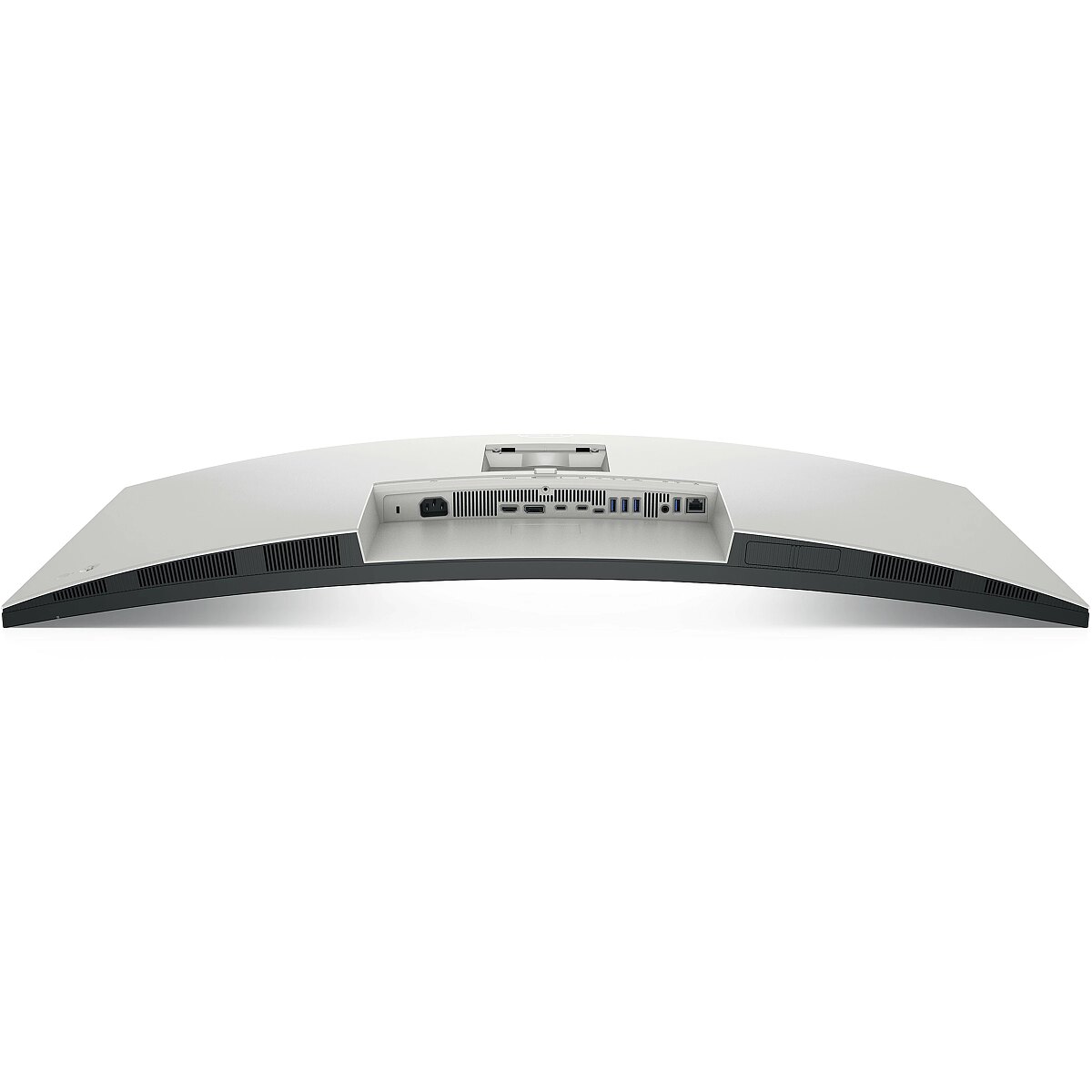
Ports & interfaces > Output connections - Power connector, HDMI, DisplayPort, USB-C, USB-A, Audio, RJ45
Ports & interfaces > USB ports quantity - 8
Power - AC input frequency - 50/60 Hz
Power - AC input voltage - 100 - 240 V
Power - Energy consumption (HDR) per 1000 hours - 62 kWh
Power - Energy consumption (SDR) per 1000 hours - 40 kWh
Power - Energy efficiency class (HDR) - G
Power - Energy efficiency class (SDR) - F
Power - Energy efficiency scale - A to G
Power - Input current - 4.2 A
Power - Power consumption (max) - 380 W
Power - Power consumption (off) - 0.3 W
Power - Power consumption (standby) - 0.4 W
Power - Power consumption (typical) - 39.5 W
Power - Power supply type - Internal
Producer - Dell
ProductName - U4025QW
Refresh rate, Hz - 120
Response time, ms - 8
Short summary - Maximize your productivity with this 40" curved 5K multifunction monitor. Exceptional image quality (99% DCI-P3 / Display P3), deep contrast of the IPS Black panel (2000:1), and wide viewing angles (178°/178°) deliver an excellent experience for both office work and demanding creative tasks. Enhanced ComfortView Plus reduces harmful blue light without color distortion and is TÜV Rheinland 5-star Eye Comfort certified. With Thunderbolt 4 connectivity, you can transmit video, data, and power using a single cable. The monitor provides up to 140 W of power delivery to a laptop and functions as a powerful docking solution. The integrated USB hub and 2.5 GbE Ethernet make peripheral and network management effortless. Thanks to iMST technology, the display can be split into two separate work areas from a single source, and the Network KVM feature allows you to control two computers with one keyboard and mouse. Automatic KVM switches control based on the active source, improving workflow efficiency in multi-device environments. Operation is made easy with a rear-mounted joystick control. The stylish stand offers comprehensive ergonomic adjustments and neatly conceals cables. The monitor is compatible with VESA mounts and suitable for both office and home use.
ShortSummaryDescription - DELL UltraSharp U4025QW, 101.6 cm (40"), 5120 x 2160 pixels, 5K Ultra HD, LCD, 8 ms, Silver
Speaker power, W - 2x 9
Stck_Kart - 1
Stck_Pal - 12
Storno - Y
Sustainability - Doesn't contain - PVC/BFR
Sustainability - Sustainability certificates - ENERGY STAR, TCO
Technical details > Gross weight - 19.02 kg
Technical details > Gross weight - 21.60 kg
Technical details > Net weight - 11.73 kg
Technical details > Net weight - 13.80 kg
Technical details > Producer - Dell
Technical details > Producer product name - U4025QW
Technical details > Producer product name - U4025QW
Technical details > USB-C - Yes
Technical details > USB-C power delivery - 15W
Title - DELL UltraSharp U4025QW computer monitor 101.6 cm (40") 5120 x 2160 pixels 5K Ultra HD LCD Silver
title_en - Dell U4025QW UltraSharp Monitor 40" / 120Hz
title_lv - Dell U4025QW UltraSharp Monitors 40" / 120Hz
title_ru - Dell U4025QW UltraSharp Монитор 40" / 120Hz
Touch sensitive screen - No
URL - https://www.dell.com/en-uk/shop/dell-ultrasharp-40-curved-thunderbolt-hub-monitor-u4025qw/apd/210-bmdv/monitors-monitor-accessories
USB-C charging power max, W - 140
USB-C power delivery - Yes
VESA-standard, mm - 100 x 100
Viewing angle, horizontal, ° - 178
Viewing angle, vertical, ° - 178
Warranty - 36
Warranty - 36 month(s)
Warranty - 60
Warranty - 60 month(s)
WarrantyInfo - 3 Years Advance Exchange Service
WEEE - DE83654239
Weight - 0.019
weight - 12 kg
Weight - 19,30
Weight - 19.260000
Weight & dimensions - Bezel width (bottom) - 1.58 cm
Weight & dimensions - Bezel width (side) - 1.13 cm
Weight & dimensions - Bezel width (top) - 1.13 cm
Weight & dimensions - Depth (without stand) - 108 mm
Weight & dimensions - Depth (with stand) - 252.8 mm
Weight & dimensions - Height (without stand) - 419.1 mm
Weight & dimensions - Height (with stand) - 472.3 mm
Weight & dimensions - Weight (without stand) - 8.35 kg
Weight & dimensions - Weight (with stand) - 11.7 kg
Weight & dimensions - Width (without stand) - 946.6 mm
Weight & dimensions - Width (with stand) - 946.6 mm
Weight, g - 8350
Weight with stand, g - 12220
Width - 1100.000000




 DVI is a digital standard and ensures high image quality, however, thanks to the big size of the plug and the inability of the standard to develop further due to a few technical restrictions this type of connection is gradually losing its popularity to modern HDMI and DisplayPort standards.